
1. Introduction
Thank you for choosing the Luminous Power Sine 800 Pure Sine Wave Inverter. This manual provides essential information for the safe and efficient operation of your inverter. Please read it thoroughly before installation and use, and retain it for future reference.
The Luminous Power Sine 800 is designed to provide reliable and clean power backup for homes, offices, and small shops. Its pure sine wave output ensures the safety and longevity of your sensitive electronic appliances.

Image: The Luminous Power Sine 800 Pure Sine Wave Inverter, a compact blue unit with indicator lights on the front panel.
2. Safety Instructions
Always follow these safety precautions to prevent injury or damage to the inverter and connected appliances:
- Read all instructions: Before operating the inverter, read and understand all safety and operating instructions.
- Proper ventilation: Ensure the inverter is installed in a well-ventilated area to prevent overheating. Do not block ventilation openings.
- Avoid moisture: Do not expose the inverter to rain, water, or excessive humidity.
- Electrical connections: All electrical connections must be made by a qualified electrician and comply with local electrical codes.
- Battery safety: Batteries can produce explosive gases. Ensure proper ventilation and avoid sparks or open flames near the battery.
- Grounding: The inverter must be properly grounded.
- Do not open: Do not attempt to open or service the inverter yourself. Refer all servicing to qualified service personnel.
- Correct capacity: Do not overload the inverter beyond its rated capacity.
3. Package Contents
Upon unpacking, please ensure all items are present and undamaged:
- 1 x Luminous Power Sine 800 Inverter Unit
- User Manual (this document)
4. Product Overview
The Luminous Power Sine 800 inverter features a user-friendly design with clear indicators for operational status.
4.1 Front Panel and Indicators
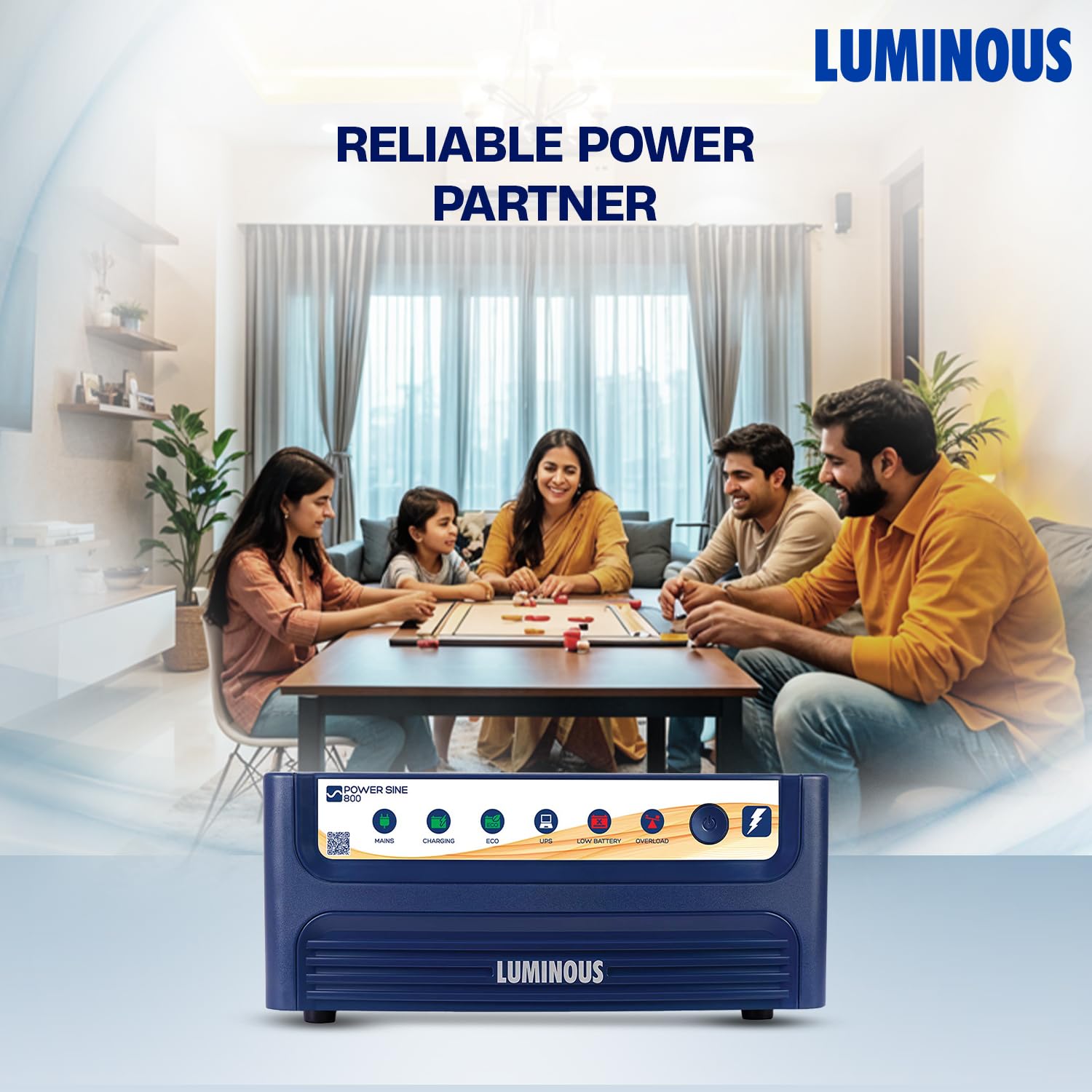
Image: Front panel of the Luminous Power Sine 800 inverter, highlighting the various smart indicators and their functions, including Mains, Charging, Eco Mode, UPS Mode, Low Battery, Overload, and On/Off Switch.
- Mains Indicator: Illuminates when the inverter is receiving power from the main utility supply.
- Charging Indicator: Illuminates when the battery is being charged.
- ECO Mode Indicator: Illuminates when the inverter is operating in ECO mode, optimizing energy efficiency.
- UPS Mode Indicator: Illuminates when the inverter is operating in UPS mode, providing stable power for sensitive appliances.
- Low Battery Indicator: Illuminates when the battery charge is low, indicating a need for recharging.
- Overload Indicator: Illuminates when the connected load exceeds the inverter's capacity.
- On/Off Switch: Used to power the inverter on or off.
4.2 Key Features
- Pure Sine Wave Output: Provides clean and stable power, ensuring the safety of your sensitive appliances and electronics.
- Compact Capacity: With a 700VA/12V capacity, ideal for homes, offices, and smaller shops, providing dependable power during outages.
- High Efficiency: Features efficient power conversion, helping to reduce energy wastage and lower electricity costs.
- Express Battery Charging: Starts charging from as low as 95V input, ensuring efficient charging even with low grid voltage.
- Silent Performance: Engineered for quiet operation, contributing to a stress-free environment.

Image: The Luminous Power Sine 800 inverter, emphasizing its silent operation for a comfortable living or working space.

Image: The Luminous Power Sine 800 inverter, highlighting its pure sine wave output for delicate devices and overall robust engineering.
5. Setup and Installation
The Luminous Power Sine 800 is designed for easy installation. However, for safety and optimal performance, it is recommended that installation be performed by a qualified technician.
5.1 Site Selection
- Choose a cool, dry, and well-ventilated location.
- Keep the inverter away from direct sunlight, heat sources, and flammable materials.
- Ensure sufficient clearance around the inverter for proper airflow.
- Mount the inverter on a stable, flat surface.
5.2 Battery Connection
- Ensure the inverter is switched OFF before connecting the battery.
- Connect the positive (+) terminal of the battery to the positive (+) terminal of the inverter.
- Connect the negative (-) terminal of the battery to the negative (-) terminal of the inverter.
- Secure all connections tightly to prevent loose contacts and sparking.
5.3 Mains and Load Connection
- Connect the inverter's input power cord to a properly grounded AC mains outlet.
- Connect your appliances to the output sockets of the inverter. Ensure the total load does not exceed the inverter's rated capacity (700VA / 756 Watts).
5.4 Appliance Load Guidance
Refer to the following guide for typical appliance loads and recommended inverter/battery capacities:

Image: A buying guide table illustrating recommended inverter VA and battery Ah based on the number of rooms (BHK), appliance types, and desired backup time.
6. Operating Instructions
6.1 Powering On/Off
- To Power On: Press the On/Off switch on the front panel. The inverter will perform a self-test, and the Mains or UPS indicator will light up.
- To Power Off: Press the On/Off switch again. All indicators will turn off.
6.2 Operating Modes
- UPS Mode: Provides a stable and uninterrupted power supply, ideal for sensitive electronics like computers and medical equipment. The inverter switches to battery power almost instantaneously during a power cut.
- ECO Mode: Optimizes energy consumption by allowing a wider input voltage range before switching to battery power. This mode is suitable for less sensitive appliances and helps save electricity.
The inverter automatically switches between mains and battery power as needed. The respective indicators will show the current operating status.
7. Maintenance
Regular maintenance ensures the longevity and optimal performance of your Luminous Power Sine 800 inverter and its battery.
- Keep Clean: Regularly clean the inverter's exterior with a dry cloth. Ensure ventilation openings are free from dust and debris.
- Check Connections: Periodically inspect battery terminals and other connections for corrosion or looseness. Clean corroded terminals and tighten loose connections.
- Battery Water Level (for lead-acid batteries): If using a lead-acid battery, check the electrolyte level regularly and top up with distilled water if necessary.
- Avoid Overloading: Do not consistently operate the inverter at its maximum capacity. This can reduce its lifespan.
- Ventilation: Always ensure the inverter is in a well-ventilated area.
8. Troubleshooting
This section addresses common issues you might encounter. For problems not listed here, please contact customer support.
| Problem | Possible Cause | Solution |
|---|---|---|
| Inverter not turning on | No mains power; Battery not connected or discharged; Loose connections. | Check mains supply; Ensure battery is connected and charged; Verify all connections are secure. |
| Low Battery indicator on | Battery discharged; Charging issue. | Allow battery to charge fully; Check mains supply and charging indicator. |
| Overload indicator on | Too many appliances connected; Short circuit in connected load. | Reduce the number of connected appliances; Disconnect all loads and check for short circuits. |
| No output power | Inverter off; Battery discharged; Overload; Internal fault. | Turn inverter on; Charge battery; Reduce load; Contact service center. |
9. Specifications
Detailed technical specifications for the Luminous Power Sine 800 Inverter:
| Specification | Value |
|---|---|
| Brand | Luminous |
| Model Number | Power-Sine-800 |
| Capacity | 700VA / 12V |
| Wattage | 756 Watts |
| Output Waveform | Pure Sine Wave |
| Power Source | Corded Electric |
| Recommended Uses | Home, Office, Shop |
| Item Weight | 7 kg |
| Item Dimensions (LxWxH) | 27.5 x 26.2 x 12 Centimeters |
| Included Components | 1 Inverter |
| Country of Origin | India |
10. Warranty and Support
Luminous is committed to providing reliable products and excellent customer service.
10.1 Warranty Information
The Luminous Power Sine 800 Inverter comes with a 36-month warranty from the date of purchase, ensuring peace of mind and reliable support for the long term. Please retain your purchase receipt for warranty claims.
10.2 Customer Support
For any queries, technical assistance, or service requests, please contact Luminous customer support:
- Phone: 18001033039 (Toll-Free)
- Services: 24/7 Support, On-Site Service, Assistance Anywhere You Go
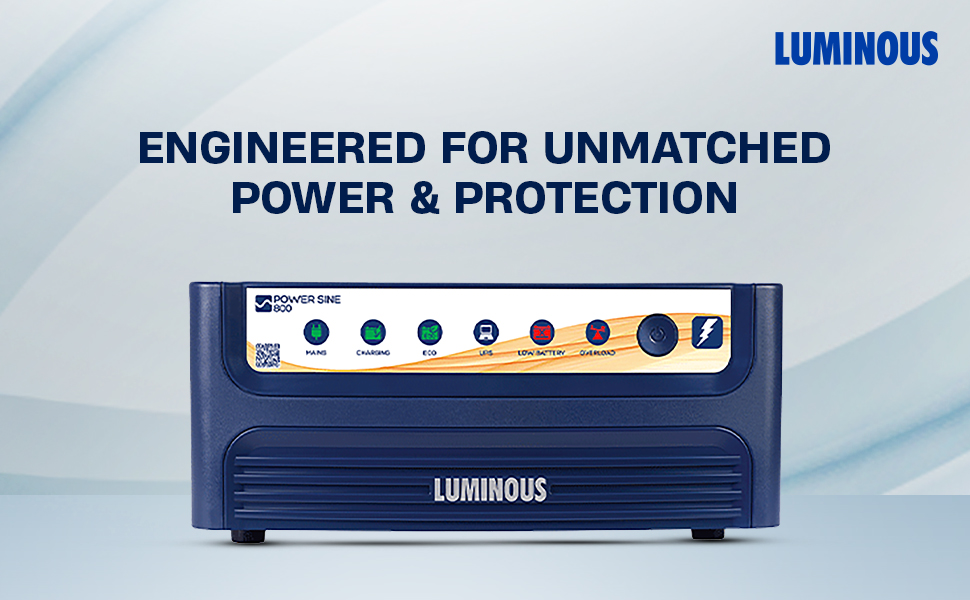
Image: Visual representation of Luminous's widespread service network across India, offering 24/7 support and on-site assistance.

