1. Introduction
The HAYLOU Watch 2 Pro (Model LS05) is a versatile smartwatch designed to assist you in monitoring your fitness activities and staying connected. It features a 1.28-inch display, heart rate monitoring, sleep tracking, multiple sports modes, and smart notifications. This manual provides detailed instructions to help you get started and utilize all the functions of your device effectively.

Image 1.1: Front view of the HAYLOU Watch 2 Pro, displaying the time, heart rate, steps, and calories on its circular screen with a black silicone strap.
2. Package Contents
Upon opening the package, please verify that all the following items are included:
- HAYLOU Watch 2 Pro Smartwatch (Model LS05)
- Charging Cable
- Instruction Manual (this document)
3. Product Overview
Familiarize yourself with the physical components and controls of your HAYLOU Watch 2 Pro.
3.1 Watch Components

Image 3.1: Side view of the HAYLOU Watch 2 Pro, highlighting the single physical button on the right side of the watch casing.
- Display: 1.28-inch circular touchscreen for interaction and information display.
- Side Button: Used for power on/off, returning to the home screen, and other functions depending on context.
- Sensors: Located on the rear of the watch for heart rate monitoring and other health tracking features.
- Charging Contacts: Magnetic contacts on the rear for connecting the charging cable.
4. Setup Guide
4.1 Initial Charging
Before first use, fully charge your HAYLOU Watch 2 Pro. Connect the magnetic charging cable to the charging contacts on the back of the watch and plug the USB end into a power adapter (not included) or a computer's USB port.
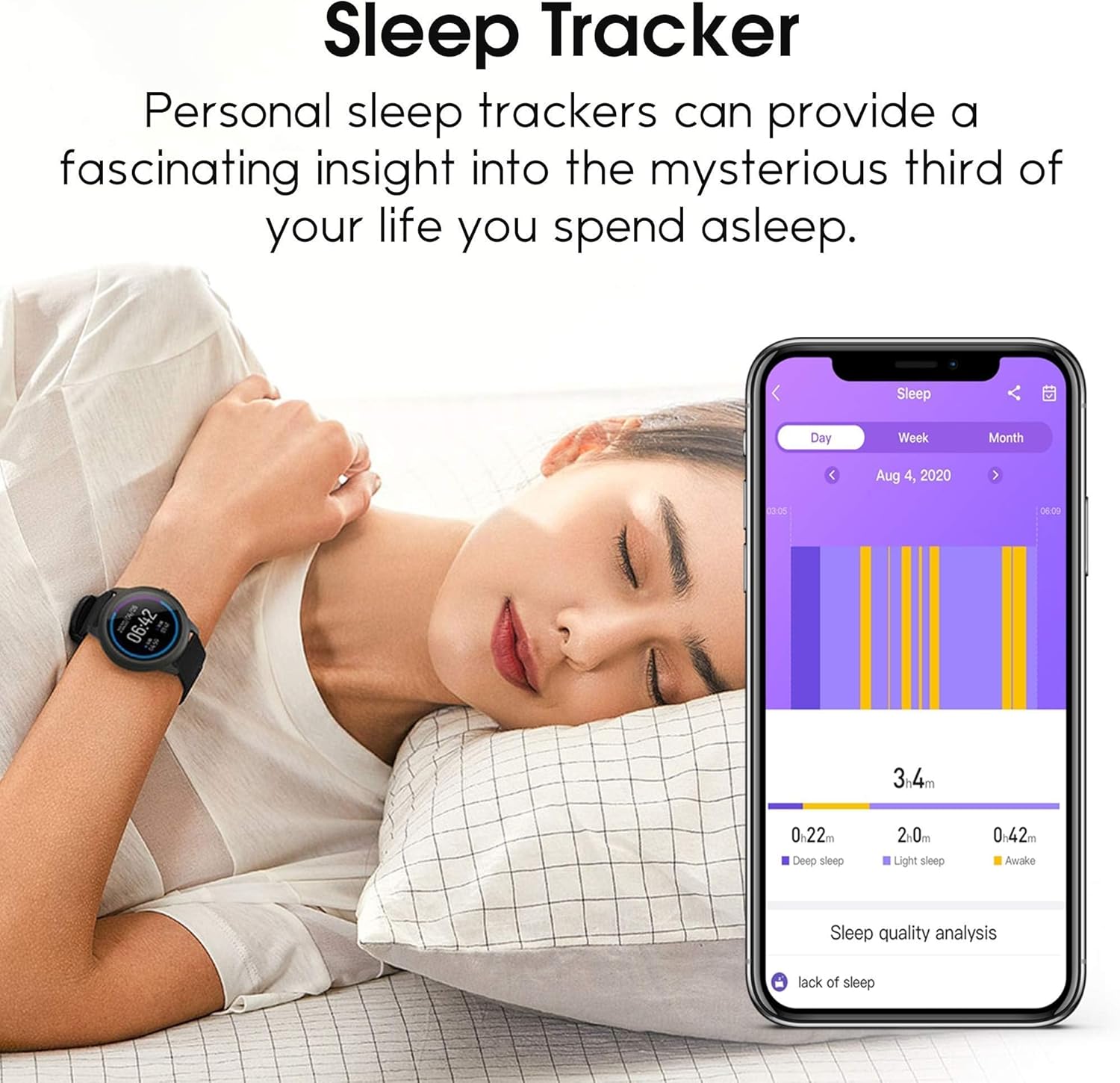
Image 4.1: The HAYLOU Watch 2 Pro connected to its magnetic charging cable, displaying a charging icon and battery percentage on the screen.
A full charge typically takes approximately 2 hours. The watch screen will indicate the charging status.
4.2 App Installation and Pairing
- Download the App: Search for the official HAYLOU companion application (e.g., "Haylou Fit" or "Haylou Fun") on your smartphone's app store (available for Android and iOS).
- Create Account: Open the app and follow the on-screen instructions to create an account or log in.
- Enable Bluetooth: Ensure Bluetooth is enabled on your smartphone.
- Pair Device: In the app, navigate to the device management section and select "Add Device" or "Pair New Device." Choose "HAYLOU Watch 2 Pro" from the list of available devices.
- Confirm Pairing: A pairing request will appear on your watch. Confirm the pairing on both your watch and smartphone.
Once successfully paired, the watch will synchronize data with your smartphone, and you can customize settings through the app.
5. Operating Instructions
5.1 Basic Navigation
- Swipe Up/Down: Scroll through menus and notifications.
- Swipe Left/Right: Access quick functions or different data screens.
- Tap: Select an item or confirm an action.
- Side Button Press: Return to the previous screen or the watch face. Long press to power on/off.
5.2 Key Features

Image 5.1: The HAYLOU Watch 2 Pro displaying the current time (10:00), date (2020/04/05), and weather information (20 degrees Celsius and sunny).
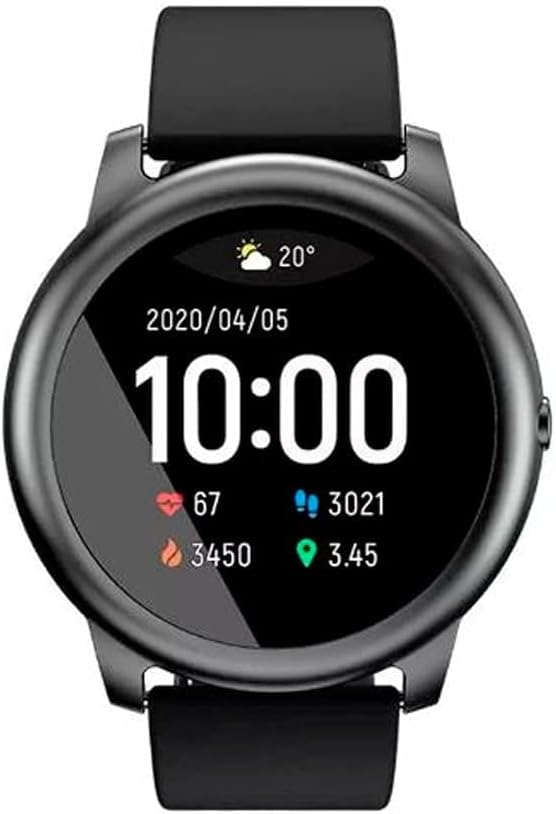
Image 5.2: The HAYLOU Watch 2 Pro displaying activity metrics including heart rate (67 bpm), steps (3021), calories burned (3450), and distance (3.45 km).
Heart Rate Monitoring
The watch continuously monitors your heart rate. Access the heart rate interface on the watch or view detailed data in the companion app.
Sleep Tracking
Wear the watch to bed to track your sleep patterns, including deep sleep, light sleep, and awake times. Review your sleep quality analysis in the app.

Image 5.3: A person sleeping with the HAYLOU Watch 2 Pro on their wrist, alongside a smartphone displaying the sleep tracking data from the companion app, showing deep sleep, light sleep, and awake durations.
Smart Notifications
Receive notifications for incoming calls, messages, and app alerts directly on your watch. Configure notification settings through the companion app.

Image 5.4: A person wearing the HAYLOU Watch 2 Pro, which displays an incoming notification on its screen, indicating the smart notification feature.
Sports Modes
The watch supports various sports modes including Cycling, Fitness, Hiking, Running, Swimming, and Yoga. Select your desired activity to track specific metrics during your workout.
Additional Features

Image 5.5: A collage of HAYLOU Watch 2 Pro screens demonstrating various features: Breath Training (1-2 minutes), Find Your Phone (ringing), Timer & Stopwatch, Music Control (play/pause), and Weather Forecast (current and upcoming days).
- Breath Training: Guided breathing exercises to help you relax.
- Find Your Phone: Locate your paired smartphone by triggering an audible alert.
- Timer & Stopwatch: Essential tools for timing activities accurately.
- Music Control: Control music playback on your smartphone directly from your watch.
- Weather Forecast: View current weather conditions and forecasts for upcoming days.
6. Maintenance
6.1 Cleaning and Care
To maintain the performance and appearance of your watch:
- Wipe the watch and strap regularly with a soft, damp cloth.
- Avoid using harsh chemicals or abrasive materials for cleaning.
- Ensure the charging contacts are clean and dry before charging.
6.2 Water Resistance
The HAYLOU Watch 2 Pro features an IP68 waterproof rating, making it resistant to sweat, rain, hand washing, and swimming. However, it is not recommended for hot showers, saunas, or diving, as steam and high water pressure may compromise the seal.
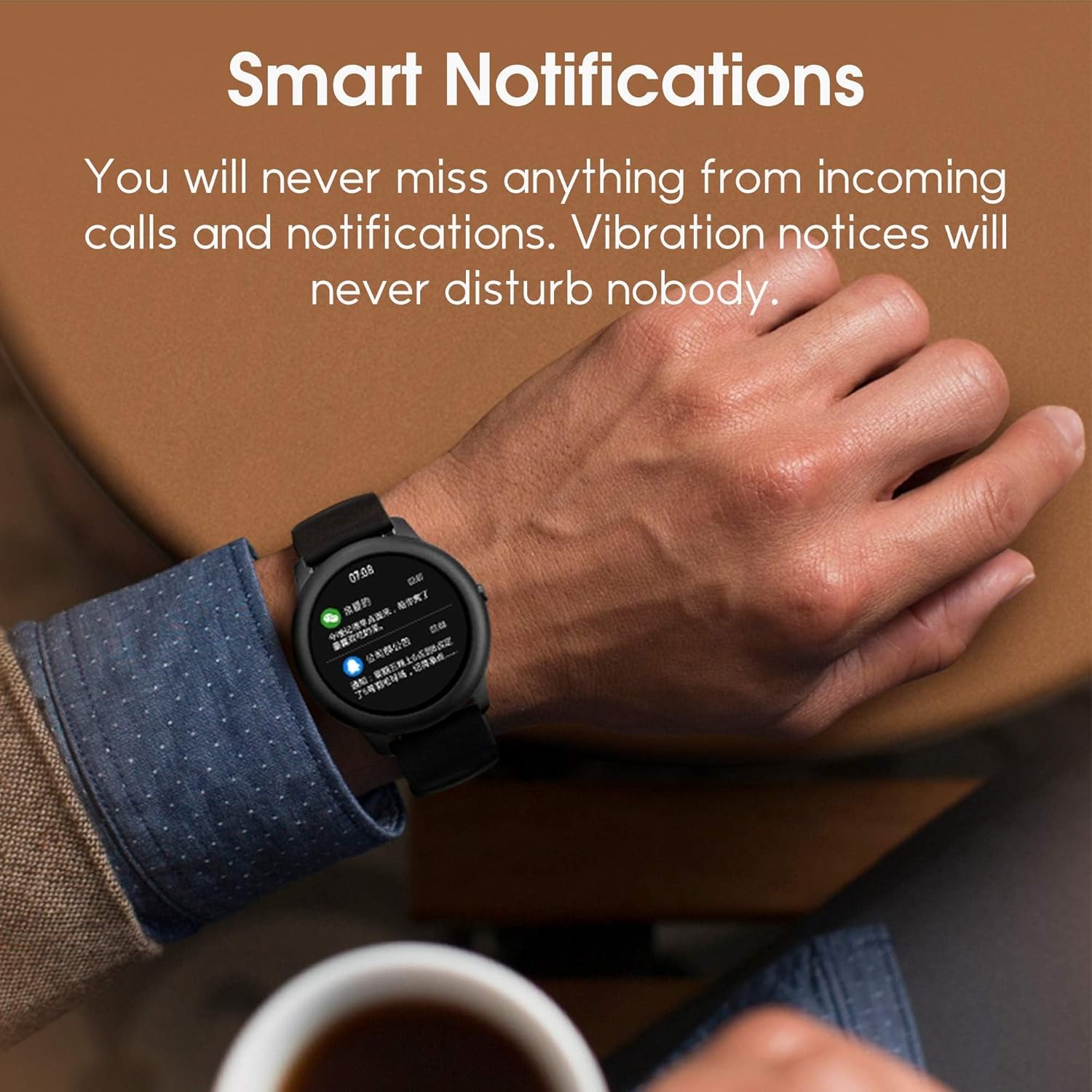
Image 6.1: The HAYLOU Watch 2 Pro submerged in water with splashes, illustrating its IP68 waterproof capability.
7. Troubleshooting
- Watch not turning on: Ensure the watch is fully charged. Connect it to the charger for at least 10 minutes.
- Cannot pair with smartphone:
- Ensure Bluetooth is enabled on your phone.
- Make sure the watch is within Bluetooth range of your phone.
- Restart both your watch and smartphone.
- Try unpairing and re-pairing the device through the app.
- Inaccurate data: Ensure the watch is worn snugly on your wrist, not too tight or too loose. Keep the sensor area clean.
- Notifications not received: Check notification settings in both your phone's system settings and the HAYLOU companion app. Ensure the app is running in the background.
8. Specifications
| Feature | Detail |
|---|---|
| Model Name | HAYLOU Watch 2 Pro (LS05) |
| Display Size | 1.28 Inches |
| Material | Metal |
| Item Weight | 118 Grams |
| Battery Capacity | 340 Milliamp Hours |
| Connectivity | Bluetooth |
| Operating System Compatibility | Android, iOS |
| Water Resistance | IP68 |
| Special Features | Alarm Clock, Calendaring, Calorie Tracker, GPS, Heart Rate Monitor, Notifications, Pedometer, Sleep Monitor, Text Messaging, Time Display |
| Sport Types Supported | Cycling, Fitness, Hiking, Running, Swimming, Yoga |
9. Warranty and Support
9.1 Product Warranty
The HAYLOU Watch 2 Pro (Model LS05) comes with a 12-month warranty from the date of purchase. This warranty covers manufacturing defects under normal use. It does not cover damage caused by misuse, accidents, unauthorized modifications, or normal wear and tear.
Please retain your proof of purchase for warranty claims.
9.2 Customer Support
For technical assistance, warranty claims, or further inquiries, please contact HAYLOU customer support through their official website or the contact information provided with your purchase. You may also refer to the FAQ section on the HAYLOU official website for common issues and solutions.
For more information, visit the official HAYLOU Store.


