
Introduction
The Skullcandy Crusher Evo headphones are designed to deliver a powerful audio experience with adjustable multi-sensory bass. This manual provides essential information for setting up, operating, and maintaining your headphones to ensure optimal performance.
What's in the Box
- Crusher® Evo Wireless Headphones
- USB-C Charging Cable
- Back-up AUX Cable
- Protective Case
- Quick Start & User Guides
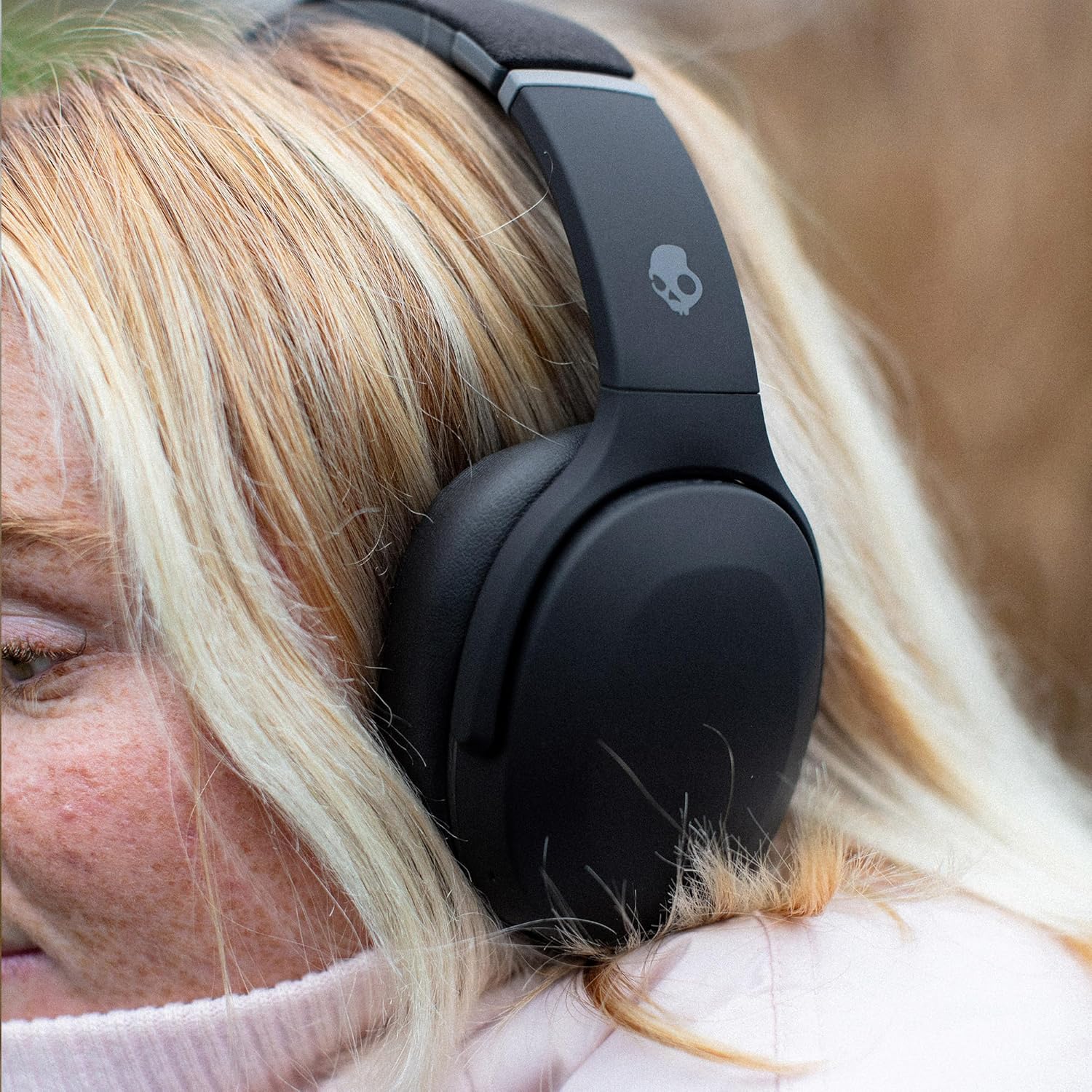
Image: The Skullcandy Crusher Evo headphones, USB-C charging cable, AUX cable, protective case, and user guide are neatly arranged in the product packaging.
Setup
Initial Pairing
- Ensure your headphones are charged (refer to 'Battery Life and Charging' section).
- Press and hold the power button on the headphones until the LED indicator flashes, indicating pairing mode.
- On your device (smartphone, tablet, computer), navigate to Bluetooth settings.
- Select 'Crusher Evo' from the list of available devices.
- Once connected, the LED indicator will stop flashing and remain solid.
Skullcandy App Integration
For enhanced features like Personal Sound and EQ customization, download the Skullcandy App from your device's app store. Follow the in-app instructions to connect your headphones.

Image: A smartphone displaying the Skullcandy App's equalizer screen, showing options for Music, Movie, and Podcast EQ modes.
Operating Instructions
Controls
The Skullcandy Crusher Evo features intuitive button controls located on the earcups:
- Power On/Off: Press and hold the main power button.
- Play/Pause: Press the middle button once.
- Volume Up: Press the top button once.
- Volume Down: Press the bottom button once.
- Track Forward: Hold the top button.
- Track Back: Hold the bottom button.
- Answer/End Call: Press the middle button once.
- Activate Assistant: Press the middle button twice.
Adjustable Sensory Bass
A dedicated slider on the left earcup allows you to adjust the intensity of the multi-sensory bass. Slide it up for more bass, or down for less. LED indicators on the earcup will show the current bass level.

Image: The right earcup of the Skullcandy Crusher Evo headphones, highlighting the control buttons for playback and calls, and the bass slider on the left earcup.
Connectivity
The Crusher Evo headphones utilize Bluetooth 5.0 for wireless connection. They can be connected to one device at a time. For a wired connection, use the included 3.5mm AUX cable.
Personal Sound & EQ Modes
Through the Skullcandy App, you can create a personalized sound profile tailored to your unique hearing. The app also offers three preset EQ modes:
- Music Mode: Provides a bass-heavy sound signature.
- Movie Mode: Enhances mids and highs for clearer vocals and dialogue.
- Podcast Mode: Flattens the EQ, turning off the bass for clear speech.
Comfort and Design
The Crusher Evo headphones feature a durable and comfortable design. They are constructed with multiple materials, including a soft-touch finish on the majority of the headphones and Alcantara on the outer portion of the headband. Padded silicone is used underneath the headband for comfort. The earcups are deep but may feel slightly cramped for larger ears.
- Weight: Approximately 310g.
- Fit: Designed for an over-ear fit with moderate clamping force.
- Portability: Flat-folding and collapsible design for easy storage in the included protective case.
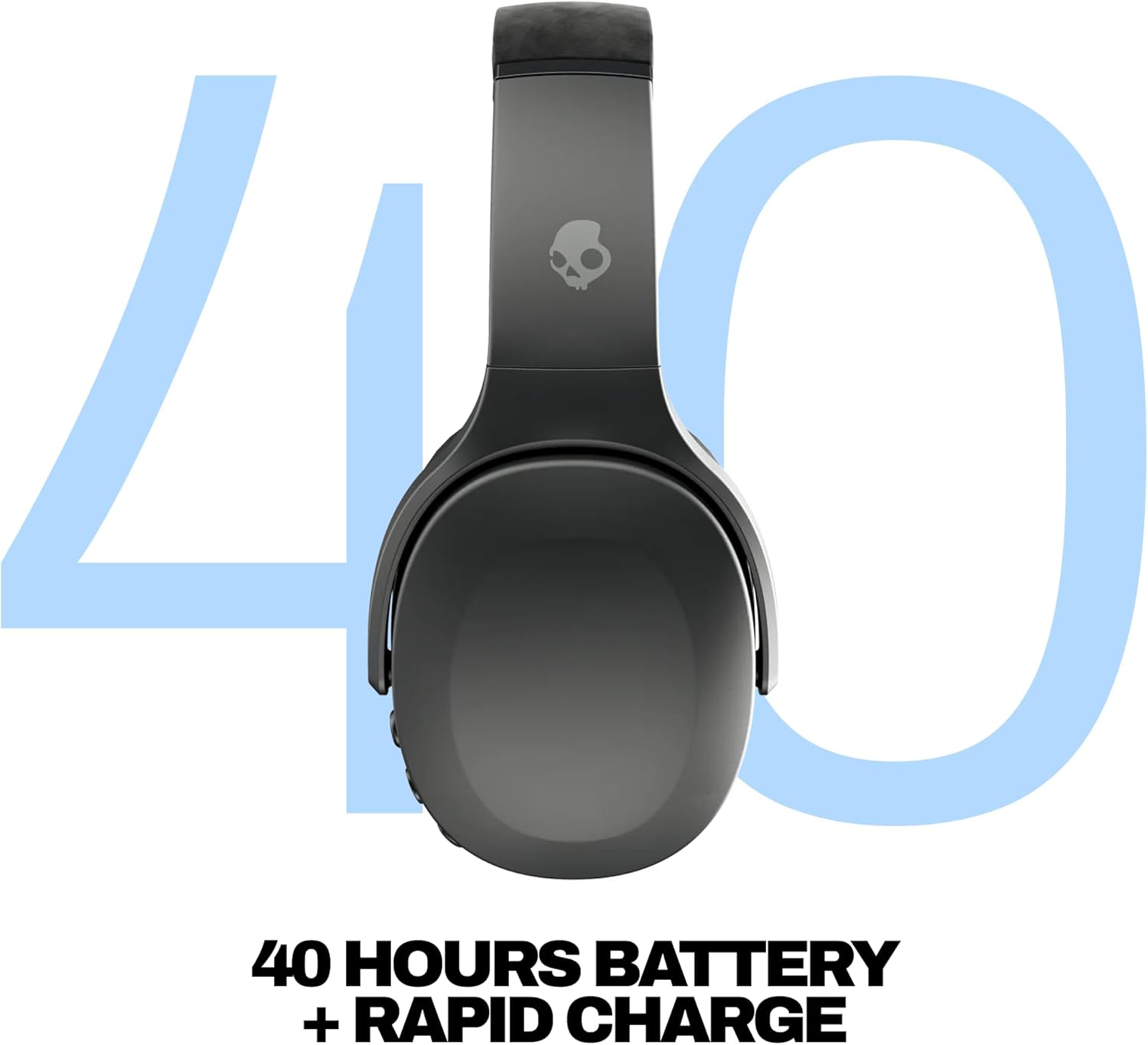
Image: The Skullcandy Crusher Evo headphones folded into a compact form, demonstrating their portability.
Battery Life and Charging
The Crusher Evo headphones offer up to 40 hours of battery life on a single charge. Actual battery life may vary depending on bass slider usage (more bass consumes more power).
- Charging Port: USB-C.
- Rapid Charge: A 10-minute charge provides up to 4 hours of listening time.

Image: The Skullcandy Crusher Evo headphones with a USB-C cable plugged into the charging port on the earcup.
Sound Quality
The Crusher Evo headphones are engineered with patented multi-sensory Crusher Bass technology, featuring two full-range 40mm audio drivers and additional dual bass drivers. This delivers a powerful, tactile bass experience.
- Bass: Adjustable via slider, providing bone-rattling, soul-shaking bass.
- Overall Profile: Generally bass-heavy. For a more balanced sound, consider using the 'Movie' EQ mode in the Skullcandy App.
- Latency: Zero latency when watching videos on both iPhone and Android devices.
Microphone Performance
The built-in microphone allows for phone calls. While functional, it may not effectively block out significant ambient noise, potentially leading to background sounds being audible during calls.
Tile Finding Technology
The Crusher Evo headphones integrate Tile finding technology. By registering your product in the Tile App, you can easily locate your headphones if they are misplaced, whether nearby or further away.

Image: A smartphone displaying the Tile app, showing the location of the Crusher Evo headphones on a map, indicating they are nearby.
Specifications
| Feature | Detail |
|---|---|
| Noise Control | Sound Isolation |
| Frequency Response | 20 Hz |
| Headphones Jack | 3.5 mm Jack |
| Connectivity Technology | Bluetooth 5.0 |
| Wireless Communication Technology | Bluetooth |
| Charging Time | 40 Hours (full charge) |
| Compatible Devices | Desktops, Gaming Consoles, Laptops, Smart Speaker, Tablets, Telephones |
| Control Type | Media Control, Voice |
| Item Weight | 0.01 Ounces |
| Product Dimensions | 7.91 x 7.36 x 3.54 inches |
| Battery Life | 40 Hours |
| Audio Driver Type | Dynamic Driver |
| Ear Placement | Over Ear |
| Impedance | 32 Ohm |
Troubleshooting
- No Power: Ensure headphones are fully charged using the provided USB-C cable.
- Pairing Issues: Turn off and on your device's Bluetooth. Ensure headphones are in pairing mode. Forget the device in your Bluetooth settings and re-pair.
- Audio Dropouts: Ensure your device is within the Bluetooth range (typically up to 30 feet). Avoid obstacles that may interfere with the signal.
- Unsatisfactory Sound: Adjust the bass slider. Experiment with different EQ modes (Music, Movie, Podcast) in the Skullcandy App. Consider running the Personal Sound test in the app.
- Microphone Clarity: Ensure you are in a quiet environment for optimal call quality.
Warranty and Support
The Skullcandy Crusher Evo headphones come with a 1-Year USA Limited Warranty. For warranty claims or further support, please visit the official Skullcandy website or contact their customer service.


