
1. Introduction
The Rane DJ Twelve MKII is a 12-inch motorized vinyl-like MIDI turntable designed for professional DJ performance. It offers precise, hands-on control for digital DJ software, eliminating the need for traditional tonearms or needles and preventing audio feedback. This unit supports control for Serato DJ Pro, Traktor, and Virtual DJ, providing a versatile vinyl-like experience across multiple platforms. Key enhancements in the MKII version include USB control for track browsing and instant doubles, DVS audio control, a new plunger-style Start/Stop button, and an OLED screen for BPM display and control status.
2. What's in the Box
- Platter
- Spacer
- Slipmat
- Vinyl with Quick Release
- RCA-Cable
- Power Cable
- USB-Cable
- Sticker Set
- User Guide
- Safety & Warranty Information
3. Product Features
The Rane DJ Twelve MKII is engineered with features that enhance performance and user experience:
- Authentic DJ Turntable Experience: Full 12-inch black acrylic control disc with motorized platter for controlling four decks of playback, maintaining a traditional and familiar turntable layout.
- Multi-Platform Control: Offers DVS/USB MIDI control for mainstream DJ software including Serato DJ Pro, Traktor, and Virtual DJ. An OLED screen displays BPM and control status, and RCA output is provided for DVS audio signals.
- Total Control of Your DJ Set: Features a dual-mode touch strip for track search and 8 hot-cue triggers. Supports 33 1/3 and 45 RPM platter speeds, with 8/16/50% pitch adjustment via a precise dual-resolution detented slider.
- Power Meets Precision: Equipped with a 5.0 kfcm high-torque motor with high/low torque adjustability for traditional setups, plus 3,600 ticks of platter resolution for accurate performance.
- Connectivity Covered: Conveniently located MIDI interface via USB allows connection to a Rane SEVENTY-TWO mkII mixer or directly to your computer (Mac / PC).

Figure 1: The Rane DJ Twelve MKII, showcasing its 12-inch motorized platter and integration with Serato DJ Pro.

Figure 2: Detailed view of the Rane DJ Twelve MKII's pitch range select, start/stop button, and platter speed controls.

Figure 3: The dual-function touch strip, deck selector, OLED screen, and instant doubles button for effortless integration.
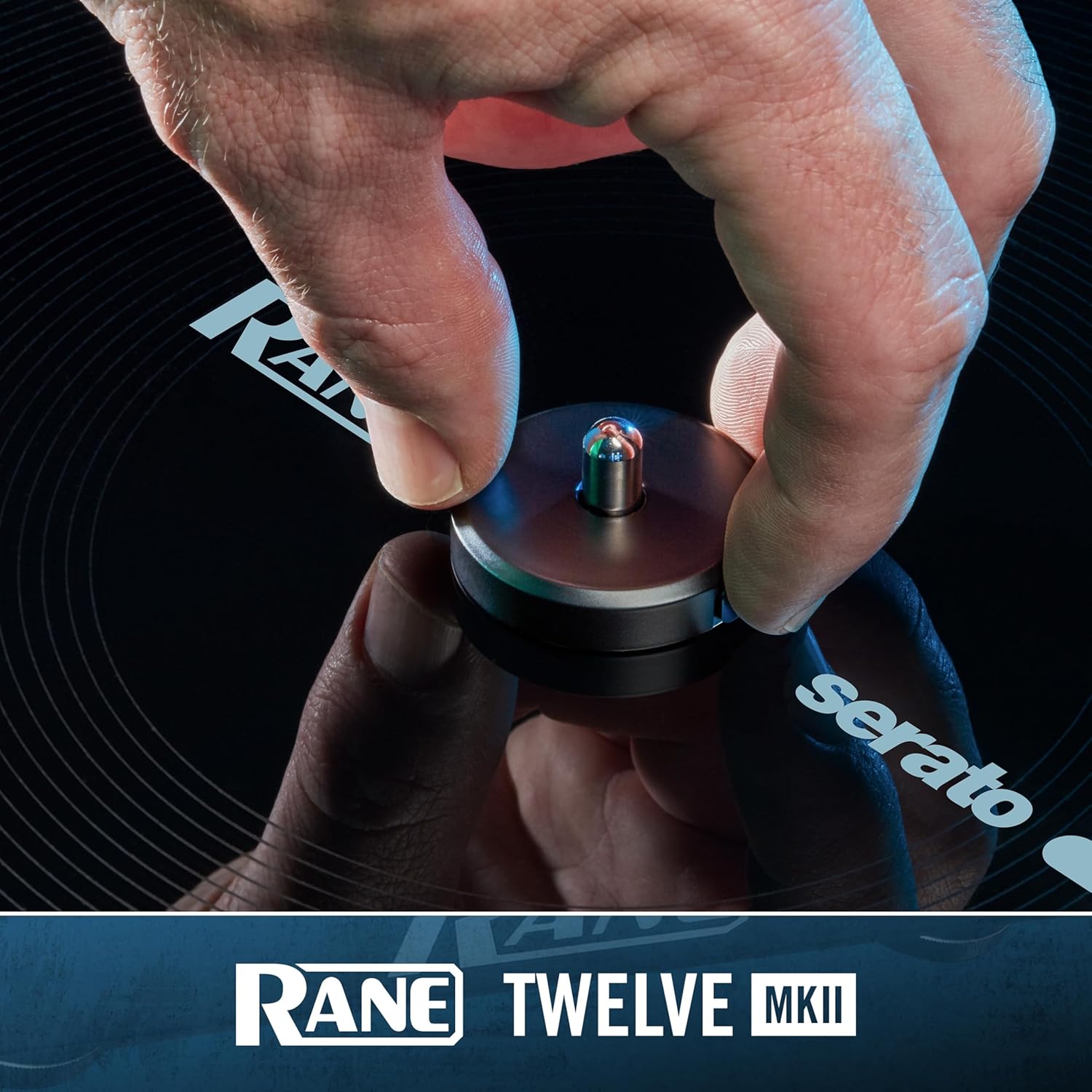
Figure 4: Rear panel connections, highlighting the RCA output for DVS audio signals.
Official Product Video: Introducing Rane Twelve MKII
Video 1: An official introduction to the Rane DJ Twelve MKII, demonstrating its key features and performance capabilities.
4. Setup
- Unpacking: Carefully remove all components from the packaging. Retain packaging for future transport or storage.
- Placement: Place the Rane DJ Twelve MKII on a stable, level surface away from direct sunlight, heat sources, or excessive vibration.
- Platter Assembly: Place the platter onto the spindle. Ensure it sits securely. Place the slipmat on the platter, followed by the control vinyl with the quick-release adapter.
- Power Connection: Connect the included power cable to the unit and then to a suitable power outlet.
- USB Connection: Connect the USB cable from the Rane DJ Twelve MKII to your computer or a compatible Rane mixer (e.g., SEVENTY-TWO mkII).
- Audio Connection (DVS): If using DVS (Digital Vinyl System) audio signals, connect the RCA cable from the unit's RCA output to the DVS input on your mixer.
- Software Installation: Install the necessary DJ software (Serato DJ Pro, Traktor, or Virtual DJ) on your computer and ensure all drivers are up to date.
5. Operating Instructions
- Power On: Turn on the Rane DJ Twelve MKII using the power switch.
- Software Recognition: Launch your DJ software. The Twelve MKII should be automatically recognized as a controller.
- Deck Selection: Use the deck selector buttons to assign the Twelve MKII to control the desired virtual deck in your software.
- Platter Control: Use the motorized platter to control track playback, scratching, and cueing, mimicking a traditional vinyl turntable.
- Pitch Adjustment: Adjust the track tempo using the pitch fader. Use the pitch range select buttons to change the fader's sensitivity (8%, 16%, 50%).
- Hot Cues & Samples: Utilize the 8 hot-cue triggers for instant cue points and sample playback.
- Track Navigation: Use the dual-mode touch strip for quick track searching and the scroll/load encoder for browsing your music library.
- Instant Doubles: Press the Instant Doubles button to quickly duplicate the current track to another deck.
- OLED Display: Monitor the current BPM and control status on the integrated OLED screen.
6. Maintenance
- Cleaning: Use a soft, dry cloth to clean the unit. Avoid abrasive cleaners or solvents.
- Platter Care: Keep the platter and control vinyl free from dust and debris to ensure optimal performance.
- Storage: When not in use, store the unit in a clean, dry environment. If transporting, use original packaging or a dedicated flight case.
- Software Updates: Regularly check the Rane DJ website for firmware and software updates to ensure compatibility and access to new features.
7. Troubleshooting
- Unit Not Powering On: Ensure the power cable is securely connected to both the unit and the power outlet. Test the outlet with another device.
- Software Not Recognizing Unit: Verify the USB cable is properly connected. Check your computer's device manager (Windows) or System Information (Mac) to see if the unit is detected. Reinstall drivers if necessary.
- No Audio Output: Check all RCA connections to your mixer. Ensure correct input selection on your mixer and proper gain staging. Verify DVS settings in your DJ software.
- Platter Not Responding: Ensure the control vinyl is correctly placed and the quick-release adapter is secure. Check software settings for platter control.
- OLED Screen Blank: Power cycle the unit. If the issue persists, contact Rane DJ support.
8. Specifications
| Feature | Detail |
|---|---|
| Item Weight | 22.7 pounds |
| Product Dimensions | 16.25 x 14.55 x 5.25 inches |
| Model Number | TWELVEMKII |
| Color | Black |
| Material Type | Aluminum |
| Power Source | Corded Electric |
| Maximum Rotational Speed | 45 RPM |
| Special Feature | Motorized 12 inch Platters |
| Compatible Devices | Personal Computer |
9. Warranty and Support
For detailed warranty information, please refer to the 'Safety & Warranty' document included in your product packaging or visit the official Rane DJ website. For technical support, product registration, and additional resources, please visit www.rane.com.

