
MOUNT PRO PR4002A
MOUNT PRO Universal Swivel TV Stand Base Instruction Manual
Model: PR4002A
1. Introduction
Thank you for choosing the MOUNT PRO Universal Swivel TV Stand Base. This manual provides detailed instructions for the safe and efficient assembly, operation, and maintenance of your new TV stand. Designed for 37 to 75-inch LCD LED TVs, this stand offers height adjustment, swivel, and tilt capabilities, ensuring an optimal viewing experience.
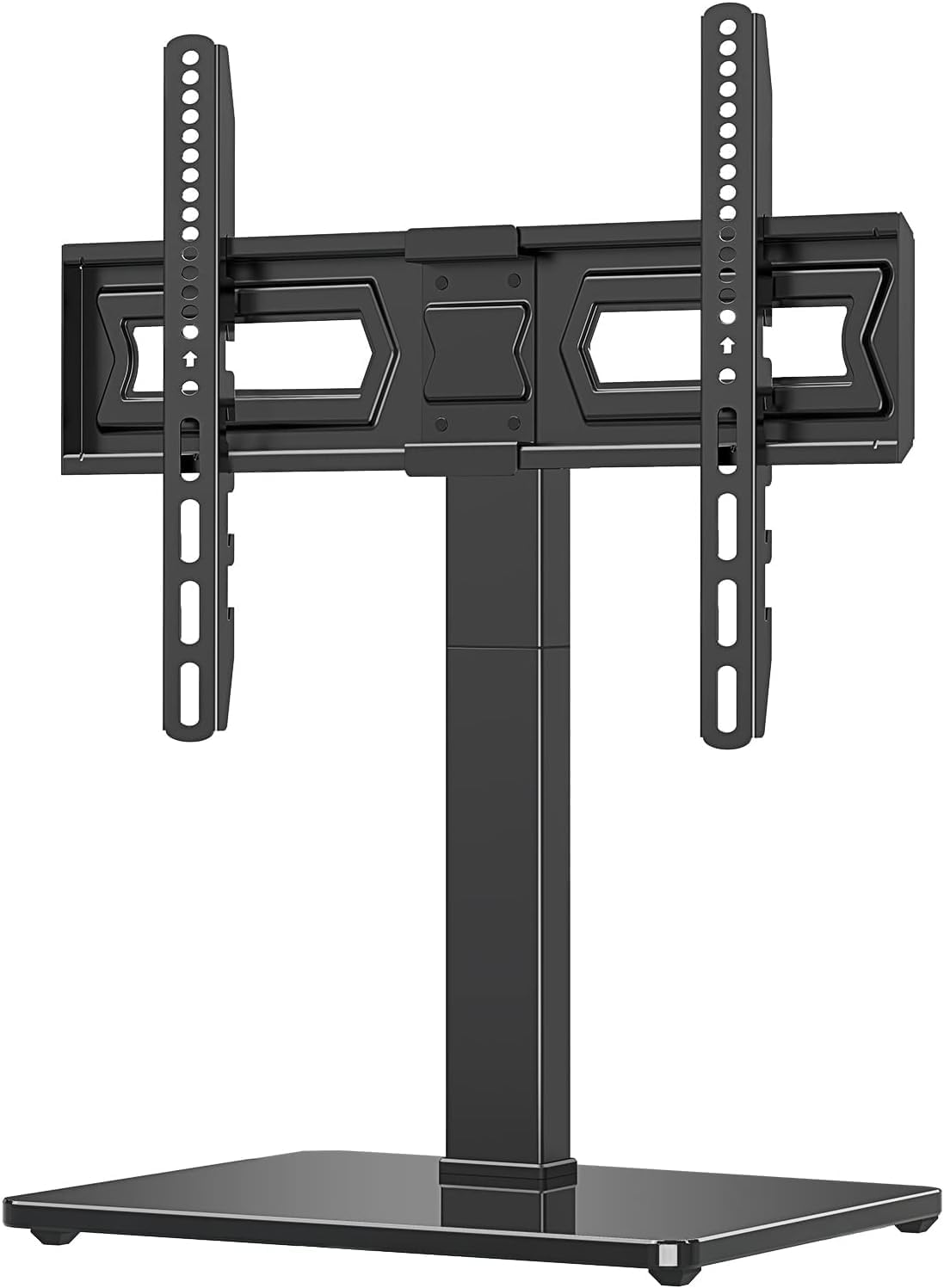
Figure 1.1: MOUNT PRO Universal Swivel TV Stand Base
2. Safety Information
Please read all instructions carefully before assembly and use. Failure to do so may result in personal injury or property damage. Keep this manual for future reference.
- The entire mount structure is constructed from heavy-duty steel materials, complemented by a high-quality tempered glass base, providing stable and secure support for your TV.
- The safety lock screw prevents the TV from falling off. Ensure it is properly installed and tightened.
- The glass base is equipped with 4 rubber pads to prevent skidding. Confirm these are in place and the stand is positioned on a stable, level surface.
- Always verify that your TV's weight and VESA pattern are within the specified limits (up to 88lbs, VESA 150x100mm to 600x400mm).
- It is highly recommended to install the extra security wire to effectively prevent TV tip-over accidents.

Figure 2.1: Installation of the extra security wire to prevent tip-over.
3. Packing List
Before beginning assembly, verify all parts are present and undamaged. For a detailed list of components and diagrams, please refer to the official Installation Manual (PDF).
4. Setup and Installation
Follow these step-by-step instructions for assembling your MOUNT PRO TV stand. All necessary tools and pre-labeled bolts/screws are included.
4.1. Support Pillar Installation
Assemble the support pillar components and secure them to the tempered glass base.
Video 4.1: This video demonstrates the complete installation process for the TV stand, including the support pillar assembly.

Figure 4.1: The installation process is designed to be straightforward, requiring no drilling into walls.
4.2. Attaching TV Brackets
Secure the TV mounting brackets to the back of your television. Ensure the VESA pattern matches the stand's compatibility.
- The universal TV mounting brackets fit most 37, 40, 42, 46, 47, 55, 60, 65, 70, 75 inch TVs.
- Compatible VESA patterns range from 150mmx100mm (6''x4'') to 600mmx400mm (24''x16'').
- The stand holds up to 88lbs.
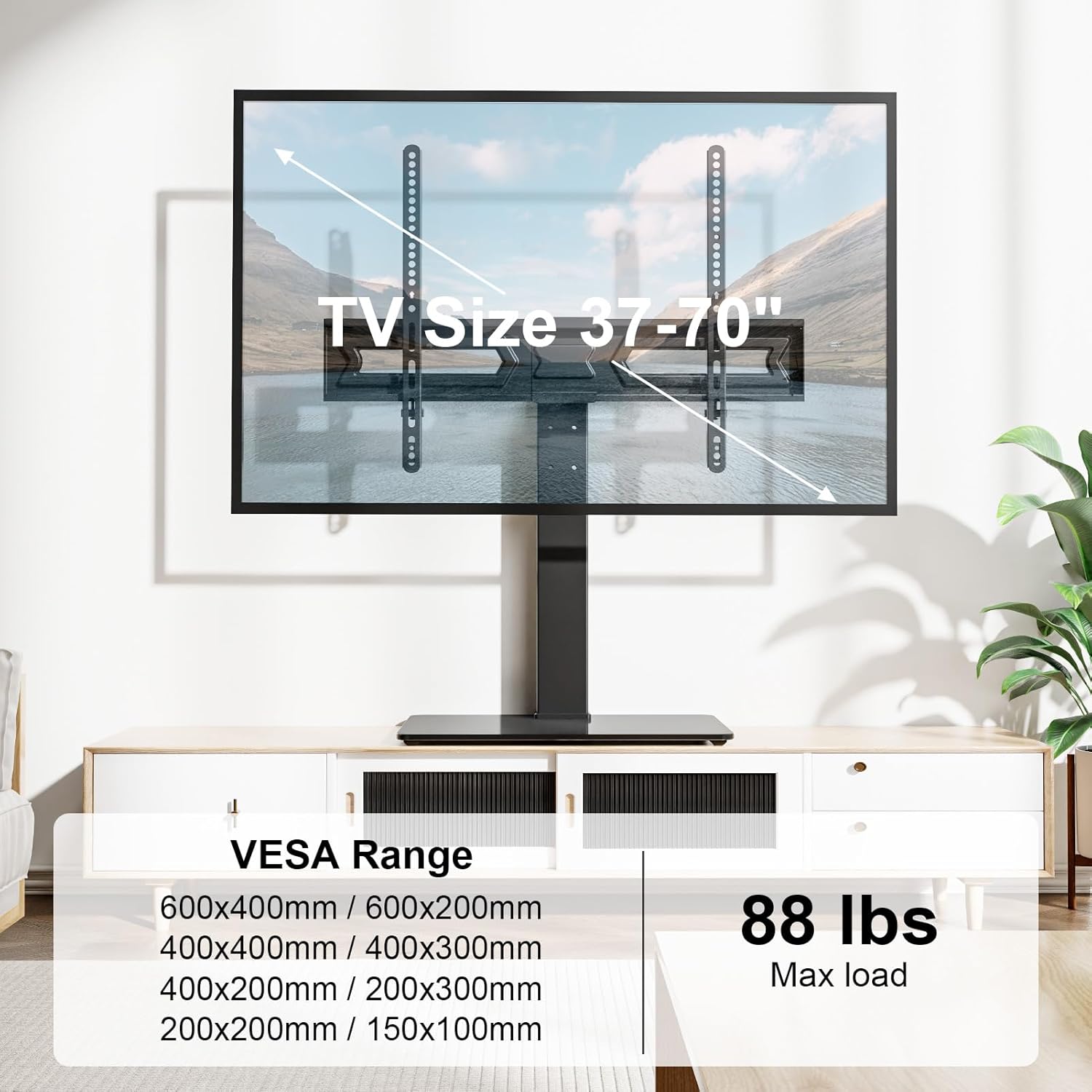
Figure 4.2: Compatibility details for TV sizes, VESA patterns, and maximum load capacity.
4.3. Mounting the TV and Safety Lock
Carefully lift and attach the TV with the installed brackets onto the support pillar's TV plate. Secure it with the safety lock screw.
5. Operating and Adjustments
Your MOUNT PRO TV stand offers various adjustments for optimal viewing comfort.
5.1. Height Adjustment
The stand provides 2 options to adjust height up to 9 levels. The central support pillar features 3 levels of height setting, each adjustable by 2.16 inches. The TV mounting brackets can also be adjusted at 3 height levels by 1.77 inches to satisfy different applications or TV sizes.

Figure 5.1: Visual representation of the 9-level height adjustment feature.
5.2. Swivel and Tilting Angle Adjustment
The TV plate can easily swivel 20 degrees left or right, allowing for optimal viewing angles without being restricted by the location. Additionally, the stand can tilt upwards 5 degrees.

Figure 5.2: The TV stand allows for 20-degree swivel to the left or right.

Figure 5.3: The TV stand can tilt upwards by 5 degrees for heavy TVs to maintain vertical alignment and ideal viewing.
6. Maintenance
To ensure the longevity and proper functioning of your MOUNT PRO TV stand, follow these maintenance guidelines:
- Regularly check all screws and bolts to ensure they are tight. Re-tighten if necessary.
- Clean the tempered glass base with a soft, damp cloth and a mild glass cleaner. Avoid abrasive cleaners.
- Wipe down metal parts with a dry or slightly damp cloth to remove dust and smudges.
- Ensure cables are properly managed to prevent strain or damage.
7. Troubleshooting
If you encounter any issues with your MOUNT PRO TV stand, refer to the common problems and solutions below:
| Problem | Possible Cause | Solution |
|---|---|---|
| TV is wobbly or unstable. | Loose screws or bolts; uneven surface; TV weight exceeds limit. | Ensure all connections are tight. Place the stand on a flat, stable surface. Verify TV weight is within 88lbs. |
| TV does not swivel smoothly. | Dust or debris in the swivel mechanism; overtightened connections. | Clean the swivel area. Loosen the relevant bolts slightly, ensuring stability is maintained. |
| TV input area is blocked by the mount. | Incorrect VESA mounting position; TV model specific design. | Adjust the TV mounting brackets to a different height level if possible. Check your TV's input area before purchasing to ensure compatibility. |
If the problem persists, please contact MOUNT PRO customer support.
8. Specifications
- Brand: MOUNT PRO
- Model Number: PR4002A
- Compatible TV Sizes: 37 to 75 Inches
- Maximum Load Capacity: 88 lbs (40 kg)
- VESA Compatibility: 150x100mm to 600x400mm
- Movement Type: Swivel, Tilt
- Swivel Angle: 20 Degrees Left or Right
- Tilt Angle: Up to 5 Degrees
- Height Adjustment: 9 levels (Central pillar: 3 levels by 2.16", Brackets: 3 levels by 1.77")
- Material: Alloy Steel, Tempered Glass Base
- Product Dimensions: 17.76 x 12.32 x 2.72 inches
- Item Weight: 14.41 pounds

Figure 8.1: Dimensions of the enhanced tempered glass base.
9. Warranty and Support
MOUNT PRO products enjoy a lifetime technical support. If you have any pre-purchase or installation questions, please contact us anytime.
For further assistance, you may also refer to the official Installation Manual (PDF).
Related documentsPR4002A


Ask a question about this manual
Ask about setup, troubleshooting, compatibility, parts, safety, or missing instructions. Manuals+ will review the question and use this page’s manual context to help answer it.