
Monster 2MNHP0154B0L2
Monster Persona Noise Cancelling Headphones User Manual
Model: 2MNHP0154B0L2
1. Introduction
Thank you for choosing Monster Persona Noise Cancelling Headphones. These wireless over-ear headphones are designed to provide a superior audio experience with advanced active noise cancellation, deep bass, and comfortable memory foam ear cups. This manual will guide you through the setup, operation, and maintenance of your new headphones to ensure optimal performance and longevity.
2. What's in the Box?
Your Monster Persona headphones package includes the following items:
- Monster Persona Noise Cancelling Headphones
- Headphone storage bag
- USB-C Charging Cable
- 3.5mm Audio Cable
- Plane Audio Adapter
- User Manual (this document)

Figure 2.1: Monster Persona headphones and included accessories: storage case, USB-C cable, 3.5mm audio cable, and plane audio adapter.
Video 2.1: An unboxing video demonstrating the contents of the Monster Persona headphones package.
3. Product Overview
Familiarize yourself with the physical components and controls of your Monster Persona headphones.
3.1. Controls and Features
- Power/Bluetooth Button: Used to power on/off and initiate Bluetooth pairing.
- Volume Up/Down: Adjusts audio volume.
- ANC Button: Toggles Active Noise Cancellation modes (ANC 1, ANC 2, Ambient Sound).
- USB-C Port: For charging the headphones.
- 3.5mm Audio Jack: For wired audio connection.
- Foldable Design: Ear cups swivel inward 90° and fold for compact storage.
- Adjustable Headband: Retractable head beam for a comfortable fit.
- Memory Foam Ear Cups: Provide comfort for extended listening.

Figure 3.1: Front view of Monster Persona Noise Cancelling Headphones.

Figure 3.2: Close-up of the ANC button and controls on the left ear cup.

Figure 3.3: The headphones feature a comfortable, adjustable, and foldable design.
Video 3.1: A detailed overview of the Monster Persona headphones' physical features and design elements.
4. Setup
4.1. Bluetooth Pairing
- Ensure your headphones are charged.
- Press and hold the Power/Bluetooth button on the headphones until the LED indicator flashes blue and red, indicating pairing mode.
- On your device (smartphone, tablet, computer), enable Bluetooth and search for available devices.
- Select "Monster Persona" from the list of found devices.
- Once connected, the LED indicator will turn solid blue.

Figure 4.1: Easy Bluetooth pairing with a mobile device.
Video 4.1: A step-by-step tutorial on how to pair your Monster Persona headphones via Bluetooth.
4.2. Wired Connection
To use the headphones with a wired connection, simply plug one end of the 3.5mm audio cable into the headphone's audio jack and the other end into your audio device. The headphones can be used passively without power in wired mode.
5. Operating Instructions
5.1. Power On/Off
- Power On: Press and hold the Power/Bluetooth button for 2-3 seconds until the LED indicator lights up.
- Power Off: Press and hold the Power/Bluetooth button for 3-5 seconds until the LED indicator turns off.
5.2. Music Playback
- Play/Pause: Short press the Power/Bluetooth button.
- Volume Up: Short press the Volume Up button (+).
- Volume Down: Short press the Volume Down button (-).
- Next Track: Long press the Volume Up button (+).
- Previous Track: Long press the Volume Down button (-).
5.3. Call Management
- Answer/End Call: Short press the Power/Bluetooth button.
- Reject Call: Long press the Power/Bluetooth button.
- Redial Last Number: Double-press the Power/Bluetooth button.
5.4. Active Noise Cancellation (ANC) Modes
The ANC button allows you to switch between different noise control modes:
- ANC 1 (Strong Noise Cancellation): Ideal for environments with significant low-frequency noise, such as airplanes or busy commutes.
- ANC 2 (Moderate Noise Cancellation): Suitable for general daily use, reducing ambient sounds like office chatter.
- Ambient Sound Mode: Allows you to hear your surroundings while still enjoying your audio, useful for awareness in public spaces.
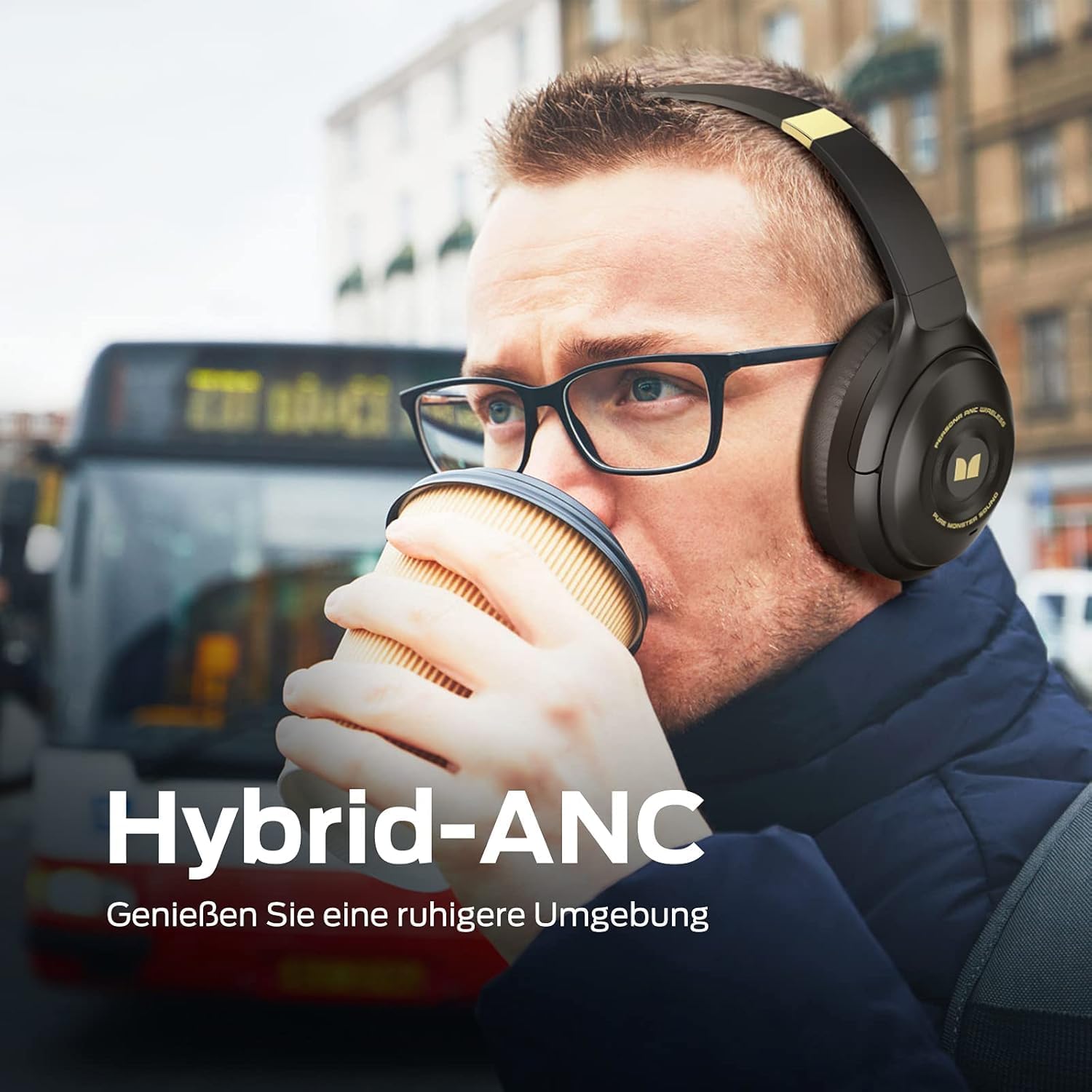
Figure 5.1: Hybrid-ANC in action, reducing external noise.

Figure 5.2: Ambient Sound mode allows you to stay aware of your surroundings.
Video 5.1: A video highlighting the professional details and features of the headphones, including ANC.
5.5. Charging
Connect the provided USB-C charging cable to the USB-C port on the headphones and the other end to a USB power source. The LED indicator will show charging status. A full charge takes approximately 1 hour and provides over 30 hours of playtime. For quick use, a 5-minute charge can provide up to 2 hours of playtime.

Figure 5.3: Fast charging provides significant playtime with minimal charge time.
6. Maintenance
- Clean the ear cups and headband regularly with a soft, dry cloth.
- Avoid exposing the headphones to extreme temperatures, humidity, or liquids.
- Store the headphones in the provided storage bag when not in use to protect them from dust and scratches.
- Do not attempt to disassemble or modify the headphones.
7. Troubleshooting
| Problem | Possible Cause | Solution |
|---|---|---|
| Headphones do not power on | Low battery | Charge the headphones fully. |
| Cannot pair via Bluetooth | Headphones not in pairing mode / Device Bluetooth off / Interference | Ensure headphones are in pairing mode (flashing blue/red). Turn device Bluetooth off and on. Move closer to the device. |
| No sound in wired mode | 3.5mm cable not fully inserted / Device volume too low | Ensure cable is securely plugged in. Increase volume on both headphones and device. |
| ANC not working effectively | Incorrect ANC mode / External noise type | Switch between ANC 1 and ANC 2 modes. ANC is most effective on low-frequency, constant noise. |
8. Specifications
| Feature | Detail |
|---|---|
| Model Name | 2MNHP0154B0L2 |
| Noise Control | Active Noise Cancellation |
| Connectivity Technology | Wireless (Bluetooth), Wired (3.5mm) |
| Wireless Communication Technology | Bluetooth 5.0 |
| Bluetooth Range | 10 Meters |
| Battery Life | 30 Hours |
| Charging Time | 1 Hour (full charge) |
| Audio Driver Size | 40 Millimeters |
| Frequency Range | 20Hz - 20kHz |
| Item Weight | 297 Grams (10.5 ounces) |
| Product Dimensions | 9.06 x 7.87 x 9.84 inches |
| Material | Plastic, Memory Foam (earcups) |
9. Warranty & Support
Monster products are built with quality and reliability in mind. For warranty information and customer support, please refer to the warranty card included in your product packaging or visit the official Monster website. Keep your proof of purchase for any warranty claims.
For further assistance, you may contact Monster customer service directly.
Related documents2MNHP0154B0L2


Ask a question about this manual
Ask about setup, troubleshooting, compatibility, parts, safety, or missing instructions. Manuals+ will review the question and use this page’s manual context to help answer it.