Introduction
This manual provides detailed instructions for the proper setup, operation, and maintenance of your Sekonda Model 1817 Men's Gold-Tone Quartz LCD Watch. Please read this manual thoroughly to ensure optimal performance and longevity of your timepiece.

Image: Front view of the Sekonda Model 1817 Gold-Tone Quartz LCD Watch, displaying the digital time and date.
Setup
1. Initial Time and Date Setting
Your Sekonda Model 1817 watch features a digital LCD display. Specific button functions may vary slightly, but generally, digital watches have buttons for Mode, Adjust, and Light.
- Mode Button: Press to cycle through display modes (Time, Date, Alarm, Stopwatch).
- Adjust Button: Used to select digits for adjustment and confirm settings.
- Set/Reset Button: Used to change values during adjustment.
- Light Button: Activates the backlight.
- Press the Mode button until the time setting mode is displayed (often indicated by flashing digits).
- Use the Adjust button to select the hour, minute, second, month, day, or year digits you wish to change.
- Use the Set/Reset button to increase or decrease the selected value.
- Once all settings are correct, press the Mode button again to exit the setting mode.
2. Setting the Alarm
- Press the Mode button until the alarm setting mode is displayed.
- Use the Adjust button to select the hour or minute digits.
- Use the Set/Reset button to set the desired alarm time.
- Press the Mode button to confirm and exit.
- To activate/deactivate the alarm, typically press the Adjust button while in the alarm display mode. An alarm icon will appear/disappear.
3. Adjusting the Bracelet
The Sekonda Model 1817 features an adjustable stainless steel bracelet with a sliding clasp. For a comfortable fit, links may need to be removed or added. It is recommended to have this adjustment performed by a qualified jeweler or watch technician.
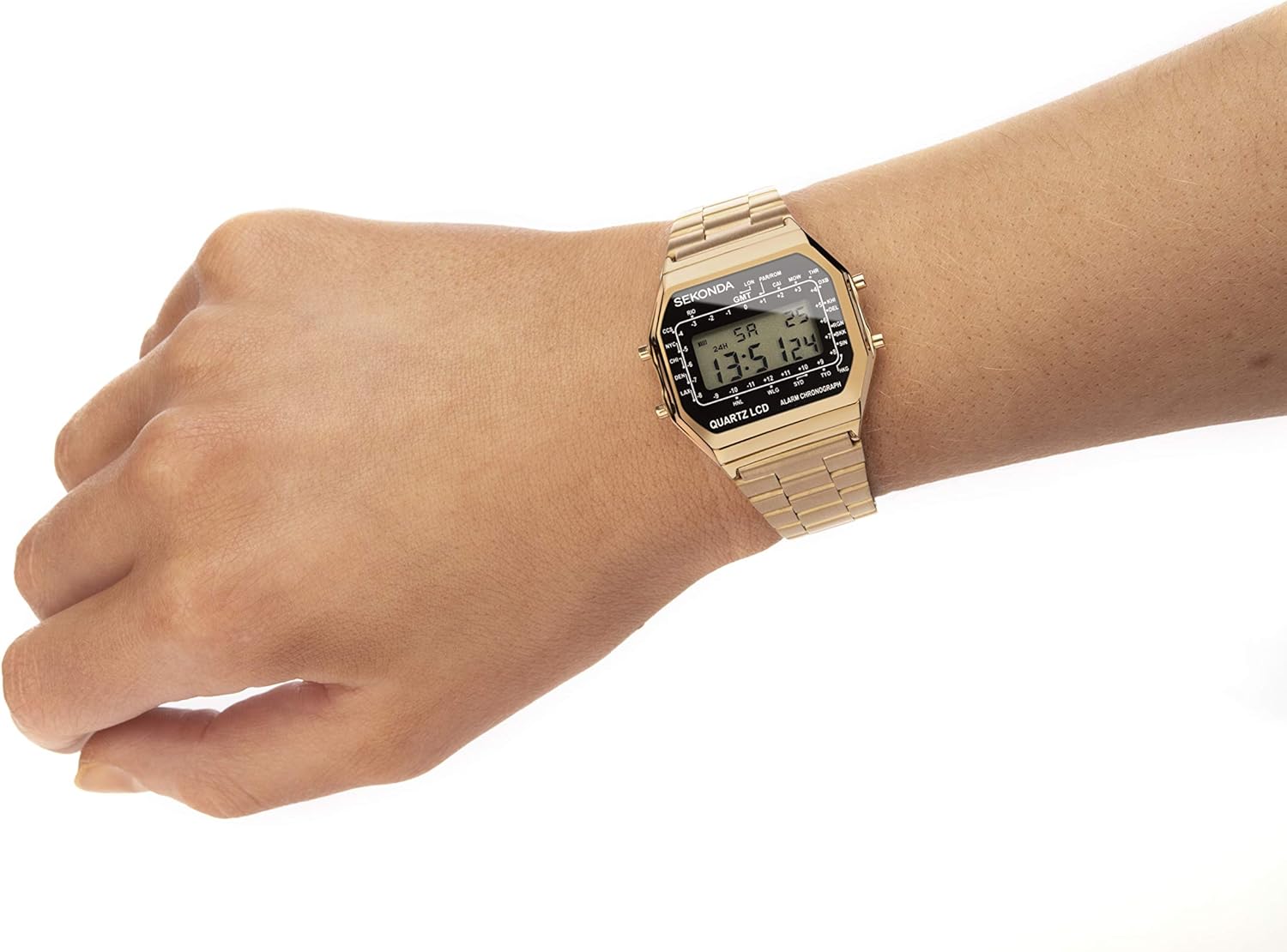
Image: The Sekonda Model 1817 watch worn on a wrist, showing its fit and appearance.
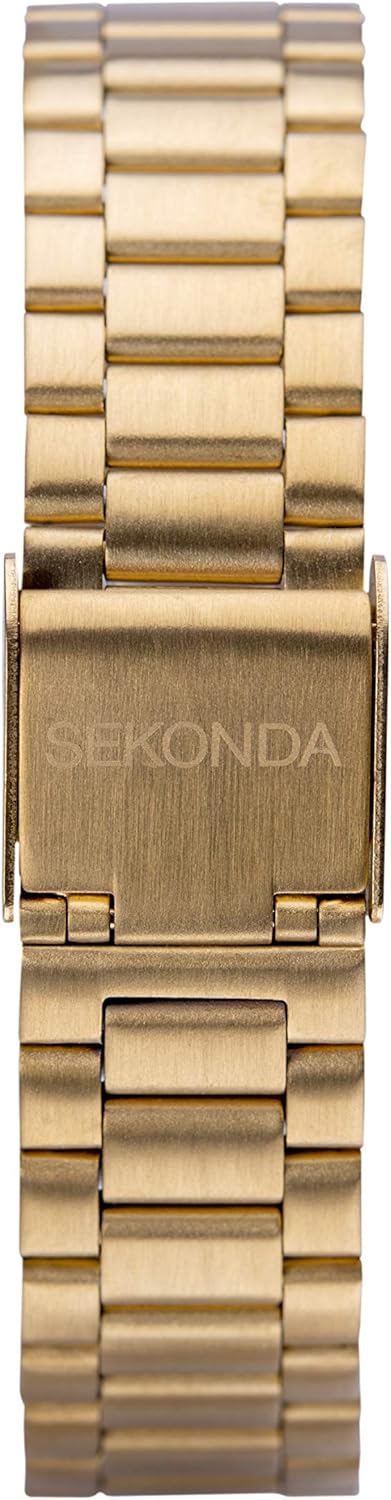
Image: Close-up view of the gold-tone stainless steel bracelet clasp, featuring the Sekonda logo.
Operating Instructions
1. Using the Chronograph (Stopwatch)
- Press the Mode button until the chronograph display appears (usually showing "00:00:00").
- Press the Set/Reset button to start the stopwatch.
- Press the Set/Reset button again to stop the stopwatch.
- To reset the stopwatch to zero, press the Adjust button while the stopwatch is stopped.
- Press the Mode button to return to the time display.
2. Backlight Function
To illuminate the display in low-light conditions, press the Light button. The backlight will typically remain on for a few seconds.
3. Water Resistance Guidelines
Your Sekonda Model 1817 watch is water-resistant up to 30 meters (3 ATM). This rating means the watch is suitable for daily use, including splashes and rain.
- Do NOT press any buttons while the watch is wet or submerged.
- Do NOT use for bathing, swimming, diving, or any water sports.
- Exposure to hot water (e.g., in a shower or sauna) can compromise water resistance.
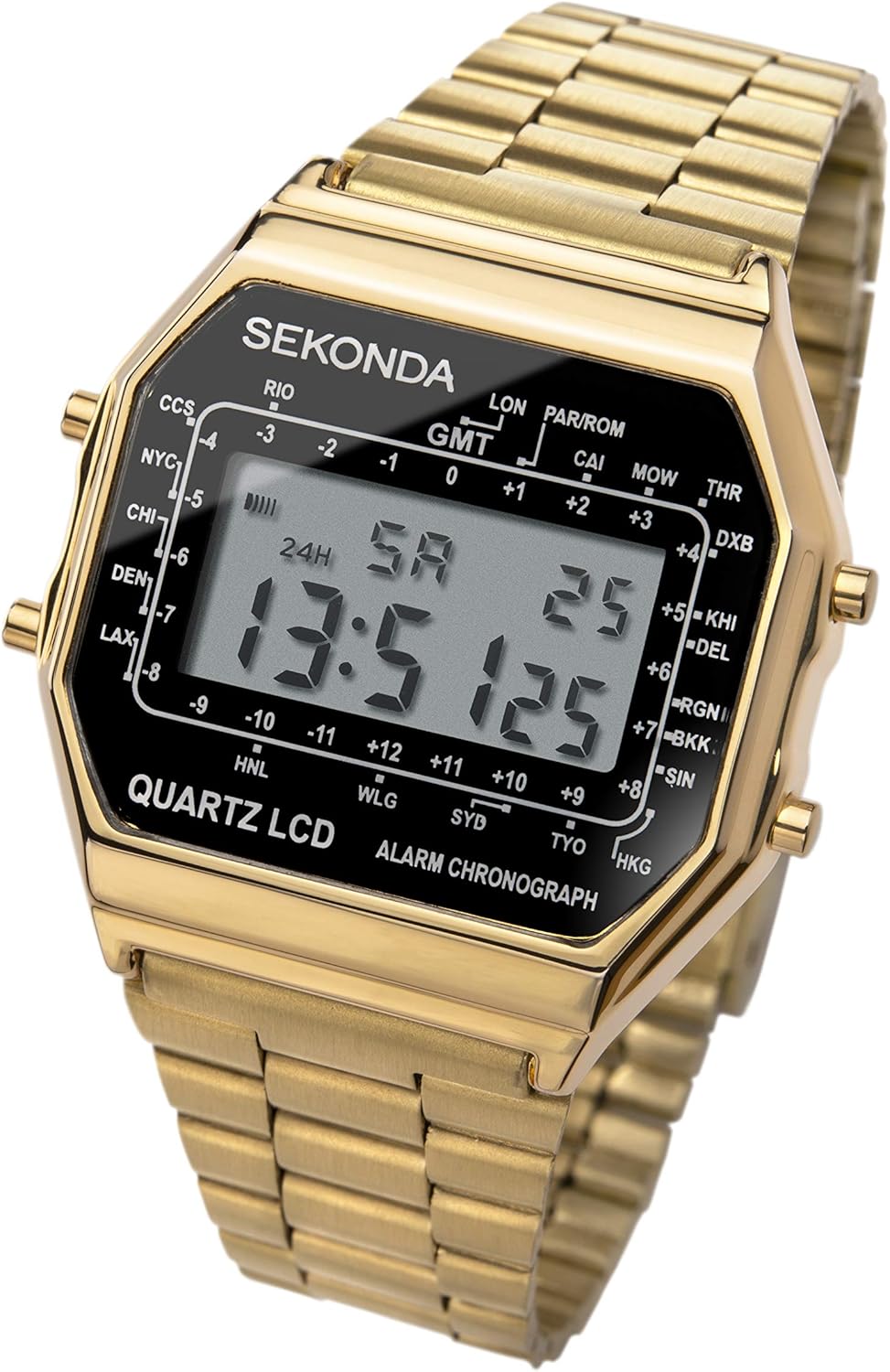
Image: Angled view of the Sekonda Model 1817 watch, highlighting the digital display and case design.
Maintenance
1. Cleaning Your Watch
To maintain the appearance of your watch, wipe it regularly with a soft, dry cloth. For the gold-tone stainless steel bracelet, a slightly damp cloth can be used, followed by immediate drying. Avoid using chemical cleaners or abrasive materials.
2. Battery Replacement
The watch is powered by one non-standard battery. When the display becomes dim or the watch stops functioning, the battery may need replacement. It is highly recommended to have the battery replaced by a professional watchmaker to ensure proper sealing and maintain water resistance.
3. Storage
When not in use, store your watch in a cool, dry place away from direct sunlight, extreme temperatures, and strong magnetic fields.

Image: Side view of the Sekonda Model 1817 watch, showing the profile of the case and buttons.
Troubleshooting
- Watch Not Functioning / Display is Blank:
This typically indicates a depleted battery. Refer to the "Battery Replacement" section under Maintenance.
- Time is Inaccurate:
Ensure the time has been set correctly. If the inaccuracy persists after setting, the battery may be low, or the watch may require servicing.
- Buttons Not Responding:
Check if the watch is wet. If so, dry it thoroughly. If the issue persists, there may be an internal mechanism problem requiring professional inspection.
- Condensation Under Crystal:
This indicates a breach in the watch's water resistance. Avoid further contact with water and seek professional service immediately to prevent damage to the movement.
Specifications
| Model Number | 1817 |
| Brand | Sekonda |
| Movement | Quartz Digital |
| Display Type | LCD Digital |
| Case Material | Gold-Tone |
| Bracelet Material | Gold-Tone Stainless Steel |
| Water Resistance | 30 Meters (3 ATM) |
| Functions | Time, Day/Date, Alarm, Chronograph, Backlight |
| Battery Type | 1 Non-Standard Battery |
| Approx. Weight | 100 grams |
| Country of Origin | China |
Warranty and Support
For information regarding the warranty period and terms for your Sekonda watch, please refer to the warranty card included with your purchase or visit the official Sekonda website.
If you require further assistance or service, please contact Sekonda customer support through their official channels.
- Official Website: www.sekonda.com
- Customer Service: Refer to the website for contact details.


