
1. Product Overview
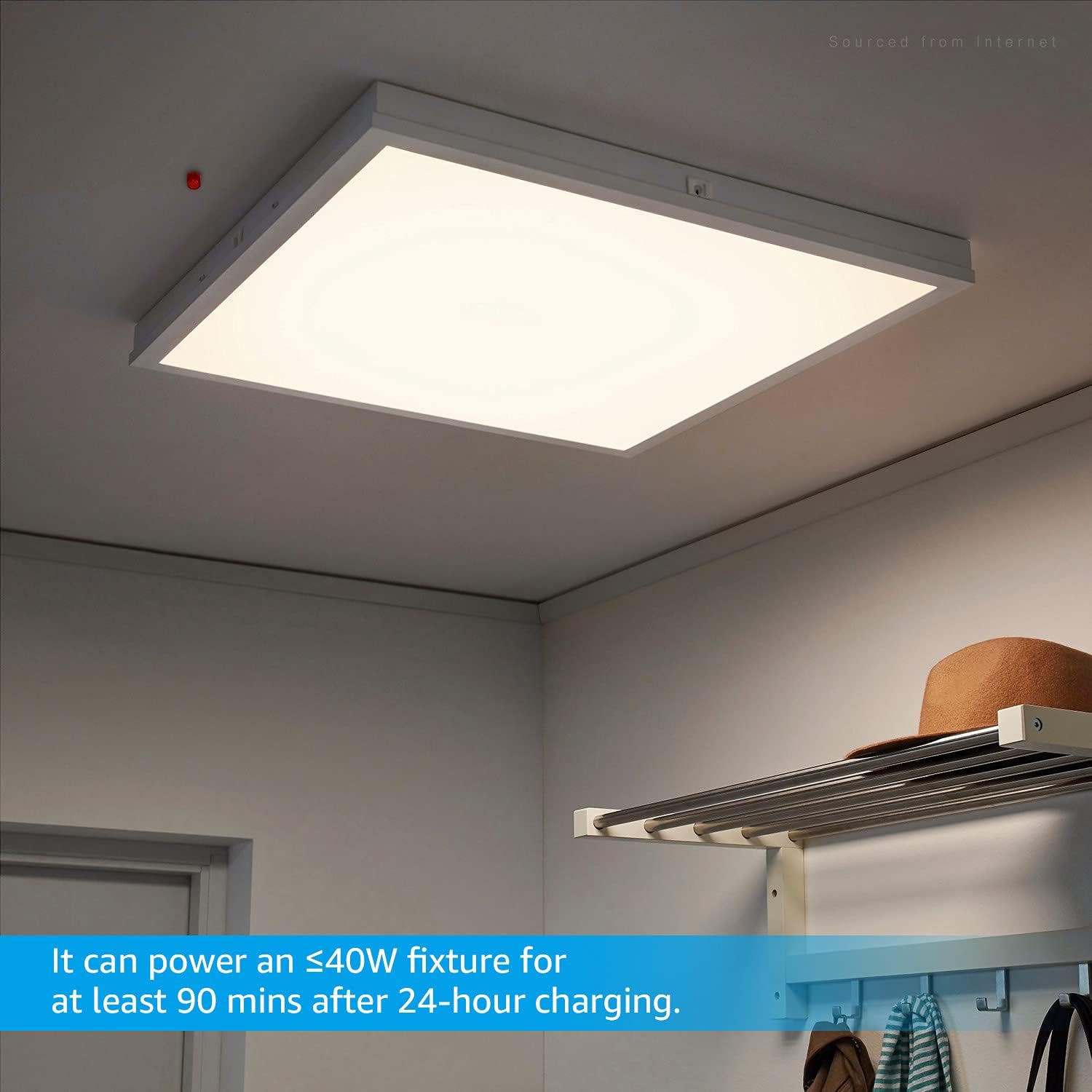
The LEONLITE 4W LED Emergency Driver is designed to provide emergency power to compatible LED lighting fixtures during power outages. This unit ensures continuous illumination for over 90 minutes, enhancing safety and preventing confusion in commercial and public spaces such as schools, shopping malls, hospitals, and offices. It is UL-listed, ensuring reliable and safe operation.
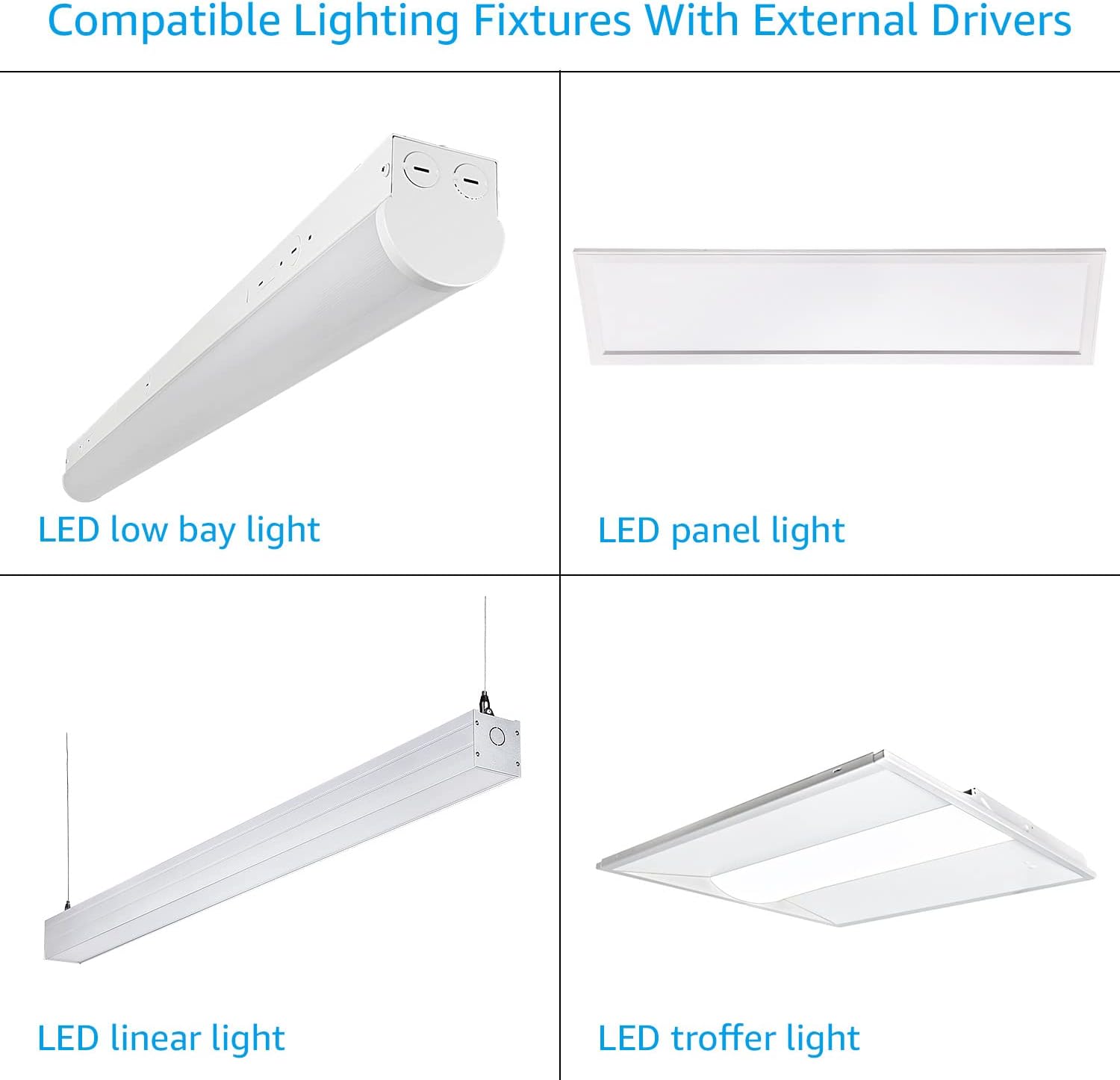
This emergency driver is compatible with LED lamps that utilize external drivers, supporting an input voltage range of AC120-277V and an output voltage of DC3-60V, for luminaires with a power consumption of 40W or less.

2. Safety Information
- UL Listed: This product is UL-listed, indicating it meets rigorous safety standards for electrical products.
- Installation: Installation should be performed by a qualified electrician in accordance with national and local electrical codes.
- Voltage: Ensure the input voltage (AC120-277V) and output voltage (DC3-60V) are compatible with your lighting fixture.
- Environment: This driver is not suitable for damp locations. Use only in dry, indoor environments.
- Battery: The integral battery is not user-replaceable. Refer to local regulations for proper disposal.
- Maintenance: Disconnect power before servicing.
3. Specifications
| Parameter | Value |
|---|---|
| Input Voltage | 120-277VAC |
| Output Voltage | 3-60VDC |
| Wattage | 4W |
| Compatible Luminaire Wattage | ≤40W |
| Emergency Operation Time | >90 minutes |
| Charging Time | Approximately 24 hours |
| Working Temperature | 32°F - 122°F (0°C - 50°C) |
| Material | Metal |
| Dimensions (L x W x H) | 9.37 x 2.36 x 1.46 inches (238 x 60 x 37.2 mm) |
| Model Number | 56221 |

4. Package Contents
The package includes the following items:
- LEONLITE 4W LED Emergency Driver
- Wire Nuts
- Test Switch with Indicator Light
- Mounting Screws
- Instruction Manual (this document)

5. Installation Instructions
Important: Installation must be performed by a qualified electrician. Ensure power is disconnected at the circuit breaker before beginning installation.
- Mounting: Mount the emergency driver securely within the ceiling or inside the lamp body, ensuring sufficient space. The driver is designed to be inlaid in the ceiling to link with the light fixture.
- Wiring:
- Connect the AC input wires (black and white) from the building's power supply to the corresponding input wires of the emergency driver.
- Connect the output wires (red and blue) from the emergency driver to the input of the LED fixture's external driver.
- Connect the test switch wires to the designated terminals on the emergency driver.
- Power On: Restore power to the circuit. The indicator light on the test switch should illuminate, indicating the battery is charging.
- Initial Charge: Allow the unit to charge for approximately 24 hours before performing the first test to ensure full battery capacity.
6. Operation
Under normal operating conditions, the emergency driver remains in standby mode, continuously charging its internal battery. When the main AC power supply to the fixture is interrupted, the driver automatically switches to emergency mode, powering the connected LED fixture for a minimum of 90 minutes.
Testing the Emergency Function
To test the emergency function:
- Press and hold the TEST SWITCH. This action will simulate a power outage, turning off the normal AC power to the designated fixture and forcing the unit into emergency mode.
- Observe that the connected LED fixture illuminates using the emergency driver's battery power.
- Release the TEST SWITCH. The fixture should return to normal operation after a momentary delay, and the emergency driver will resume charging.
Regular testing is recommended to ensure the emergency driver is functioning correctly.
7. Troubleshooting
| Problem | Possible Cause | Solution |
|---|---|---|
| Fixture does not illuminate in emergency mode. |
|
|
| Indicator light on test switch is off. |
|
|
| Emergency light duration is less than 90 minutes. |
|
|
Note on Compatibility: This emergency driver is designed for specific types of LED lights with external drivers and a DC3-60V input range. It may not be compatible with all LED fixtures. Always verify compatibility before installation.
8. Product Video Overview
Watch this short video for a visual overview of the LEONLITE 4W LED Emergency Driver, demonstrating its features and application.
9. Warranty and Support
This LEONLITE 4W LED Emergency Driver comes with a 2-year product warranty from the date of purchase. This warranty covers defects in materials and workmanship under normal use.
For technical support, warranty claims, or any questions regarding your product, please contact LEONLITE customer service. Refer to the product packaging or the official LEONLITE website for current contact information.
Please have your model number (56221) and proof of purchase ready when contacting support.