
ZENY ZENY 88
ZENY 88 Key Beginner Digital Piano User Manual
Model: ZENY 88
Introduction
Thank you for choosing the ZENY 88 Key Beginner Digital Piano. This manual provides essential information for the proper setup, operation, and maintenance of your new instrument. Please read it thoroughly before use to ensure optimal performance and longevity.
The ZENY 88 Key Digital Piano is designed for beginners and players of all levels, featuring 88 semi-weighted keys, built-in speakers, and various functions to enhance your learning and playing experience.
Safety Instructions
- Ensure the power adapter is connected to a compatible power outlet (110V-240V).
- Do not expose the piano to direct sunlight, high temperatures, or excessive humidity.
- Avoid placing heavy objects on the keyboard.
- Keep the instrument away from water or other liquids.
- For cleaning, use a soft, dry cloth. Do not use abrasive cleaners or solvents.
- Unplug the power adapter when not in use for extended periods or during electrical storms.
Package Contents
Verify that all items are present in the package:
- ZENY 88 Key Digital Piano
- Music Stand
- Sustain Pedal
- Power Supply (AC Adapter)
- User Manual (this document)

The image above displays the main unit of the ZENY 88 Key Digital Piano along with its standard accessories: a detachable music stand, a sustain pedal, and the power supply unit. These components are essential for the basic functionality and setup of the instrument.
Setup
1. Assembling the Music Stand
- Locate the two slots on the top surface of the digital piano.
- Insert the base of the music stand into these slots until it is securely in place.

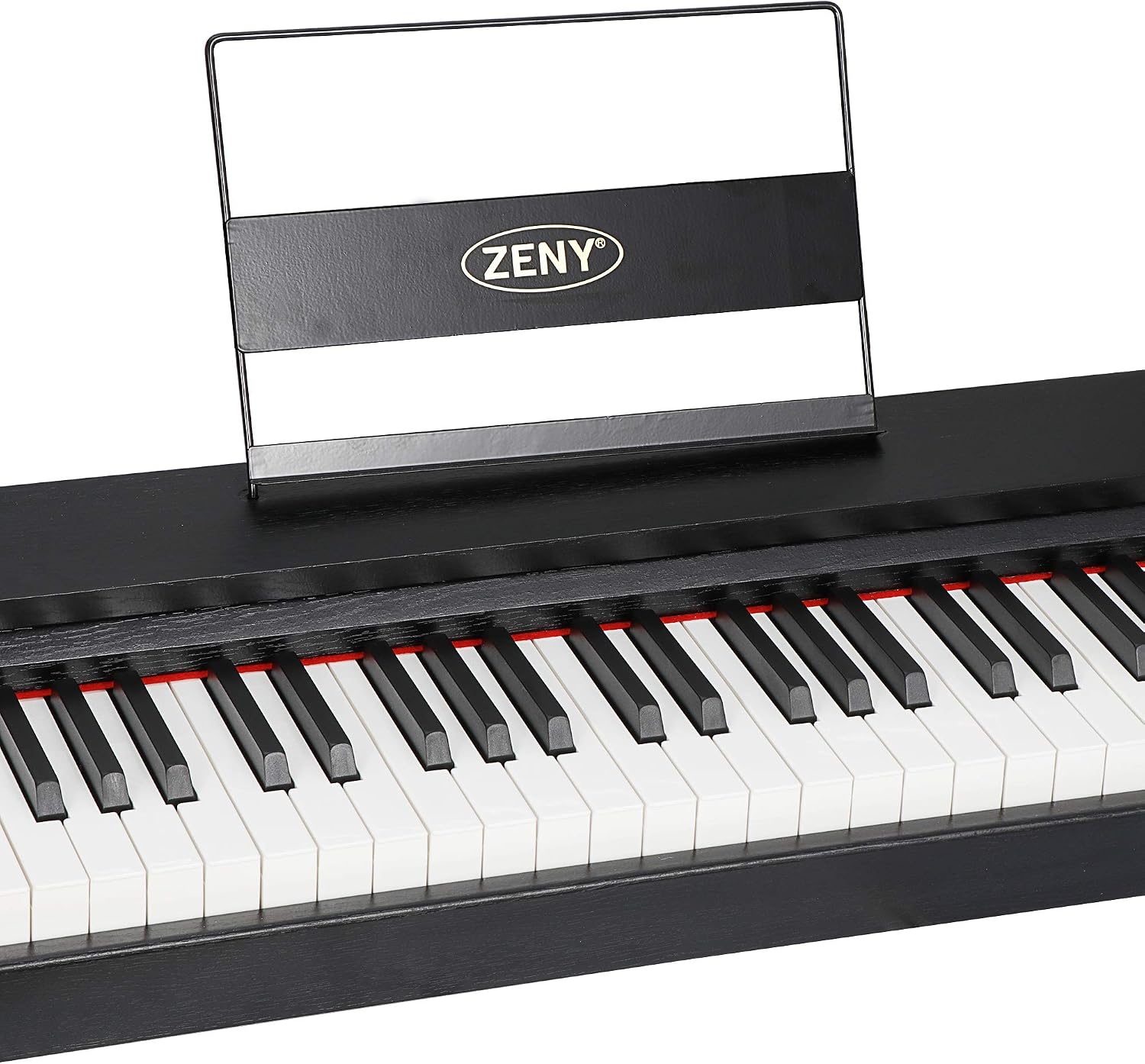
This image shows a close-up of the designated slot on the digital piano where the music stand is inserted. The slot is designed to hold the stand firmly, providing a stable surface for sheet music or a tablet.
2. Connecting the Sustain Pedal
- Locate the "SUS" (Sustain) input jack on the rear panel of the digital piano.
- Plug the cable from the sustain pedal into this jack.

This image displays the sustain pedal, a standard accessory for digital pianos, which allows for sustained notes similar to an acoustic piano. It connects to the dedicated sustain input on the piano's rear panel.
3. Power Connection
- Connect the power adapter to the DC Power input on the rear panel of the digital piano.
- Plug the other end of the power adapter into a standard electrical outlet.
The image illustrates the various input and output ports located on the rear of the ZENY Digital Piano. These include the DC power input, SUS (sustain pedal) input, earphone jack, audio in/out sockets, and a USB MIDI port for connectivity with other devices.
Operating Instructions
Power On/Off
Press the POWER button located on the control panel to turn the piano on or off. The LED display will illuminate when the piano is powered on.

This image provides a detailed view of the digital piano's control panel, highlighting the LED display and the array of buttons used to select voices, adjust volume, control tempo, and access other functions.
Volume Adjustment
Use the VOL+ and VOL- buttons on the control panel to adjust the master volume. The current volume level will be displayed on the LED screen.
Voice Selection
The ZENY 88 Key Digital Piano includes 5 premium voices: Acoustic Piano, Electric Piano, Organ, Synth, and Bass. To select a voice:
- Press the VOICE/STYLE/CHORD button.
- Use the SELECT buttons (up/down arrows) to cycle through the available voices. The selected voice number will appear on the LED display.
Intelligent Teaching Mode
The LED display can guide beginners by showing the correct keys and chords for demo songs. To activate and use this feature:
- Press the DEMO SELECT button to enter demo mode.
- Use the SELECT buttons to choose a demo song.
- Follow the illuminated keys on the LED display as the song plays.
Maintenance
Cleaning
- Always unplug the piano before cleaning.
- Use a soft, dry, lint-free cloth to wipe the surface of the piano and keys.
- For stubborn dirt, slightly dampen the cloth with water, then wipe dry immediately.
- Do not use chemical cleaners, waxes, or polishes as they may damage the finish.
Storage
- Store the piano in a cool, dry place away from direct sunlight and extreme temperatures.
- If storing for an extended period, cover the piano with a dust cover to protect it from dust and debris.
Troubleshooting
| Problem | Possible Cause | Solution |
|---|---|---|
| No sound | Power not connected, volume too low, headphones connected. | Ensure power adapter is securely plugged in. Increase volume. Disconnect headphones if external speakers are desired. |
| Keys not responding | Piano not powered on, internal issue. | Press the POWER button. If problem persists, contact customer support. |
| Distorted sound | Volume too high, faulty connection. | Lower the volume. Check all cable connections. |
| LED display not working | Power issue, internal fault. | Ensure power is on. If problem persists, contact customer support. |
Specifications
- Model: ZENY 88
- Number of Keys: 88
- Key Type: Semi-weighted
- Voices: 5 (Acoustic Piano, Electric Piano, Organ, Synth, Bass)
- Polyphony: 128-note max
- Speakers: 20-watt built-in speakers
- Connectivity: 3.5mm Jack (Headphones, Audio In/Out), USB MIDI
- Power Source: AC Adapter (110V-240V)
- Product Dimensions: 52.2"W x 14.8"D x 9.6"H
- Item Weight: 24 Pounds
Warranty and Support
For warranty information or technical support, please refer to the contact details provided with your purchase documentation or visit the official ZENY website. Keep your purchase receipt as proof of purchase for warranty claims.
Ask a question about this manual
Ask about setup, troubleshooting, compatibility, parts, safety, or missing instructions. Manuals+ will review the question and use this page’s manual context to help answer it.