
Introduction
This manual provides essential information for the proper use and maintenance of your Amazon Basics LCD 8-Digit Desktop Calculator. Please read this manual thoroughly before using the product to ensure optimal performance and longevity.
The Amazon Basics LCD 8-Digit Desktop Calculator is designed for portability and ease of use, featuring an 8-digit LCD display for clear output and user-friendly buttons. It supports basic arithmetic operations, percentages, and square roots, making it suitable for various daily calculation needs.
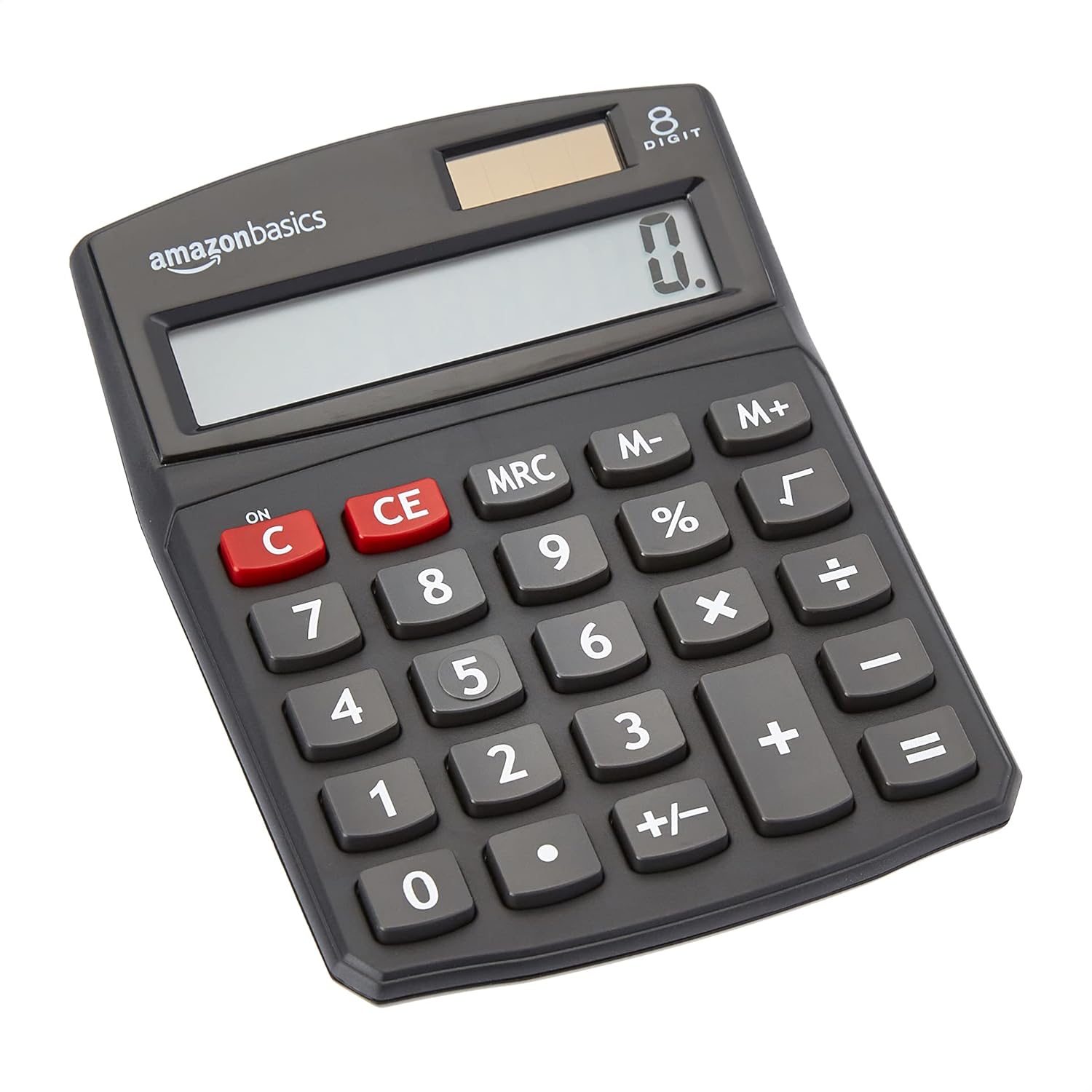
Front view of the Amazon Basics 8-Digit Desktop Calculator, showcasing its compact design and clear display.
Setup
Your Amazon Basics calculator is ready for use right out of the box. It operates on both solar power and a backup battery, ensuring continuous functionality in various lighting conditions.
Power Source:
- Solar Power: The calculator primarily uses solar energy. Ensure the solar panel, located above the display, is exposed to sufficient light for operation.
- Battery Backup: An internal battery provides power when light is insufficient or for extended use. No user intervention is required for battery installation or replacement under normal conditions.
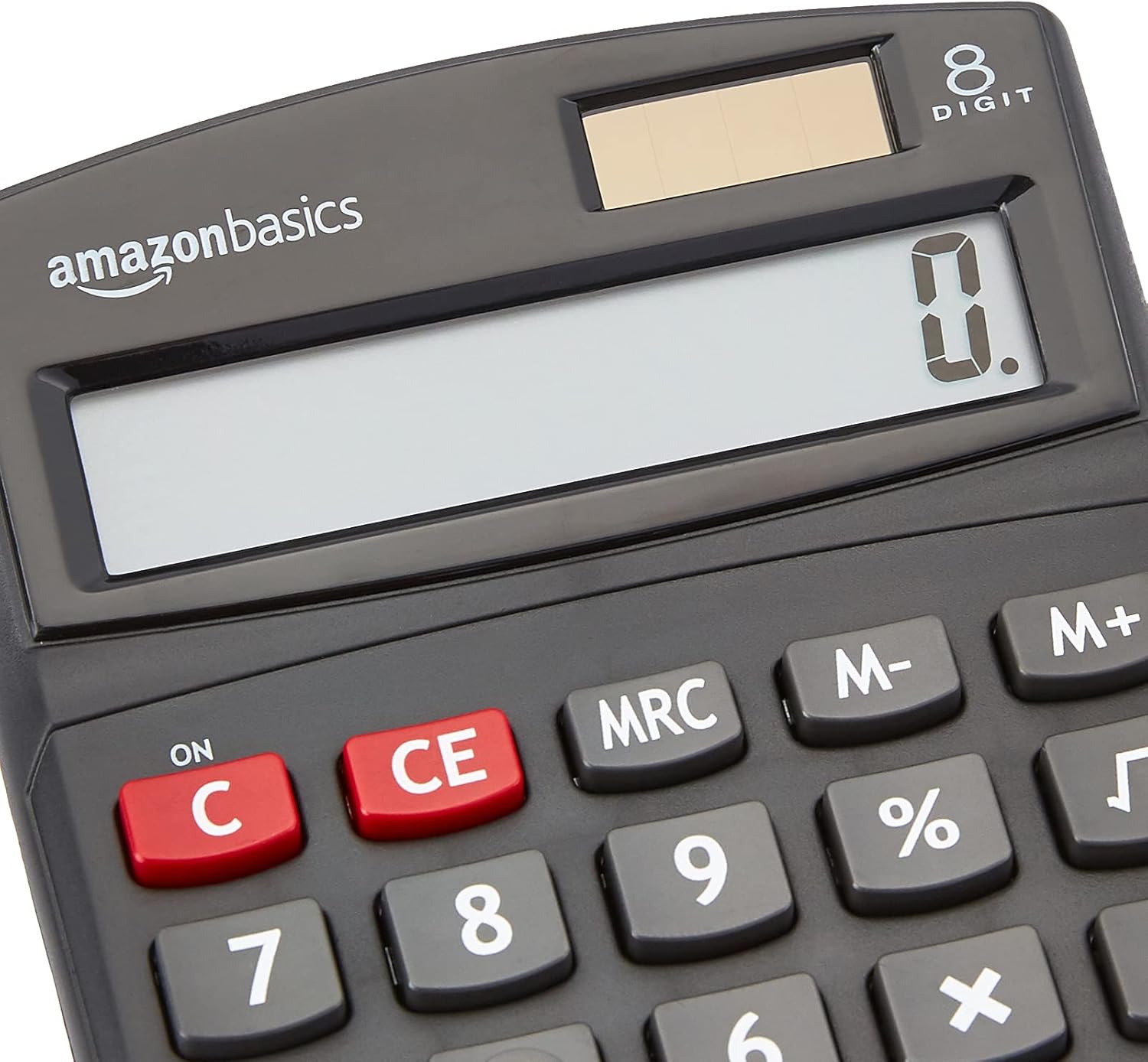
Close-up view of the calculator's LCD display and the integrated solar panel, highlighting the dual power source.
Operating Instructions
The calculator features a standard layout for intuitive operation. Familiarize yourself with the key functions:

Detailed view of the calculator's keypad, showing the layout of numerical and function buttons.
Basic Operations:
- ON/C (Clear): Press to turn on the calculator or clear the current entry.
- CE (Clear Entry): Clears the last entered number without affecting previous calculations.
- Number Keys (0-9): Used to input numerical values.
- Decimal Point (.): Used for decimal numbers.
- Arithmetic Operators (+, -, ×, ÷): Perform addition, subtraction, multiplication, and division.
- Equals (=): Displays the result of the calculation.
Advanced Functions:
- % (Percentage): Calculates percentages. For example, to find 10% of 200, enter 200 × 10 %.
- √ (Square Root): Calculates the square root of the displayed number.
- M+, M-, MRC (Memory Functions):
- M+: Adds the displayed number to memory.
- M-: Subtracts the displayed number from memory.
- MRC: Recalls the memory content. Pressing twice clears the memory.
- +/- (Sign Change): Changes the sign of the displayed number (positive to negative, or negative to positive).

The 8-digit LCD display showing a full numerical entry, demonstrating its capacity.
Maintenance
To ensure the longevity and proper functioning of your calculator, follow these simple maintenance guidelines:
- Cleaning: Wipe the calculator with a soft, dry cloth. Do not use liquid cleaners, abrasive pads, or chemical solvents, as these may damage the surface or internal components.
- Storage: Store the calculator in a cool, dry place away from direct sunlight and extreme temperatures.
- Avoid Impact: Protect the calculator from drops and impacts, which can damage the display or internal circuitry.
- Solar Panel Care: Keep the solar panel clean and unobstructed to ensure efficient power generation.
Troubleshooting
If you encounter issues with your calculator, refer to the following common problems and solutions:
| Problem | Possible Cause | Solution |
|---|---|---|
| Display is blank or dim. | Insufficient light for solar panel, or low battery. | Move the calculator to a brighter area. If the problem persists, the internal battery may be depleted. |
| Keys are unresponsive. | Dust or debris under keys, or internal malfunction. | Gently clean around the keys. Press the ON/C button to reset. If unresponsive, contact support. |
| Incorrect calculation results. | Incorrect input sequence, or display overflow. | Press ON/C to clear and re-enter the calculation carefully. Ensure numbers do not exceed 8 digits. |
Specifications
- Product Dimensions: 5 x 3.72 x 0.1 inches
- Item Weight: 2.72 ounces
- Model Number: KC-760-8
- Brand: Amazon Basics
- Color: Black
- Calculator Type: Standard Function
- Power Source: Solar and Battery
- Display: 8-digit LCD

Visual representation of the calculator's dimensions.
Warranty & Support
For detailed warranty information and customer support, please refer to the official documents provided with your product or visit the Amazon Basics support page.

