
CLAONER CLCLSL012AB-USAS1
CLAONER Solar Lights Outdoor User Manual
Model: CLCLSL012AB-USAS1
1. Product Overview
The CLAONER Solar Lights Outdoor are advanced motion-sensing security lights designed for various outdoor applications. These lights feature 128 high-efficiency LEDs, providing a wide 270° illumination angle for extensive coverage. They are equipped with a sensitive PIR motion inductor, detecting movement up to 12-20 feet within a 120° angle. Built with high-strength ABS material and an IP65 waterproof rating, these lights are durable and suitable for all-weather conditions.
Key features include:
- Upgraded Solar Outdoor Lights: 270° illumination angle, 200% broader coverage.
- Brighter & Larger Coverage Lighting: Enhanced PIR motion inductor for powerful motion sensitivity (12-20 feet, 120° detect angle).
- High Efficiency & Eco-Friendly: Rechargeable battery, 10 hours of sunlight charging for night operation.
- Easy Installation & IP65 Waterproof: Two installation methods (screws or adhesive tape), durable ABS material.
- 3 Optional Lighting Modes: Normally on, Dim-to-High sensor, No light-to-High sensor.

Image: Four CLAONER solar lights, highlighting their design and solar panels.
2. What's in the Box
Upon opening the package, please verify that all components are present and undamaged:
- 4 x CLAONER Solar Wall Lights
- 4 x Installing Screws
- 4 x Plastic Anchors
- 4 x Adhesive Tapes
- 1 x User Manual
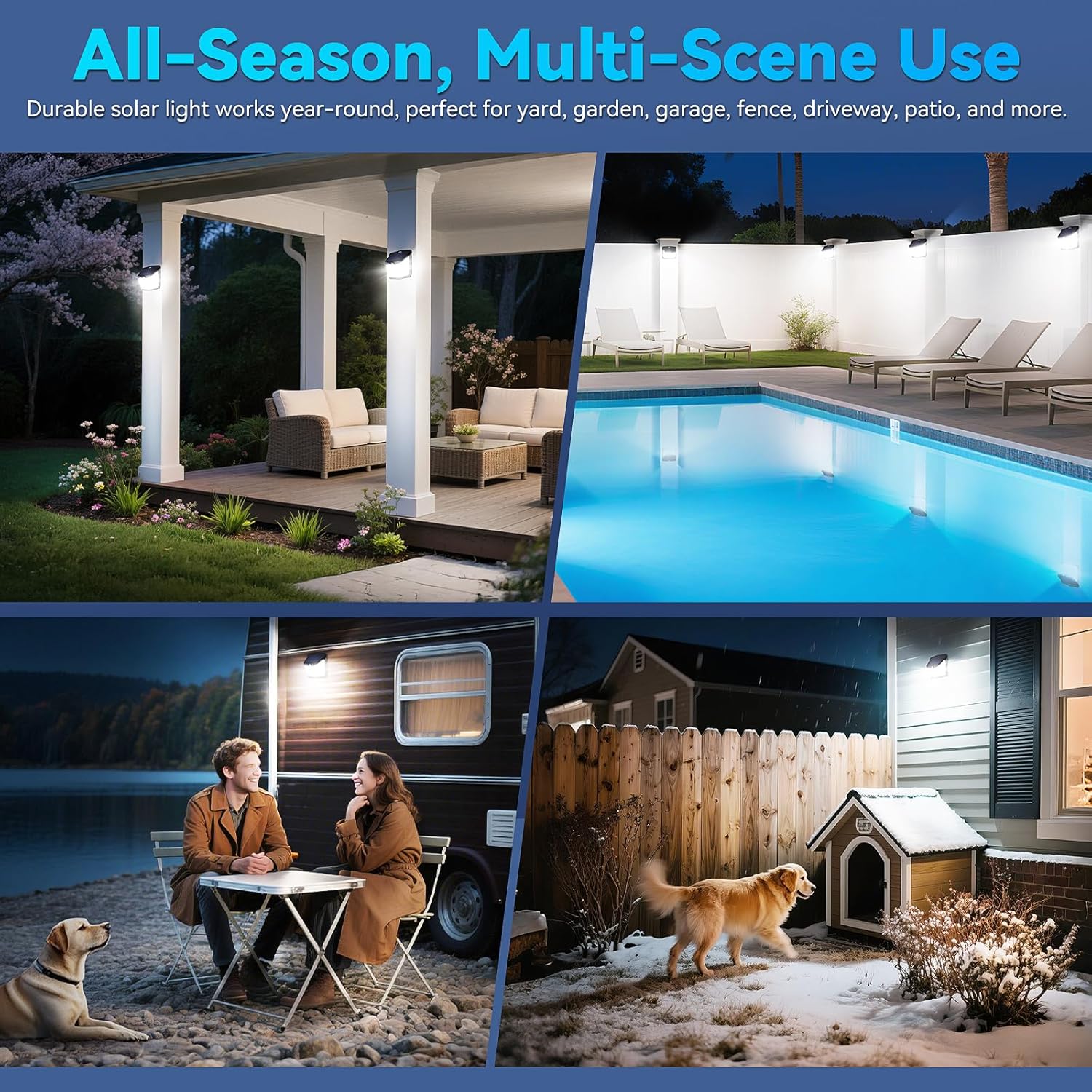
Image: Package contents showing the solar lights, mounting hardware, and manual.
3. Specifications
| Feature | Detail |
|---|---|
| Brand | CLAONER |
| Model Name | HSG-T18 |
| Model Number | CLCLSL012AB-USAS1 |
| Light Source Type | LED (128 LEDs) |
| Color Temperature | Cold White |
| Brightness | 1800 Lumen |
| Efficiency | 1200 lumens/watt |
| Illumination Angle | 270° Wide Angle |
| Motion Sensor Detection Angle | 120° |
| Motion Sensor Detection Distance | 12-20 feet |
| Material | Acrylonitrile Butadiene Styrene (ABS), Plastic |
| Water Resistance Level | IP65 Waterproof |
| Power Source | Solar Powered |
| Battery | 1 AAA battery (included) |
| Product Dimensions | 4.4"L x 2.3"W x 4.2"H |
| Item Weight | 6.3 ounces |
| Installation Type | Semi Flush Mount |
| Warranty | 12 Month |
4. Setup and Installation
Before installation, ensure the solar light is fully charged by placing it in direct sunlight for at least 8-10 hours. Choose a location that receives ample direct sunlight throughout the day for optimal charging and performance.
Installation Methods:
The CLAONER solar lights offer flexible installation options:
- Method 1: Mounting with Screws (Included)
This method provides a secure and permanent installation. Use the provided screws and plastic anchors to mount the light firmly to a wall or fence post. Drill pilot holes if necessary, insert anchors, and then secure the light with screws.
- Method 2: Mounting with Adhesive Tape (Included)
For a less permanent solution or on smooth surfaces, use the provided double-sided adhesive tape. Clean the surface thoroughly before applying the tape to ensure strong adhesion. Press the light firmly onto the desired location.
- Method 3: Hanging on a Fence with Suitable Rope (Not Included)
For temporary placement or on structures like fences, the light can be hung using a suitable rope (not included) through the designated hanging hole. Ensure the rope is strong enough to support the light and that the light is stable.

Image: Visual guide for different installation methods.
5. Operating Instructions
The CLAONER solar lights feature a single button to cycle through three distinct lighting modes. Press the button repeatedly to select your preferred mode.
Lighting Modes:
- Mode 1: Normally On Mode (Medium Light)
The light stays on at a medium brightness level throughout the night. This mode is suitable for continuous ambient lighting.
- Mode 2: Dim Light to High Light Sensor Mode
The light remains at a dim brightness. When motion is detected, it switches to high brightness for approximately 20 seconds. After 20 seconds without motion, it returns to dim light. This mode balances energy saving with security lighting.
- Mode 3: No Light to High Light Sensor Mode
The light remains off. When motion is detected, it switches to high brightness for approximately 20 seconds. After 20 seconds without motion, it turns off completely. This mode is ideal for maximum energy saving and on-demand security lighting.
The enhanced PIR motion inductor provides powerful motion sensitivity up to 12-20 feet with a 120° detect angle. Each lighting time is about 20 seconds and can be extended if motion is detected again within that period.

Image: Visual representation of the three operational modes.
6. Maintenance
To ensure optimal performance and longevity of your CLAONER solar lights, follow these maintenance guidelines:
- Clean the Solar Panel: Regularly wipe the solar panel with a soft, damp cloth to remove dust, dirt, leaves, or snow. A clean solar panel ensures maximum sunlight absorption and efficient charging.
- Check Mounting: Periodically inspect the mounting screws or adhesive tape to ensure the light remains securely attached. Re-tighten screws or re-apply tape if necessary.
- Clear Obstructions: Ensure no trees, bushes, or other objects are blocking direct sunlight from reaching the solar panel, especially during peak charging hours.
- Battery Care: While the battery is designed for long life, extreme temperatures can affect its performance. If storing the lights for an extended period, ensure they are fully charged before storage and recharge them every few months.
No internal user-serviceable parts are present. Do not attempt to disassemble the unit.
7. Troubleshooting
If you encounter issues with your CLAONER solar lights, refer to the following common problems and solutions:
| Problem | Possible Cause | Solution |
|---|---|---|
| Light does not turn on at night. |
|
|
| Light is dim or only stays on for a short period. |
|
|
| Motion sensor is not working or is too sensitive. |
|
|
If problems persist after trying these solutions, please contact CLAONER customer support.
8. Warranty and Support
CLAONER provides a 12-month warranty for this product from the date of purchase. This warranty covers manufacturing defects and issues arising from normal use.
The warranty does not cover:
- Damage caused by improper installation or misuse.
- Damage caused by natural disasters (e.g., lightning, floods).
- Unauthorized repairs or modifications.
- Normal wear and tear.
For warranty claims, technical support, or any questions regarding your CLAONER Solar Lights, please contact the seller directly through your purchase platform or visit the official CLAONER store for contact information.
CLAONER Official Store: Visit the CLAONER Store on Amazon
Related documentsCLCLSL012AB-USAS1


Ask a question about this manual
Ask about setup, troubleshooting, compatibility, parts, safety, or missing instructions. Manuals+ will review the question and use this page’s manual context to help answer it.