
Introduction
The Wiko WiSHAKE Vibes are compact Bluetooth® stereo speakers designed for portable audio playback. They offer 360° stereo sound and can be magnetically connected to function as a single unit. Featuring a battery life of up to 8 hours on a single charge and colored LED lights, these speakers are suitable for various listening environments.
Package Contents
- Wiko WiSHAKE Vibes Bluetooth Stereo Speakers (2 units)
- Charging Cable (not explicitly listed but implied for battery-powered device)
- User Manual (this document)
Setup
1. Charging the Speakers
Before first use, fully charge both WiSHAKE Vibes speakers. Connect the charging cable (not included in the provided product components, but standard for such devices) to the charging port on each speaker and to a compatible USB power source. The LED indicator will show charging status and turn off or change color when fully charged.
2. Powering On/Off
- To Power On: Press and hold the Power button on each speaker until the LED indicator lights up.
- To Power Off: Press and hold the Power button on each speaker until the LED indicator turns off.
3. Bluetooth Pairing
- Ensure both speakers are powered on and within close proximity to your Bluetooth device (smartphone, tablet, etc.).
- On your device, go to Bluetooth settings and enable Bluetooth.
- Search for available devices. The speakers should appear as 'Wiko WiSHAKE Vibes' or similar.
- Select the speaker name to initiate pairing. Once paired, a confirmation sound or LED indicator change will occur.
- If using both speakers for stereo sound, they should automatically connect to each other after being paired with your device. If not, ensure both are powered on and try re-pairing.
4. Magnetic Connection
The two WiSHAKE Vibes speakers can be magnetically connected to form a single unit, resembling a soundbar. Simply bring the flat sides of the speakers together; they will snap into place. This configuration maintains stereo sound output.
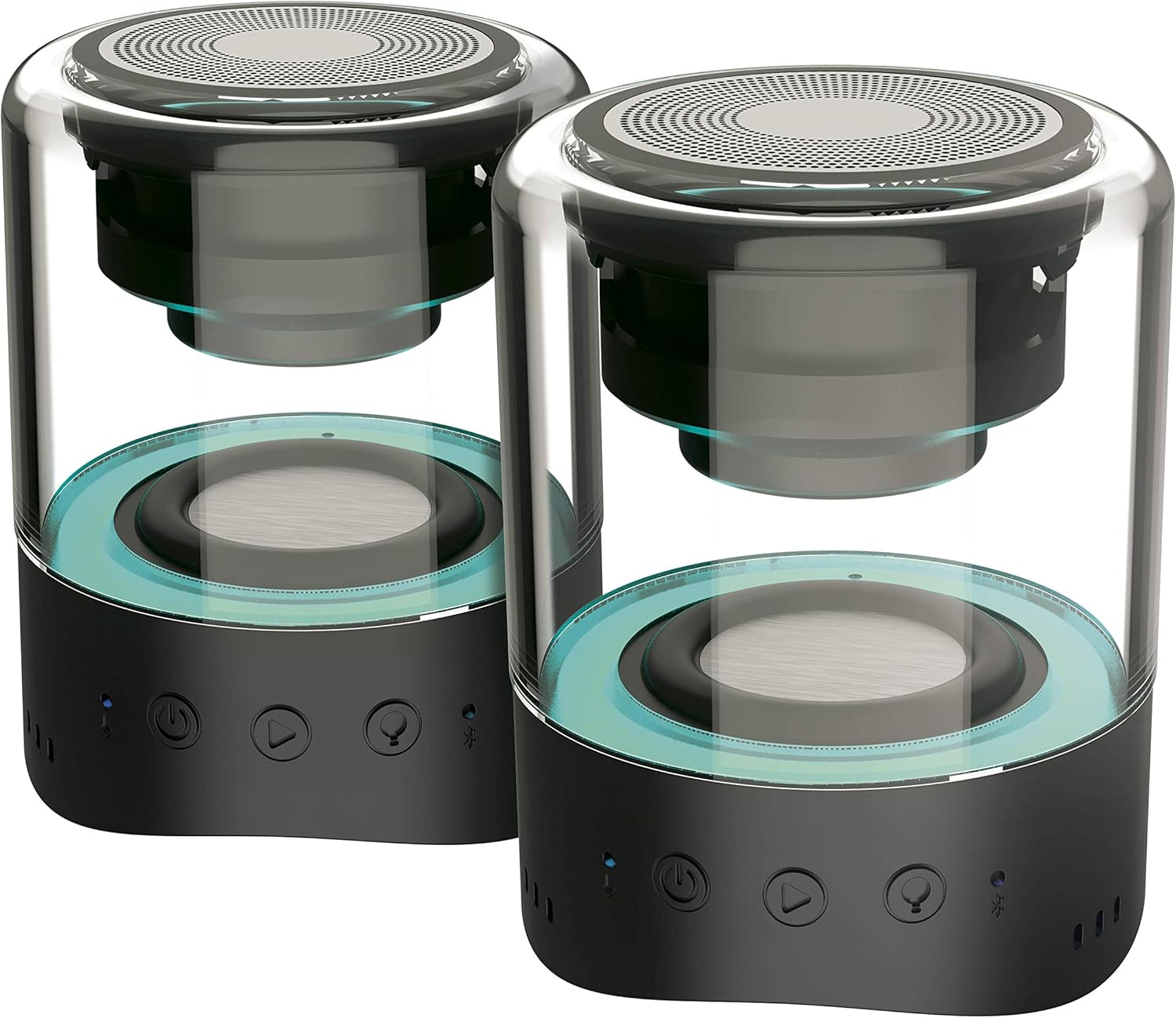
Image: Two Wiko WiSHAKE Vibes speakers magnetically connected, forming a single unit.
Operating the Speakers
1. Audio Playback
Once paired, audio from your connected device will play through the WiSHAKE Vibes speakers. The speakers deliver 360° stereo sound.
2. Touch Controls
The speakers feature touch controls for various functions:
- Play/Pause: Tap the Play/Pause button.
- Volume Up/Down: Use the volume buttons (+/-).
- Next/Previous Track: Use the track skip buttons.
3. LED Lights
The integrated colored LED lights can follow the rhythm of your music, adding a visual element to your listening experience. The specific control for LED modes may vary; refer to the quick start guide if included, or experiment with touch controls.

Image: Two Wiko WiSHAKE Vibes speakers on a wooden bench, showcasing their design and portability.
Maintenance
1. Cleaning
Wipe the speakers with a soft, dry cloth. Do not use abrasive cleaners or solvents, as these can damage the surface.
2. Storage
Store the speakers in a cool, dry place away from direct sunlight and extreme temperatures when not in use for extended periods.
3. Water Resistance
The Wiko WiSHAKE Vibes speakers are NOT waterproof. Avoid exposure to water, rain, or excessive moisture to prevent damage.
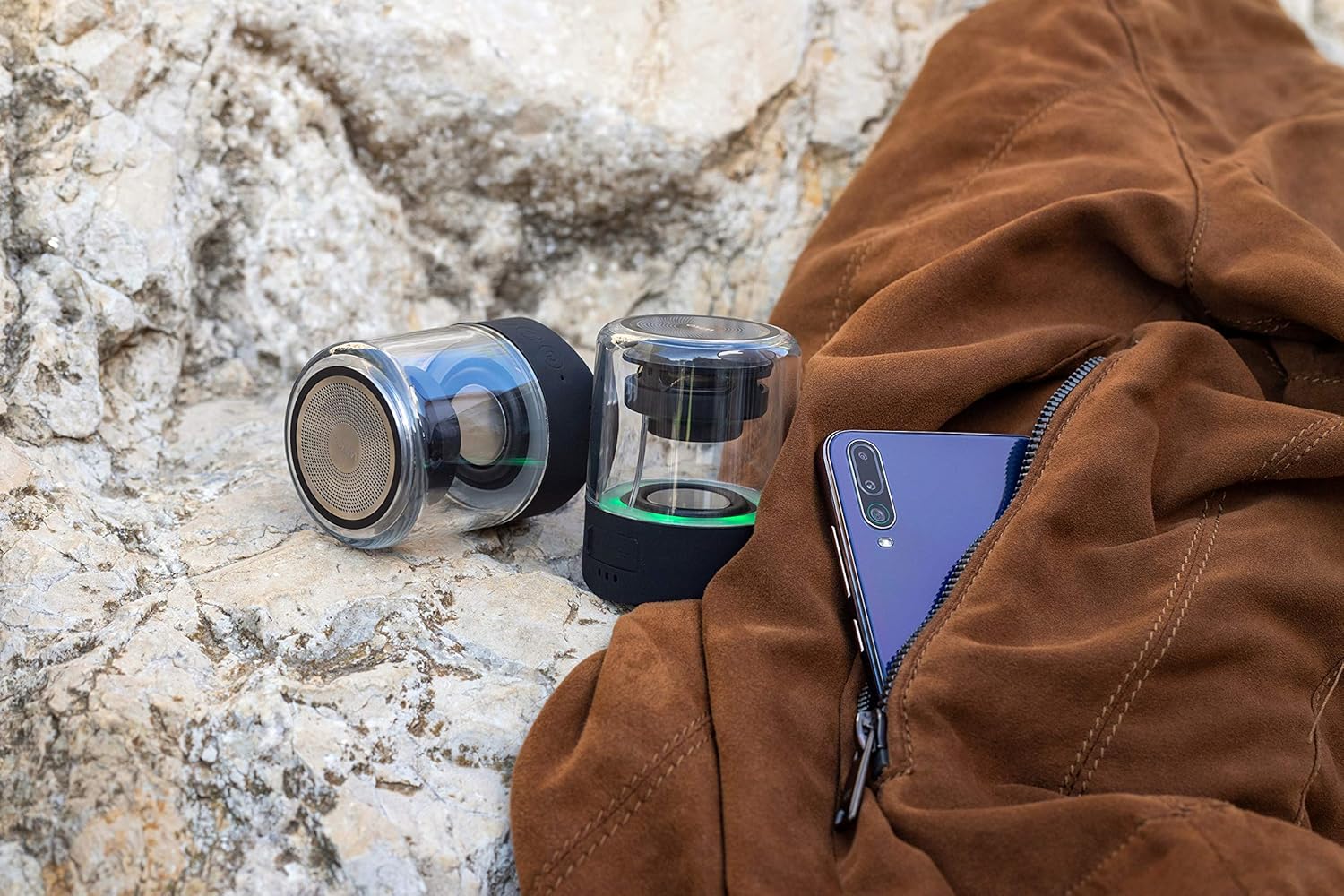
Image: Two Wiko WiSHAKE Vibes speakers placed on a rocky surface next to a jacket, illustrating their compact size and portability.
Troubleshooting
- No Power: Ensure the speakers are fully charged. Connect them to a power source and allow them to charge for at least 30 minutes before attempting to power on again.
- No Sound:
- Check that the speakers are powered on and successfully paired with your device.
- Increase the volume on both the speakers and your connected device.
- Ensure no other Bluetooth devices are connected to the speakers.
- Pairing Issues:
- Turn off and then turn on Bluetooth on your device.
- Power off and then power on the speakers.
- Forget the 'Wiko WiSHAKE Vibes' from your device's Bluetooth list and attempt to re-pair.
- Ensure the speakers are within the effective Bluetooth range (typically 10 meters/33 feet).
- Distorted Sound:
- Move the speakers closer to your connected device.
- Ensure there are no obstructions or sources of interference (e.g., Wi-Fi routers, other Bluetooth devices) between the speakers and your device.
- Lower the volume on your device or the speakers if the distortion occurs at high volumes.
Specifications

Image: Internal view of a single Wiko WiSHAKE Vibes speaker.
| Feature | Detail |
|---|---|
| Brand | Wiko |
| Model Number | WKAUNPKBWV |
| Color | Black |
| Product Dimensions (L x W x H) | 6 x 6 x 7.5 cm |
| Item Weight | 335 Grams |
| Power Source | Battery Powered |
| Battery Type | 2 Lithium-polymer batteries required |
| Wireless Technology | Bluetooth 5.0 |
| Speaker Output Power | 2 x 5W |
| Audio Output Mode | Stereo |
| Speaker Size | 1 Inch |
| Battery Life (Playback Time) | Up to 8 Hours |
| Control Method | Touch |
| Special Features | 360° Stereo Sound, Magnetic Clip, Colored LED Lights |
| Waterproof | No |
| Recommended Uses | For smartphone or tablet |
| Compatible Devices | Game console, Smartphone, Tablet |
Warranty Information
The Wiko WiSHAKE Vibes speakers come with a Lifetime Warranty. Please retain your proof of purchase for any warranty claims. For specific terms and conditions, refer to the warranty card included with your product or contact Wiko customer support.
Customer Support
For further assistance, technical support, or warranty inquiries, please visit the official Wiko website or contact their customer service department. Contact information can typically be found on the Wiko website or in the product packaging.