
Billboard BB2693
Contents
Billboard Bluetooth 5.0 True Wireless Stereo Earbuds
Model: BB2693
Introduction
The Billboard True Wireless Stereo (TWS) Earbuds with Charging Case are designed to provide a high-quality audio experience with the convenience of wireless technology. Featuring Bluetooth 5.0, these earbuds offer clear sound, powerful bass, and hands-free calling. The compact design and included charging case ensure portability and extended use.

Image: Billboard True Wireless Earbuds in their charging case, with one earbud shown separately. The earbuds and case are black.
Setup
1. Initial Charging
Before first use, fully charge the earbuds and the charging case. Place the earbuds into the charging case. The case can charge the earbuds 4 to 5 times, providing up to 12.5 additional hours of playback.

Image: The Billboard True Wireless Earbuds resting in their open charging case, positioned next to a smartphone, illustrating the charging setup.
2. Bluetooth Pairing
- Ensure Bluetooth is enabled on your device (smartphone, tablet, laptop).
- Remove the earbuds from the charging case. They will automatically power on and enter pairing mode.
- On your device, search for "Billboard BB2693" or a similar name in the Bluetooth settings and select it to connect.
- Once connected, a voice prompt will confirm successful pairing. The earbuds feature auto-pairing for subsequent uses.
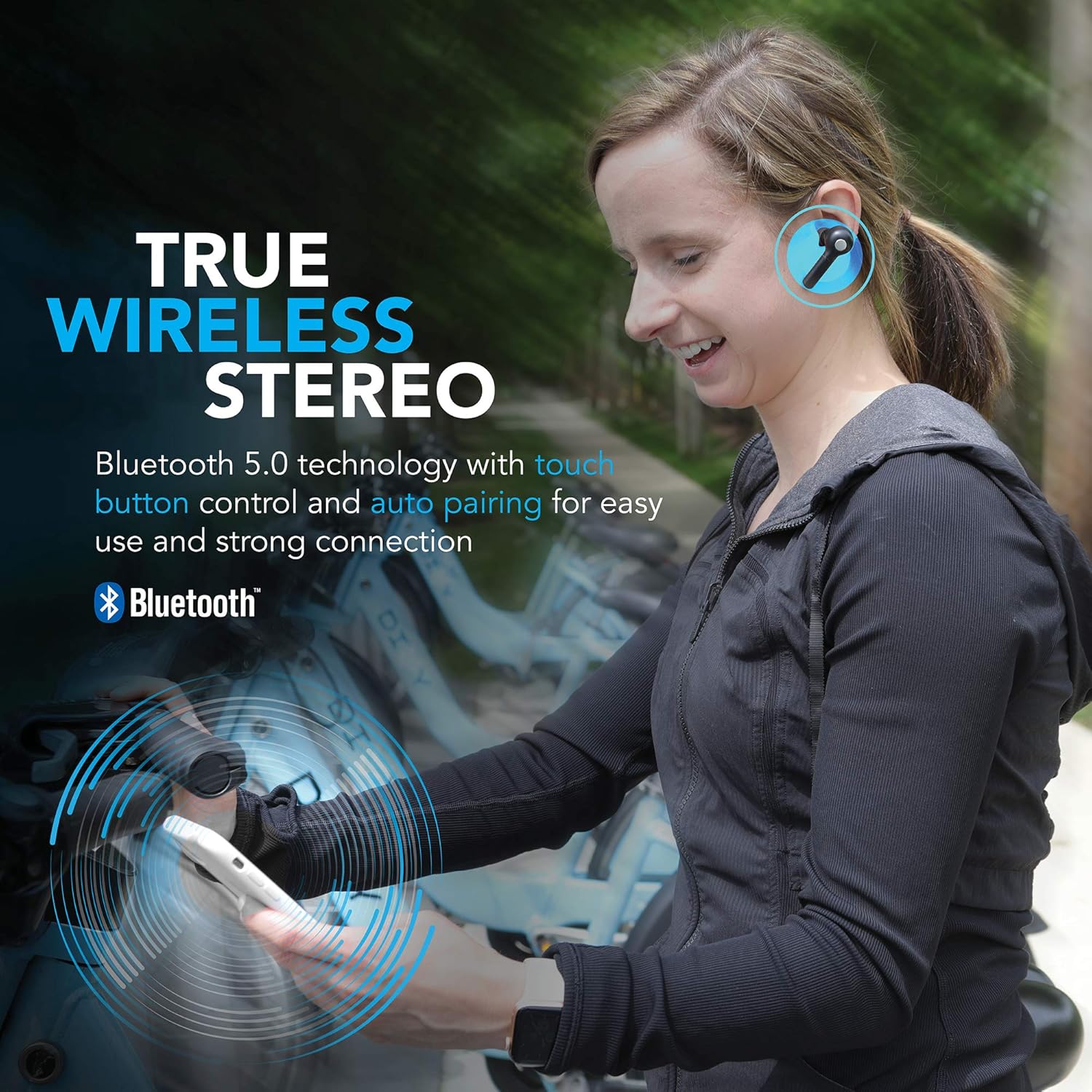
Image: A person wearing the Billboard True Wireless Earbuds while interacting with a smartphone, demonstrating the wireless stereo experience.
3. Earbud Fit
The earbuds come with noise-isolating ear gels designed for a comfortable and secure fit. Choose the ear gel size that best fits your ear canal for optimal sound acoustics and comfort during extended wear.

Image: A person gently adjusting a Billboard True Wireless Earbud in their ear, emphasizing the comfortable fit provided by the ear gels.
Operating Instructions
Power On/Off
- Power On: The earbuds automatically power on when removed from the charging case.
- Power Off: Place the earbuds back into the charging case to automatically power them off and begin charging.
Touch Controls
Each earbud features a convenient touch control area for managing audio playback and calls.
- Play/Pause: Tap once on either earbud.
- Next Song: Double-tap the right earbud.
- Previous Song: Double-tap the left earbud.
- Answer/End Call: Tap once on either earbud during an incoming call.
- Reject Call: Press and hold either earbud for 2 seconds during an incoming call.
- Activate Voice Assistant (Siri for iOS): Triple-tap either earbud.

Image: A person wearing the Billboard True Wireless Earbuds, demonstrating their use for hands-free communication with the built-in microphone.
Wireless Range
The earbuds maintain a stable connection up to 33 feet (10 meters) from your paired device, allowing for freedom of movement while listening to music or taking calls.

Image: An infographic highlighting key features: a 33-foot streaming range and 2.5 hours of use per single charge, with 4-5 recharges available from a full case.
Maintenance
Cleaning
To maintain optimal performance and hygiene, regularly clean your earbuds and charging case. Use a soft, dry, lint-free cloth to wipe down the surfaces. For the ear gels, you may gently remove them and clean with a damp cloth, ensuring they are completely dry before reattaching.
Storage
Always store the earbuds in their charging case when not in use. This protects them from dust, damage, and helps maintain their charge. Keep the case in a cool, dry place away from direct sunlight and extreme temperatures.
Troubleshooting
| Problem | Solution |
|---|---|
| Earbuds not pairing with device. |
|
| No sound or low volume. |
|
| Earbuds not charging. |
|
Specifications
- Model: BB2693
- Connectivity: Bluetooth 5.0
- Wireless Range: Up to 33 feet (10 meters)
- Playtime (Earbuds): Up to 2.5 hours per charge
- Additional Playtime (with Charging Case): Up to 12.5 hours (4-5 full charges)
- Included Components: TWS earphones, charging case, ear gels, charging cable
- Material: Plastic
- Control Type: Touch Control, Voice Control (Siri compatible)
- Features: Noise Isolation, Built-in Microphone, Auto Pair, Auto Power On
- Charging Case Dimensions (Approx.): 2.25" x 2.25" x 0.75" (5.7 cm x 5.7 cm x 1.9 cm)
- Item Weight: 204 g (including packaging)
- Batteries: 3 Lithium Ion batteries (included)

Image: A diagram illustrating the compact dimensions of the Billboard True Wireless Earbuds and their charging case.
Warranty and Support
For detailed warranty information and customer support, please refer to the documentation included with your product packaging or contact Billboard customer service directly. Contact information for the manufacturer, ESI Wireless Accessories, may be found on their official website or through your point of purchase.
Documents and downloads
Ask a question about this manual
Ask about setup, troubleshooting, compatibility, parts, safety, or missing instructions. Manuals+ will review the question and use this page’s manual context to help answer it.