
Billboard BB2815
Contents
Billboard Bluetooth 5.0 True Wireless Stereo Earbuds User Manual
Model: BB2815
Introduction
This manual provides detailed instructions for the operation and maintenance of your Billboard Bluetooth 5.0 True Wireless Stereo Earbuds. Please read this manual thoroughly before using the product to ensure proper function and longevity.
What's in the Box
Verify that all items are present in the package:
- Charging case
- TWS earphones (Left and Right)
- USB charging cable
- User manual
- Extra Pairs of Silicone Ear Inserts (Large, Small)

Image: USB charging cable and various sizes of silicone ear tips included with the earbuds.
Product Overview
The Billboard True Wireless Earbuds consist of two independent earbuds and a portable charging case. Each earbud features a multi-function touch control area.

Image: The Billboard True Wireless Earbuds shown with their charging case. One earbud is placed outside the case, highlighting its compact design.

Image: A person wearing one of the Billboard True Wireless Earbuds, illustrating the true wireless stereo experience and Bluetooth 5.0 connectivity.
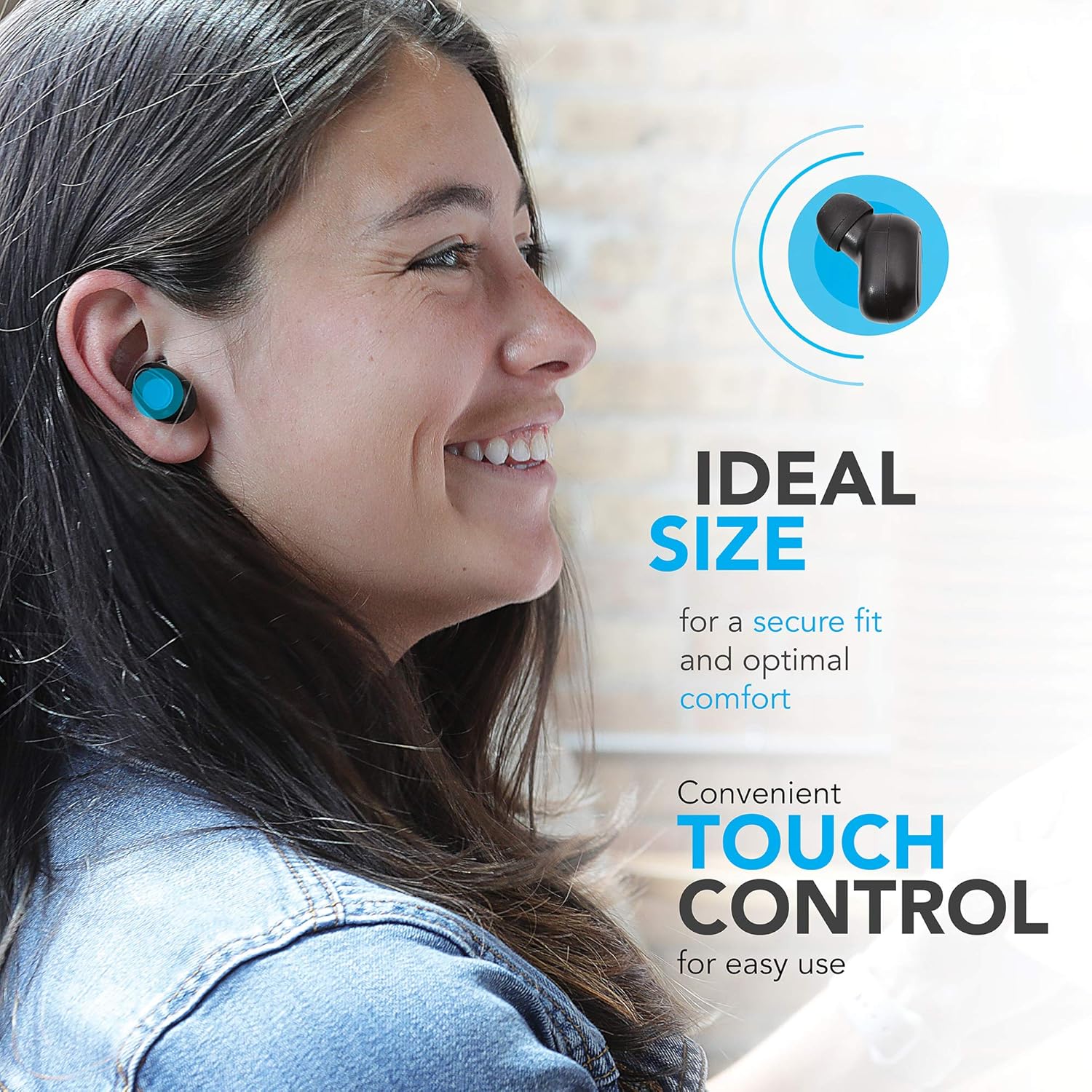
Image: A close-up of a person wearing a Billboard True Wireless Earbud, emphasizing its ideal size for a secure fit and the convenient touch control feature.
Setup
Initial Charging
Before first use, fully charge the earbuds and the charging case. Place both earbuds into the charging case. Connect the USB charging cable to the charging case and a power source (e.g., USB wall adapter, computer USB port). The indicator lights on the case will show charging status. A full charge typically takes approximately 2 hours for the case and 30 minutes for the earbuds.

Image: A hand holding one of the Billboard True Wireless Earbuds next to its open charging case, illustrating the portability and charging capability of the included case.
Pairing with a Device
- Ensure the earbuds are charged.
- Remove both earbuds from the charging case. They will automatically power on and enter pairing mode.
- On your device (smartphone, tablet, laptop), enable Bluetooth.
- Search for "Billboard BB2815" or similar in the list of available Bluetooth devices.
- Select the device name to connect. Once connected, a voice prompt will confirm successful pairing.
- The earbuds will automatically pair with the last connected device when removed from the case.
Operating Instructions
Power On/Off
- Power On: Remove earbuds from the charging case. They will power on automatically.
- Power Off: Place earbuds back into the charging case. They will power off automatically.
Music Playback
- Play/Pause: Tap the touch control area on either earbud once.
- Next Track: Double-tap the touch control area on the right earbud.
- Previous Track: Double-tap the touch control area on the left earbud.
Call Management
- Answer/End Call: Tap the touch control area on either earbud once.
- Reject Call: Press and hold the touch control area on either earbud for 2 seconds.
Voice Assistant (Siri)
- Activate Siri (iOS): Triple-tap the touch control area on either earbud.
Charging the Earbuds and Case
- Earbuds: Place them into the charging case. The case will automatically charge the earbuds.
- Charging Case: Connect the provided USB cable to the charging port on the case and a USB power source. The LED indicators on the case will show the charging status.
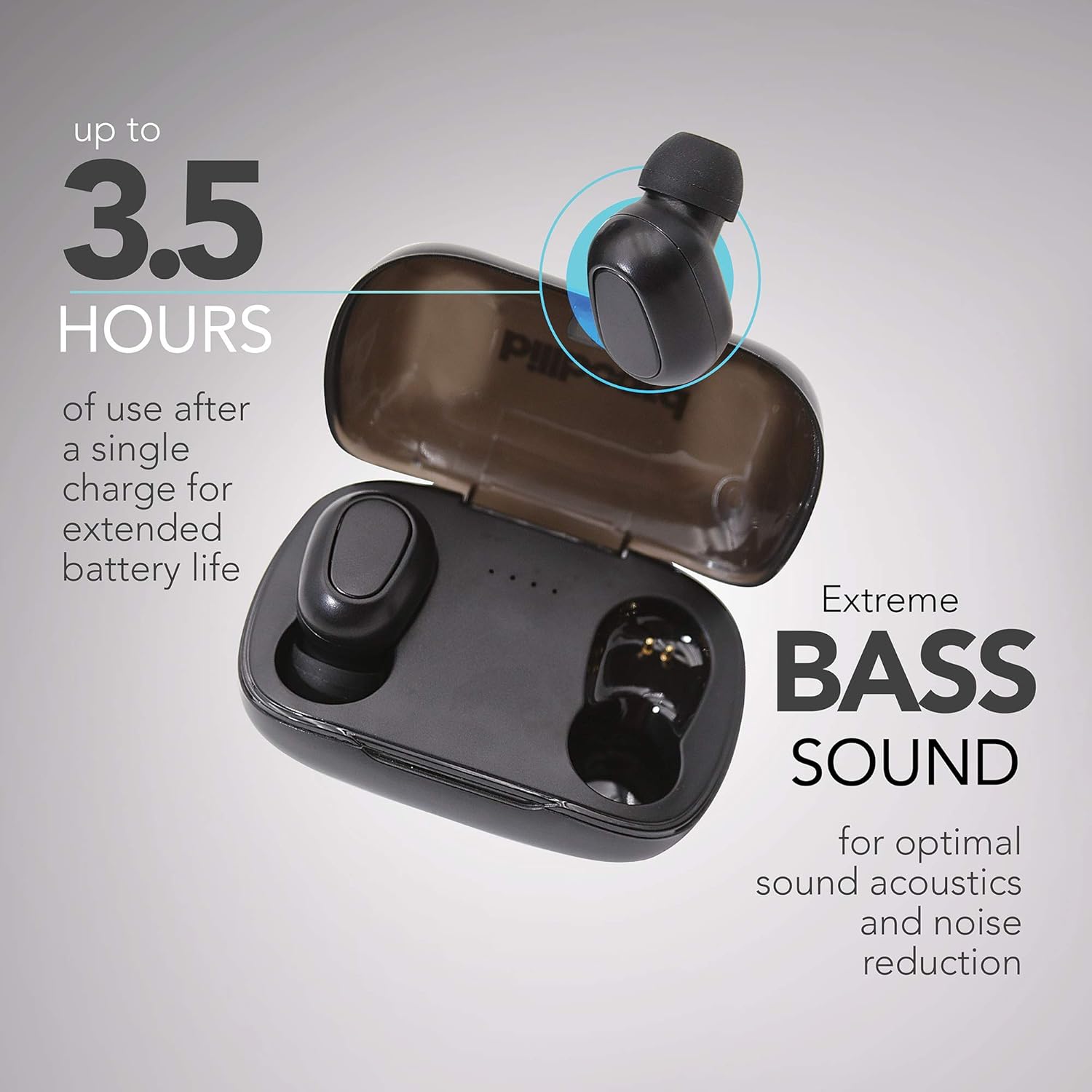
Image: The Billboard True Wireless Earbuds in their charging case, indicating up to 3.5 hours of playback per charge and emphasizing the extreme bass sound quality.
Maintenance
- Clean the earbuds and charging case regularly with a soft, dry cloth.
- Do not use abrasive cleaners or solvents.
- Keep the charging contacts on both the earbuds and the case clean to ensure proper charging.
- Store the earbuds in their charging case when not in use to protect them and keep them charged.
- Avoid exposing the product to extreme temperatures, humidity, or liquids.
Troubleshooting
| Problem | Possible Cause | Solution |
|---|---|---|
| Earbuds not pairing with device. | Bluetooth is off on device; earbuds not in pairing mode; previously paired device interfering. | Ensure Bluetooth is on. Place earbuds back in case, then remove to re-enter pairing mode. Forget device on your phone and re-pair. |
| Only one earbud working. | One earbud not charged; earbuds not properly connected to each other. | Ensure both earbuds are fully charged. Place both earbuds back in the case, close the lid, wait a few seconds, then remove them together. |
| No sound or low volume. | Volume too low on device; earbuds not connected; media paused. | Increase volume on your device. Check Bluetooth connection. Ensure media is playing. |
| Charging case not charging. | Cable issue; power source issue. | Try a different USB cable or power adapter. Ensure cable is securely connected. |
Specifications
| Feature | Detail |
|---|---|
| Model Name | Billboard Charging True Wireless Case Earbuds - Black |
| Connectivity Technology | Bluetooth 5.0 |
| Playtime (Earbuds) | Up to 3.5 hours |
| Charging Case Recharges | 4 to 5 times (up to 17.5 additional hours) |
| Control Type | Touch Control |
| Microphone | Built-in for hands-free calling |
| Noise Reduction | Intelligent noise reduction |
| Dimensions (Case) | Approximately 2.5" x 3.5" x 0.75" |
| Weight | 8.2 ounces (total item weight) |
| Material | Gel (ear tips) |
| Manufacturer | ESI Wireless Accessories |
| UPC | 680988248153 |
Warranty and Support
This product is manufactured by ESI Wireless Accessories. A limited warranty is typically provided, covering defective workmanship and materials for a specified period from the date of purchase. Please refer to the warranty card included with your product or contact the manufacturer directly for specific warranty terms and support inquiries.
For further assistance, you may visit the Billboard Store on Amazon or contact customer support channels provided by your retailer.
Documents and downloads
Ask a question about this manual
Ask about setup, troubleshooting, compatibility, parts, safety, or missing instructions. Manuals+ will review the question and use this page’s manual context to help answer it.