
KONKA 65U55A
KONKA 65-Inch Class U5 Series 4K Ultra HD Smart TV User Manual
Model: 65U55A
Introduction
This manual provides comprehensive instructions for the setup, operation, and maintenance of your KONKA 65-Inch Class U5 Series 4K Ultra HD Smart TV. Please read this manual thoroughly before using the television to ensure proper functionality and safety.
Safety Information
Always adhere to the following safety guidelines to prevent electric shock, fire, or damage to the television:
- Do not expose the TV to rain or moisture.
- Ensure proper ventilation around the TV.
- Do not block ventilation openings with items such as newspapers, table-cloths, curtains, etc.
- Do not place the TV on unstable carts, stands, tripods, brackets, tables, or shelves.
- Unplug the TV during lightning storms or when unused for long periods.
- Refer all servicing to qualified service personnel.
What's in the Box
Verify that all components are present:
- KONKA 65-Inch Class U5 Series 4K Ultra HD Smart TV
- Voice Remote Control
- TV Stand (2 pieces)
- Power Cord
- Quick Start Guide (this manual)
Setup
1. Attaching the TV Stand
Carefully place the TV face down on a soft, clean surface to prevent screen damage. Align the stand pieces with the screw holes on the bottom of the TV and secure them with the provided screws.
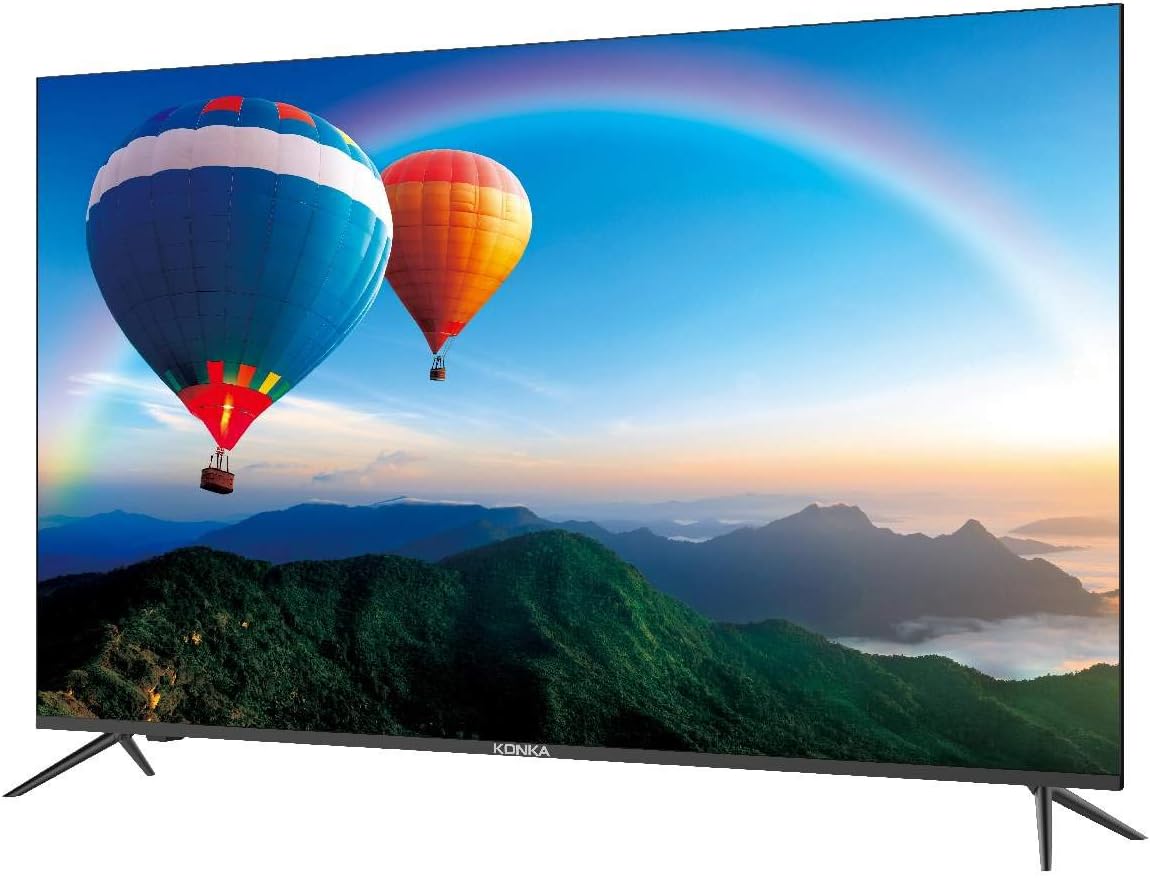
Image: Rear view of the KONKA 65U55A TV with the two stand legs attached at the bottom corners.
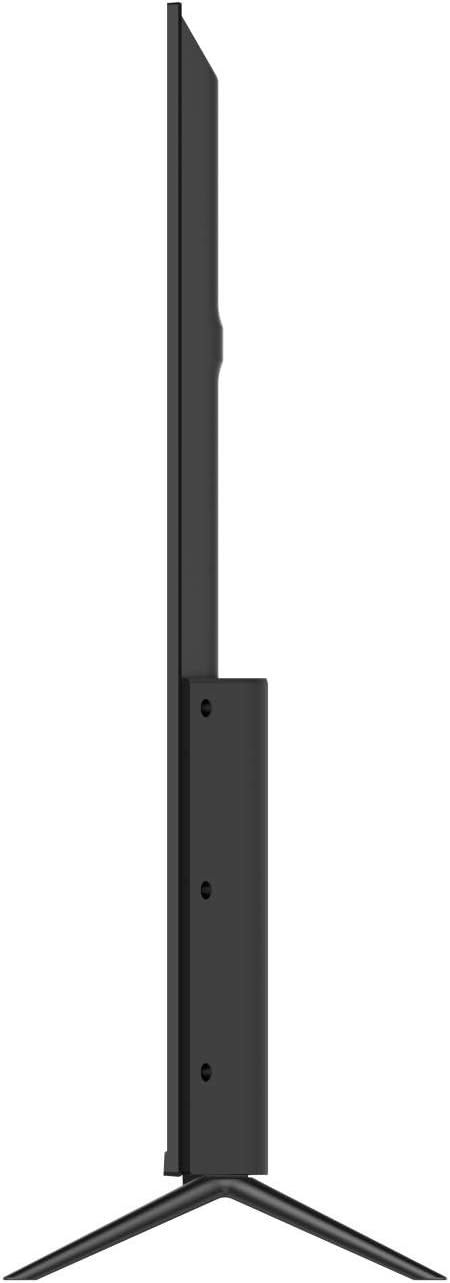
Image: Side profile of the KONKA 65U55A TV, showcasing its slim design and the attached stand.
2. Connecting Devices
Connect your external devices such as cable boxes, Blu-ray players, gaming consoles, and sound systems to the appropriate ports on the TV. The TV features multiple HDMI inputs, USB ports, and other connectivity options.

Image: Rear view of the KONKA 65U55A TV, highlighting the various input ports available for connectivity.
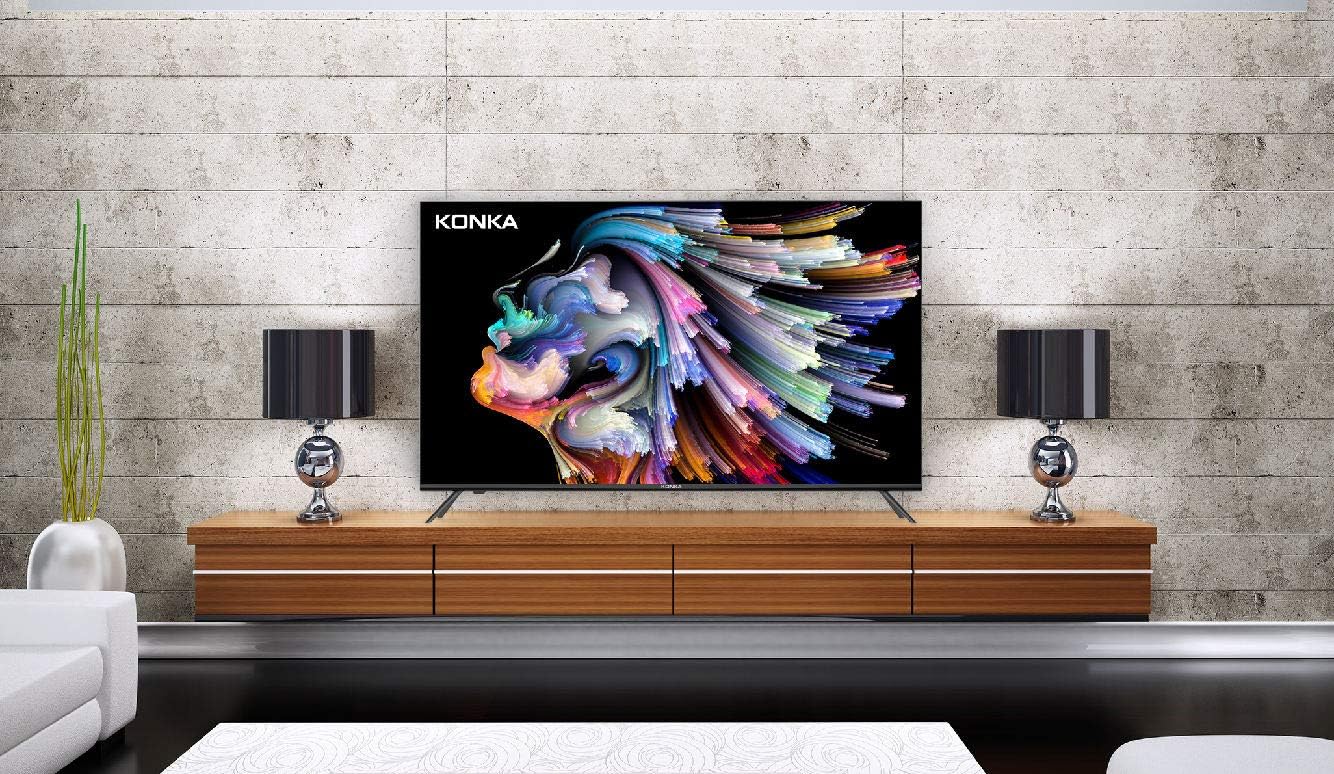
Image: Detailed diagram illustrating the layout and labels of the USB, HDMI, Headphone, LAN, Optical, AV In, and RF input ports on the KONKA 65U55A TV.
For optimal 4K content, use HDMI ports that support HDMI 2.0 or higher. Ensure all connections are secure.
3. Initial Power-On and Network Setup
Plug the power cord into an electrical outlet. Press the power button on the remote control or the TV. Follow the on-screen instructions to complete the initial setup, including language selection, network connection (Wi-Fi or Ethernet), and Google account sign-in for Android TV features.
Operating Instructions
Basic Operation
- Power On/Off: Press the Power button on the remote control.
- Input Selection: Press the Input button to cycle through connected sources (HDMI 1, HDMI 2, AV, etc.).
- Volume Control: Use the Volume Up/Down buttons.
- Channel Change: Use the Channel Up/Down buttons for broadcast TV.
Android TV Features
Your KONKA U5 Series TV comes with Android TV, providing access to a vast array of entertainment and smart features.

Image: The Android TV home screen displaying various streaming applications and content recommendations.
- Google Play Store: Access over 500,000 movies and TV shows, as well as thousands of apps and games.
- Built-in Chromecast: Cast content directly from your compatible smartphone or tablet to the TV screen.
- Google Assistant: Use the voice remote to search for content, get information, play music, and control smart home devices.
Video: An official product video showcasing the features of the KONKA U5 Series 4K Ultra HD TV with Android TV, including its smart capabilities and design.
Features and Technologies
- 4K Ultra HD Resolution with Konka XC3 Quad Core+ Ultra HD Engine: Experience extreme clarity, contrast, and color.
- CrystalView: Combines Intelligent UHD Upscaling, Motion-Estimated Digital Noise Reduction, Multi-Band Sharpness Enhancer, and Detail Enhancer for crystal clear images.
- DeepBlack: Creates darker blacks for deeper images while maintaining grayscale detail.
- PurePalette: Utilizes a wider color palette and multi-adaptive algorithms for rich and colorful images.
- Konka ZeroBezel Design: A stunning frameless cosmetic design concept for a virtually edge-to-edge screen, blending seamlessly into any home decor.
- HiBright Pro LED Backlighting: Creates brighter, more dynamic images that maintain picture quality in rooms with brighter ambient lighting, providing 25%+ more brightness than standard displays.
- ColorWave Wide Color Gamut: Panel technology providing over one billion colors for higher color purity, producing incredibly brilliant images with deeper and more accurate colors.
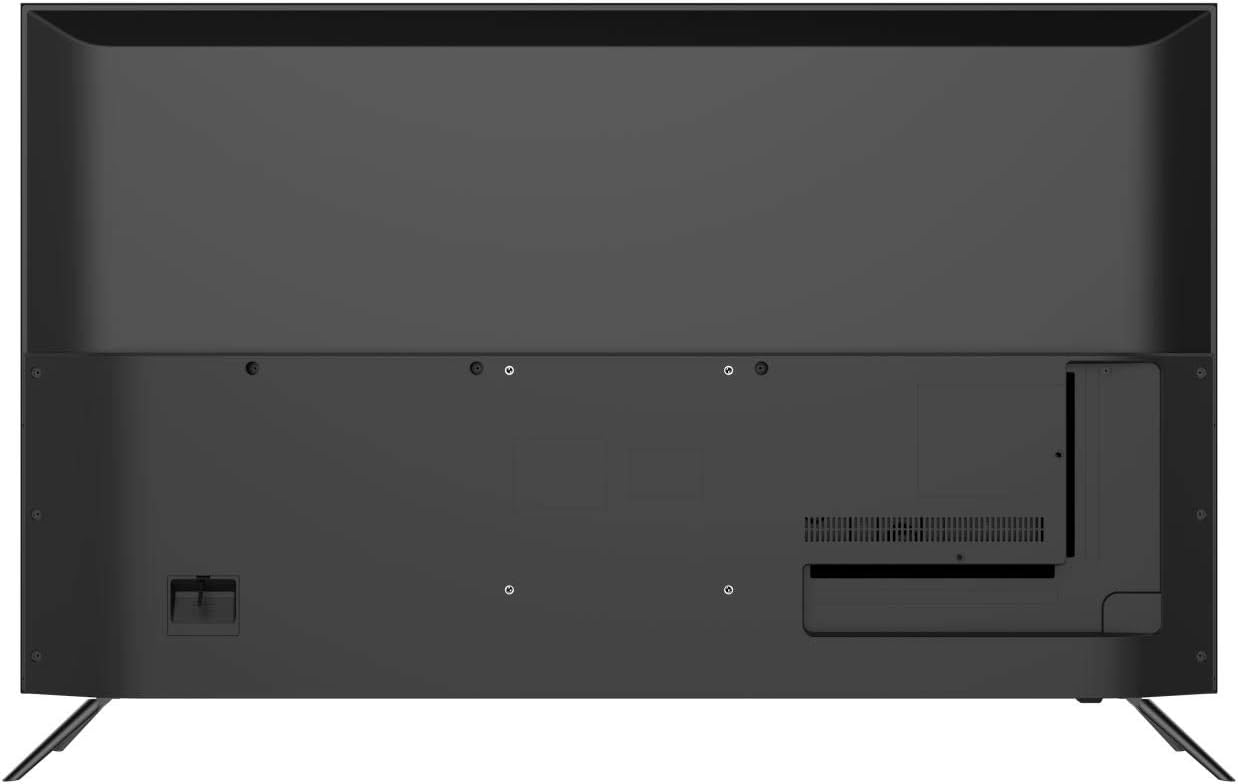
Image: The KONKA 65U55A TV screen displaying a vibrant image of a rainbow over a landscape, demonstrating its wide color gamut capabilities.
Maintenance
To ensure the longevity and optimal performance of your TV, follow these maintenance tips:
- Cleaning the Screen: Gently wipe the screen with a soft, lint-free cloth. For stubborn marks, dampen the cloth with a small amount of screen cleaner specifically designed for electronics. Do not spray cleaner directly onto the screen.
- Cleaning the Cabinet: Use a soft, dry cloth to wipe the TV cabinet. Avoid using abrasive cleaners or solvents.
- Ventilation: Ensure that the ventilation openings on the back and sides of the TV are not blocked. Dust accumulation can lead to overheating.
- Power Cord: Regularly check the power cord for any damage. If damaged, replace it immediately with an approved cord.
Troubleshooting
If you encounter issues with your TV, refer to the following common problems and solutions:
| Problem | Possible Cause | Solution |
|---|---|---|
| No Power | Power cord not securely connected; no power from outlet. | Check power cord connection. Test outlet with another device. |
| No Picture, but Sound is Present | Incorrect input source selected; backlight issue. | Press the Input button to select the correct source. Contact support if issue persists. |
| No Sound, but Picture is Present | Volume muted or too low; incorrect audio output settings. | Unmute volume or increase level. Check audio settings in TV menu. |
| Remote Control Not Working | Batteries are dead or inserted incorrectly; obstruction between remote and TV. | Replace batteries. Ensure clear line of sight to TV's IR sensor. |
| Cannot Connect to Wi-Fi | Incorrect password; router issue; TV too far from router. | Verify Wi-Fi password. Restart router. Move TV closer to router or use Ethernet. |
Specifications
| Feature | Detail |
|---|---|
| Brand | KONKA |
| Model Name | U5 Series |
| Item Model Number | 65U55A |
| Screen Size | 65 Inches |
| Display Technology | LED |
| Resolution | 4K Ultra HD (3840 x 2160) |
| Aspect Ratio | 16:9 |
| Supported Internet Services | Google Play Store |
| Connectivity Technology | HDMI, USB, Ethernet, Wi-Fi |
| Special Feature | Flat Screen, Built-in Google Assistant, Chromecast |
| Item Weight | 56.7 pounds |
| Product Dimensions | 63.43 x 5.98 x 39.17 inches |
| Voltage | 120 Volts |
Warranty and Support
For warranty information and technical support, please refer to the warranty card included with your product or visit the official KONKA website. You can also contact KONKA customer support for assistance with product registration, troubleshooting, and service inquiries.
Visit the KONKA Store: KONKA Official Store
Ask a question about this manual
Ask about setup, troubleshooting, compatibility, parts, safety, or missing instructions. Manuals+ will review the question and use this page’s manual context to help answer it.