
1. Introduction
This manual provides essential information for the safe and effective use of your BIGFUN Kids 37-Key Electronic Piano Keyboard (Model BF-4302CL). Please read these instructions carefully before operating the product and retain them for future reference.
2. Safety Information
- Do not expose the keyboard to water or excessive moisture.
- Avoid placing the keyboard near heat sources or in direct sunlight.
- Use only the specified power adapter or a compatible 5V, 1A charger.
- Keep small parts, such as the microphone, away from young children to prevent choking hazards.
- Supervise children during use.
3. Package Contents
Verify that all items are present in the package:
- BIGFUN 37-Key Electronic Piano Keyboard (BF-4302CL)
- User Manual
- Microphone
- USB Power Cable
- AUX Cable
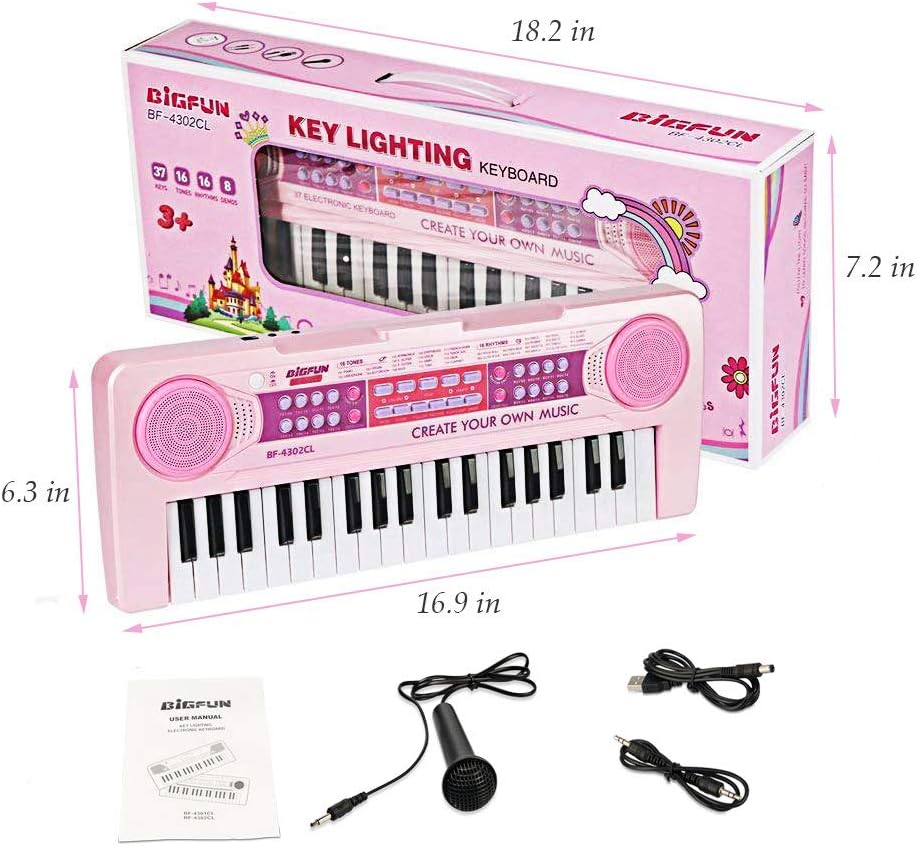
Image: The BIGFUN keyboard, its packaging, and included accessories: user manual, microphone, USB power cable, and AUX cable.
4. Product Overview
The BIGFUN Kids 37-Key Electronic Piano Keyboard is designed for children, featuring 37 standard-sized keys, multiple tones and rhythms, and an AUX-IN function for external audio input.
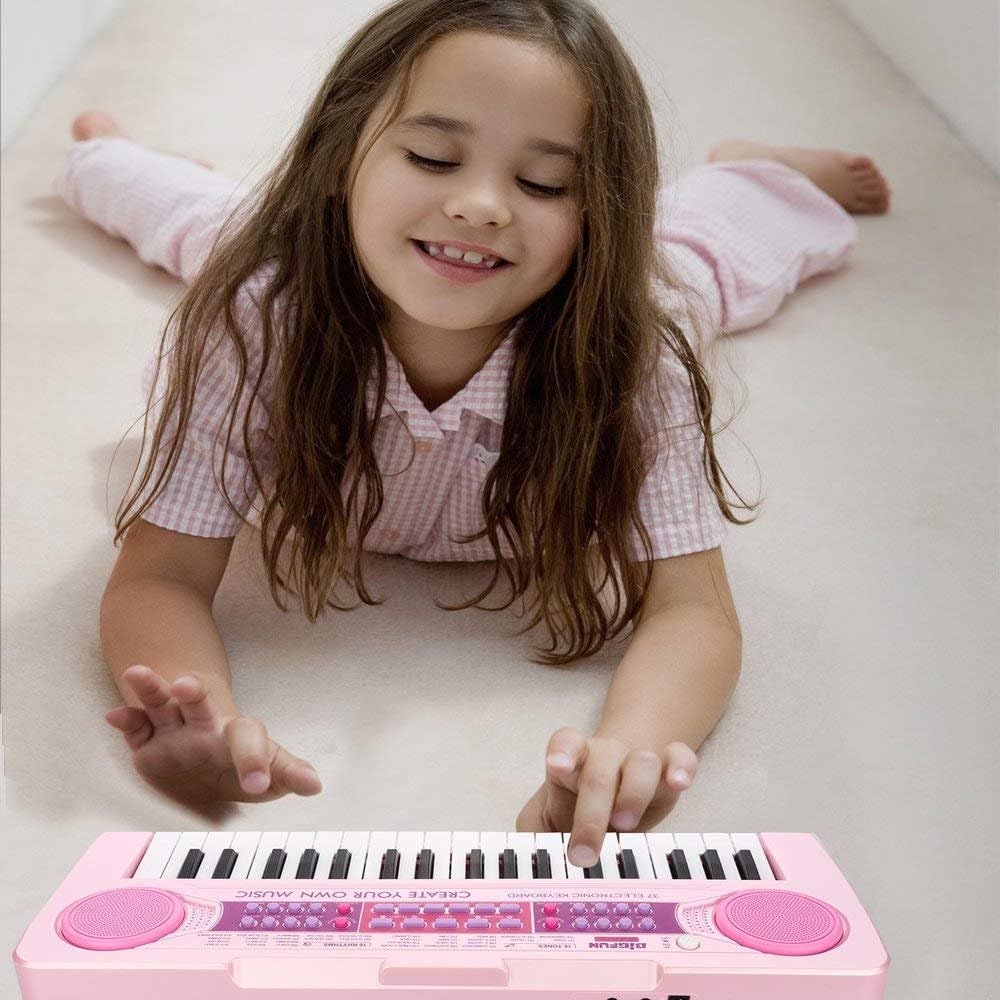
Image: A visual comparison illustrating the larger key size of the BIGFUN keyboard (2.7x0.63 inches) compared to other children's pianos, designed for more comfortable play.
5. Setup
5.1 Powering the Keyboard
The keyboard can be powered using a compatible 5V, 1A charger (not included) connected via the USB power cable. Ensure the charger meets the specifications: Input 100-240V~50/60Hz, Output 5V, Current 1000mA or above.

Image: Instructions for charging the keyboard using a standard 5V, 1A mobile phone charger, indicating the required input and output specifications.
5.2 Connecting the Microphone
Plug the included microphone into the designated microphone jack on the keyboard.
5.3 Using the AUX-IN Function
To connect an external audio device (such as a mobile phone, iPad, or MP3 player), use the provided AUX cable. Plug one end into the AUX-IN port on the keyboard and the other end into the headphone jack of your external device. This allows you to play music or stories through the keyboard's speakers.

Image: A visual guide demonstrating the AUX-IN function, showing how to connect a mobile phone, iPad, or MP3 player to the keyboard to play external audio.
6. Operating Instructions
6.1 Power On/Off
Locate the power button on the keyboard and press it to turn the unit on or off.
6.2 Adjusting Volume
Use the volume control buttons or knob to adjust the sound output. Note that the volume may reset to a default level when the keyboard is turned off and on again.
6.3 Playing Music
Press the keys to play musical notes. Experiment with different tones and rhythms available on the control panel.
6.4 Tones and Rhythms
The keyboard features various tone and rhythm selections. Refer to the labels on the control panel to select different instrument sounds and background rhythms.
6.5 Recording Function
Some models may include a recording function. Press the 'Record' button to begin recording your play and 'Play' to listen back.
7. Maintenance
- Clean the keyboard with a soft, dry cloth. Do not use liquid cleaners or abrasive materials.
- Store the keyboard in a cool, dry place away from direct sunlight and extreme temperatures.
- If the keyboard will not be used for an extended period, remove any batteries (if applicable) and disconnect the power adapter.
8. Troubleshooting
- No Sound: Ensure the keyboard is powered on and the volume is turned up. Check if the microphone or AUX cable is properly connected.
- Microphone Not Working: Verify the microphone is securely plugged in. Ensure the volume for the microphone is adjusted.
- Keyboard Not Powering On: Check the power connection. Ensure the charger meets the specified voltage and current requirements.
- Distorted Sound: Reduce the volume. Ensure no other devices are interfering with the sound output.
9. Specifications
| Feature | Detail |
|---|---|
| Model Number | BF-4302CL |
| Number of Keys | 37 |
| Key Size | Approximately 2.7 x 0.63 inches (larger than typical kids' piano keys) |
| Power Input | 5V DC, 1A (via USB power cable, adapter not included) |
| Connectivity | Microphone input, AUX-IN |
| Item Weight | 1.85 pounds |
| Keyboard Dimensions (approx.) | 16.9 inches (length) x 6.3 inches (height) |
| Package Dimensions | 17.9 x 7.5 x 3 inches |
10. Warranty and Support
For warranty information or technical support, please refer to the contact details provided with your purchase or visit the official BIGFUN website. Keep your purchase receipt as proof of purchase.