
1. Introduction
The Potensic A20W Mini Drone is designed for kids and beginners, offering an easy-to-fly experience with a 720P HD camera for real-time FPV transmission. Its compact size makes it suitable for both indoor and outdoor flight. This manual provides essential information for safe and effective operation, setup, and maintenance of your drone.
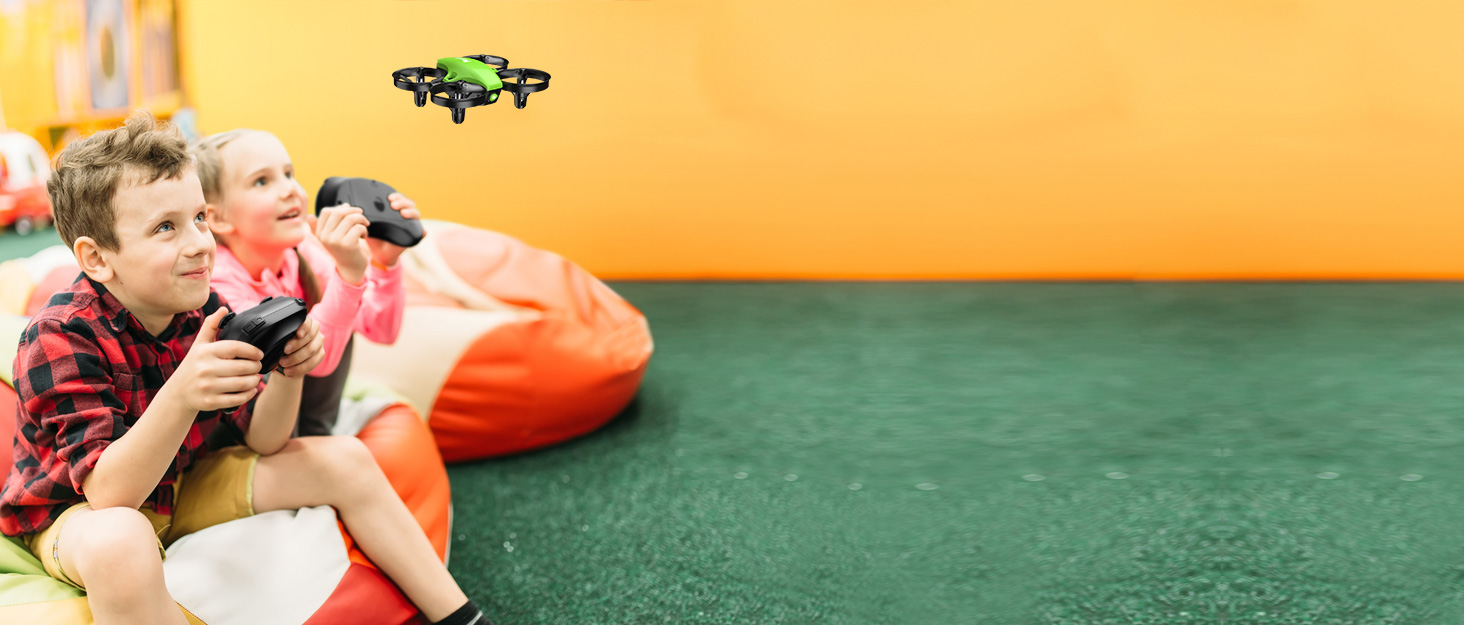
The Potensic A20W Mini Drone provides an engaging flying experience for young users.
2. What's in the Box
Upon unboxing your Potensic A20W Mini Drone, please ensure all the following components are present:
- Potensic A20W Mini Drone
- Remote Control
- 3 x Lithium Polymer Batteries
- 4 x Extra Propellers
- USB Charging Cable (not explicitly listed but implied by charging instructions)

Contents of the Potensic A20W Mini Drone package.
3. Setup Guide
3.1 Charging the Batteries
The drone comes with three Lithium Polymer batteries. To charge them, connect the provided USB charging cable to the battery and a compatible USB power source (e.g., computer USB port, USB wall adapter). Charging typically takes approximately 20 minutes per battery. Ensure the batteries are fully charged before each flight for optimal performance.
3.2 Installing Batteries
Insert a charged battery into the drone's battery compartment. Ensure it is securely seated. For the remote control, insert the required batteries (not specified in input, assume standard AA/AAA) into its compartment.
3.3 Connecting to the App
To utilize the 720P HD camera and real-time FPV transmission, connect your smartphone to the drone via Wi-Fi. Download the official Potensic app, which for Android devices is named "Potensic toy". Follow the in-app instructions to establish a connection. Once connected, you can access features like gravity mode, customizable flight routes, and auto-rotation.
3.4 Calibration
Before your first flight and after any significant impact, it is crucial to calibrate the drone. Refer to the detailed instructions in the app or the quick start guide for the specific calibration procedure. Proper calibration ensures stable and accurate flight control.
4. Operating Instructions
4.1 Basic Flight Controls
- One Key Take-off/Landing: Press the designated button on the remote control for automatic take-off or landing, simplifying operation for beginners.
- Altitude Hold Mode: This feature allows the drone to maintain a stable altitude, making it easier to control and capture steady footage.
- Headless Mode: In headless mode, the drone's orientation is relative to the pilot, eliminating the need to adjust its position based on its front or back. This is particularly helpful for new pilots.
4.2 Advanced Flight Modes
Once comfortable with basic controls, explore these advanced features via the connected smartphone app:
- Gravity Mode: Control the drone's movement by tilting your smartphone.
- Customizable Fly Route Mode: Draw a flight path on your smartphone screen, and the drone will automatically follow it.
- Auto-Rotation: Engage this mode for automated rotational maneuvers.
- 3 Flying Speeds: Adjust the drone's speed to match your skill level or flying environment.
4.3 Camera Operation
The drone is equipped with a 720P HD camera. Connect your phone via Wi-Fi to view real-time FPV transmission. Press the dedicated button on the remote control or within the app to take photos or record videos. Captured media is typically saved to your connected smartphone or an inserted SD card (if applicable).
4.4 Safety Guidelines
- The drone features 360° propeller guards for enhanced safety and durability, especially beneficial for kids and beginners.
- Always operate the drone in open spaces, free from obstacles, people, and animals.
- Avoid flying in strong winds, as the drone is lightweight and can be easily blown off course.
- Maintain visual line of sight with the drone at all times.
5. Maintenance
5.1 Cleaning
Regularly inspect the drone for any debris, especially around the propellers and motors. Use a soft, dry cloth to clean the drone's body. If hair or other foreign objects get caught in the propellers, carefully remove them to prevent motor strain and ensure smooth operation.
5.2 Propeller Replacement
The drone comes with four extra propellers. If a propeller becomes damaged, gently pull it straight up from the motor shaft to remove it. Install a new propeller by aligning it with the motor shaft and pressing down firmly but gently until it clicks into place. Exercise caution to avoid damaging the motor or its wiring during this process.
5.3 Battery Care
To prolong battery life, avoid overcharging or completely draining the batteries. Store batteries in a cool, dry place when not in use. If a battery appears swollen or damaged, discontinue use immediately and dispose of it properly.
6. Troubleshooting
| Problem | Possible Cause | Solution |
|---|---|---|
| Drone does not respond or flies erratically. | Low battery (drone or remote), out of range, improper calibration, motor/propeller issue. | Charge batteries. Ensure drone is within range. Perform calibration. Check propellers for obstructions or damage. |
| App not connecting or camera not working. | Incorrect app version, Wi-Fi not connected, app permissions. | Ensure you have the correct app (e.g., "Potensic toy" for Android). Verify Wi-Fi connection to the drone. Check app permissions on your device. |
| Drone loses control or drifts. | Controller interference, strong winds, uncalibrated sensors. | Fly in an open area away from other wireless devices. Avoid windy conditions. Recalibrate the drone. |
| Propeller/motor detached or damaged during maintenance. | Excessive force during propeller removal. | Propellers should be removed gently by pulling straight up. If a motor detaches, contact Potensic customer support for repair or replacement options. |
If issues persist, please refer to the Warranty & Support section.
7. Specifications
| Brand | Potensic |
| Model Name | A20W |
| Color | Black |
| Item Weight | 13.1 ounces |
| Material | Plastic |
| Video Capture Resolution | 720p |
| Connectivity Technology | Wi-Fi |
| Control Type | Remote Control |
| Skill Level | Beginner |
| Recommended Age | 14 years and up (Manufacturer recommended) |
| Batteries | 3 Lithium Polymer batteries (included) |
| Special Features | Path Flight Mode, 360° Propeller Guards |
8. Warranty & Support
For warranty information, technical support, or any inquiries regarding your Potensic A20W Mini Drone, please visit the official Potensic website or contact their customer service directly. Keep your purchase receipt as proof of purchase for any warranty claims.