
1. Product Overview
The JKSWT Clip-on LED Desk Lamp (Model HD1941) is a versatile lighting solution designed for various applications such as reading, working, and general illumination. It features a flexible gooseneck, touch-sensitive controls, and adjustable light settings to provide optimal lighting conditions.
Key Features:
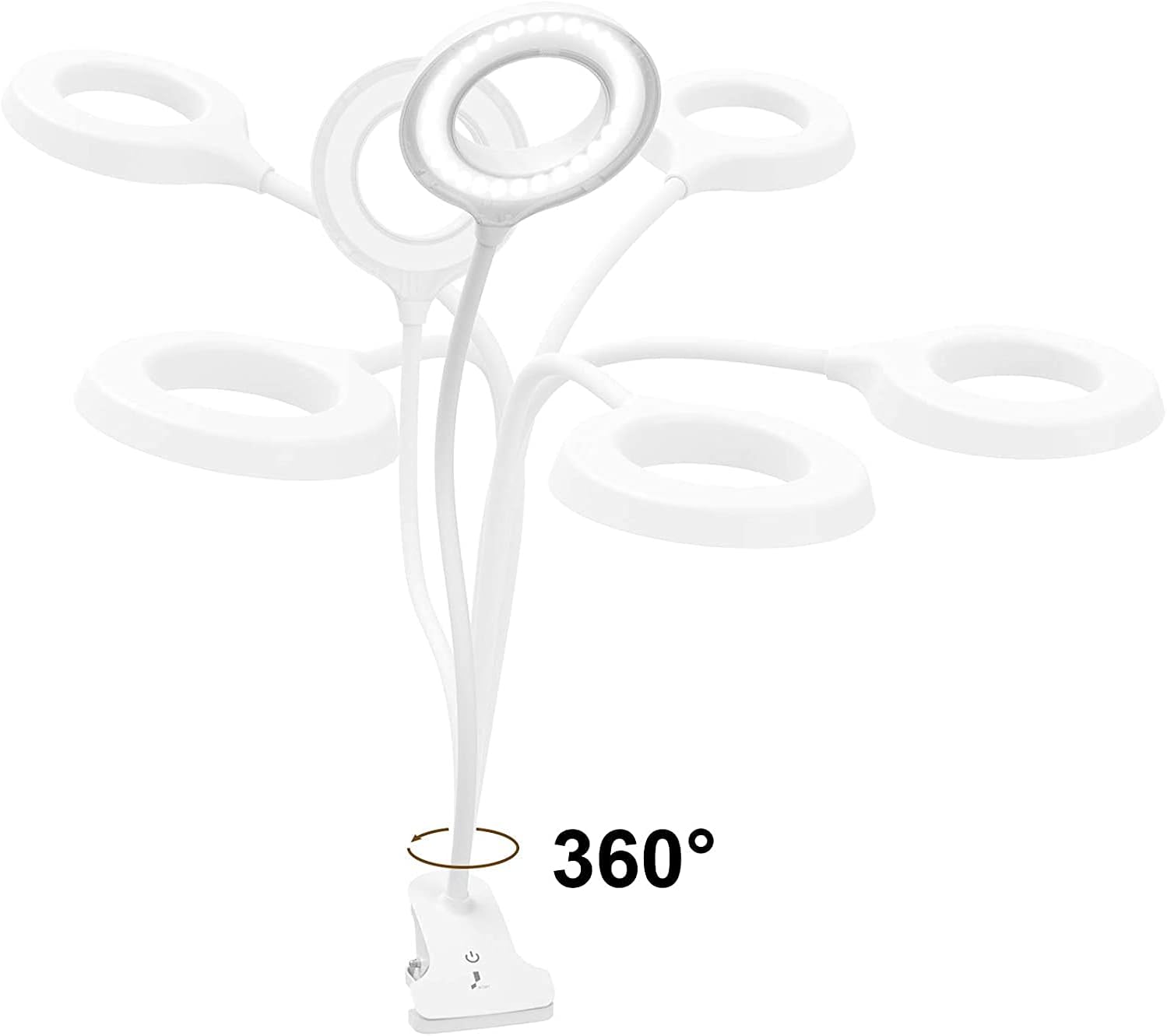
- 360° Flexible Gooseneck and Clamp: The lamp's arm can be adjusted to any preferred angle, allowing for versatile placement on desks, headboards, or as a freestanding unit.
- Touch Sensor Control: Features a silent touch-sensitive control panel for power, brightness adjustment, and color temperature changes.
- Adjustable Color Temperature and Brightness: Offers 3 brightness levels (10%, 60%, 100%) and 3 color temperatures (3000K-6000K: natural light, warm white, cool white) to suit different lighting needs.
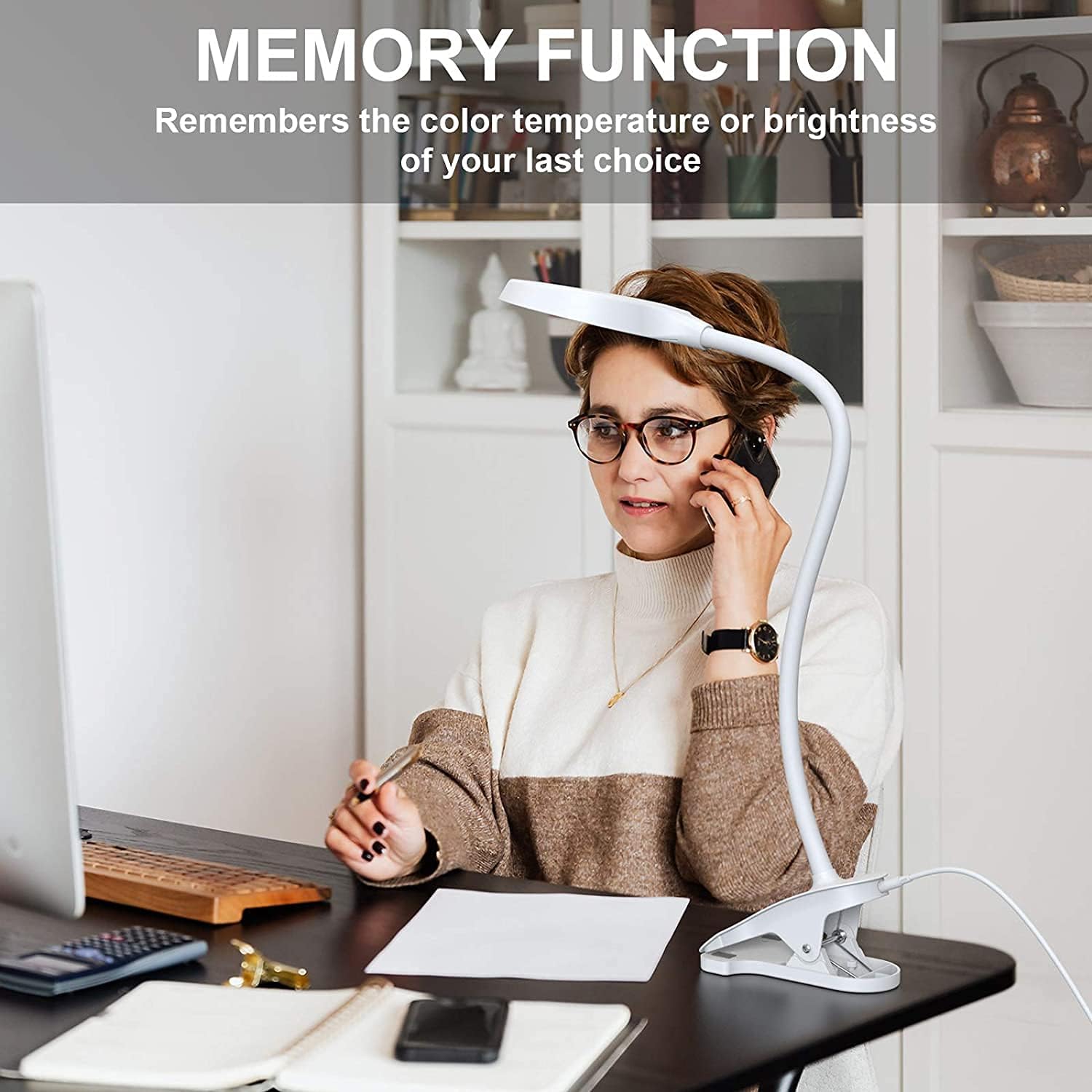
- Eye-Caring and Memory Function: Designed to provide flicker-free, non-dizzying, and shadow-free illumination to minimize eye strain. The lamp remembers the last used color temperature and brightness setting.

2. What's in the Box
Carefully unpack the contents and ensure all items are present:
- 1 x JKSWT LED Desk Lamp (Model: HD1941)
- 1 x Power Adapter with Cable
- 1 x Instruction Manual
3. Setup
Follow these steps to set up your JKSWT Clip-on LED Desk Lamp:
- Choose Placement: Decide whether to use the lamp clipped to a surface (e.g., desk, headboard) or freestanding on a flat surface. The sturdy clip base allows for secure attachment.
- Connect Power: Insert the power adapter cable into the power port located at the back of the lamp's base. Plug the power adapter into a standard electrical outlet (100-240V, 50Hz).
- Adjust Gooseneck: Utilize the 360° flexible gooseneck to position the light head to your desired angle and height.
4. Operating Instructions
The JKSWT LED Desk Lamp features intuitive touch controls for easy operation.
Power On/Off:
- Lightly tap the power icon on the touch-sensitive control panel to turn the lamp ON or OFF.
Adjusting Brightness:
- After turning the lamp ON, repeatedly tap the brightness control icon to cycle through the three brightness levels: 10% (dim), 60% (medium), and 100% (bright).
Changing Color Modes:
- To change the color temperature, press and hold the color mode icon for approximately 2 seconds. The lamp will cycle through the three available color modes: warm white (3000K), natural light (4500K), and cool white (6000K). Release your finger when the desired color mode is reached.
Memory Function:
- The lamp is equipped with a memory function. When the lamp is turned off and then back on, it will automatically resume the last used brightness level and color temperature setting.

5. Maintenance
To ensure the longevity and optimal performance of your JKSWT LED Desk Lamp, follow these maintenance guidelines:
- Cleaning: Disconnect the lamp from the power source before cleaning. Use a soft, dry cloth to wipe the lamp's surface. Avoid using abrasive cleaners, solvents, or harsh chemicals, as these may damage the finish or electronic components.
- Storage: If storing the lamp for an extended period, ensure it is clean and dry. Store it in a cool, dry place away from direct sunlight and extreme temperatures.
- Handling: Handle the flexible gooseneck gently to prevent damage. Avoid excessive force or sharp bends.
6. Troubleshooting
If you encounter issues with your JKSWT LED Desk Lamp, refer to the following common problems and solutions:
| Problem | Possible Cause | Solution |
|---|---|---|
| Lamp does not turn on. | No power supply. | Ensure the power adapter is securely plugged into both the lamp and a working electrical outlet. |
| Light flickers or is unstable. | Loose connection or power fluctuation. | Check all power connections. Try plugging the lamp into a different outlet. |
| Touch controls are unresponsive. | Temporary software glitch or power issue. | Unplug the lamp for 30 seconds, then plug it back in. Ensure your finger is dry and clean when touching the controls. |
7. Technical Specifications
| Specification | Detail |
|---|---|
| Model Number | HD1941 |
| Brand | JKSWT |
| Lamp Type | Desk Lamp |
| Light Source Type | LED |
| Number of Light Sources | 60 |
| Wattage | 6 watts |
| Voltage | 5 Volts |
| Power Source | Corded Electric |
| Control Method | Touch |
| Special Features | Dimmable, 3 Color Modes, 3 Brightness Levels, Switch Control, Memory Function, Ring Light Source Design, Flicker-free, Eye Protection, 360° Flexible Gooseneck Clip on Desk Lamp |
| Color | White |
| Material | Plastic |
| Product Dimensions | 8.66"D x 7.87"W x 8.66"H |
| Item Weight | 1.3 pounds |
| Indoor/Outdoor Usage | Indoor |
| Recommended Uses | Reading |
8. Warranty and Support
JKSWT provides a lifetime guarantee for this product. If you have any questions or require assistance with your JKSWT Clip-on LED Desk Lamp, please contact the seller directly through your order details. We are committed to providing a satisfactory response within 24 hours.