
Introduction
This user manual provides comprehensive instructions for the TECLAST P20HD Android Tablet. Designed for a seamless user experience, the P20HD features a vibrant 10.1-inch Full HD IPS display, a powerful Octa-Core processor, 4GB of RAM, and 64GB of internal storage, expandable via MicroSD. It supports dual 4G connectivity, dual-band WiFi, and Bluetooth 5.0, ensuring versatile connectivity options. Running on Android 10, the tablet offers an optimized and user-friendly interface for various applications, from multimedia consumption to productivity tasks.
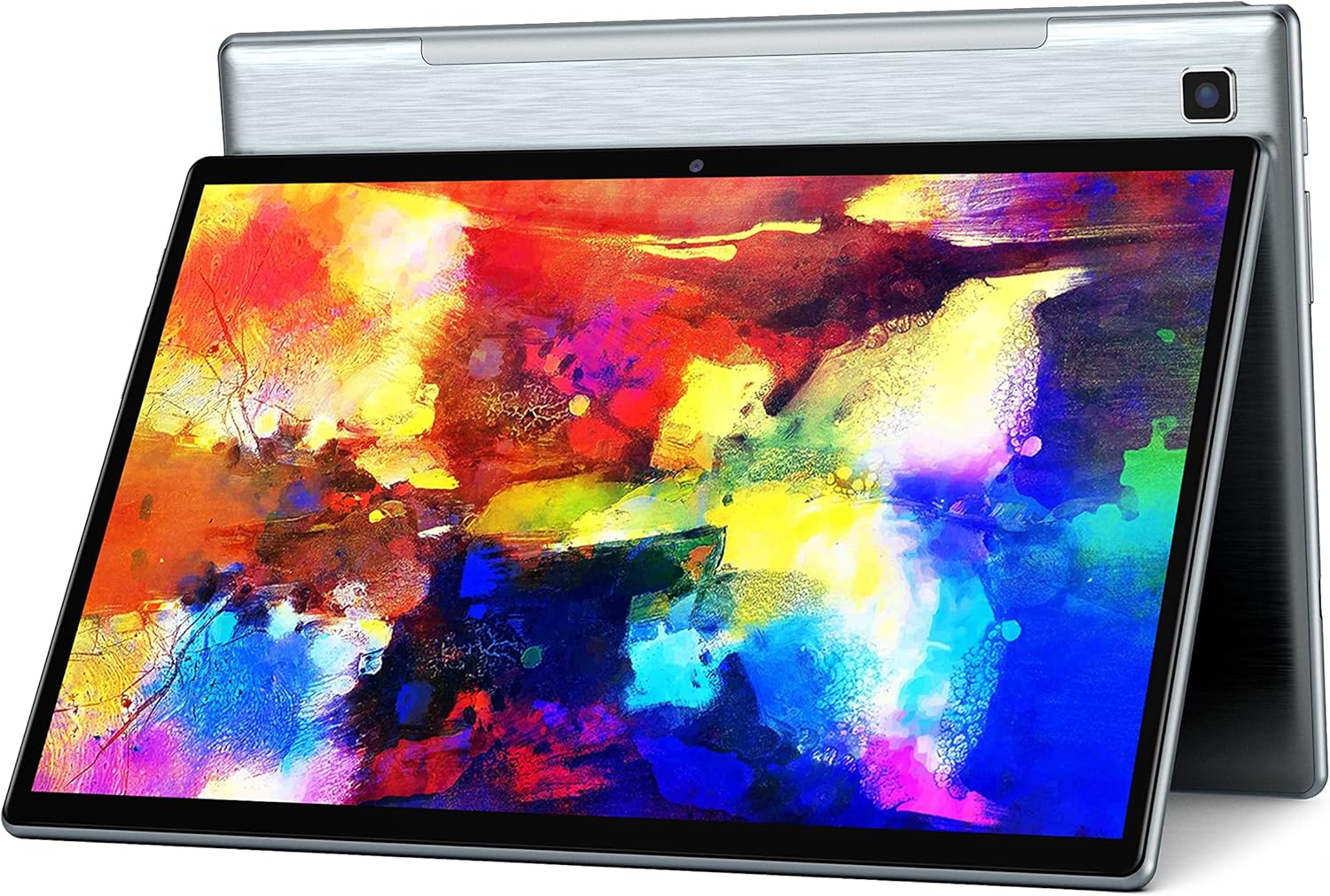
Figure 1: TECLAST P20HD Android Tablet
What's in the Box
Upon unboxing your TECLAST P20HD tablet, verify that all components are present:
- TECLAST P20HD Android Tablet
- User Guide
- Useful Reminder Card
- Warranty Rules Card
- SIM Ejector Tool
- USB Wall Adapter
- USB Type-C Cable
Physical Features and Components
Familiarize yourself with the physical layout and components of your TECLAST P20HD tablet:
- Rear Panel: Features a durable metal finish. The 5MP rear camera is located on the top right corner (when held in landscape orientation).
- Bottom Edge: Equipped with dual speaker grilles for enhanced audio output.
- Left Edge: Includes volume controls, the power button, and a small reset button. The USB Type-C port for charging and data transfer is also located here.
- Top Edge: Houses the 3.5mm headphone jack and a tray for MicroSD card and SIM card insertion.

Figure 2: Side view of TECLAST P20HD showing ports and buttons
Setup
- Initial Charge: Before first use, connect the tablet to the provided USB wall adapter and cable. It is recommended to charge the tablet for at least 30 minutes before powering it on.
- Power On: Press and hold the power button located on the left edge until the TECLAST logo appears on the screen.
- Initial Configuration: Follow the on-screen prompts to complete the initial setup. This typically includes selecting your language, connecting to a Wi-Fi network, and signing in with your Google account. The tablet can also be configured to mirror settings from an existing Android phone.
- SIM Card Installation (Optional): If using 4G connectivity, insert your SIM card into the designated tray on the top edge using the provided SIM ejector tool. Ensure the tablet is powered off before inserting or removing SIM cards.
- MicroSD Card Installation (Optional): For expanded storage, insert a MicroSD card into the same tray as the SIM card.
Operating Instructions
Display
The TECLAST P20HD features a 10.1-inch IPS display with a resolution of 1920x1200 pixels, providing clear and vibrant visuals. The IPS technology ensures wide viewing angles. A pre-installed screen protector helps guard against scratches.

Figure 3: Key display features of the TECLAST P20HD
Storage
The tablet comes with 64GB of internal storage, with approximately 56GB available for user content. Storage can be expanded significantly using a MicroSD card (up to 256GB supported).
Connectivity
The P20HD supports dual-band 2.4G+5G Wi-Fi for stable and fast internet connections. It also features Bluetooth 5.0 for connecting wireless accessories and dual 4G call and network capabilities for mobile data and voice calls.

Figure 4: Connectivity features including GPS and Dual WiFi
Performance
Powered by an Octa-Core Unisoc SC9863A processor and 4GB of RAM, the P20HD delivers smooth performance for everyday tasks and multitasking. Its AI Neural Network technology optimizes speed and application launch times, contributing to a responsive user experience.

Figure 5: Octa-Core Processor and AI Neural Network for optimized performance
Camera
The tablet is equipped with a 5MP rear camera and a 2MP front camera. While suitable for basic photography and video calls, performance in low-light conditions may be limited.

Figure 6: Camera specifications for the TECLAST P20HD
Multimedia and Gaming
The 10.1-inch Full HD IPS display provides an immersive viewing experience for movies and videos. Dual speakers enhance audio quality. The tablet is capable of handling casual games effectively, though performance with graphically intensive games may vary.
Video 1: Official product video showcasing the TECLAST P20HD's features and multimedia capabilities.
Web Browsing
Web browsing is generally smooth and responsive, benefiting from the tablet's ample RAM and optimized Android 10 operating system.
Maintenance
- Screen Protection: Keep the pre-installed screen protector on to prevent scratches and damage to the display.
- Software Updates: Regularly check for and install system updates to ensure optimal performance, security, and access to new features.
- Storage Management: Periodically clear unused applications, temporary files, and cache data to free up internal storage and maintain performance.
- Battery Care: To prolong battery life, avoid extreme temperatures and do not let the battery completely drain frequently.
Troubleshooting
If you encounter issues with your TECLAST P20HD tablet, consider the following troubleshooting steps:
- Tablet Freezing or Unresponsive: Press and hold the power button for approximately 10-15 seconds to force a restart. If the issue persists, locate the small reset button and use a thin tool (like the SIM ejector pin) to press it.
- Screen Flashing: This could indicate a software or display driver issue. Try restarting the tablet. If the problem continues, consider performing a factory reset (back up your data first) or contacting customer support.
- MicroSD Card Not Recognized: Ensure the MicroSD card is properly seated in its tray. Try reinserting it. If the problem persists, test the card in another device to rule out card malfunction.
- Screen Rotation Issues: Check if auto-rotate is enabled in the quick settings panel. If it is, try toggling it off and on. A restart may also resolve this.
- General Performance Slowdown: Clear cache, uninstall unused apps, and ensure sufficient free storage space.
Specifications
| Feature | Specification |
|---|---|
| Standing screen display size | 10.1 Inches |
| RAM | 4 GB |
| Hard Drive (Internal Storage) | 64 GB |
| Average Battery Life (in hours) | 7 Hours (6000mAh capacity) |
| Brand | TECLAST |
| Series | Touch |
| Item model number | P20HD (Tableta androide) |
| Hardware Platform | Android |
| Operating System | Android 10 |
| Item Weight | 2 pounds |
| Product Dimensions | 9.5 x 6.2 x 0.35 inches |
| Rear Webcam Resolution | 5 MP |
| Number of Processors | 8 (Octa-Core Unisoc SC9863A) |
| Computer Memory Type | DDR3 SDRAM |
| Date First Available | October 23, 2019 |
Warranty and Support
The TECLAST P20HD Tablet comes with a 1-year warranty from the date of purchase. TECLAST is committed to providing professional service before and after sales, with most questions answered within 1 working day.
For support, inquiries, or warranty claims, please visit the official TECLAST store or contact their customer service through the platform where the product was purchased.
It is suggested that you charge the tablet for more than 30 minutes before turning it on for the first time to ensure proper initial boot-up.
For more information, visit the TECLAST Store on Amazon.