Introduction
The Douk Audio U3 is a mini Hi-Fi Class A headphone amplifier designed for home and desktop PC use. It features 6.35mm and 3.5mm headset compatibility, RCA input, and operates on DC 5V. This manual provides detailed instructions for setup, operation, maintenance, and troubleshooting to ensure optimal performance and longevity of your device.
Safety Information
- Ensure the power supply voltage matches the device's requirements (DC 5-20V).
- Do not expose the device to water, moisture, or extreme temperatures.
- Avoid placing the device in direct sunlight or near heat sources.
- Do not disassemble or modify the device. Refer all servicing to qualified personnel.
- Unplug the device from the power source during lightning storms or when unused for long periods.
- Use only specified attachments/accessories.
What's in the Box
- 1 x U3 Headphone Amplifier
- 1 x USB to DC Cable
- 1 x 6.35mm to 3.5mm Headphone Adapter

Product Overview
Front Panel
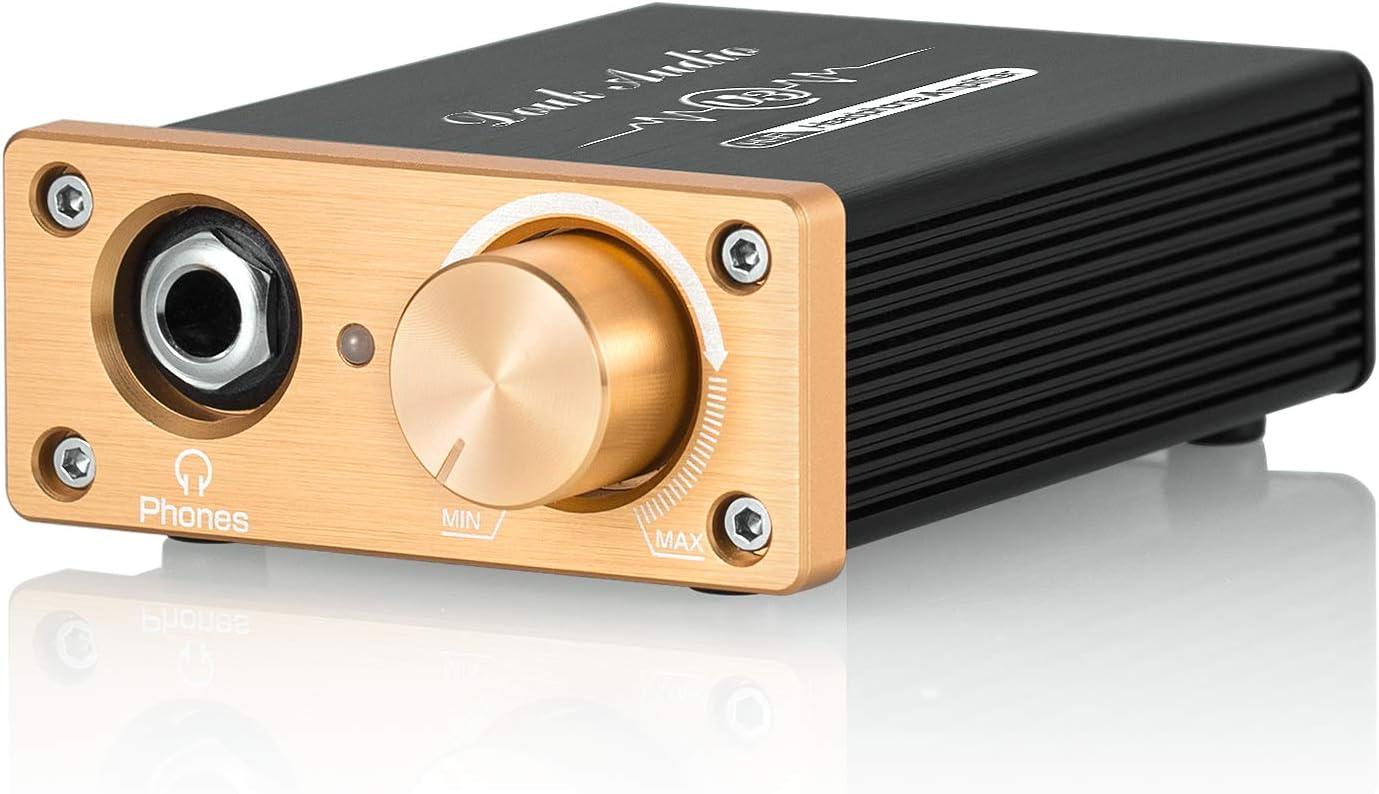
- 6.35mm Headphone Output: Connect your headphones here. Use the included 6.35mm to 3.5mm adapter for 3.5mm headphones.
- Power Indicator Light: Illuminates when the device is powered on.
- Volume Control Knob: Adjusts the output volume for connected headphones. Rotate clockwise to increase volume, counter-clockwise to decrease.
Rear Panel

- DC 5-20V Power Input: Connect the provided USB to DC cable here and connect to a suitable power adapter (not included).
- RCA Input (L/R): Connect your audio source (e.g., PC, DAC, CD player) using RCA cables.
- Power ON/OFF Switch: Toggles the device power.
Internal Components (Op-Amp)

The Douk Audio U3 features a pluggable op amp socket design, allowing users to easily upgrade or swap the operational amplifier for different sound characteristics. It comes equipped with an original TI-NE5532 classical op amp, known for its warm and delicate sound.
Setup
- Connect Audio Source: Using RCA cables (not included), connect your audio source (e.g., PC, DAC, CD player) to the RCA Input (L/R) on the rear panel of the U3 amplifier.
- Connect Headphones: Plug your headphones into the 6.35mm headphone output on the front panel. If your headphones have a 3.5mm plug, use the included 6.35mm to 3.5mm adapter.
- Connect Power: Connect the provided USB to DC cable to the DC 5-20V power input on the rear panel. Plug the USB end into a suitable USB power adapter (e.g., phone charger, PC USB port) that provides 5-20V DC.
- Power On: Flip the Power ON/OFF switch on the rear panel to the "ON" position. The power indicator light on the front panel will illuminate.
- Adjust Volume: Start with the volume control knob at the minimum position and slowly turn it clockwise to your desired listening level.
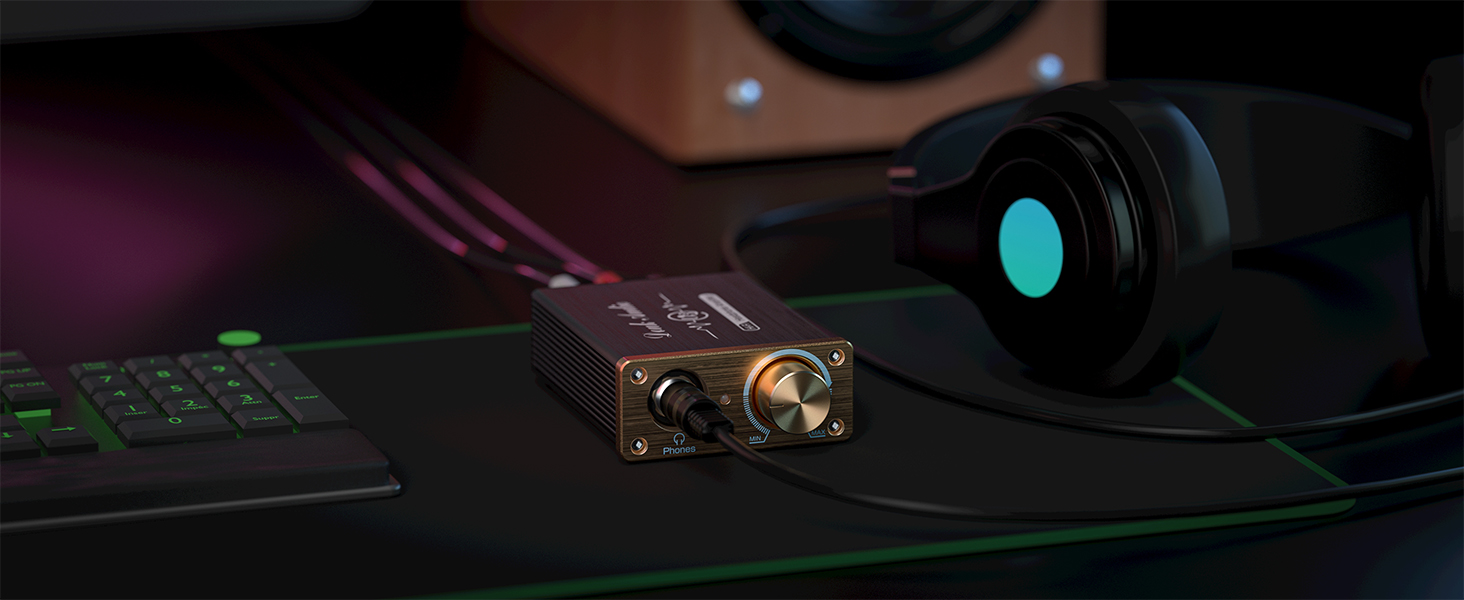
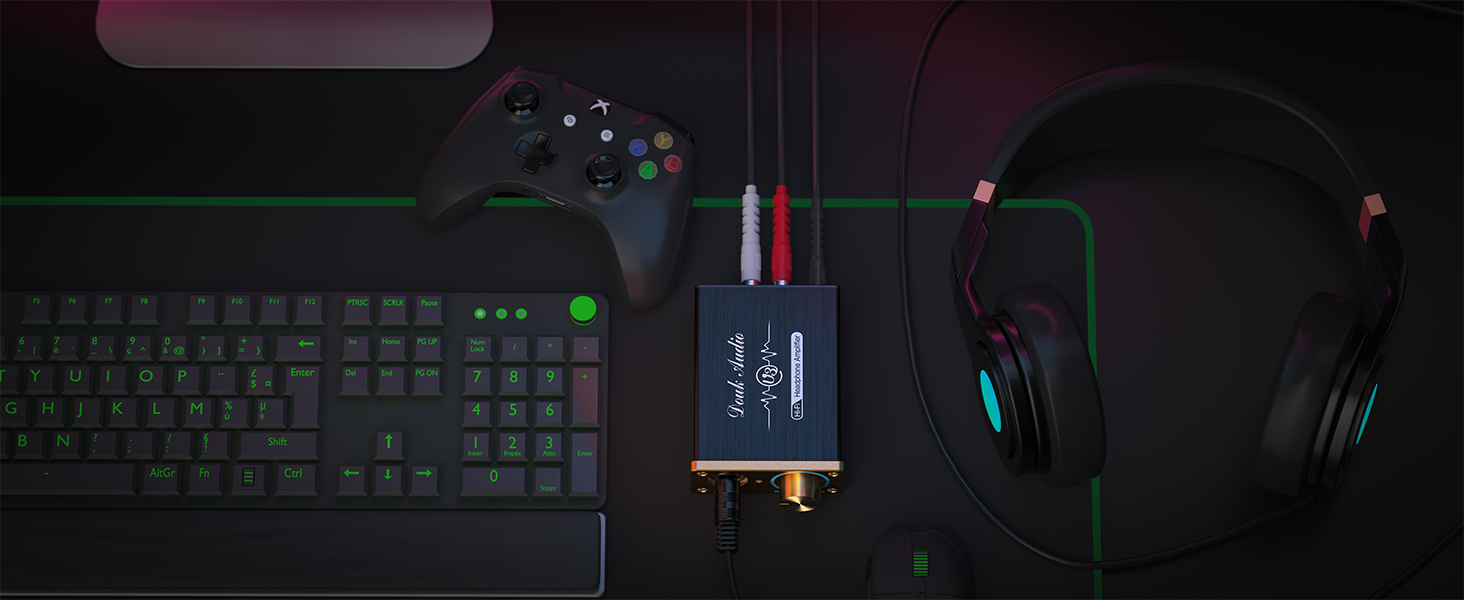
Operating Instructions
Once the U3 amplifier is set up, operating it is straightforward:
- Power On/Off: Use the power switch on the rear panel to turn the amplifier on or off.
- Volume Adjustment: Rotate the volume knob on the front panel to control the listening volume. Adjust to a comfortable level to prevent hearing damage.
- Headphone Compatibility: The U3 is designed to drive a wide range of headphones, including high-impedance models such as HD580, HD600, HD650, K701, K702, Q701, DT880, T70, T90, SR225, SR325, and RS1e.

This video demonstrates the Douk Audio U3 Headphone Amplifier, showcasing its features and how it can be integrated into an audio setup. It highlights the amplifier's ability to drive various headphones and its compact design.
Maintenance
- Cleaning: Use a soft, dry cloth to clean the exterior of the amplifier. Do not use liquid cleaners or aerosols.
- Ventilation: Ensure the amplifier has adequate ventilation. Do not block the heat sinks on the sides of the unit.
- Storage: When not in use for extended periods, store the amplifier in a cool, dry place away from direct sunlight and dust.
- Op-Amp Replacement (Advanced): If replacing the op-amp, ensure the device is powered off and unplugged. Handle the op-amp carefully, aligning it correctly with the socket pins to avoid damage.
Troubleshooting
| Problem | Possible Cause | Solution |
|---|---|---|
| No sound output |
|
|
| Distorted sound |
|
|
| Humming or buzzing noise |
|
|
Specifications
- Model: XZ-U3
- Input Voltage: DC 5-20V
- Output Power: 1.3W (Class A)
- Headphone Impedance: 18-600Ω (easily drives most high-impedance headphones)
- Input Interface: RCA Stereo
- Output Interface: 6.35mm Headphone Jack (includes 6.35mm to 3.5mm adapter)
- Op-Amp: TI-NE5532 (pluggable socket for upgrades)
- Dimensions (L*W*H): Approximately 93mm * 67mm * 30mm (3.66 * 2.64 * 1.18 inches)
- Net Weight: 169g (0.37lb)
Warranty and Support
Douk Audio products are designed for reliability and performance. For warranty information or technical support, please refer to the official Douk Audio website or contact your retailer. Keep your purchase receipt for warranty claims.
For further assistance, you may visit the Douk Audio Store on Amazon.