
Introduction
This manual provides essential information for the safe and effective use of your Echelon Stride Smart Foldable Treadmill. Please read all instructions carefully before assembly and operation. The Echelon Stride Treadmill is designed to combine functionality and technology, featuring auto-fold technology for convenient storage and a robust design for home workouts.
Video 1: Introducing The Echelon Stride Treadmill. This video provides a brief overview of the treadmill's features and design.
Important Safety Information
WARNING: To reduce the risk of serious injury, read all important precautions and instructions in this manual before using the Echelon Stride Treadmill.
- Always ensure the safety key is properly engaged during operation.
- Keep children and pets away from the treadmill when in use.
- Place the treadmill on a level surface with adequate clearance around it.
- Do not operate the treadmill if it has a damaged cord or plug, or if it is not working properly.
- Consult a physician before beginning any exercise program.
- Maximum user weight capacity: 300 lbs (136 kg).
Package Contents
Verify that all components are present before beginning assembly:
- Echelon Stride Treadmill Unit
- Power Cord
- Safety Key
- Instruction Manual (this document)
Note: Some components may be pre-assembled.
Setup Instructions
The Echelon Stride Treadmill is designed for minimal assembly. It arrives largely pre-assembled in its packaging. It is recommended to have two people for unpacking and initial setup due to the weight of the unit.
- Unpacking: Carefully remove the outer packaging. The treadmill is packed in a large box. Remove any top styrofoam and cardboard inserts.
- Lifting the Treadmill: With assistance, lift the treadmill from the box. The wheels are located at one end, making it easier to roll once out of the box.
- Positioning: Place the treadmill on a flat, stable surface. Ensure there is sufficient space around the unit for safe operation and folding.
- Unfolding the Handlebars: Gently raise the handlebars from their folded position until they click securely into place.
- Raising the Console: Lift the console panel into its upright position.
- Power Connection: Locate the power switch and port at the front base of the treadmill. Plug the power cord into the treadmill and then into a grounded electrical outlet.
- Power On: Flip the main power switch to the 'ON' position. The console will illuminate.

Figure 1: Echelon Stride Treadmill in operational position.

Figure 2: The Echelon Stride Treadmill as packaged in its box, showing minimal assembly required.
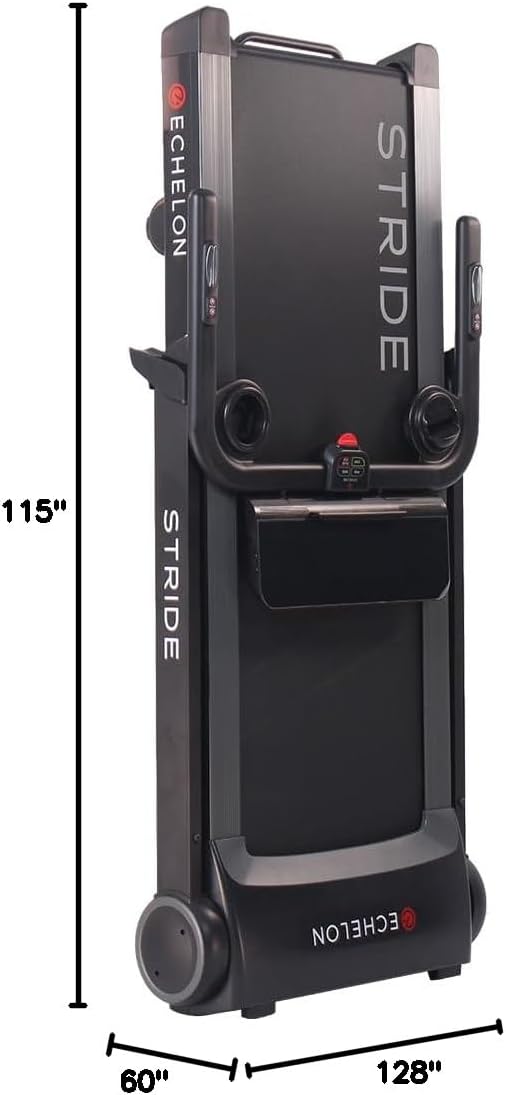
Figure 3: Dimensions of the Echelon Stride Treadmill, highlighting its compact design.
Operating Instructions
Console Overview
The console features an LCD display showing various metrics and control buttons for your workout.
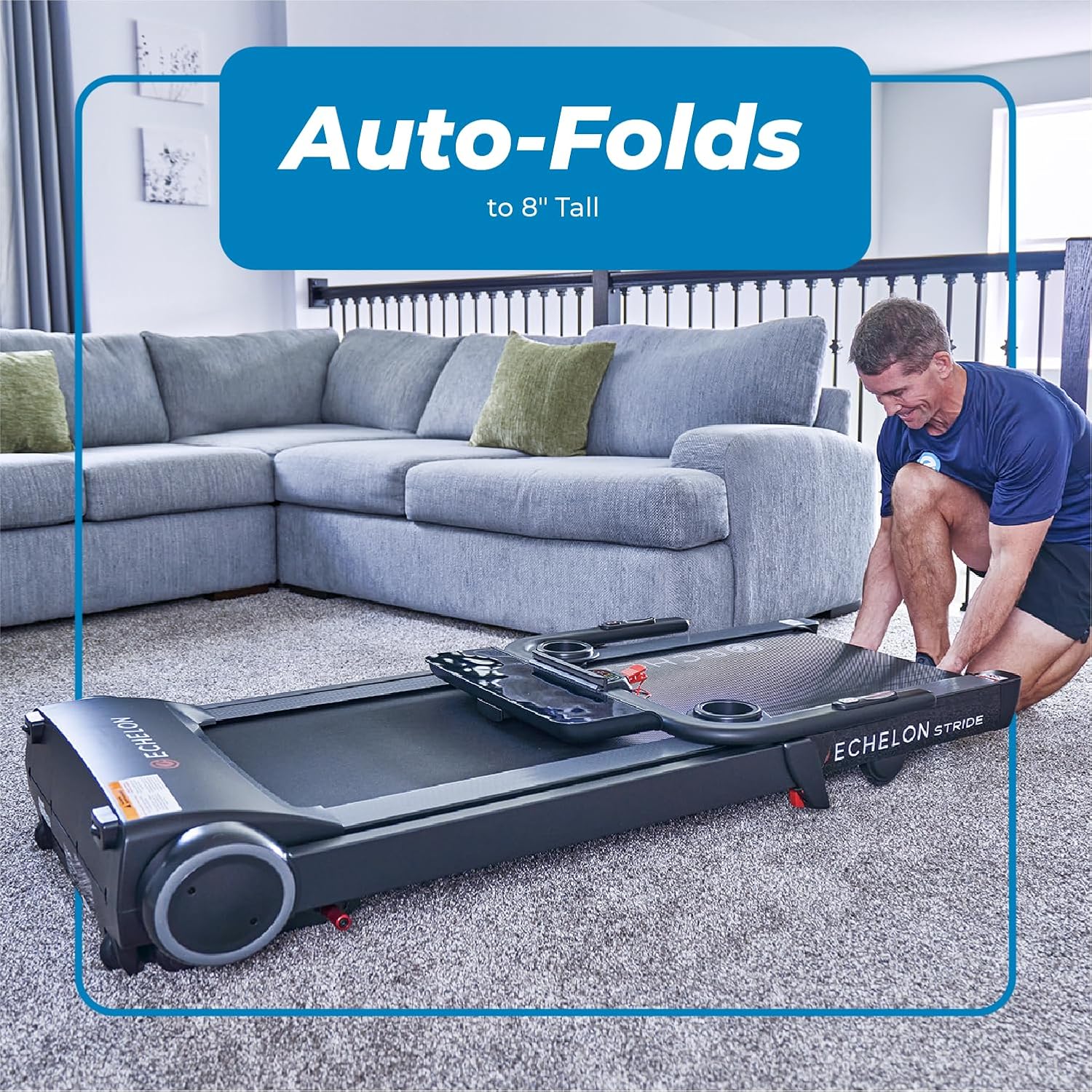
Figure 4: Close-up of the Echelon Stride Treadmill console, showing the display and control buttons.
- Display: Shows Distance, Incline, Time, Pace, Speed, and Calories Burned.
- Quick Incline/Speed Buttons: Pre-set buttons for quick adjustments (e.g., 3, 6, 9 for speed/incline).
- Program (PROG): Select from 8 pre-programmed workouts.
- Mode: Cycle through different display modes or workout types.
- Start/Pause/Stop: Initiate, pause, or end your workout.
Starting a Workout
- Ensure the treadmill is plugged in and the main power switch is ON.
- Attach the red safety key to the designated slot on the console and clip the other end to your clothing.
- Step onto the side rails of the treadmill.
- Press the START button. The belt will begin moving at a low speed (0.5 MPH).
- Carefully step onto the moving belt and begin walking.

Figure 5: User engaging with the treadmill console during a workout.
Adjusting Speed and Incline
- Speed: Use the SPEED ▲ and ▼ buttons on the right handlebar to increase or decrease the belt speed. Maximum speed is 12 MPH.
- Incline: Use the INCLINE ▲ and ▼ buttons on the left handlebar to adjust the incline. Maximum incline is 10%.
- Quick speed/incline buttons are also available on the console for rapid changes.
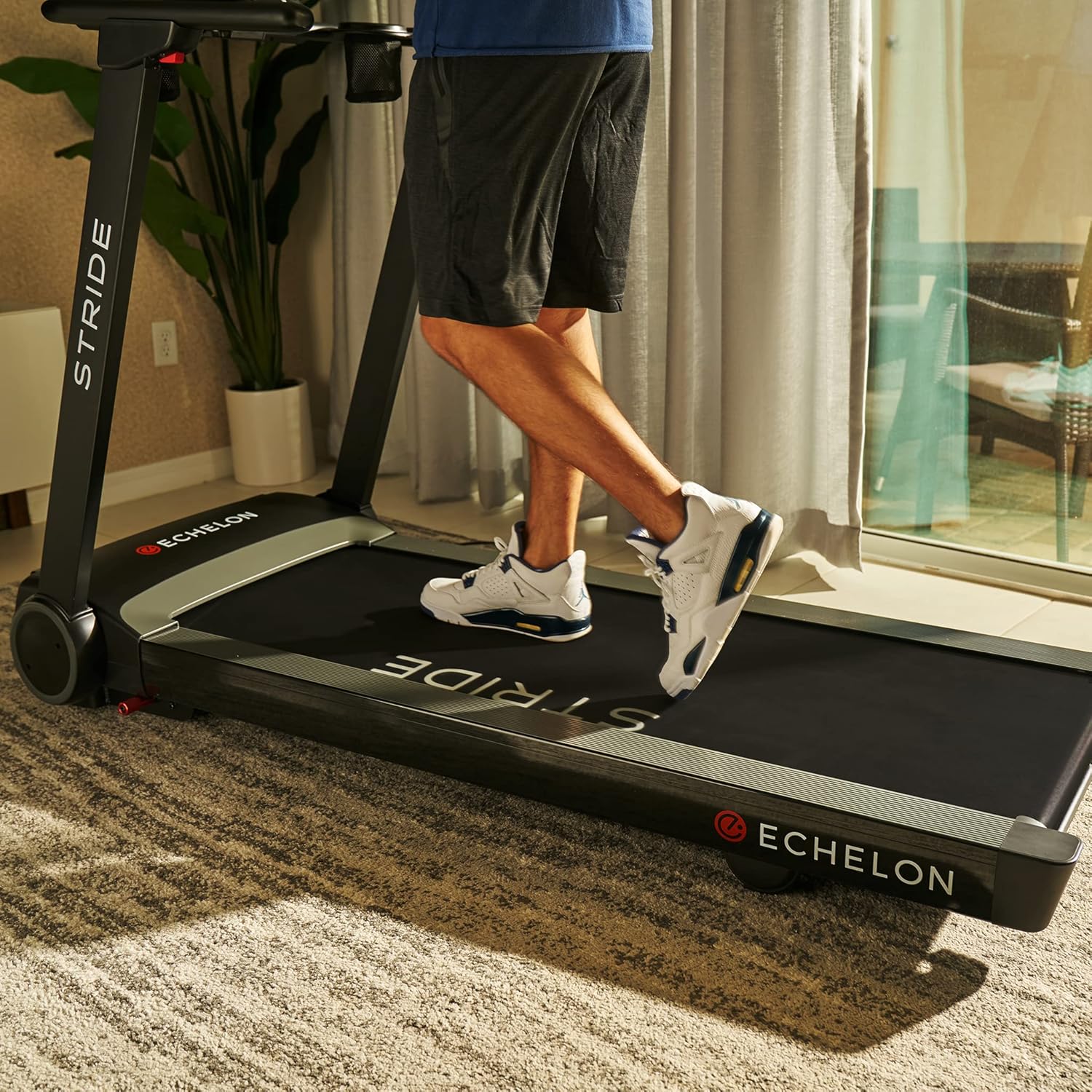
Figure 6: Speed and incline controls conveniently located on the handlebars.
Heart Rate Monitoring
Integrated handlebar sensors allow for heart rate monitoring. Place both hands on the metal sensors on the handlebars to display your heart rate on the console.

Figure 7: Handlebar sensors for heart rate monitoring.
Device Holder and USB Charging
The treadmill includes a built-in smart device holder to secure your tablet or phone during workouts. A USB charging port is also available to keep your devices powered.

Figure 8: The oversized device holder on the treadmill console.
Folding and Storage
The Echelon Stride features patented auto-fold technology for easy storage, reducing its footprint to just 10 inches deep.
- Lowering the Console: Gently push the console down until it rests flat against the main frame.
- Folding the Handlebars: Locate the red levers on the side of the handlebars. Press these levers and gently lower the handlebars until they are flat.
- Folding the Deck: The treadmill deck can be folded vertically. Engage the auto-fold mechanism (refer to specific instructions in your printed manual for exact lever location if not immediately apparent). The deck will fold upwards, securing itself in a vertical position.
- Transport: Utilize the built-in transport wheels for easy horizontal and vertical portability.

Figure 9: The Echelon Stride Treadmill in its folded, compact state.
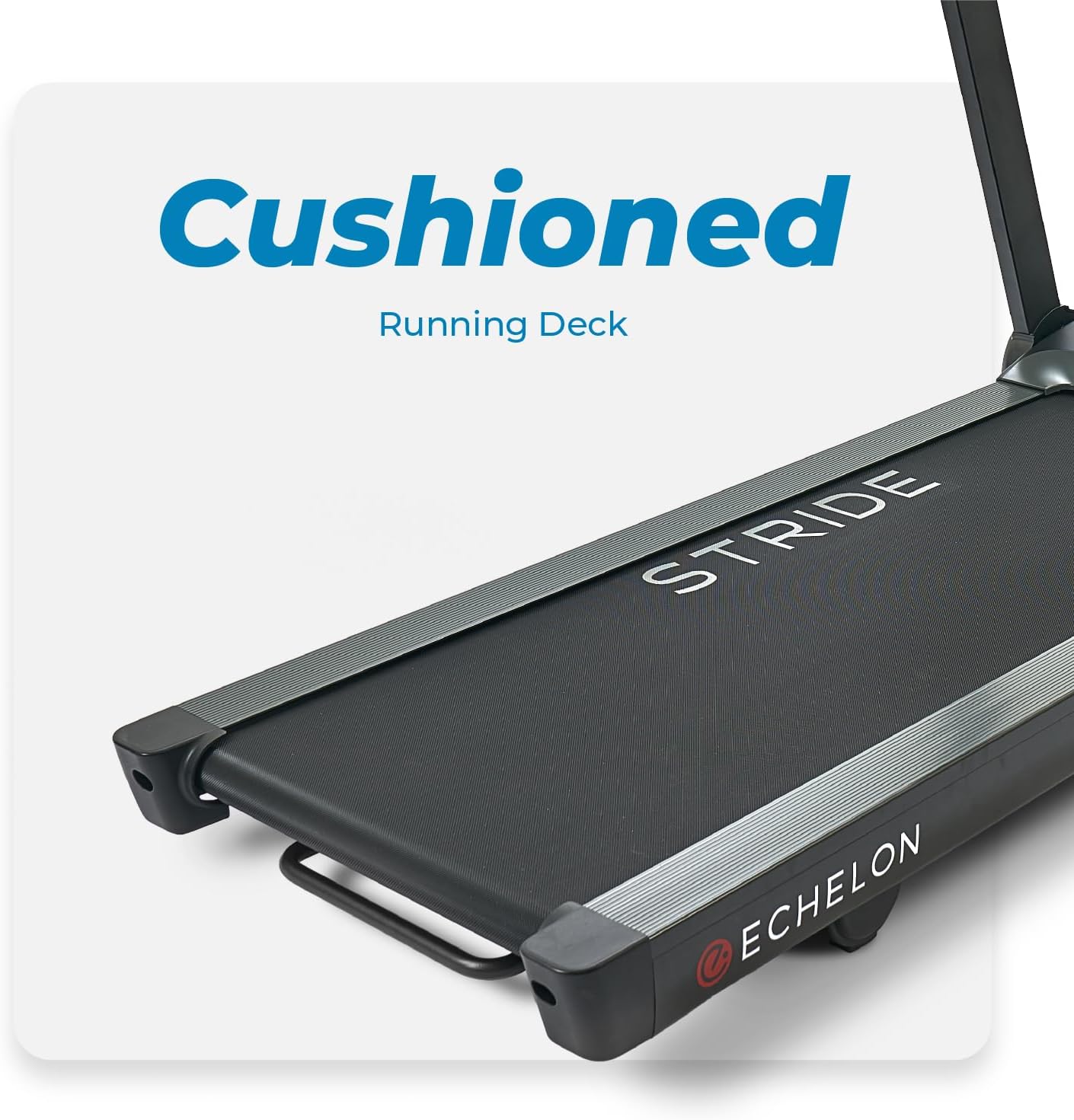
Figure 10: A user demonstrating the auto-fold feature of the treadmill.
Maintenance
Regular maintenance ensures the longevity and optimal performance of your treadmill.
- Cleaning: Wipe down the console and other surfaces with a damp cloth after each use. Avoid abrasive cleaners.
- Belt Lubrication: Periodically check the running belt for proper lubrication. Refer to the detailed instructions in your full user manual for specific lubrication procedures and recommended lubricants.
- Belt Tension: Ensure the running belt is properly tensioned. An overly loose or tight belt can affect performance and longevity. Adjust as per the full manual.
- General Inspection: Regularly inspect all parts for wear and tear. Tighten any loose bolts or screws.
Troubleshooting
If you encounter issues with your Echelon Stride Treadmill, refer to the following common solutions:
| Problem | Possible Cause | Solution |
|---|---|---|
| Treadmill does not power on. | Power cord not plugged in; main power switch off; safety key not engaged. | Check power connections; ensure main power switch is ON; insert safety key. |
| Running belt stops unexpectedly. | Safety key disengaged; motor overload. | Re-engage safety key; reduce load or speed. |
| Unusual noise during operation. | Loose components; belt misalignment; lack of lubrication. | Inspect and tighten components; adjust belt alignment; lubricate belt. |
For further assistance, please contact Echelon customer support.
Specifications
| Feature | Detail |
|---|---|
| Brand | Echelon |
| Model Name | Stride Sport 10 |
| Product Dimensions (LxWxH) | 115"D x 60"W x 128"H (Operational) |
| Folded Size | 69.3" x 31" x 10.25" |
| Item Weight | 70.8 Kilograms |
| Maximum Weight Recommendation | 300 Pounds |
| Maximum Speed | 12 Miles per Hour |
| Minimum Speed | 0.5 Miles per Hour |
| Maximum Incline Percentage | 10% |
| Running Deck Length | 55 Inches |
| Running Deck Width | 20 Inches |
| Display Type | LCD |
| Power Source | AC (Power Cord Included) |
| Special Feature | Foldable with Auto-Fold Technology |
Warranty and Support
The Echelon Stride Treadmill comes with a 12-month limited parts and labor warranty from Echelon. For any issues or support needs, please contact Echelon customer service.
Visit the official Echelon website for the most up-to-date support information and contact details: www.echelonfit.com


