
Monster MH21901
Monster Wireless Earbuds User Manual
Model: MH21901
Introduction
Thank you for choosing Monster Wireless Earbuds. This manual provides essential information for setting up, operating, and maintaining your new earbuds. Please read it carefully before use to ensure optimal performance and longevity of your device.

Image: Monster Wireless Earbuds in their open charging case, showcasing the white earbuds with teal accents.
What's in the Box
- Charging Case
- Wireless Charging Case
- User Manual
- Cable
Setup
1. Charging the Earbuds and Case
Before first use, fully charge the earbuds and the charging case. The case supports both wired and wireless charging.
- Wired Charging: Connect the provided cable to the charging case and a power source.
- Wireless Charging: Place the charging case on a compatible wireless charging pad.
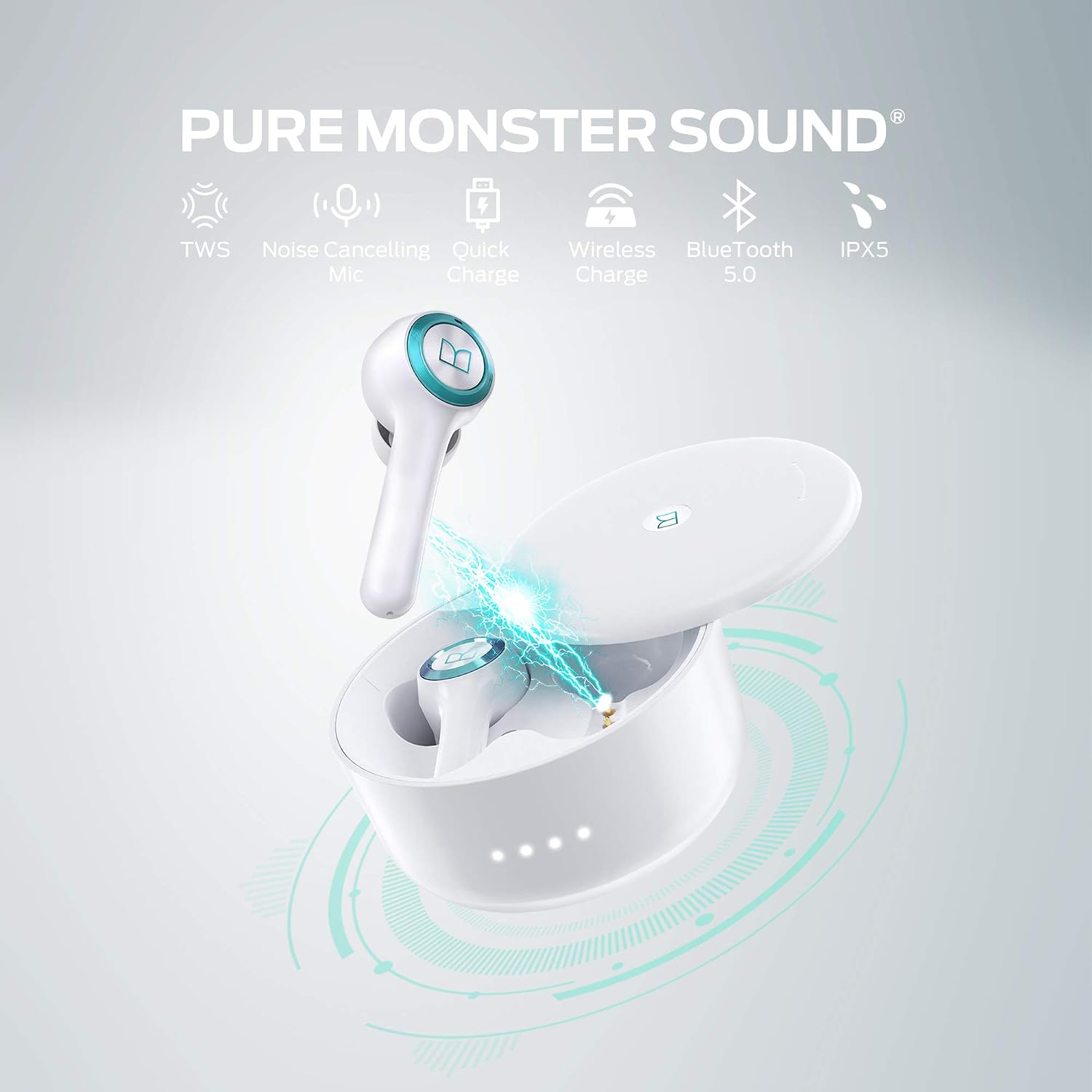
Image: The Monster Wireless Earbuds charging case placed on a black wireless charging pad.
2. Pairing with Your Device
The Monster Wireless Earbuds feature super easy pairing and Bluetooth 5.0 auto-reconnect for a seamless experience.
- Open the charging box and pick up both earbuds. They will automatically enter pairing mode.
- On your device (smartphone, tablet, etc.), go to Bluetooth settings.
- Select "Monster Clarity 102 Plus" from the list of available devices to connect.
- Once paired, the earbuds will automatically reconnect to your device when taken out of the case, provided Bluetooth is enabled on your device.

Image: A hand holding the open charging case with earbuds, next to a smartphone displaying Bluetooth pairing options, highlighting the "Monster Clarity 102 Plus" connection.
Operating Instructions
Wearing the Earbuds
Insert the earbuds comfortably into your ears. The ergonomic design ensures a secure and comfortable fit for extended wear.

Image: A woman wearing a Monster Wireless Earbud, demonstrating comfortable all-day wear. Various ear tip sizes (S, M, L) are shown.
Battery Life and Quick Charge
Enjoy extended listening with your Monster Wireless Earbuds. They offer up to 8 hours of playtime on a single charge, and a total of 24 hours with the charging case.
For quick power, a 5-minute charge can provide up to 120 minutes of playback time.

Image: Monster Wireless Earbuds and charging case illustrating 8 hours of earbud battery life and 24 hours total with the case.
Call Management and Noise Reduction
The earbuds feature built-in dual microphones with noise reduction technology for clearer hands-free calls, even in noisy environments.
Refer to your device's Bluetooth settings for call control options.
Touch Controls
The earbuds are equipped with intuitive touch controls for easy management of music playback and calls.
- Play/Pause: Single tap on either earbud.
- Next Track: Double tap on the right earbud.
- Previous Track: Double tap on the left earbud.
- Answer/End Call: Single tap on either earbud.
- Reject Call: Press and hold either earbud.
- Activate Voice Assistant: Triple tap on either earbud.

Image: A graphic illustrating the various touch control functions on the Monster Wireless Earbuds, including call, music, and volume controls.
Product Overview Video
Video: An official product video showcasing the Monster Wireless Earbuds, highlighting features such as wireless charging, comfortable wear, Bluetooth 5.0 auto-reconnect, noise reduction for calls, quick charging capabilities, and Hifi sound quality. The video demonstrates the earbuds in various usage scenarios.
Maintenance
Water Resistance (IPX5)
Your Monster Wireless Earbuds are IPX5 water-resistant, meaning they are protected against sweat and splashes. This makes them suitable for workouts and light rain. However, they are not designed for submersion in water.
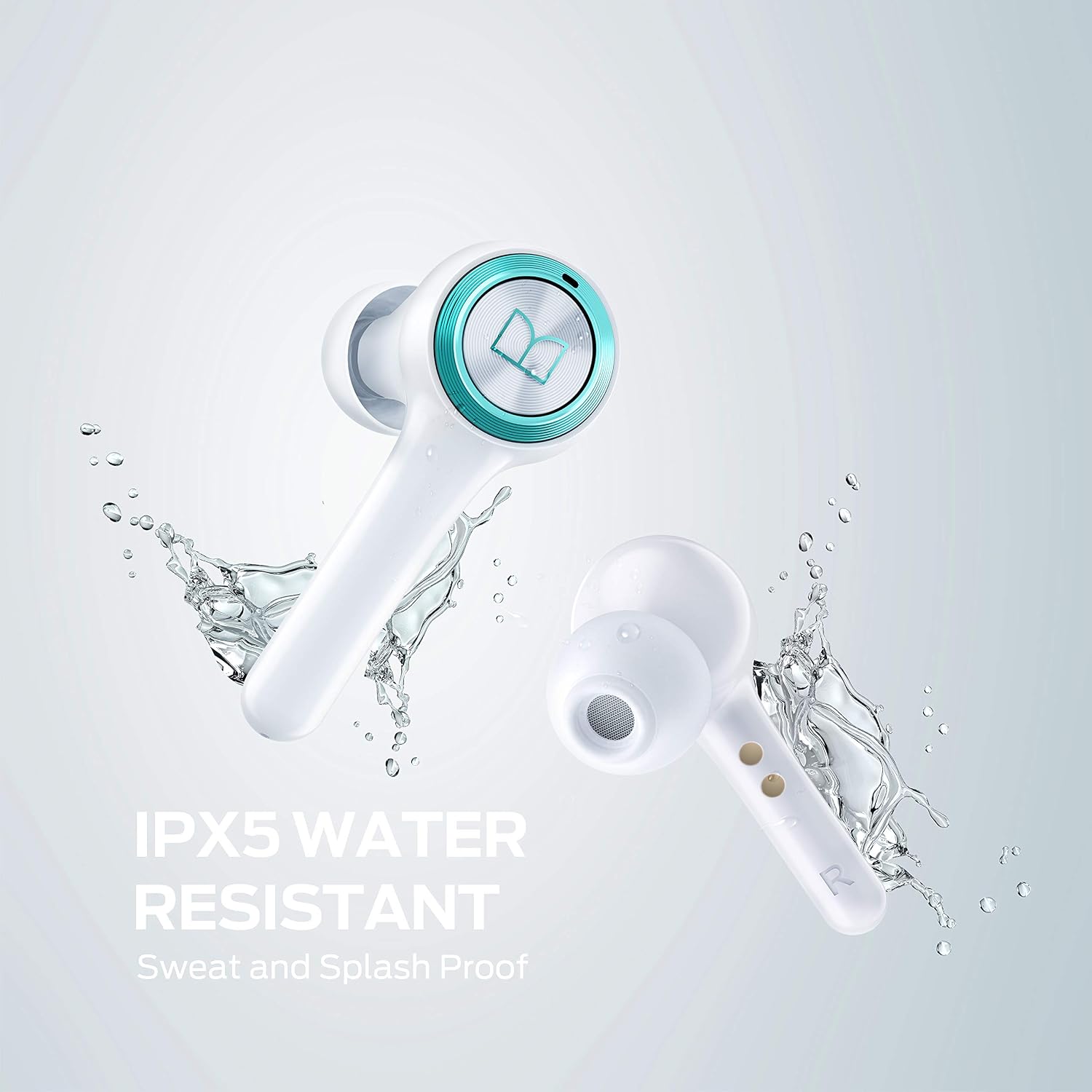
Image: Two Monster Wireless Earbuds with water splashing around them, visually representing their IPX5 water-resistant rating.
Cleaning
To maintain optimal sound quality and hygiene, regularly clean your earbuds and charging case.
- Use a soft, dry, lint-free cloth to wipe the earbuds and charging case.
- For ear tips, remove them from the earbuds and clean with a mild soap solution if necessary, then rinse and dry thoroughly before reattaching.
- Avoid using abrasive materials, alcohol, or chemical cleaners.
Troubleshooting
| Problem | Solution |
|---|---|
| Earbuds not pairing with device. |
|
| Only one earbud is playing sound. |
|
| Charging case not charging. |
|
| Low volume or poor sound quality. |
|
Specifications
| Feature | Detail |
|---|---|
| Brand | Monster |
| Model Number | MH21901 |
| Connectivity Technology | Wireless (Bluetooth 5.0) |
| Ear Placement | In Ear |
| Form Factor | In Ear |
| Color | White |
| Water Resistance Level | IPX5 (Sweat and Splash Proof) |
| Microphone | Built-in Dual Mic with Noise Reduction |
| Charging | Wireless Charging Case, Wired Charging (Cable included) |
| Playtime (Earbuds) | Up to 8 hours |
| Total Playtime (with Case) | Up to 24 hours |
| Quick Charge | 5 minutes charge for 120 minutes play |
| Control Type | Media Control (Touch) |
| Material | Plastic |
| Item Weight | 8.7 ounces |
| UPC | 850015401886 |
Warranty and Support
For warranty information and customer support, please refer to the documentation included with your product or visit the official Monster website. Keep your proof of purchase for warranty claims.
Manufacturer: Monster
Related documentsMH21901


Ask a question about this manual
Ask about setup, troubleshooting, compatibility, parts, safety, or missing instructions. Manuals+ will review the question and use this page’s manual context to help answer it.