
1. Introduction
The Garmin tactix Delta Solar with Ballistics is a specialized tactical GPS smartwatch designed for demanding environments. It features a solar charging lens to extend battery life, is built to military standards (MIL-STD-810), and includes advanced tactical functions, mapping, music, and comprehensive training features. This manual provides essential information for setting up, operating, maintaining, and troubleshooting your device.
Key Features:
- Solar charging lens for extended battery life.
- Applied Ballistics Elite software for long-range shooting solutions.
- Specialized tactical features: Jumpmaster mode, waypoint projection, dual-position format, stealth mode, and kill switch.
- Rugged construction built to military standards (MIL-STD-810).
- Preloaded TOPO maps, public land maps (U.S. only), and ski maps.
- Multi-GNSS support and advanced navigation sensors.
- Enhanced wrist heart rate and Pulse Ox sensing.
- Smart notifications and Garmin Pay contactless payments.
2. What's in the Box
- tactix Delta – Solar Edition with Ballistics – Black DLC with black nylon tactical band
- Black silicone watch band
- Charging/data cable
- Documentation (this manual)
3. Setup
3.1 Initial Charging and Power On
Before first use, connect your tactix Delta Solar watch to the charging/data cable and plug it into a USB power source. The watch will automatically power on once connected. The solar charging lens also contributes to battery life when exposed to sunlight.

Image: The watch face showing the solar intensity graph, indicating power generation from sunlight.
3.2 Pairing with a Smartphone
To access smart features like notifications and data synchronization, pair your watch with a compatible smartphone using the Garmin Connect app. Follow the on-screen instructions on both your watch and smartphone to complete the pairing process.
4. Operating the Device
4.1 Basic Navigation
The tactix Delta Solar watch is operated using its five physical buttons. Refer to the quick start guide for a detailed overview of each button's function (Light, Menu/Up, Down, Start/Stop, Back/Lap).
4.2 Solar Charging Capabilities
The Power Glass solar charging lens converts sunlight into electrical energy, extending the watch's battery life. The watch can display solar intensity data, allowing you to monitor its charging performance.
4.3 Battery Management
Utilize custom power manager modes to optimize battery life based on your activity and usage. The watch provides estimates for remaining battery life in various modes.

Image: The watch face showing the 'Max Battery' power mode, indicating extended battery duration.
4.4 Applied Ballistics Elite Software
The integrated Applied Ballistics Elite software provides aiming solutions for long-range shooting, taking into account various environmental factors.

Image: The watch face displaying the Applied Ballistics Elite software logo, indicating its active status.
4.5 Specialized Tactical Features
- Night Vision Compatibility: The display is designed for easy readability with night vision goggles.
- Stealth Mode: Disables location sharing and wireless connectivity for operational security.
- Kill Switch: Wipes all user memory from the device if activated, enhancing data security.
- Jumpmaster Mode: Assists with jump calculations for airborne operations.
- Waypoint Projection & Dual-Position Format: Advanced navigation tools for precise location tracking and sharing.

Image: The watch face showing 'Night Vision: On', indicating compatibility with night vision devices.
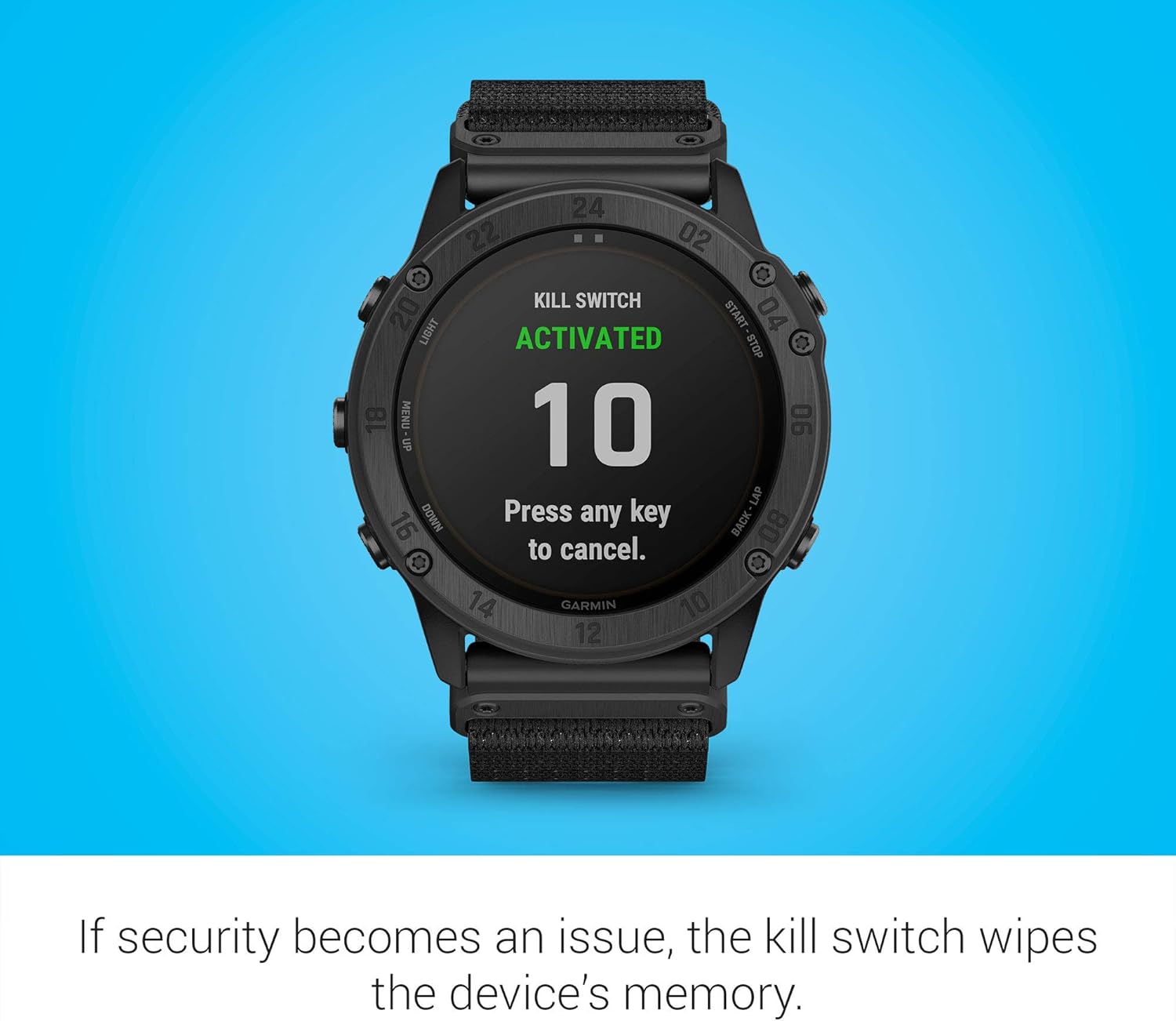
Image: The watch face displaying 'KILL SWITCH ACTIVATED' with a countdown, indicating the memory wipe function.
4.6 GPS and Navigation
The watch includes preloaded TOPO maps, public land maps (U.S. only), and ski maps for 2,000 ski resorts worldwide. It supports multiple Global Navigation Satellite Systems (GNSS) for accurate positioning and features advanced navigation sensors.
4.7 Health Monitoring
Monitor your fitness and health with features such as enhanced wrist heart rate estimation and Pulse Ox sensing (note: this is not a medical device and is not intended for diagnosis or monitoring of any medical condition).
4.8 Smart Features
When paired with a compatible smartphone, receive smart notifications directly on your wrist. The watch also supports Garmin Pay for contactless payments (availability may vary by country and payment network) and music storage/playback.
4.9 Official Product Overview
Video: An official overview of the Garmin tactix Delta Solar watch, highlighting its key features and capabilities.
5. Maintenance
5.1 Cleaning the Device
Regularly clean your watch to ensure optimal performance and longevity. Use a soft, damp cloth to wipe the watch body and bands. Avoid harsh chemicals or abrasive materials that could damage the device or its sensors. Rinse the watch with fresh water after exposure to chlorine, saltwater, sunscreen, cosmetics, alcohol, or other harsh chemicals.
5.2 Battery Care
To maximize battery life, ensure the solar charging lens is exposed to direct sunlight whenever possible. Avoid extreme temperatures, which can degrade battery performance. Store the device in a cool, dry place when not in use for extended periods.
6. Troubleshooting
6.1 Device Not Responding
If the device is unresponsive, try restarting it by holding down the LIGHT button until the screen turns off. If the issue persists, ensure the device is charged. Connect it to the charging cable and a power source.
6.2 GPS Inaccuracy
Ensure you have a clear view of the sky when using GPS features. Syncing your device with the Garmin Connect app regularly can help update satellite data, improving GPS accuracy. If issues persist, try performing a soft reset.
6.3 Connectivity Issues
If you experience problems with Bluetooth connectivity, ensure your smartphone's Bluetooth is enabled and the watch is within range. Try unpairing and re-pairing the device through the Garmin Connect app. For Wi-Fi issues, verify your network credentials and signal strength.
7. Specifications
| Feature | Specification |
|---|---|
| Model Name | tactix Delta Solar w/Ballistics |
| Model Number | 010-02357-50 |
| Screen Size | 1.4 Inches |
| Operating System | Garmin OS |
| Battery Life (Smartwatch Mode) | Up to 21 days (up to 24 days with solar charging) |
| GPS | True (Multi-GNSS support) |
| Water Resistance Level | Water Resistant |
| Connectivity Technology | Bluetooth, NFC |
| Band Material Type | Nylon |
| Case Material Type | Nylon |
| Item Weight | 12.16 ounces |
| Item Dimensions | 0.6 x 2.5 x 2 inches |
8. Warranty and Support
8.1 Limited Warranty
The Garmin tactix Delta Solar with Ballistics comes with a 1-year limited warranty from the date of purchase. This warranty covers defects in materials and workmanship under normal use. For full terms and conditions, please refer to the warranty documentation included with your product or visit the official Garmin website.
8.2 Customer Support
For technical assistance, product registration, or to access additional resources, please visit the Garmin support website or contact Garmin customer service. Keep your proof of purchase for warranty claims.


