Introduction
The SereneLife Smart Automatic Robot Vacuum Cleaner (Model: PUCRC95PLUS.5) is designed to provide efficient and convenient floor cleaning across various surfaces. This device features self-programmed cleaning path navigation, anti-fall stair sensors, and obstacle detection to ensure thorough cleaning while protecting your furniture. It is suitable for hardwood, linoleum, tile, and low/hard carpet floors. This manual provides essential information for setting up, operating, maintaining, and troubleshooting your robot vacuum cleaner.
What's in the Box
Upon unpacking, ensure all the following components are present:
- Smart Robot Vacuum (Main Body)
- Rechargeable Battery (pre-installed)
- Remote Control (requires 2 x 'AAA' batteries, not included)
- Charging Station
- US Plug/Power Adapter
- (2) Mop Cloths
- (1) Water Tank
- (2) Pairs Side Brushes (4 total)
- (2) HEPA Filters (one pre-installed in dust bin)
- (1) Primary Filter (pre-installed in dust bin)
- (1) Cleaning Brush
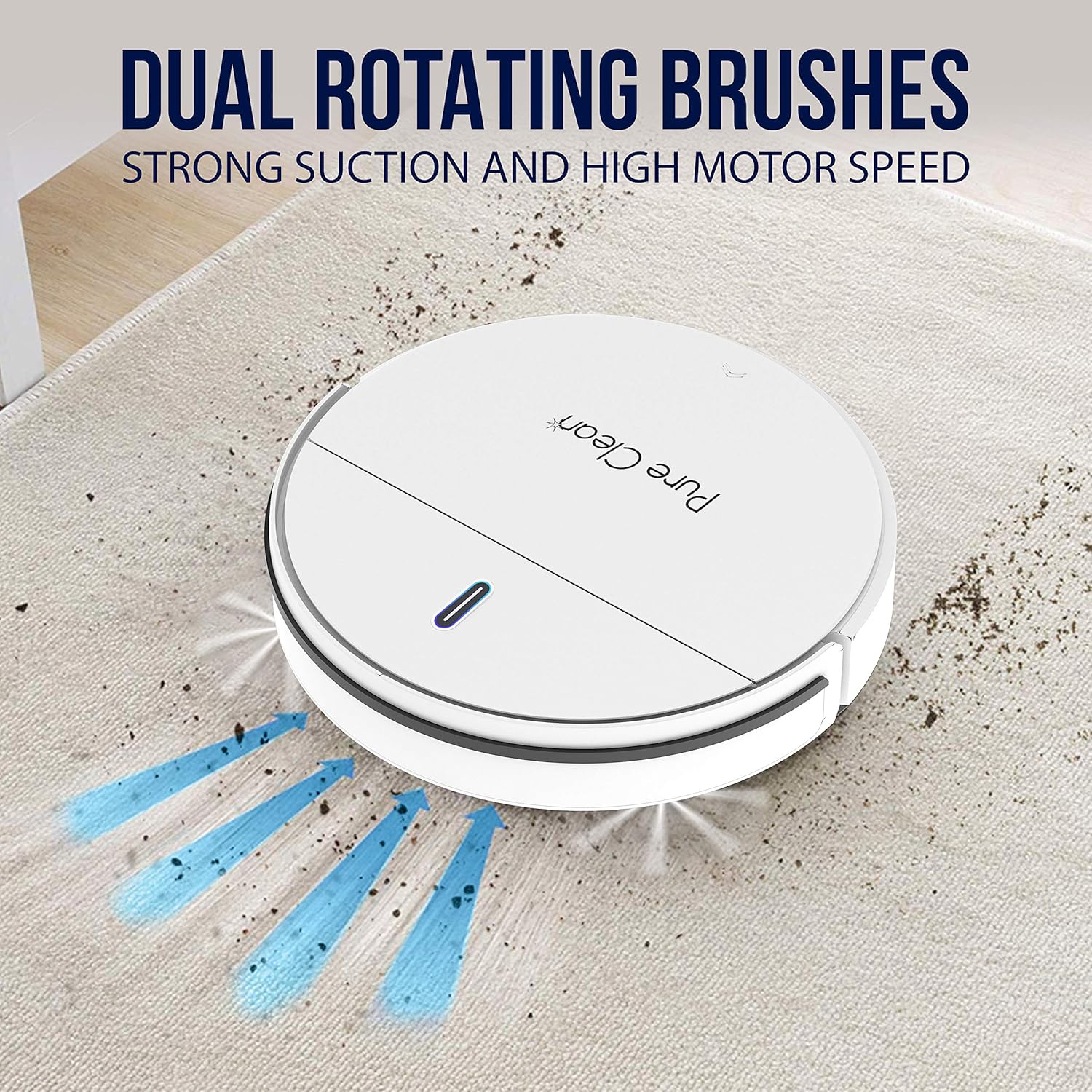
Image: All components included with the SereneLife Smart Automatic Robot Vacuum Cleaner, including the main unit, charging station, remote control, side brushes, mop cloths, water tank, filters, and power adapter.
Setup
1. Charging the Robot Vacuum
Before first use, fully charge the robot vacuum. Place the charging station against a wall in an open area. Connect the power adapter to the charging station and a power outlet. The robot will automatically return to the charging station when its battery is low. Average charge time is approximately 4 hours for a full charge, providing up to 90 minutes of operation.

Image: The robot vacuum automatically returns to its charging dock for recharging. The image highlights the self-charging feature and charging time.
2. Installing Side Brushes
Gently press the side brushes onto the posts located on the bottom of the robot until they click into place. Ensure they are securely attached.
3. Attaching Mop Cloth and Water Tank (Optional)
If using the mopping function, fill the water tank with clean water. Attach a mop cloth to the water tank. Securely attach the filled water tank to the designated slot on the underside of the robot vacuum.
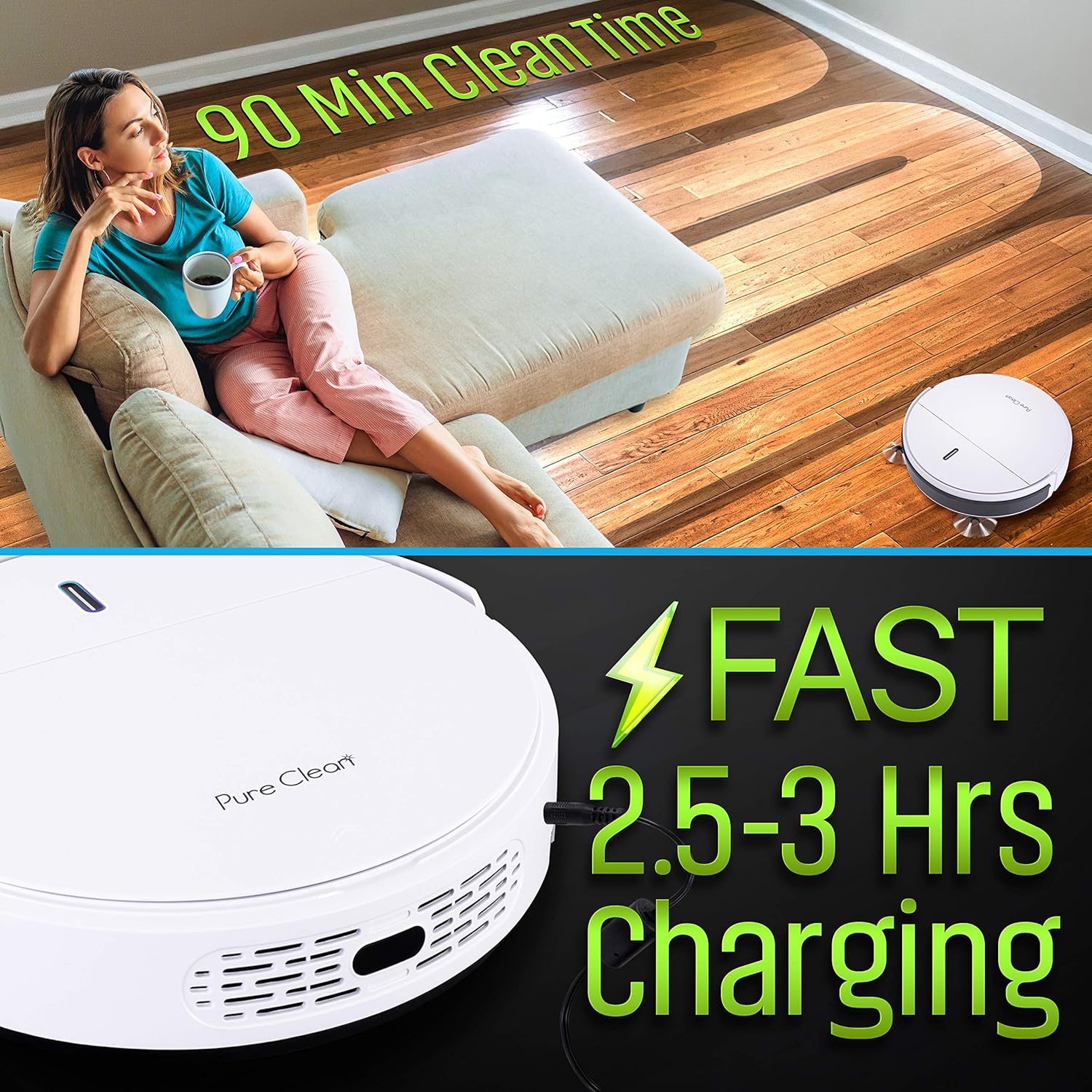
Image: The robot vacuum demonstrating its mopping function, with a visual of the water tank being filled and the mop pad attached to the unit's underside.
Operating Instructions
1. Powering On/Off
Press the power button on the robot's top panel or the 'ON/OFF' button on the remote control to turn the unit on or off.
2. Selecting Cleaning Modes
The robot vacuum offers multiple cleaning modes to suit different needs. Use the 'MODE' button on the remote control to cycle through the available options:
- Auto Cleaning Mode: The robot cleans a room automatically, adjusting its path based on detected obstacles and room layout.
- Spiral Cleaning Mode: The robot cleans in a spiral pattern, ideal for concentrated cleaning in a specific area.
- Spot Cleaning Mode: For intensive cleaning of a small, dirty area. Press the 'SPOT' button on the remote control.
- Edge Cleaning Mode: The robot cleans along walls and furniture edges.
- Zig-Zag Mode: The robot moves in a zig-zag pattern, suitable for open areas with fewer obstacles.
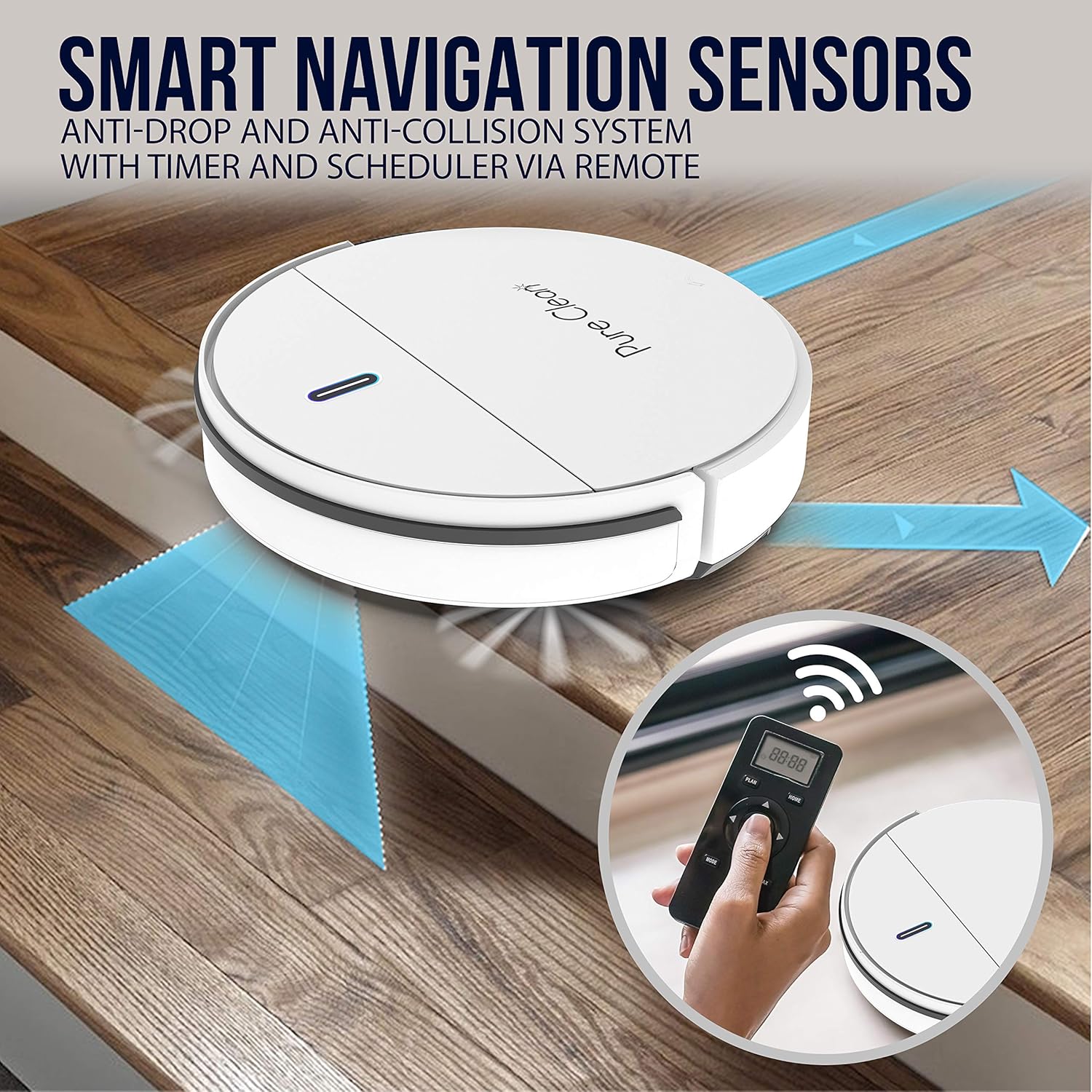
Image: The robot vacuum navigating around household objects, demonstrating its smart navigation and anti-collision sensors.
3. Scheduling Cleaning Times
You can program the robot to start cleaning at a specific time each day. Use the 'PLAN' button on the remote control to set your desired cleaning schedule. Refer to the user manual for detailed instructions on setting the timer.
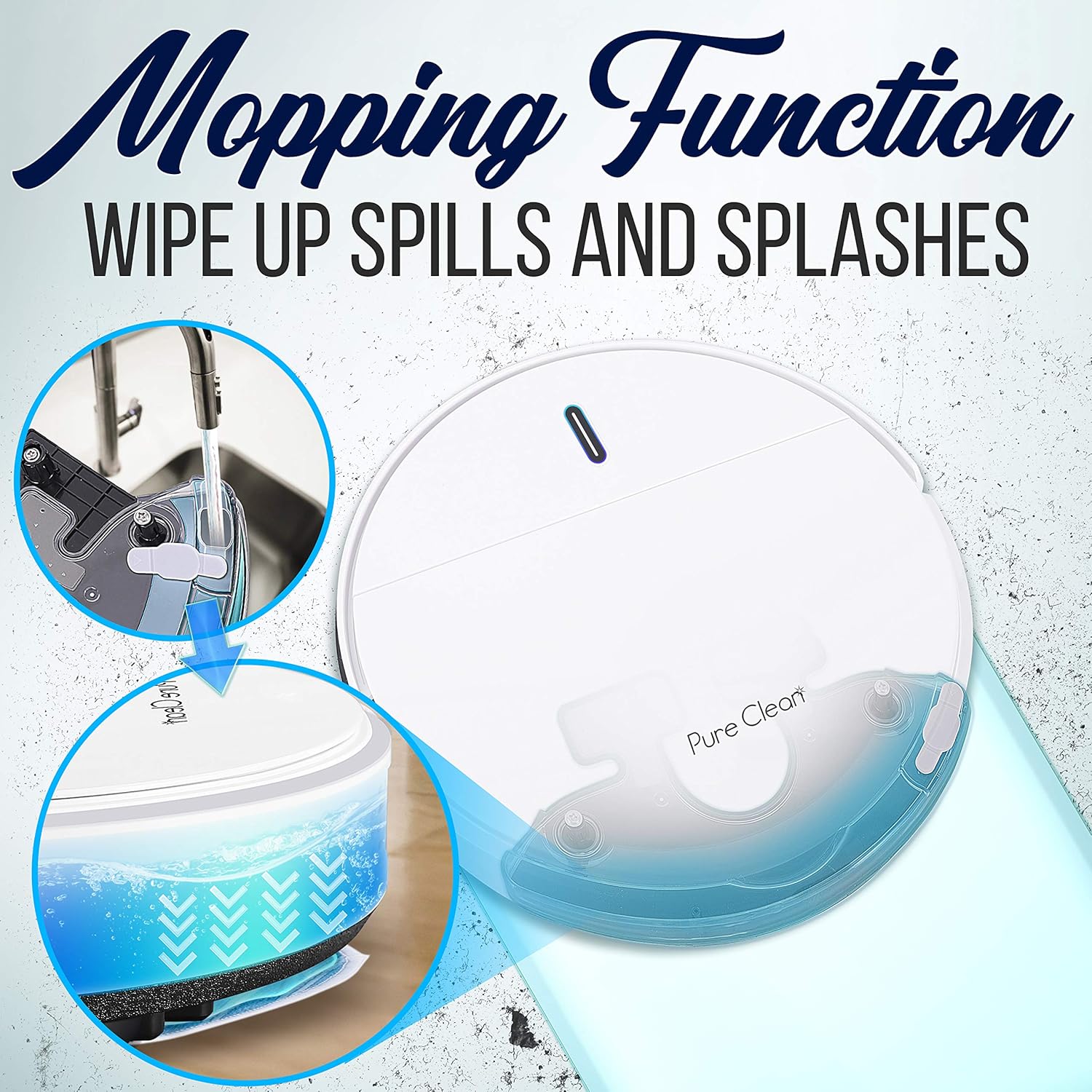
Image: A hand holding the remote control, setting a scheduled activation time for the robot vacuum, illustrating the programmable timer feature.
4. Multi-Surface Cleaning
The robot is designed to work effectively on various floor types, including hardwood, linoleum, tile, and low/hard carpet floors. Its smart suction adjustment feature automatically adapts suction power based on the surface detected.

Image: The robot vacuum operating on various floor materials, including carpet, hardwood, and tile, highlighting its multi-surface cleaning capability.
Maintenance
1. Emptying the Dustbin
The robot features an automatic 'bag-less' design with a convenient dust collection bin. Regularly empty the dustbin after each cleaning cycle or when full. To empty, open the top cover of the robot, remove the dustbin, and dispose of the collected debris.
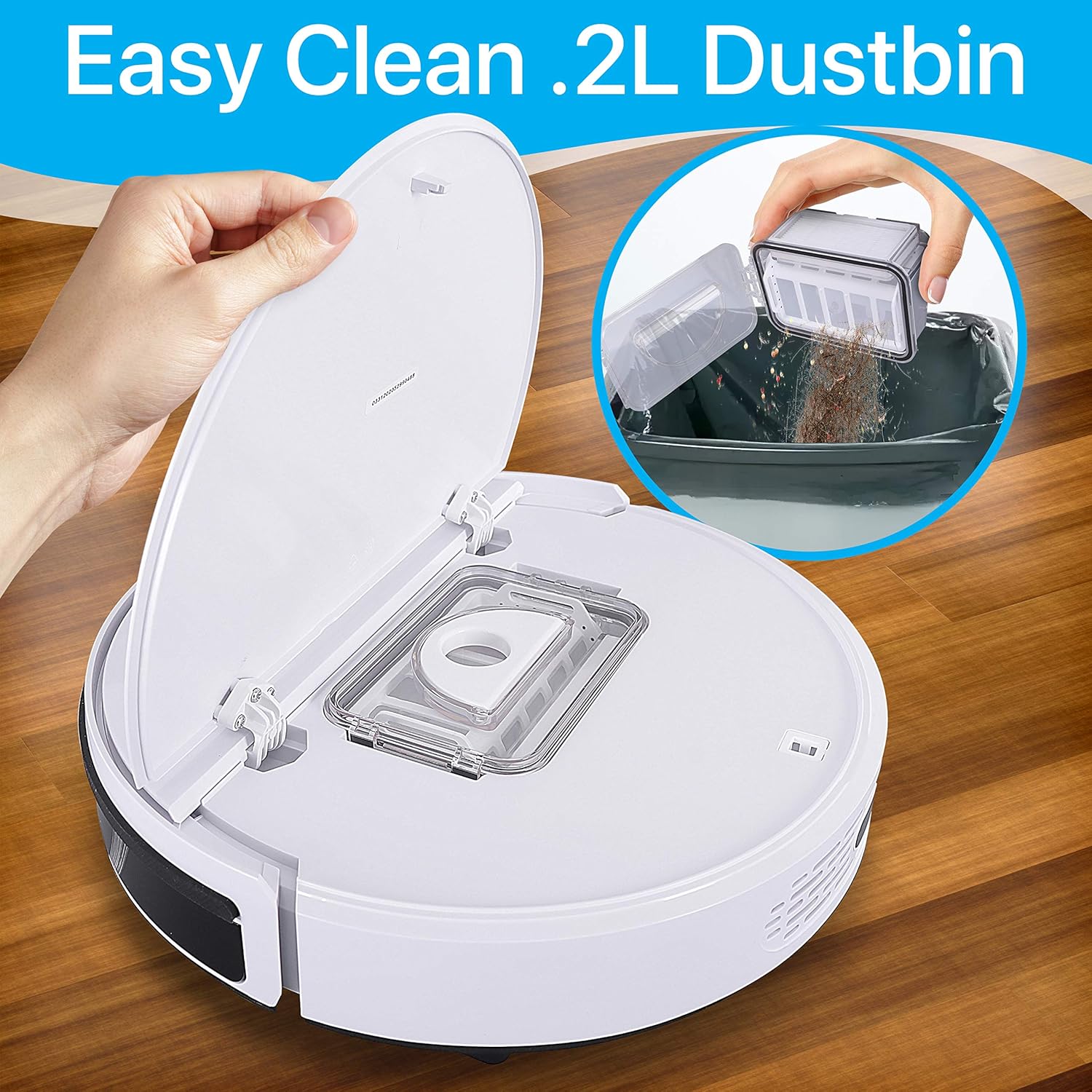
Image: A hand removing and emptying the dustbin from the robot vacuum, illustrating the easy cleaning process.
2. Cleaning Filters
The robot vacuum uses HEPA filters to capture fine dust and allergens. Remove the filters from the dustbin and gently tap them to dislodge debris. The filters can also be rinsed under running water; ensure they are completely dry before re-inserting. Replace filters periodically for optimal performance.
3. Cleaning Side Brushes and Mop Pads
Remove the dual spinning side brushes and clean any tangled hair or debris. The mop cloths should be removed and washed after each use to maintain hygiene and effectiveness.
Troubleshooting
- Robot gets stuck frequently: Ensure the cleaning area is free of excessive cables, small objects, or thick rugs that might impede movement. The low-profile design helps it navigate under furniture, but some obstacles may still cause issues.
- Short operating time: Ensure the robot is fully charged (approx. 4 hours). Check if the battery is properly installed. Over time, battery performance may degrade, requiring replacement.
- Poor cleaning performance: Empty the dustbin and clean the filters. Check if the side brushes are tangled or worn and replace them if necessary. Ensure the suction inlet is clear of obstructions.
- Robot does not return to charging station: Ensure the charging station is properly connected to power and placed in an accessible area. Remove any obstacles between the robot and the charging station.
Specifications
| Brand | SereneLife |
| Model Name | Pure Clean |
| Model Number | PUCRC95PLUS.5 |
| Color | White |
| Power Source | Battery Powered |
| Battery Type | 14.8V Li-ion, 1500mAh - 22.2Wh (Rechargeable Lithium-Ion) |
| Average Charge Time | 4 Hours |
| Vacuum Operation Run-Time | 90 Minutes |
| Dust Bin Capacity | 0.3 Liters |
| Low Noise Level | 65 dB |
| Product Dimensions (L x W x H) | 11.81'' x 11.81'' x 2.91'' inches |
| Item Weight | 8.73 pounds |
| Control Method | Remote |
| Special Features | Automatic Dust Collection, Programmable, Self-Charging, Anti-Fall Sensors, Obstacle Detection |
| Surface Recommendation | Carpet, Tile, Hardwood, Linoleum |
Support
For further assistance, technical support, or warranty inquiries regarding your SereneLife Smart Automatic Robot Vacuum Cleaner, please refer to the contact information provided in your product packaging or visit the official SereneLife website.


