
1. Important Safety Information
Before operating the Teeter Power10 Rower, please read and understand all instructions. Keep this manual for future reference. Failure to follow these instructions could result in injury or damage to the product.
- Consult your physician before starting any new exercise program.
- Ensure all parts are correctly assembled and tightened before each use.
- Keep children and pets away from the equipment during operation.
- Place the rower on a flat, stable surface with adequate clearance around it.
- Do not exceed the maximum user weight of 300 pounds (136 kg).
- Stop exercising immediately if you feel faint, dizzy, or experience pain.
2. Setup and Assembly
The Teeter Power10 Rower is designed for frustration-free assembly. It is recommended to have two people for assembly to ensure ease and safety.
2.1 Assembly Steps
- Unpack all components and verify against the parts list.
- Download the BILT App for interactive 3D assembly instructions.
- Follow the step-by-step guide provided in the BILT App or the included manual. Hardware is typically organized in individually labeled packages for each step.
- Ensure all bolts and connections are securely tightened upon completion.
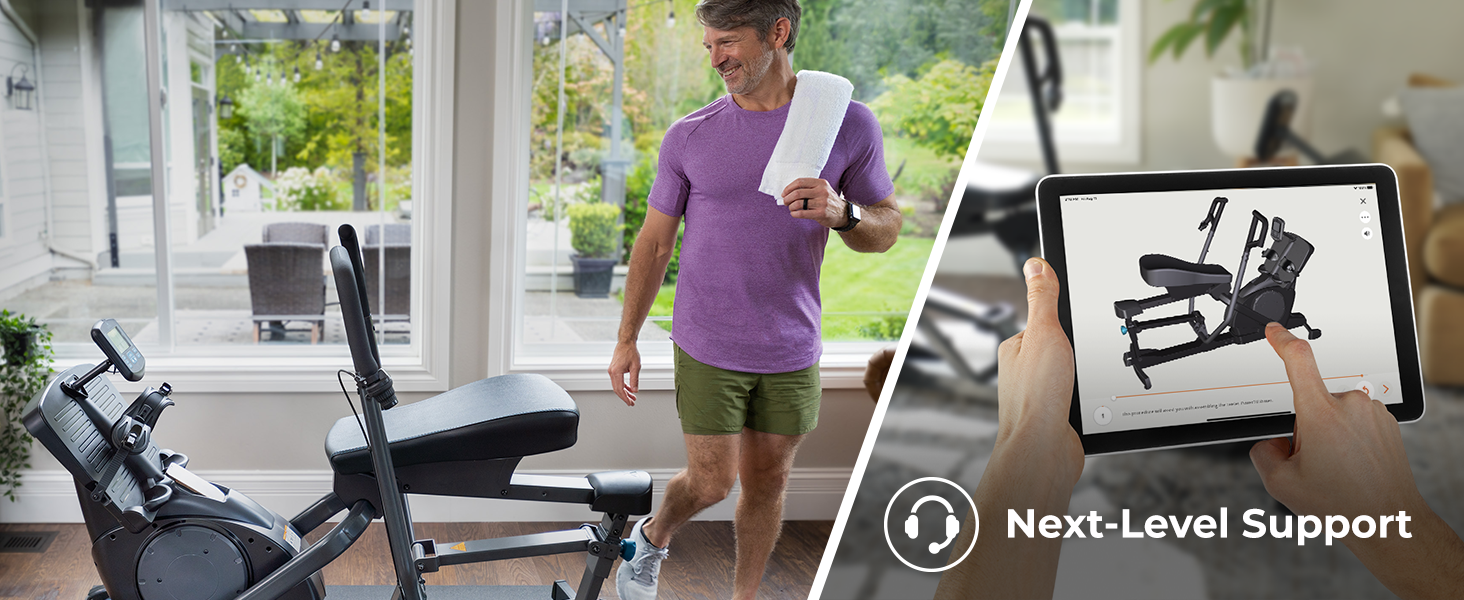
Image: Man assembling the Power10 Rower with the BILT app.
3. Operating Instructions
3.1 Getting Started
- Sit comfortably on the ergonomic seat.
- Place your feet on the foot platforms and secure them with the wide, quick-adjust foot straps. Ensure your feet are firmly held to prevent slipping during your workout.
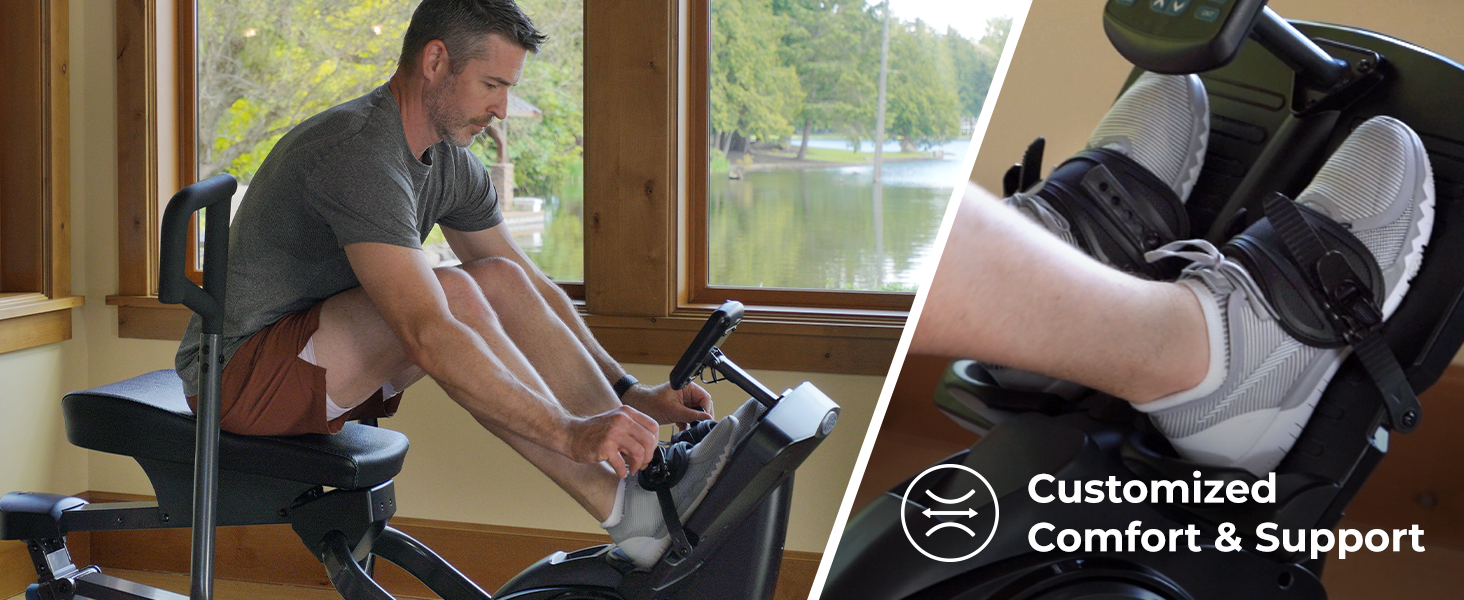
Image: Securing foot straps on the Power10 Rower.
3.2 Adjusting Layback
The adjustable layback feature allows you to optimize core engagement and power with each stroke. Adjust the layback mechanism located near the seat to your preferred angle for comfort and workout intensity.
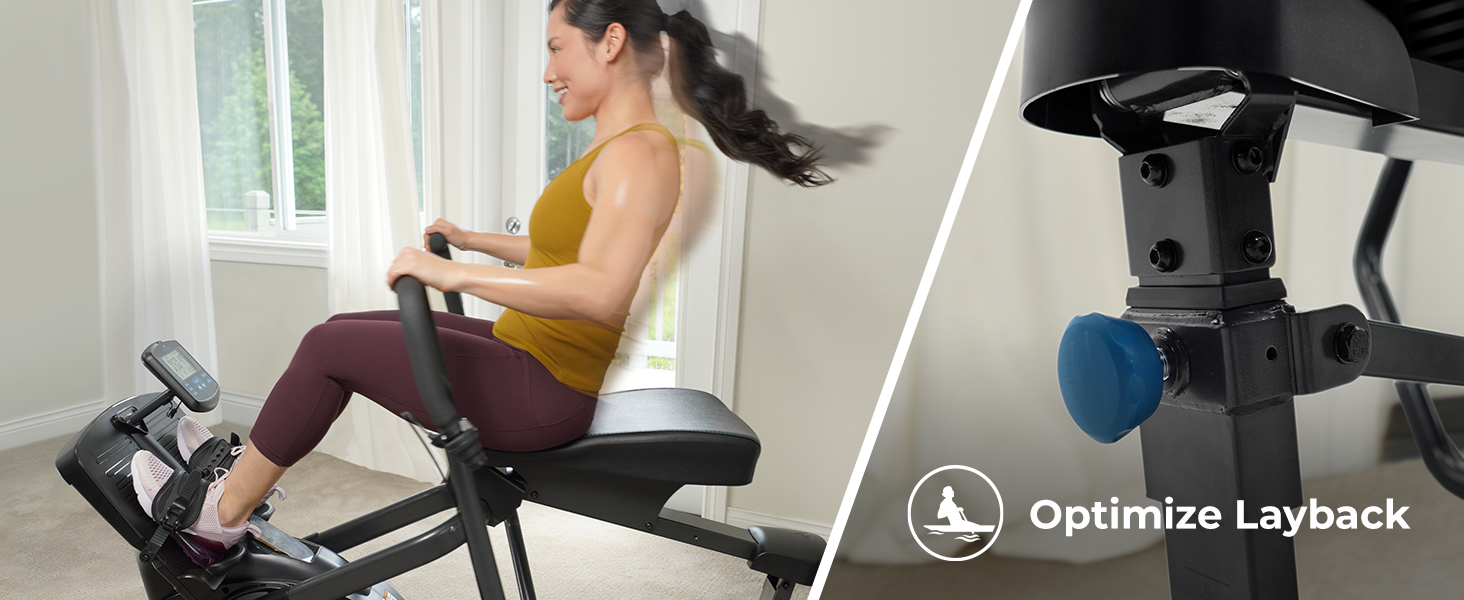
Image: Adjusting the layback for optimal core engagement.
3.3 Resistance Adjustment
The Power10 Rower features 7 levels of smooth magnetic resistance. Use the easy-access selector to adjust the intensity of your workout. Increase resistance for muscle building or decrease it for endurance training.

Image: 7-level resistance selector and multi-grip handles.

Image: Adjusting resistance mid-exercise.
3.4 Bi-Directional Rowing Motion
The unique bi-directional resistance allows you to engage more muscles. Pull for a traditional rowing motion targeting your back, biceps, deltoids, forearms, quadriceps, and calves. Push to work your chest, triceps, hamstrings, glutes, and abs.

Image: Demonstrating push and pull motion.

Image: 2X muscle activation with bi-directional movement.
3.5 Digital Performance Monitor
The integrated digital monitor tracks key workout metrics including time, calories burned, distance, and pace. It is also HRM compatible (5.3 kHz HRM for Standard, Bluetooth HRM for Max model) to monitor your heart rate.
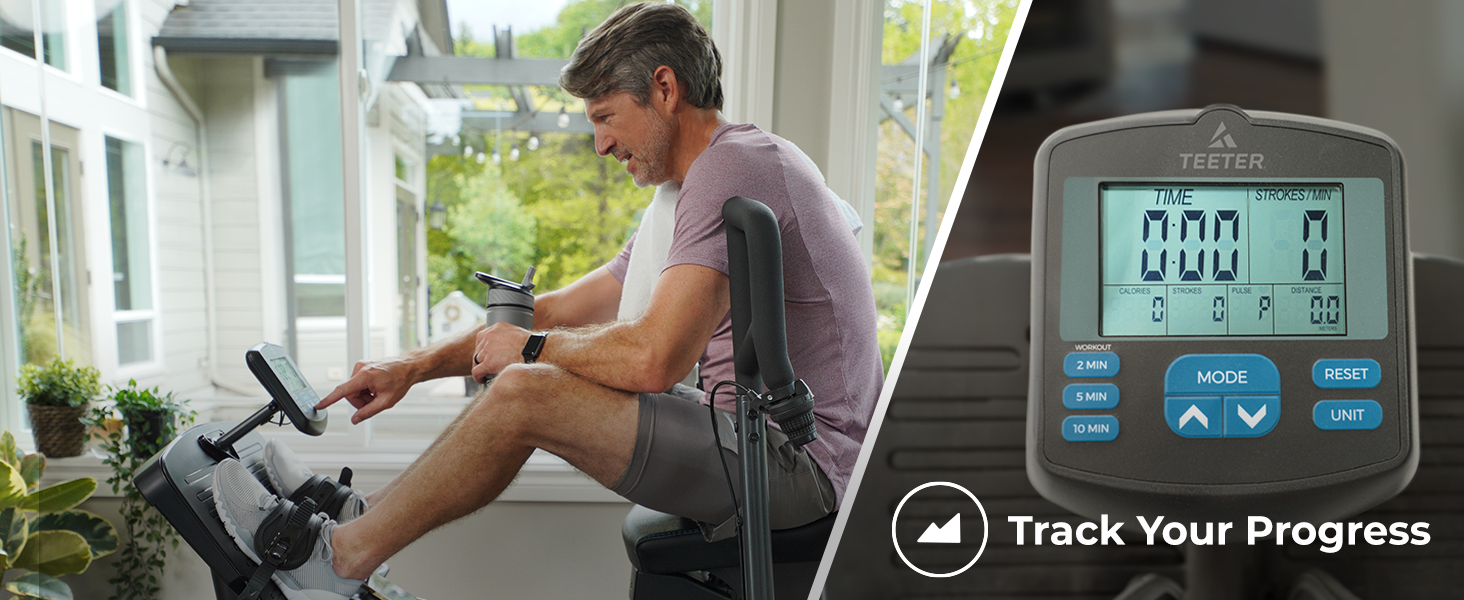
Image: Digital console for tracking progress.
3.6 Teeter Move App Integration
Enhance your workout experience with the free Teeter Move App. Access a library of on-demand, trainer-led classes for cardio and strength training, suitable for all fitness levels. No subscription fees are required.

Image: Teeter Move App for guided workouts.
Video: Teeter Move App - Power10 - Free Personal Training. This video demonstrates the features and benefits of the Teeter Move App, offering free personal training and guided workouts for the Power10 Rower.
4. Maintenance
Regular maintenance ensures the longevity and optimal performance of your Teeter Power10 Rower.
- Cleaning: Wipe down the machine with a damp cloth after each use to remove sweat and dust. Avoid abrasive cleaners.
- Inspection: Periodically check all bolts, nuts, and moving parts for tightness and wear. Tighten any loose fasteners.
- Lubrication: Moving parts may require occasional lubrication. Refer to the detailed assembly manual for specific lubrication points and recommended lubricants.
- Storage: For convenient storage, the Power10 Rower can be stored upright. Utilize the transport wheels for easy movement.

Image: Compact design with upright storage and transport wheels.
5. Troubleshooting
If you encounter any issues with your Teeter Power10 Rower, refer to the following common solutions:
- Unusual Noises: Check all assembly points for loose bolts or components. Ensure the machine is on a level surface. If noises persist, contact customer support.
- Resistance Issues: Verify the resistance selector is correctly engaged. If resistance feels inconsistent, inspect the magnetic resistance mechanism for any obstructions.
- Digital Monitor Not Functioning: Check the battery compartment for proper battery installation and charge. Ensure all cable connections to the monitor are secure.
- Foot Straps Not Securing: Ensure the ratchet buckle system is clean and free of debris. Adjust the strap length for a snug fit.
For issues not listed here or if troubleshooting steps do not resolve the problem, please contact Teeter Customer Support.
6. Specifications
| Feature | Detail |
|---|---|
| Brand | TEETER |
| Model Name | Power10 |
| Model Number | XR1001 |
| Resistance Mechanism | Magnetic |
| Resistance Levels | 7 |
| Product Dimensions (D x W x H) | 38"D x 63"W x 43"H (96.5 cm x 160 cm x 109 cm) |
| Item Weight | 107 pounds (48.5 kg) |
| Maximum Weight Recommendation | 300 pounds (136 kg) |
| Frame Material | Alloy Steel |
| Metrics Measured | Calories Burned, Heart Rate, Stroke Count, Time |
| Display | LCD |
| Power Source | Battery Powered |
| UPC | 759265300706 |
7. Warranty Information
The Teeter Power10 Rower comes with a 1-Year Warranty. This warranty covers manufacturing defects and ensures your product is free from defects in material and workmanship under normal use and service.
Please retain your proof of purchase for warranty claims. For full details regarding warranty coverage, terms, and conditions, refer to the official Teeter website or contact customer support.
8. Customer Support
For any questions, assistance with assembly, troubleshooting, or warranty claims, please contact Teeter's US-based customer support team.
- Online Support: Visit the official Teeter website for FAQs, support articles, and contact forms.
- Phone Support: Refer to the contact information provided on the Teeter website or in your product packaging.
Teeter is committed to providing quality products and excellent customer service.


