
NGTeco B089GRWF9Q
NGTeco Baby Monitor User Manual
Model: B089GRWF9Q
Introduction
Thank you for choosing the NGTeco 1080P Wireless Baby Monitor. This device is designed to provide reliable surveillance for your baby, pet, or home, offering features such as 1080P clear night vision, two-way audio, motion detection, and flexible storage options. This manual will guide you through the setup, operation, and maintenance of your new camera to ensure optimal performance and security.

Image: The NGTeco Baby Monitor, a white compact camera, shown alongside a smartphone displaying a baby's image, illustrating its primary use for monitoring.
Safety Information
- Power Supply: Use only the provided power adapter. Ensure the device is connected to a stable power source.
- Placement: Place the camera on a stable surface or mount it securely. Keep the camera and its power cord out of reach of children and pets to prevent strangulation hazards.
- Environment: This camera is designed for indoor use only. Avoid exposing the device to water, moisture, extreme temperatures, or direct sunlight.
- Network Security: Ensure your Wi-Fi network is secured with a strong password (WPA2-PSK recommended) to prevent unauthorized access.
- Disassembly: Do not attempt to disassemble or repair the device yourself. Refer all servicing to qualified personnel.
Package Contents
Please check the package contents upon opening. If any items are missing or damaged, contact customer support.
- NGTeco Baby Monitor Camera
- Power Adapter
- USB Cable
- Mounting Accessories (Screws, Wall Plugs)
- User Manual (this document)
Product Overview
Familiarize yourself with the components of your NGTeco Baby Monitor.

Image: A detailed diagram highlighting the various parts of the NGTeco Baby Monitor, including the Light Sensor, Lens, Reset button, Speaker, SD Card Slot, Microphone (MIC), and Micro USB Port.
- Light Sensor: Detects ambient light for automatic night vision activation.
- Lens: The camera's optical component for capturing video.
- Reset Button: Used to reset the camera to factory settings.
- Speaker: For two-way audio communication and voice prompts.
- SD Card Slot: Insert a MicroSD card (up to 128GB, not included) for local video storage.
- Microphone (MIC): Captures audio for two-way communication.
- Micro USB Port: Connects the camera to the power adapter.
Setup
1. App Installation
Download the "NGTeco Home" app from your smartphone's app store (Google Play Store for Android or Apple App Store for iOS). Alternatively, scan the QR code provided in the quick start guide (if applicable) to download the app.
2. Powering On
Connect the camera to a power outlet using the provided USB cable and power adapter. The camera will power on and emit a voice prompt indicating its status.
3. Network Connection (Wi-Fi Setup)
Ensure your phone is connected to a 2.4GHz Wi-Fi network. The camera does not support 5GHz networks. Keep the camera and router within a reasonable distance for optimal connectivity.
- Open the NGTeco Home app and create an account or log in.
- Tap the "+" icon in the center or upper right corner to add a new device.
- Select your camera model from the list.
- Follow the in-app instructions to connect the camera to your Wi-Fi network. This typically involves entering your Wi-Fi password and scanning a QR code generated by the app with the camera's lens.
- Wait for the camera to connect and confirm with a voice prompt.
- Name your camera (e.g., "Baby's Room," "Living Room") and click "Done".
Important Wi-Fi Notes:
- If using a dual-band router, ensure you select the 2.4GHz network.
- Router encryption method should be WPA2-PSK with AES authorization, or set both to Auto.
- Ensure your router's broadcasting function is enabled.
- Name your Wi-Fi router in English characters.
- Check if your router has reached its maximum number of connected devices.
- Ensure router wireless MAC filtering is disabled or the camera's MAC address is whitelisted.
Alternative: Connect via LAN Cable (if supported by your model)
If your camera model supports a LAN cable connection, you can use this method for initial setup:
- Connect your camera to a router with a LAN cable. Power on the camera until you hear the prompt "Connect to Internet".
- Connect your smartphone to the same router's Wi-Fi.
- Tap "+" in the NGTeco Home app.
- Select your camera.
- Click the upper right corner to change "Net Pairing Mode" to "Cable".
- Tap "Next". The software will search for your camera (allow about 2 minutes).
- Select the device to add.
- Name your camera and click "Done".
Operating Instructions
1. Live View
Once connected, tap on your camera's name in the NGTeco Home app to access the live video feed. You can pan and tilt the camera (if supported by your model) by swiping on the screen.
2. Two-Way Audio
The camera features a built-in microphone and speaker for two-way communication. Tap the microphone icon in the live view interface to speak through the camera. Tap the speaker icon to listen to audio from the camera's surroundings.
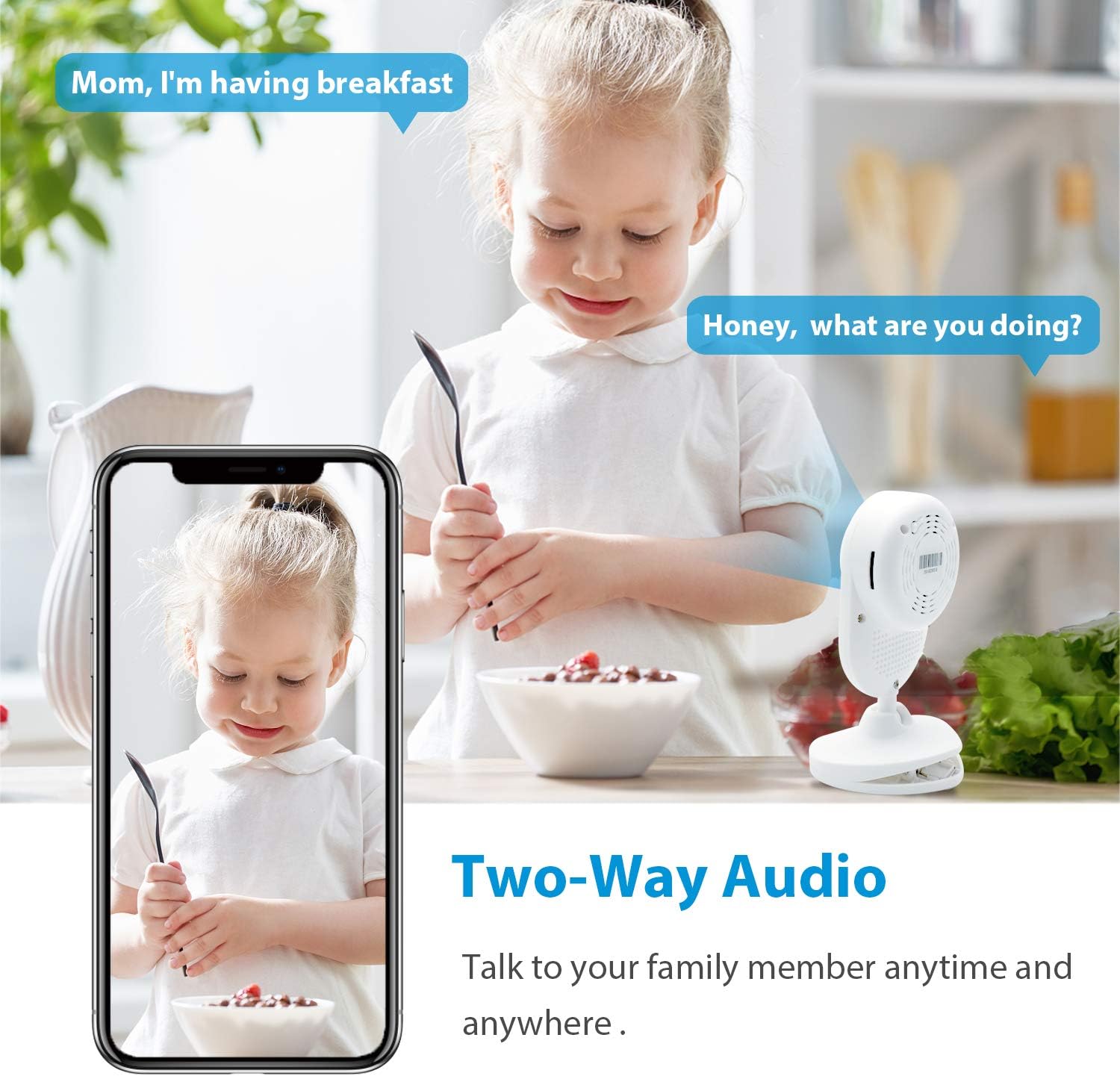
Image: A visual representation of the two-way audio function, showing a child interacting with the camera and speech bubbles indicating communication between a parent and the child via the app.
3. Motion Detection
The camera is equipped with smart real-time motion detection. When motion is detected, you will receive an alarm notification on your phone. You can adjust the sensitivity of motion detection within the app settings.
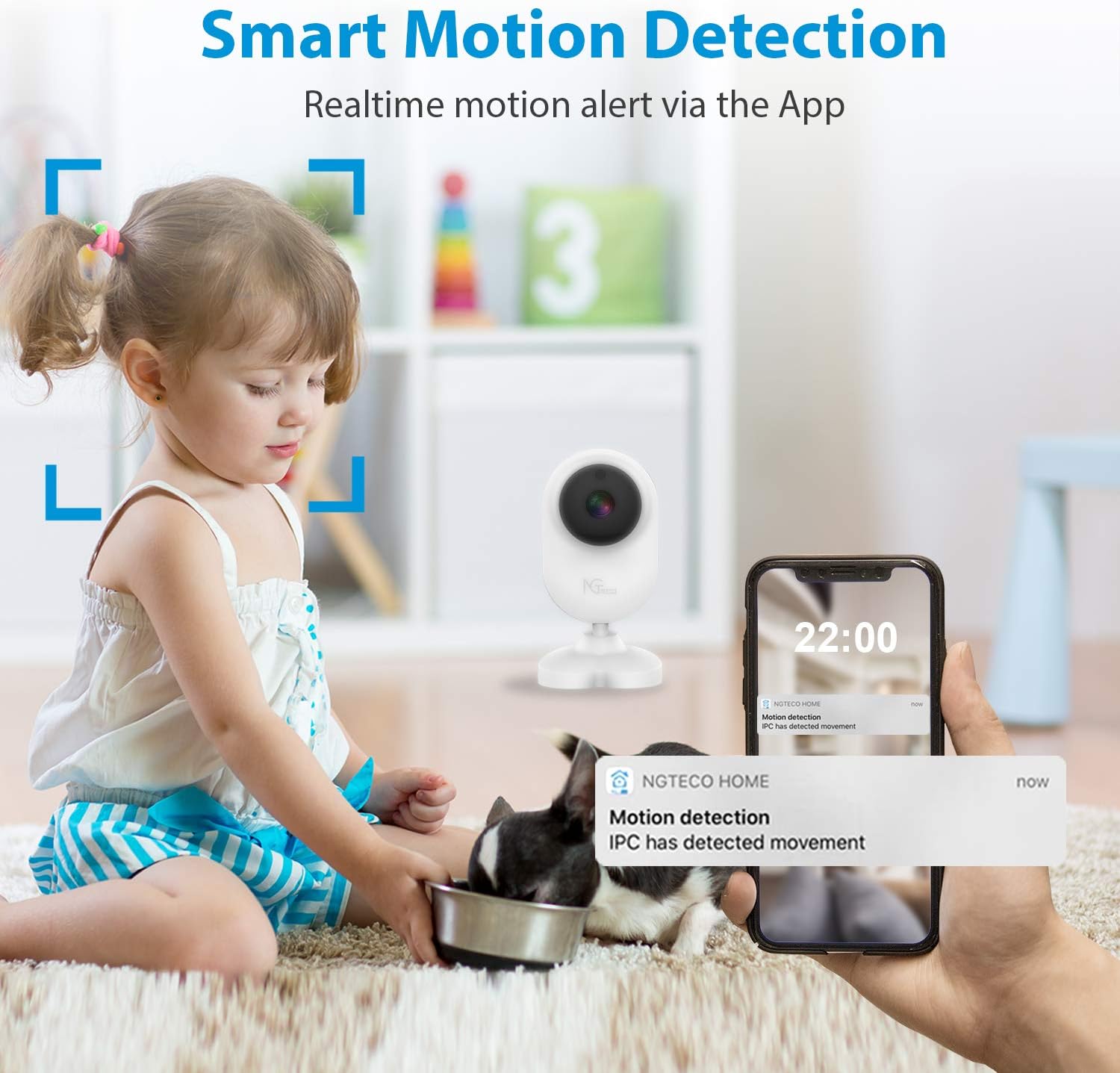
Image: An illustration of the smart motion detection feature, showing the camera monitoring a child and a pet, with a smartphone displaying a "Motion detection" alert from the NGTeco Home app.
4. Night Vision
The camera automatically switches to night vision mode in low-light conditions, providing clear black and white video up to 32 feet. This ensures continuous monitoring even in complete darkness.

Image: A split view demonstrating the clear night vision capability, showing a baby sleeping in a crib, with an inset magnifying a portion of the image to highlight the 4X zoom feature and 1080P resolution.
5. Recording and Storage
Your NGTeco camera supports two storage options:
- MicroSD Card Storage: Insert a MicroSD card (up to 128GB, not included) into the SD card slot for local recording. The camera will automatically record events based on your settings.
- Cloud Storage: The NGTeco Home app offers a cloud storage service (30-day free trial available). This encrypts your data for secure remote access.
You can review recorded footage directly from the app.

Image: An illustration showing the two storage modes: 64G TF Storage (MicroSD card) and Cloud Storage, with arrows indicating the camera's pan and tilt capabilities (90° vertical, 360° horizontal, and 35° base tilt).
6. Multi-User Sharing
You can share access to your camera with trusted family members or friends through the NGTeco Home app. This allows multiple users to monitor the feed simultaneously.
Maintenance
- Cleaning: Use a soft, dry cloth to clean the camera lens and body. Do not use liquid cleaners or aerosols.
- Storage: If storing the camera for an extended period, disconnect it from power and store it in a cool, dry place.
- Firmware Updates: Periodically check the NGTeco Home app for available firmware updates to ensure your camera has the latest features and security enhancements.
Troubleshooting
| Problem | Possible Solution |
|---|---|
| Camera fails to connect to Wi-Fi. |
|
| No live video feed. |
|
| Two-way audio not working. |
|
| Motion detection alerts are too frequent or not received. |
|
| Video feed is delayed. |
|
Specifications
| Feature | Detail |
|---|---|
| Video Capture Resolution | 1080p |
| Connectivity Technology | Wireless (Wi-Fi) |
| Wi-Fi Frequency | 2.4GHz (Does not support 5GHz) |
| Special Features | Night Vision, Motion Sensor, Two-Way Audio |
| Night Vision Range | Up to 32 ft |
| Storage Options | Cloud Storage, MicroSD Card (up to 128GB, not included) |
| Indoor/Outdoor Usage | Indoor |
| Power Source | AC Powered (via Micro USB) |
| Mounting Type | Ceiling Mount (also suitable for table/shelf) |
| Item Weight | 6.4 ounces |
| Package Dimensions | 6.9 x 5 x 2 inches |
Warranty and Support
NGTeco provides 365 days of free technical support for this product. For any questions, issues, or technical assistance, please contact our US-Based Phone support:
(770) 800-2321
You may also visit the official NGTeco website for additional resources and FAQs.
Related documentsB089GRWF9Q


Ask a question about this manual
Ask about setup, troubleshooting, compatibility, parts, safety, or missing instructions. Manuals+ will review the question and use this page’s manual context to help answer it.