
Introduction
Thank you for purchasing the LENRUE A15 Speaker. This manual provides essential information for setting up, operating, and maintaining your speaker. Please read it thoroughly before use to ensure optimal performance and longevity of your device.
The LENRUE A15 is a versatile and portable Bluetooth speaker designed for high-quality audio playback. Its robust construction and advanced features make it suitable for various environments, including outdoor use.
Key Features
- IPX7 Waterproof: Designed to withstand immersion in water up to 1 meter for 30 minutes, making it ideal for pool, beach, and outdoor use.
- Rich Bass & Ultra Clear Sound: Equipped with dual high-performance drivers for immersive 360-degree stereo audio.
- Bass+ Mode: One-click trigger for enhanced bass performance.
- Extended Playtime: Up to 24 hours of continuous music playback on a single charge.
- Multiple Connectivity Options: Supports Bluetooth, Auxiliary (AUX), and USB connections.
- Portable Design: Sleek and compact with a convenient lanyard for easy carrying.
Package Contents
Please check the box for the following items:
- LENRUE A15 Speaker (Gray)
- USB Charging Cable
- AUX Audio Cable
- User Manual
Product Overview

Figure 1: Front view of the LENRUE A15 Speaker, showcasing its sleek design and speaker grille.

Figure 2: The LENRUE A15 Speaker demonstrating its IPX7 waterproof capability, suitable for use near water.
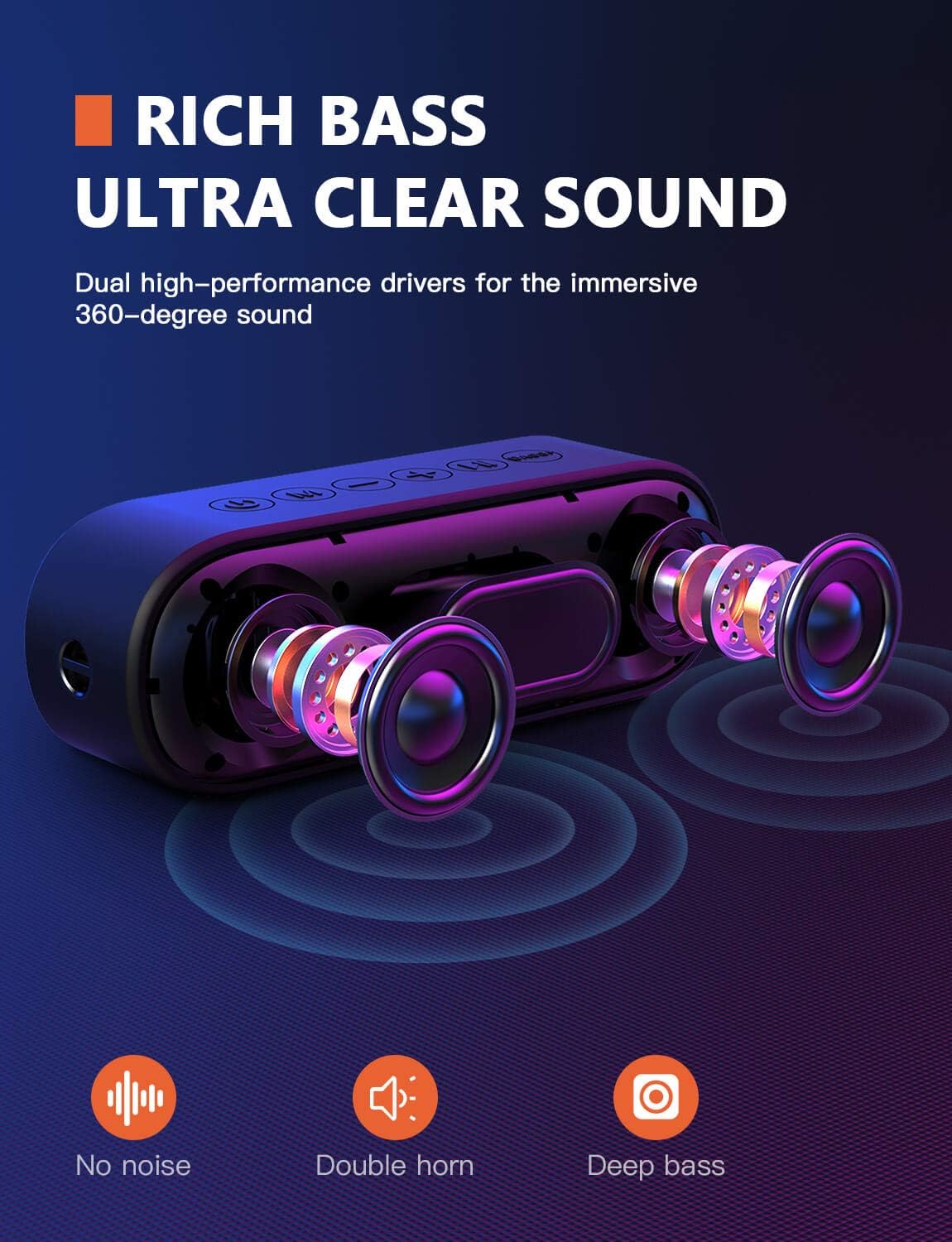
Figure 3: An internal diagram illustrating the dual high-performance drivers responsible for the speaker's rich bass and ultra-clear sound.

Figure 4: A hand activating the Bass+ mode on the speaker, which enhances bass output with a single press.

Figure 5: The speaker being held, emphasizing its sleek, rounded design and portability, including the integrated lanyard.
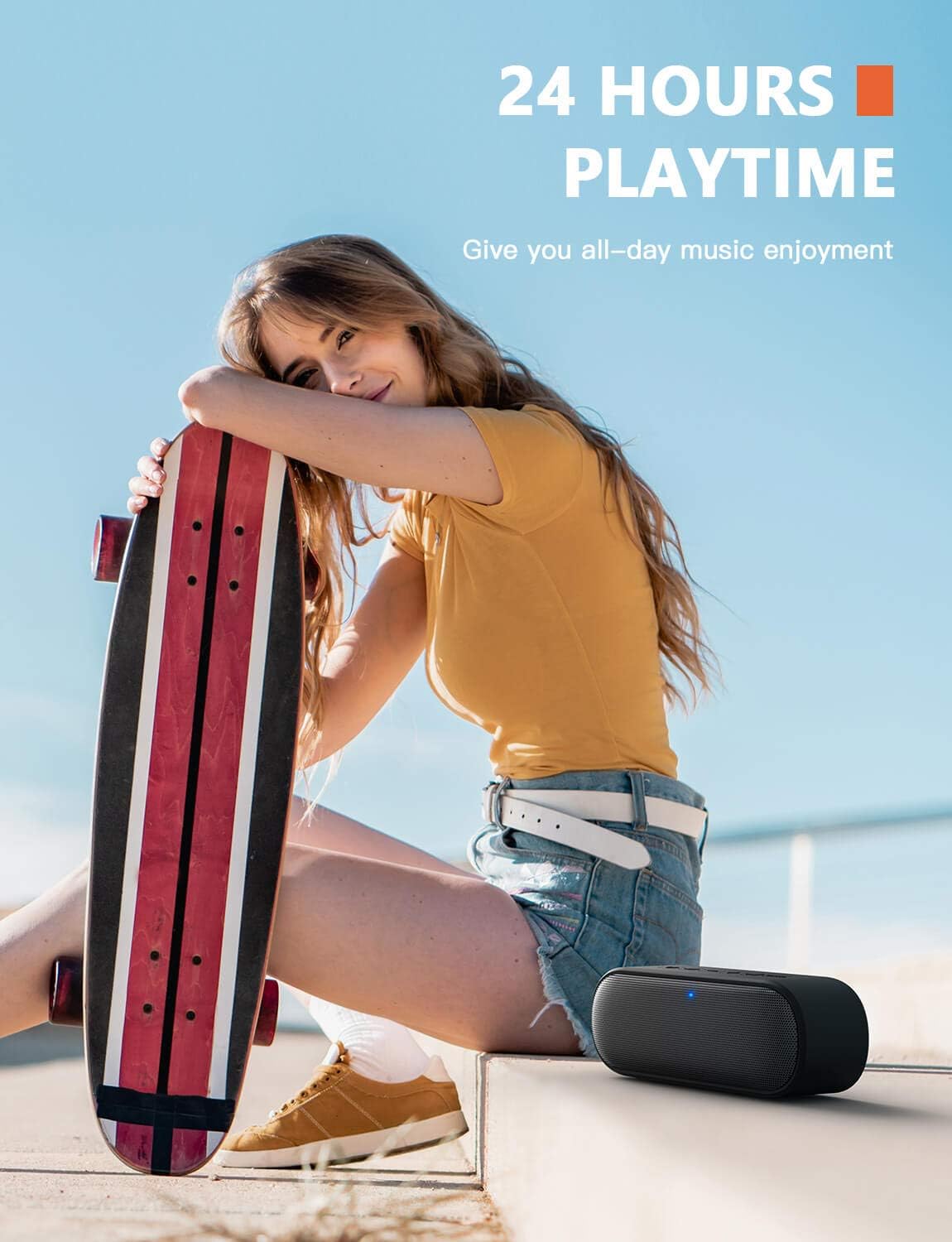
Figure 6: The speaker in an outdoor setting, highlighting its impressive 24-hour playtime for extended use.
Setup and Charging
Charging the Speaker
Before first use, fully charge the speaker. Connect the provided USB charging cable to the speaker's charging port and the other end to a USB power adapter (not included) or a computer's USB port. The charging indicator light will illuminate during charging and turn off when fully charged.
- Charging Time: Approximately 3-4 hours for a full charge.
- Battery Life: Up to 24 hours of playtime (varies with volume and audio content).
Powering On/Off
To power on the speaker, press and hold the Power button for 2-3 seconds until you hear an audible prompt and the LED indicator lights up. To power off, press and hold the Power button again for 2-3 seconds until the indicator light turns off.
Operating Instructions
Bluetooth Pairing
- Ensure the speaker is powered on and in Bluetooth pairing mode (the LED indicator will blink rapidly).
- On your device (smartphone, tablet, computer), enable Bluetooth and search for available devices.
- Select "LENRUE A15" from the list of devices.
- Once paired, the speaker will provide an audible confirmation, and the LED indicator will turn solid blue.
- The speaker will automatically reconnect to the last paired device when powered on, if the device is within range and Bluetooth is enabled.
Button Functions
| Button | Function |
|---|---|
| Power Button | Press and hold to Power On/Off. |
| Play/Pause Button | Press to Play/Pause music. Press to Answer/End calls. Press and hold to Reject calls. |
| Volume Up (+) | Short press to increase volume. Long press for next track. |
| Volume Down (-) | Short press to decrease volume. Long press for previous track. |
| Mode Button (M) | Press to switch between Bluetooth, AUX, and USB modes. |
| Bass+ Button | Press to activate/deactivate Bass+ mode for enhanced bass. |
Audio Modes
- Bluetooth Mode: Connect wirelessly to your Bluetooth-enabled devices.
- AUX Mode: Connect external audio devices using the provided 3.5mm AUX cable. The speaker will automatically switch to AUX mode when the cable is inserted.
- USB Mode: Play audio directly from a USB flash drive inserted into the USB port.
Sound Quality Demonstration
Video 1: Demonstration of the speaker's clear sound quality and lack of static noise, showcasing its audio fidelity.
Video 2: A visual demonstration of the speaker's IPX7 waterproof capabilities, showing its resilience to water exposure.
Maintenance
- Clean the speaker with a soft, dry cloth. Do not use abrasive cleaners or solvents.
- Ensure the charging port cover is securely closed when using the speaker near water to maintain its waterproof rating.
- Store the speaker in a cool, dry place when not in use.
- Avoid exposing the speaker to extreme temperatures or direct sunlight for prolonged periods.
Troubleshooting
| Problem | Solution |
|---|---|
| Speaker does not power on. | Ensure the battery is charged. Connect to a power source and try again. |
| Cannot pair with Bluetooth device. | Ensure the speaker is in pairing mode. Turn off and on Bluetooth on your device. Move speaker closer to your device. Clear previous Bluetooth connections on your device. |
| No sound or low volume. | Increase volume on both the speaker and your connected device. Ensure the correct audio mode is selected (Bluetooth, AUX, USB). Check if the AUX cable is fully inserted. |
| Sound distortion. | Reduce the volume on both the speaker and your device. Ensure the audio source is not distorted. |
| Speaker not waterproof after exposure. | Ensure the charging port cover was securely closed before water exposure. Damage due to improper sealing is not covered by warranty. |
Specifications
| Feature | Detail |
|---|---|
| Model Number | A15-Black |
| Speaker Type | Outdoor |
| Connectivity Technology | Bluetooth, Auxiliary, USB |
| Bluetooth Protocol | Bluetooth (version not specified, but implied by connectivity) |
| Waterproof Rating | IPX7 |
| Power Source | Battery Powered |
| Speaker Maximum Output Power | 10 Watts |
| Audio Output Mode | Stereo |
| Product Dimensions (L x W x H) | 1.96 x 7.08 x 2.56 inches |
| Item Weight | 1.08 pounds |
| Color | Gray |
Warranty and Support
The LENRUE A15 Speaker comes with a standard manufacturer's warranty. For detailed warranty information, please refer to the warranty card included in your package or contact LENRUE customer support.
If you encounter any issues or have questions regarding your speaker, please contact our customer support team through the official LENRUE website or the contact information provided in your product packaging. Please have your model number (A15-Black) and purchase details ready when contacting support.

