1. Introduction
Thank you for choosing the Ayybboo Kids Digital Alarm Clock, Model 1903. This device is designed to help children develop healthy sleep habits with its unique features, including a sunrise simulator, night light, and sleep training mode. Please read this manual carefully to ensure proper use and to maximize the benefits of your new alarm clock.
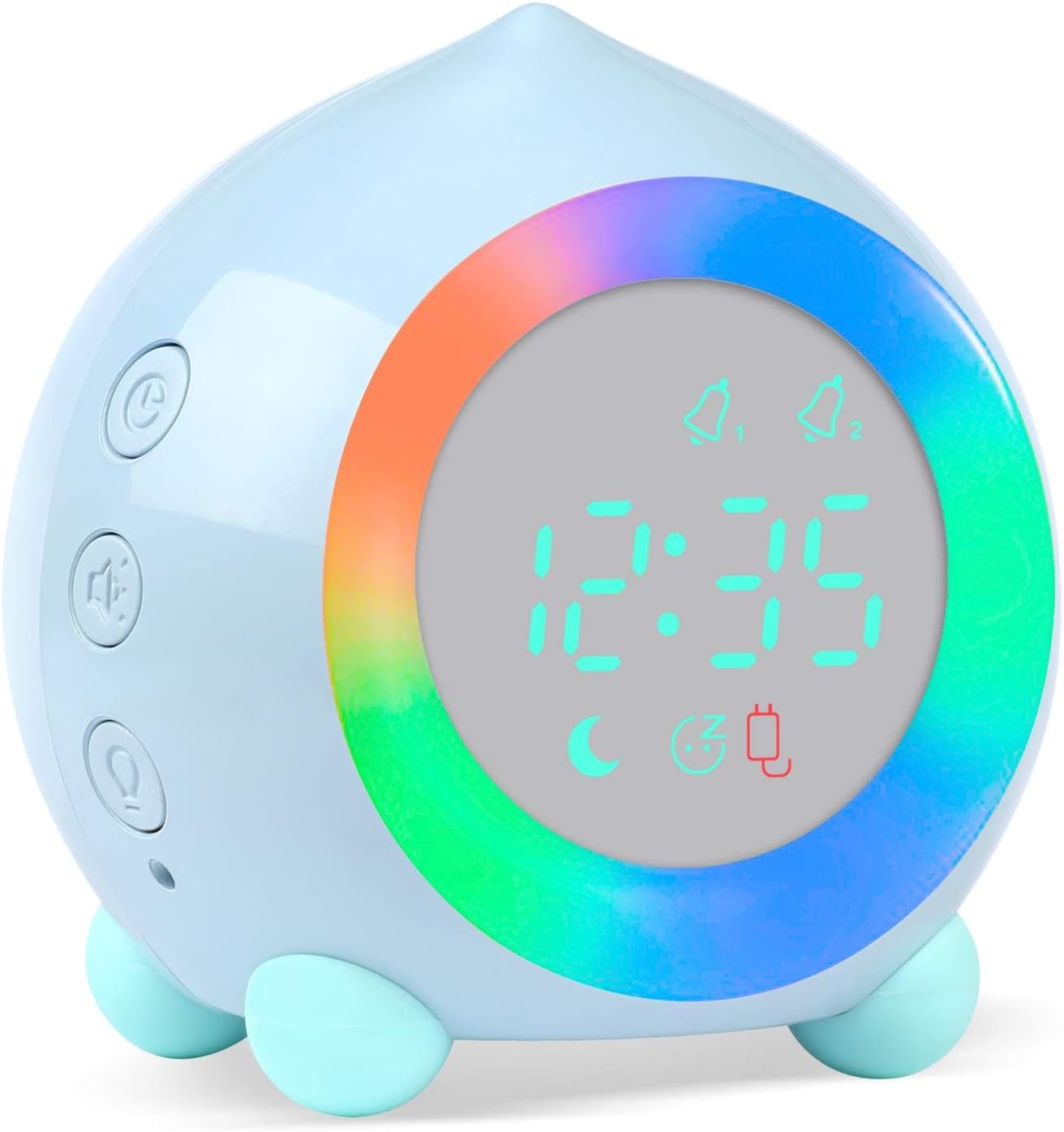
Image 1.1: The Ayybboo Kids Digital Alarm Clock, blue, featuring a vibrant LED light ring and a clear digital time display.
2. Important Safety Information
Please observe the following safety precautions to prevent damage to the device or injury to users:
- Keep the device away from water and moisture.
- Do not expose to extreme temperatures or direct sunlight.
- Avoid dropping or subjecting the device to strong impacts.
- Use only the provided USB charging cable.
- This product is not a toy. Adult supervision is recommended for young children.
3. Package Contents
The package should contain the following items:
- Ayybboo Kids Digital Alarm Clock (Model 1903)
- USB Charging Cable
- User Manual
4. Product Features
The Ayybboo Kids Digital Alarm Clock offers a range of features designed for children:
- Sunrise Simulator: Gradually brightens 10 minutes before the alarm time (between 0:01 AM and 8:00 AM) to gently wake your child.
- Night Light Function: Offers a warm night light (1-60 minute timer) and 7 color options.
- Customizable Alarms: Set alarms for weekdays (Monday-Friday), Monday-Saturday, or every day. Choose from 6 ringtones and 5 volume levels.
- Snooze Function: Shake the clock to activate a 5-minute snooze. Up to 3 snooze delays (15 minutes total) are available before the alarm deactivates.
- Sleep Training Mode: Light transitions from bright to dim (6:00 PM - 5:59 AM) and dim to bright (6:00 AM - 5:59 PM) to help establish healthy sleep patterns.
- Energy Saving Mode: Screen displays for 40 seconds when ambient sound exceeds 56 dB, conserving battery when not charging.
- USB Rechargeable: Convenient charging via USB cable.

Image 4.1: An infographic detailing the various functions of the Ayybboo Kids Digital Alarm Clock.
5. Setup
5.1. Initial Charging
Before first use, fully charge the alarm clock using the provided USB cable. Connect the cable to the clock's USB port and a compatible USB power adapter (not included). The screen will remain lit during charging. A red indicator light may show battery status.
5.2. Setting the Time
Refer to the device's buttons (usually labeled with icons like a clock or 'M' for Mode) to enter time setting mode. Use the '+' and '-' buttons to adjust hours and minutes. Confirm your selection to save the time.
5.3. Setting Alarms (Alarm 1 & Alarm 2)
The clock supports two independent alarms. Press the alarm button (often depicted as a bell icon) to select Alarm 1 or Alarm 2. Use the '+' and '-' buttons to set the desired alarm time. You can also select the alarm frequency (e.g., Monday-Friday, Monday-Saturday, or Everyday) and choose from 6 ringtones and 5 volume levels.

Image 5.1: Diagram illustrating the button layout and display indicators for setting alarms and other functions.
6. Operating Instructions
6.1. Sunrise Simulation
If an alarm is set between 0:01 AM and 8:00 AM, the sunrise simulation light will activate 10 minutes prior to the alarm time. The light will gradually increase in brightness, mimicking a natural sunrise, and will remain on until the alarm is turned off.
6.2. Snooze Function
When an alarm sounds, gently shake the alarm clock to activate the snooze function. The alarm will pause for 5 minutes. This can be repeated up to 3 times, providing a total of 15 minutes of snooze time before the alarm automatically deactivates.
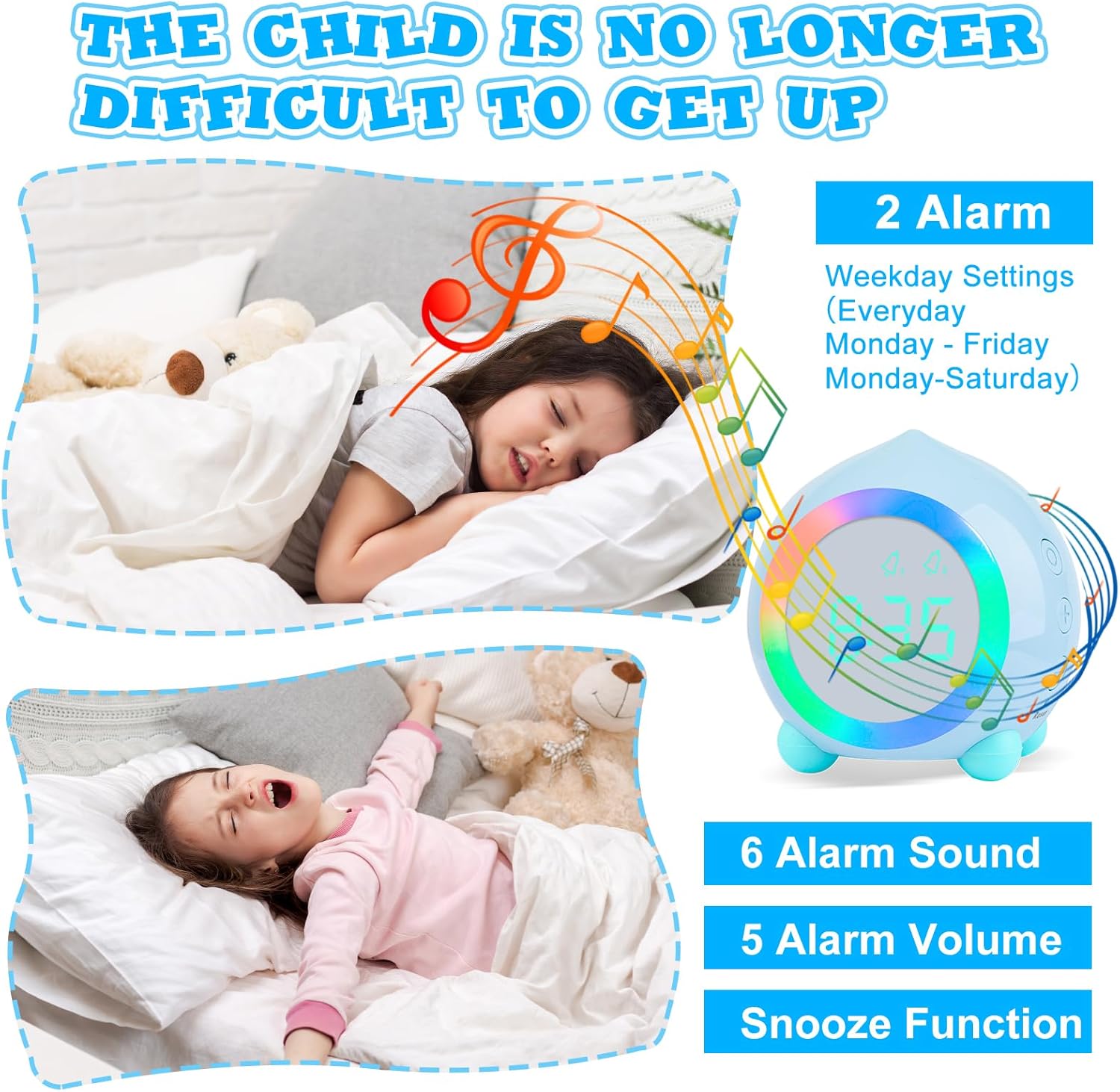
Image 6.1: A child waking up, demonstrating the effectiveness of the alarm and snooze features.
6.3. Night Light Operation
Press the night light button (often a light bulb icon) to turn the night light on or off. You can set a warm night light timer for 1 to 60 minutes. Additionally, the clock offers 7 different color options for the night light. Press the night light button repeatedly to cycle through colors or adjust settings.

Image 6.2: Examples of the multi-colored night light options available on the alarm clock.
6.4. Sleep Training Mode
Activate the sleep training mode to help children understand time. From 6:00 PM to 5:59 AM, the night light will gradually dim. From 6:00 AM to 5:59 PM, the night light will gradually brighten. This visual cue assists in developing a consistent sleep schedule.

Image 6.3: The alarm clock providing a gentle night light for a sleeping child, aiding in sleep training.
6.5. Energy Saving Mode
When the clock is not connected to a USB charger, it will enter energy-saving mode. The display will turn off. To view the time, make a sound louder than 56 dB in its environment, and the screen will illuminate for 40 seconds.
7. Maintenance
To ensure the longevity and proper functioning of your Ayybboo Kids Digital Alarm Clock, follow these maintenance guidelines:
- Cleaning: Wipe the device with a soft, dry cloth. Do not use abrasive cleaners or solvents.
- Storage: Store the clock in a cool, dry place when not in use for extended periods.
- Battery: The device uses a Lithium metal battery. If the battery life significantly decreases, ensure it is fully charged regularly.
8. Troubleshooting
If you encounter issues with your alarm clock, please refer to the following common problems and solutions:
| Problem | Possible Cause | Solution |
|---|---|---|
| Clock display is blank or dim. | Low battery or energy-saving mode is active. | Charge the device using the USB cable. If in energy-saving mode, make a sound to activate the display. |
| Alarm does not sound. | Alarm not set, volume too low, or alarm deactivated. | Verify alarm settings, check volume level, and ensure the alarm is enabled for the desired day(s). |
| Night light not working. | Night light function is off or timer expired. | Press the night light button to activate. Check night light timer settings. |
| Display shows partial numbers. | Potential defect. | Contact customer support for assistance. |
9. Specifications
| Feature | Detail |
|---|---|
| Brand | Ayybboo |
| Model Number | 1903 |
| Color | Blue |
| Dimensions (L x W x H) | 7.5 x 3.81 x 8.6 cm (approx. 85mm x 86mm) |
| Item Weight | 164 g |
| Material | Acrylonitrile Butadiene Styrene (ABS) |
| Power Source | Battery Powered (1 Lithium metal battery required) |
| Special Features | LED Display, Alarm, Ambient Light, Snooze, Adjustable Volume |
| Display Type | Digital |

Image 9.1: The compact size of the Ayybboo Kids Digital Alarm Clock, fitting comfortably in a hand.
10. Warranty and Support
Ayybboo is committed to customer satisfaction and product quality. We adhere to a customer-centric philosophy, prioritizing quality, constant innovation, and responsibility.
- Return Policy: This product is eligible for a refund or replacement within 31 days of purchase.
- Lifetime Warranty: Ayybboo offers a lifetime warranty on its products, reflecting confidence in their durability and performance.
- Customer Service: For any questions, issues, or support needs, please contact Ayybboo customer service. We provide 24-hour customer service to assist you.
For further assistance, please refer to the seller information on your purchase platform or visit the official Ayybboo website.


