1. Introduction
Thank you for purchasing the LEMEGA DR3 Portable Digital Radio. This manual provides essential information for setting up, operating, and maintaining your device. Please read it thoroughly before use to ensure optimal performance and longevity.

Image: Front view of the LEMEGA DR3 Portable Digital Radio. The radio is grey with a speaker grille on the left and a color display on the right, surrounded by control buttons and a volume knob.
Key Features:
- DAB/DAB+ and FM Digital Radio
- Integrated Bluetooth for wireless streaming
- 2.4-inch Color TFT Display
- 40 Station Presets (20 DAB/20 FM)
- Dual Alarm Clock with Snooze Function
- Sleep Timer
- Headphone Output
- Compact and Portable Design (Mains or Battery Powered)
2. Package Contents
Ensure all items are present in the box:
- LEMEGA DR3 Portable Digital Radio
- Power Adapter
- User Manual (this document)

Image: The LEMEGA DR3 radio, its power adapter, and user manual are shown neatly arranged next to the product box.
3. Setup
3.1 Powering the Device
The LEMEGA DR3 can be powered by mains electricity or AA batteries for portability.
- Mains Power: Connect the supplied power adapter to the DC IN port on the back of the radio and plug it into a wall outlet.
- Battery Power: Open the battery compartment on the back and insert 4 x AA batteries (not included), ensuring correct polarity.
3.2 Antenna
Extend the telescopic antenna fully for optimal DAB/DAB+ and FM radio reception.
3.3 Initial Setup and Auto Scan
Upon first power-on, the radio will automatically scan for available DAB/DAB+ and FM stations. This process may take a few minutes. The time and date will be automatically set from the broadcast signal.
- Press the POWER/VOLUME knob to turn on the radio.
- The display will show "Scanning..." as it searches for stations.
- Once scanning is complete, the radio will tune to the first available station.
4. Operating Instructions
4.1 Controls Overview
The LEMEGA DR3 features intuitive controls on its front panel:
| Button/Knob | Function |
|---|---|
| POWER/VOLUME knob | Press to turn On/Off. Rotate to adjust volume. |
| MENU | Access menu options. |
| BACK | Go back to the previous menu/screen. |
| INFO | Display station information (e.g., program type, signal strength). |
| SOURCE | Switch between DAB/DAB+, FM, and Bluetooth modes. |
| PRESET 1, 2, 3+ | Quick access to saved stations. Press and hold to save. |
| Previous/Next buttons | Navigate through stations or menu options. |
| Play/Pause button | Play/pause in Bluetooth mode. |
4.2 Radio Modes (DAB/DAB+ and FM)
The DR3 supports both digital (DAB/DAB+) and analog (FM) radio broadcasts.

Image: The LEMEGA DR3 radio showing a DAB station on its color display, indicating digital radio functionality.
Switching Modes:
Press the SOURCE button repeatedly to cycle between DAB, FM, and Bluetooth modes.
Tuning Stations:
- In DAB mode, use the Previous/Next buttons to navigate through the list of available stations.
- In FM mode, use the Previous/Next buttons to auto-tune to the next available station. For manual tuning, press and hold the Previous/Next buttons.
Saving and Recalling Presets:
The DR3 allows you to save up to 40 favorite stations (20 DAB, 20 FM).
- To Save: Tune to the desired station. Press and hold one of the PRESET buttons (1, 2, or 3+) until "Preset Saved" appears on the display. For presets beyond 3, use the MENU button to access the full preset list.
- To Recall: Briefly press one of the PRESET buttons (1, 2, or 3+) to instantly tune to the saved station.
4.3 Bluetooth Mode
Stream audio wirelessly from your smartphone, tablet, or other Bluetooth-enabled devices.

Image: The LEMEGA DR3 radio displaying "Bluetooth Pairing" on its screen, with a smartphone nearby showing a music app, illustrating wireless audio streaming.
- Press the SOURCE button until "Bluetooth" mode is selected. The radio will enter pairing mode, indicated by "Bluetooth Pairing" on the display.
- On your Bluetooth device, enable Bluetooth and search for "LEMEGA DR3" in the list of available devices.
- Select "LEMEGA DR3" to pair. Once connected, "Bluetooth Connected" will appear on the radio's display.
- You can now play audio from your device, and it will stream through the DR3 radio. Use the radio's volume knob or your device's volume controls.
4.4 Alarm Clock and Sleep Timer
The DR3 features dual alarms and a sleep timer for convenience.
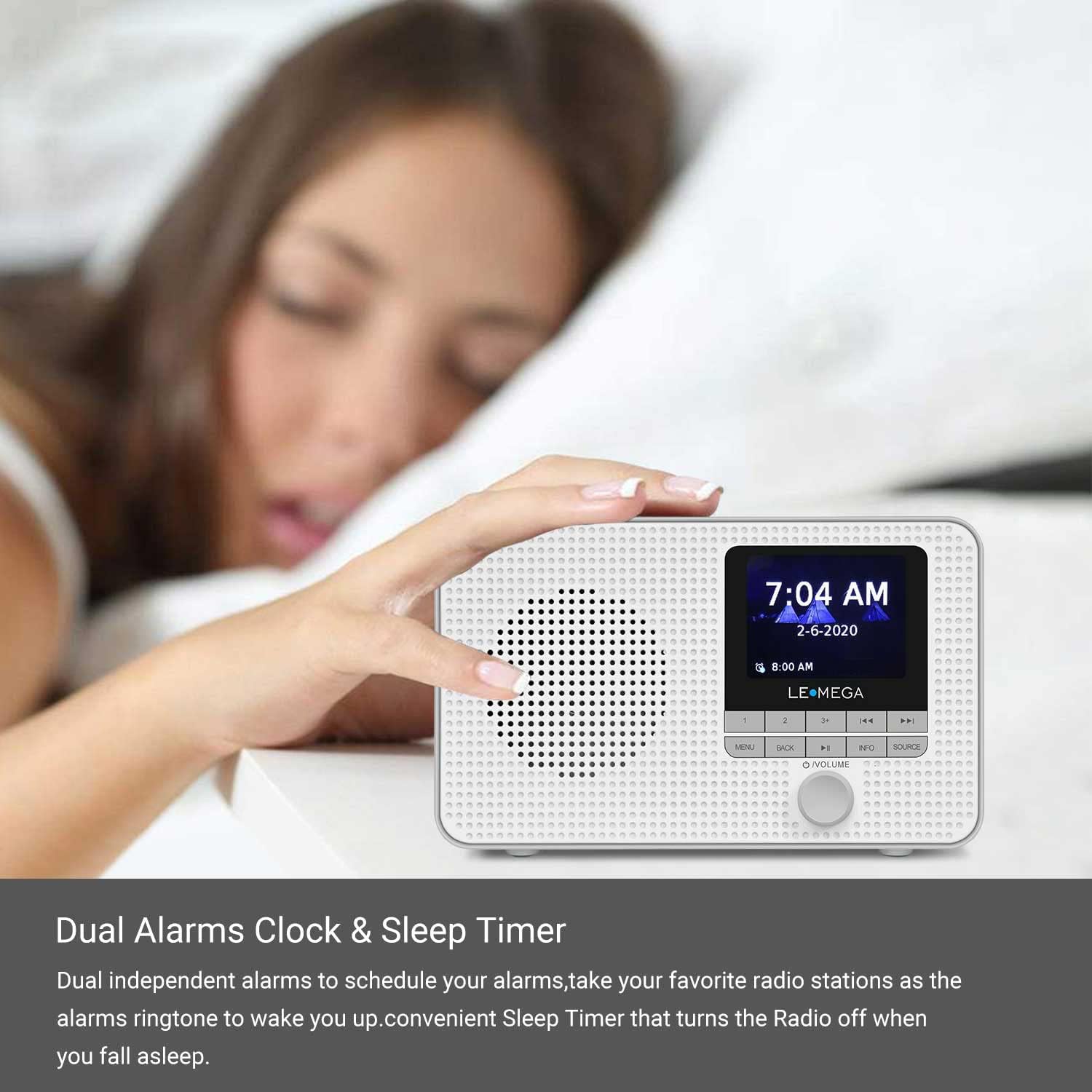
Image: The LEMEGA DR3 radio on a bedside table, displaying the time and an alarm setting, indicating its dual alarm and sleep timer capabilities.
Setting Alarms:
- Press the MENU button and navigate to "Alarms".
- Select Alarm 1 or Alarm 2.
- Configure the alarm time, duration, source (Buzzer, DAB, or FM), and frequency (Daily, Weekdays, Weekends, Once).
- Press MENU or BACK to exit the settings.
Snooze Function:
When an alarm sounds, press the POWER/VOLUME knob to activate snooze. The alarm will temporarily stop and sound again after a set interval.
Sleep Timer:
The sleep timer allows the radio to play for a set duration before automatically turning off.
- Press the MENU button and navigate to "Sleep Timer".
- Select the desired sleep duration (e.g., 15, 30, 60 minutes).
4.5 Headphone Output
For private listening, connect standard 3.5mm headphones to the headphone jack located on the side of the radio. The internal speaker will automatically mute when headphones are connected.

Image: A person is shown relaxing outdoors, listening to the LEMEGA DR3 radio with headphones, highlighting its portability and headphone output feature.
5. Maintenance
5.1 Cleaning
Wipe the radio with a soft, dry cloth. Do not use abrasive cleaners or solvents, as they may damage the surface.
5.2 Battery Care
If using batteries, remove them if the radio will not be used for an extended period to prevent leakage.
6. Troubleshooting
If you encounter issues with your LEMEGA DR3, please refer to the following common problems and solutions:
| Problem | Possible Solution |
|---|---|
| No power / Radio does not turn on. |
|
| Poor radio reception (DAB/FM). |
|
| Bluetooth pairing fails. |
|
| No sound. |
|
7. Specifications
| Feature | Detail |
|---|---|
| Brand | LEMEGA |
| Model Number | DR3 |
| Color | Grey |
| Connectivity Technology | Bluetooth |
| Special Features | Lightweight, Portable, Wireless |
| Compatible Devices | Headphones |
| Rechargeable Battery | No (Uses 4 x AA batteries) |
| Product Dimensions (L x W x H) | 17.5 x 11.5 x 7.7 cm |
| Tuning Technology | DAB |
| Supported Radio Bands | FM |
| Power Source | Battery Powered / Mains Adapter |
| Included Components | Power Adapter |
| Water Resistance Level | Not waterproof |
8. Warranty and Support
LEMEGA offers a 3-year warranty on the DR3 Portable Digital Radio. To register your product and for further support, please visit the official LEMEGA website:
For technical assistance or inquiries not covered in this manual, please contact LEMEGA customer support through their website.


