Introduction
This manual provides essential instructions for the safe and efficient use of your JDB USB Wall Charger. This device features dual USB-A ports, a 12W (5V/2.4A) output, and a foldable plug design for portability. It is designed to charge a wide range of USB-powered devices, including smartphones, tablets, and other compatible electronics.
Safety Information
- Do not expose the charger to liquids, moisture, or extreme temperatures.
- Avoid dropping or subjecting the charger to strong impacts.
- Do not attempt to disassemble, repair, or modify the charger. This will void the warranty and may cause damage or injury.
- Ensure the charger is fully inserted into a wall outlet.
- Unplug the charger from the wall outlet when not in use or during electrical storms.
- Keep out of reach of children.
- This charger is equipped with built-in safeguards against over-current, over-charging, and over-heating.
Package Contents
- JDB USB Wall Charger (Model 617059)
- Instruction Manual
(Note: USB charging cables are not included and must be purchased separately.)
Setup and Operation
- Unfold the Plug: Gently pull out the foldable prongs from the charger body until they lock into place.

Image: The JDB USB Wall Charger showing its foldable prongs in the process of being extended from the main body, highlighting the folding mechanism.
- Connect to Power Outlet: Insert the unfolded charger into a standard AC 100V-240V wall outlet.

Image: The JDB USB Wall Charger plugged into a white wall outlet, with two USB cables connected to its ports, charging two smartphones placed on a wooden surface.
- Connect Devices: Plug your USB charging cable (not included) into one of the charger's USB-A ports. Then, connect the other end of the cable to your device.

Image: A black JDB USB Wall Charger with two USB cables connected, each charging a separate smartphone. The phones are displayed with charging indicators.
- Charging Indication: Your device should indicate that it is charging. The charger does not have an LED indicator.
- Disconnect: Once charging is complete, disconnect your device from the cable, then unplug the charger from the wall outlet. Fold the prongs back into the charger body for compact storage.
Maintenance
- Clean the charger with a dry, soft cloth. Do not use liquid cleaners or aerosols.
- Store the charger in a cool, dry place when not in use.
- Regularly inspect the charger and connected cables for any signs of damage. Discontinue use if damage is observed.
Troubleshooting
| Problem | Possible Cause | Solution |
|---|---|---|
| Device not charging. |
|
|
| Slow charging. |
|
|
| Charger feels warm. |
|
|
Specifications
| Feature | Detail |
|---|---|
| Model Number | 617059 |
| Input Voltage | AC 100V - 240V |
| Output | 5V / 2.4A (12W total) |
| USB Ports | 2 x USB-A |
| Dimensions | Approximately 1.5 x 1.18 x 1.18 inches (excluding prongs) |
| Weight | Approximately 3.41 ounces |
| Special Features | Foldable Plug, Over-current Protection, Over-charging Protection, Over-heating Protection |
| Compatible Devices | Smartphones (iPhone, Android), Tablets (iPad), MP4 players, Digital Cameras, Smartwatches, PSPs, and other USB-powered devices. |
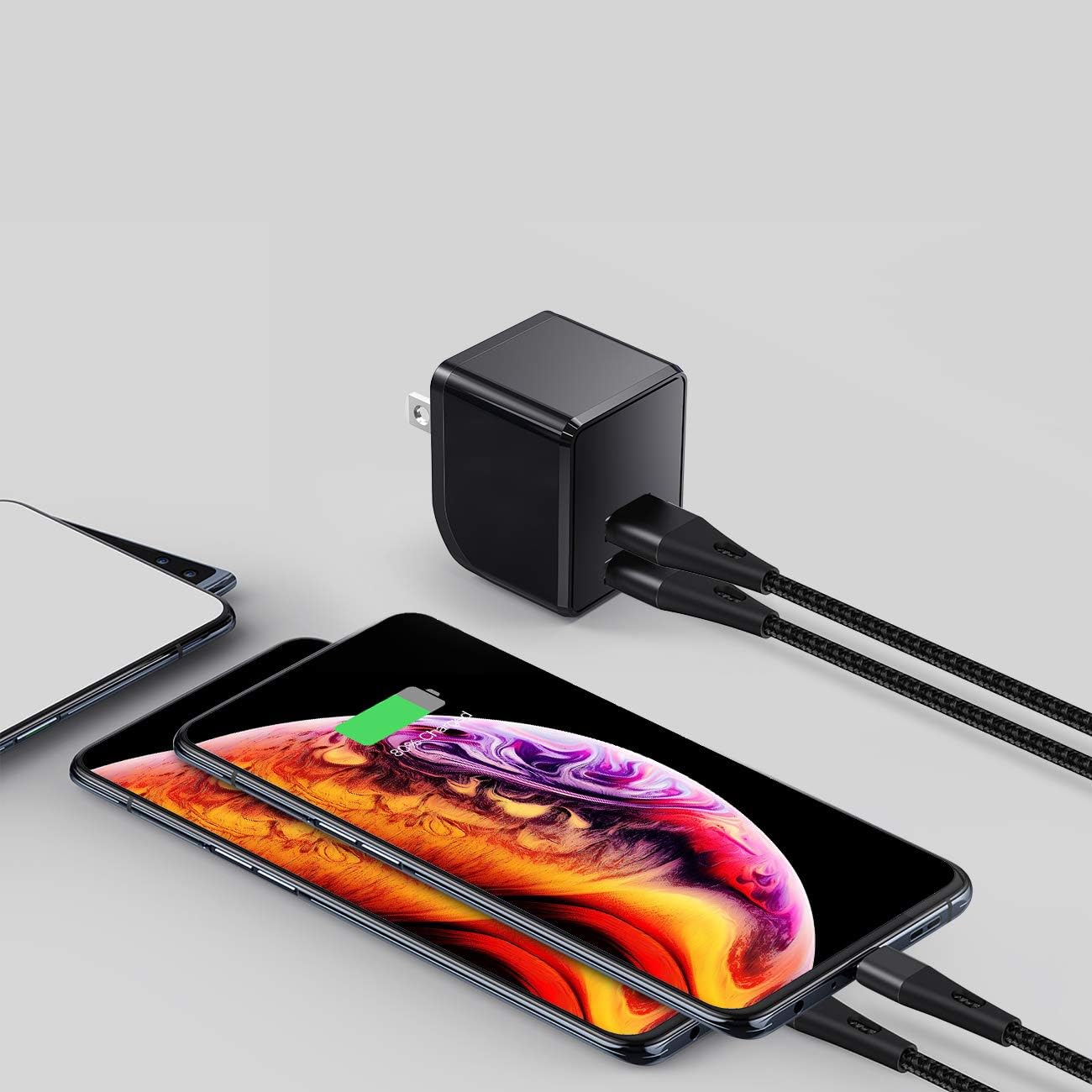
Image: An internal diagram of the JDB USB Wall Charger, illustrating its safety features such as Temperature Control, Overvoltage Protection, Surge Protection, and Short-Circuit Prevention.
Warranty and Support
For warranty information and customer support, please refer to the documentation included with your purchase or visit the official JDB brand store online. Keep your purchase receipt for warranty claims.
JDB Store: https://www.amazon.com/stores/JDB/page/CDB7ED8B-E55B-484E-ACA2-27708B416801


