
NETVUE NI-3421
Contents
NETVUE Indoor Camera User Manual
Model: NI-3421
Brand: NETVUE
Introduction
This user manual provides comprehensive instructions for the installation, operation, and maintenance of your NETVUE Indoor Camera (Model NI-3421). This 1080P Full HD camera is designed for indoor security, offering features such as 2-way audio, night vision, AI human detection, and flexible storage options. Please read this manual thoroughly before using the product to ensure proper functionality and safety.
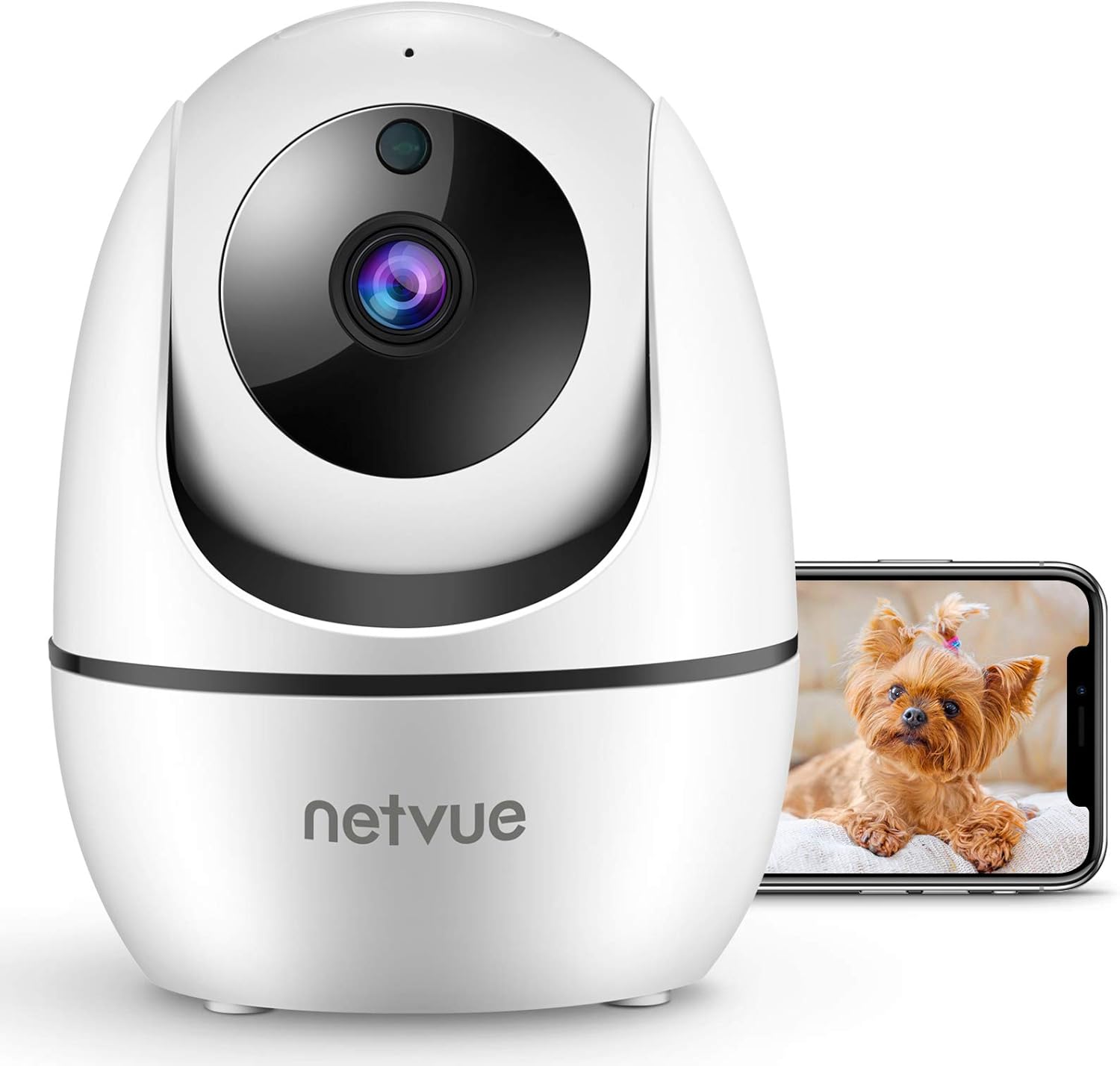
Image: Front view of the NETVUE Indoor Camera alongside a smartphone displaying a live feed of a dog, illustrating its primary use for pet monitoring and home security.
Product Overview
Key Features
- 1080P Full HD Video: Provides clear and sharp live stream and recordings.
- Two-Way Audio: Enables real-time communication through the camera.
- Night Vision: Equipped with infrared lights for clear monitoring in low-light conditions up to 32 feet.
- AI Human Detection: Advanced technology to accurately recognize human motions and reduce false alerts.
- 360° Coverage: Adjustable pan and tilt functionality for complete room coverage.
- Motion Detection Alerts: Instant notifications to your phone when motion is detected.
- Flexible Storage: Supports local storage via MicroSD card (up to 128GB) and optional cloud storage.
- Privacy Protection: Utilizes AES 256-bit encryption and TLS Encryption Protocol for data security.
Components
The NETVUE Indoor Camera consists of the main camera unit, a power adapter, and mounting accessories. The camera features a lens, microphone, speaker, status indicator light, and a MicroSD card slot.
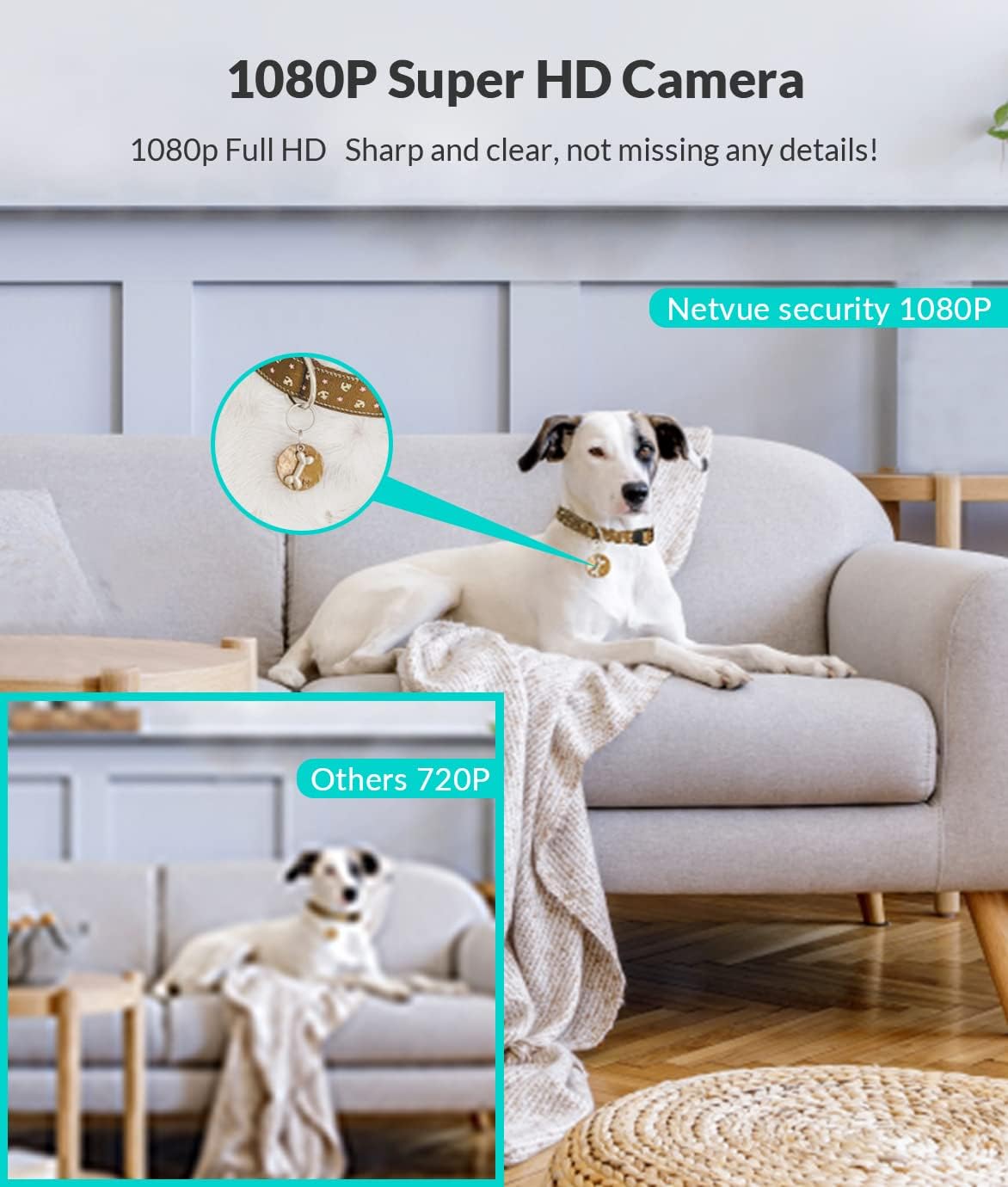
Image: Illustrates the superior clarity of the NETVUE 1080P HD camera compared to a 720P camera, showing a dog on a couch with clear details visible.

Image: Depicts the camera's Full HD Night Vision capability, showing a clear black and white image of a sleeping mother and a baby in a crib, highlighting 1080P, LED, and 33ft night vision range.

Image: Shows a baby sleeping with the camera in the foreground, emphasizing privacy protection with text stating "Your data will not be leaked" and an icon representing secure home network.
Setup Guide
1. Initial Setup
- Download the NETVUE App: Search for "NETVUE" in your smartphone's app store (iOS or Android) and download the official application.
- Create an Account: Open the NETVUE app and follow the on-screen instructions to create a new account or log in if you already have one.
- Power On the Camera: Connect the provided power adapter to the camera and plug it into a power outlet. The camera will power on and its status indicator light will begin to flash.
- Add Device: In the NETVUE app, tap the "+" icon to add a new device. Select your camera model from the list.
- Connect to Wi-Fi: Follow the app's instructions to connect the camera to your 2.4GHz Wi-Fi network. Ensure your smartphone is connected to the same Wi-Fi network during setup. You may be prompted to scan a QR code generated by the app with the camera's lens.
- Complete Setup: Once connected, the camera's status light will turn solid. You can then name your camera and begin live viewing.
2. Mounting the Camera
The NETVUE Indoor Camera can be placed on a flat surface or mounted to a wall. For wall mounting, use the provided mounting plate and screws. Ensure the camera is positioned to cover your desired monitoring area and is within range of your Wi-Fi signal.
Operating Instructions
Note: No official product videos were provided in the source data to embed in this manual.
Live View and Control
Open the NETVUE app and select your camera from the device list to access the live view. From here, you can:
- Pan and Tilt: Use the virtual joystick or swipe gestures on the screen to rotate the camera horizontally (pan) up to 360° and vertically (tilt) to adjust the viewing angle.
- Digital Zoom: Pinch to zoom in on the live feed for a closer look at details.
- Two-Way Audio: Tap the microphone icon to speak through the camera's speaker. Tap the speaker icon to listen to audio from the camera's surroundings.
- Record and Screenshot: Capture video recordings or still images directly from the live view.
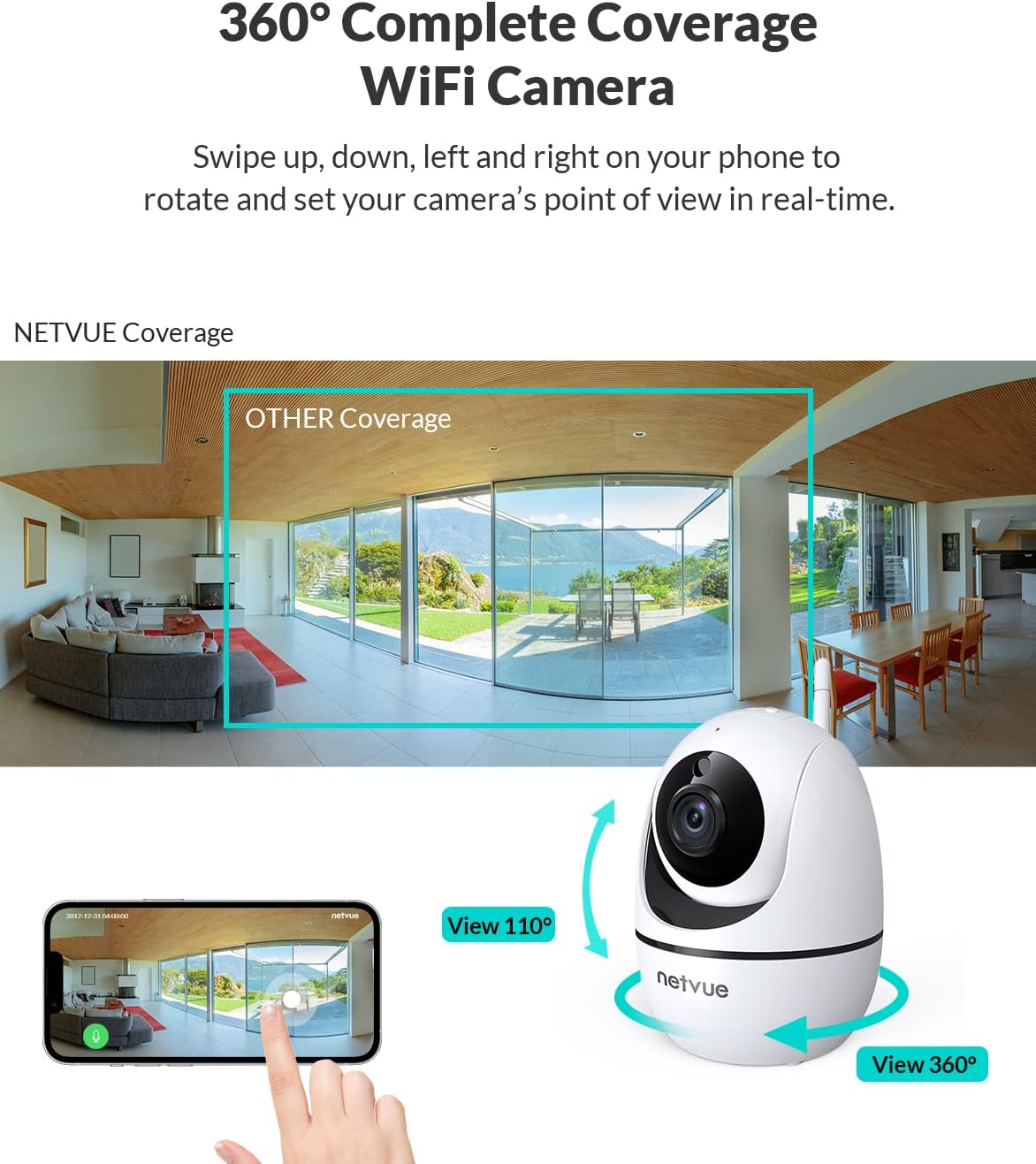
Image: Demonstrates the camera's 360° complete coverage, showing a finger swiping on a phone screen to control the camera's pan and tilt, with arrows indicating 360° horizontal and 110° vertical view.

Image: An exploded view diagram of the camera's lens assembly, illustrating the components that enable 8x digital zoom for clearer local picture details.

Image: Shows a child interacting with a dog, with a speech bubble indicating two-way audio communication through the camera, and a phone screen displaying the app's speaking interface.
Motion Detection and Alerts
The camera can detect motion and send instant alerts to your smartphone. You can customize motion detection zones and sensitivity settings within the app to minimize unwanted notifications.
- AI Human Detection: Enable this feature to specifically detect human shapes, reducing alerts from pets or other non-human movements.
- Activity Zones: Define specific areas within the camera's view where you want motion detection to be active.

Image: Illustrates motion detection capabilities, showing a child on a toy and two dogs with detection zones highlighted, and a phone displaying a "Motion Alert" notification from the Netvue app.

Image: Shows a night scene with figures highlighted by motion detection, and a phone displaying a "Motion Alert" notification, emphasizing the camera's ability to detect human and general motion.
Storage Options
- MicroSD Card: Insert a MicroSD card (up to 128GB, not included) into the camera's designated slot for continuous recording or event-triggered recordings. You can view playback directly from the app.
- Cloud Storage: NETVUE offers optional cloud storage plans for secure, off-site storage of your video recordings. Refer to the NETVUE app for subscription details.
Maintenance
Cleaning the Camera
To maintain optimal performance, periodically clean the camera lens and body with a soft, dry cloth. Avoid using harsh chemicals or abrasive materials that could damage the camera.
Firmware Updates
NETVUE regularly releases firmware updates to improve camera performance, add new features, and enhance security. Check the NETVUE app for available updates and follow the instructions to install them. Ensure the camera remains powered on during the update process.
Troubleshooting
Common Issues and Solutions
| Problem | Possible Cause / Solution |
|---|---|
| Camera fails to connect to Wi-Fi. |
|
| Poor video quality or lag. |
|
| No motion detection alerts. |
|
| Two-way audio not working. |
|
Specifications
| Feature | Detail |
|---|---|
| Model Number | NI-3421 |
| Video Resolution | 1080P Full HD (1920 x 1080 pixels) |
| Field of View | 360° Horizontal, 110° Vertical (Pan/Tilt) |
| Night Vision Range | Up to 32 feet (10 meters) |
| Connectivity | 2.4GHz Wi-Fi (IEEE 802.11b/g/n) |
| Storage Options | MicroSD Card (up to 128GB), Cloud Storage (subscription required) |
| Power Source | Corded Electric (4.5V AC, 5W) |
| Dimensions | 6.42 x 3.39 x 3.23 inches |
| Weight | 10.8 ounces |
| Indoor/Outdoor Usage | Indoor Only |
Warranty and Support
Warranty Information
NETVUE products typically come with a limited warranty. Please refer to the warranty card included with your product or visit the official NETVUE website for detailed warranty terms and conditions.
Customer Support
For technical assistance, troubleshooting, or any inquiries regarding your NETVUE Indoor Camera, please contact NETVUE customer support. Support resources, including FAQs and contact information, are available through the NETVUE app or on the official NETVUE website.

Image: Depicts a customer support representative with a headset, symbolizing NETVUE's 24/7 online customer support availability.
Documents and downloads
Ask a question about this manual
Ask about setup, troubleshooting, compatibility, parts, safety, or missing instructions. Manuals+ will review the question and use this page’s manual context to help answer it.