
Introduction
This manual provides comprehensive instructions for the Accutime LOL Surprise Kids Smart Watch, Model LOL4299AZ. This device is designed to offer interactive features for children, including time-telling, educational games, and creative tools. Please read this manual thoroughly to ensure proper setup, operation, and maintenance of your smart watch.
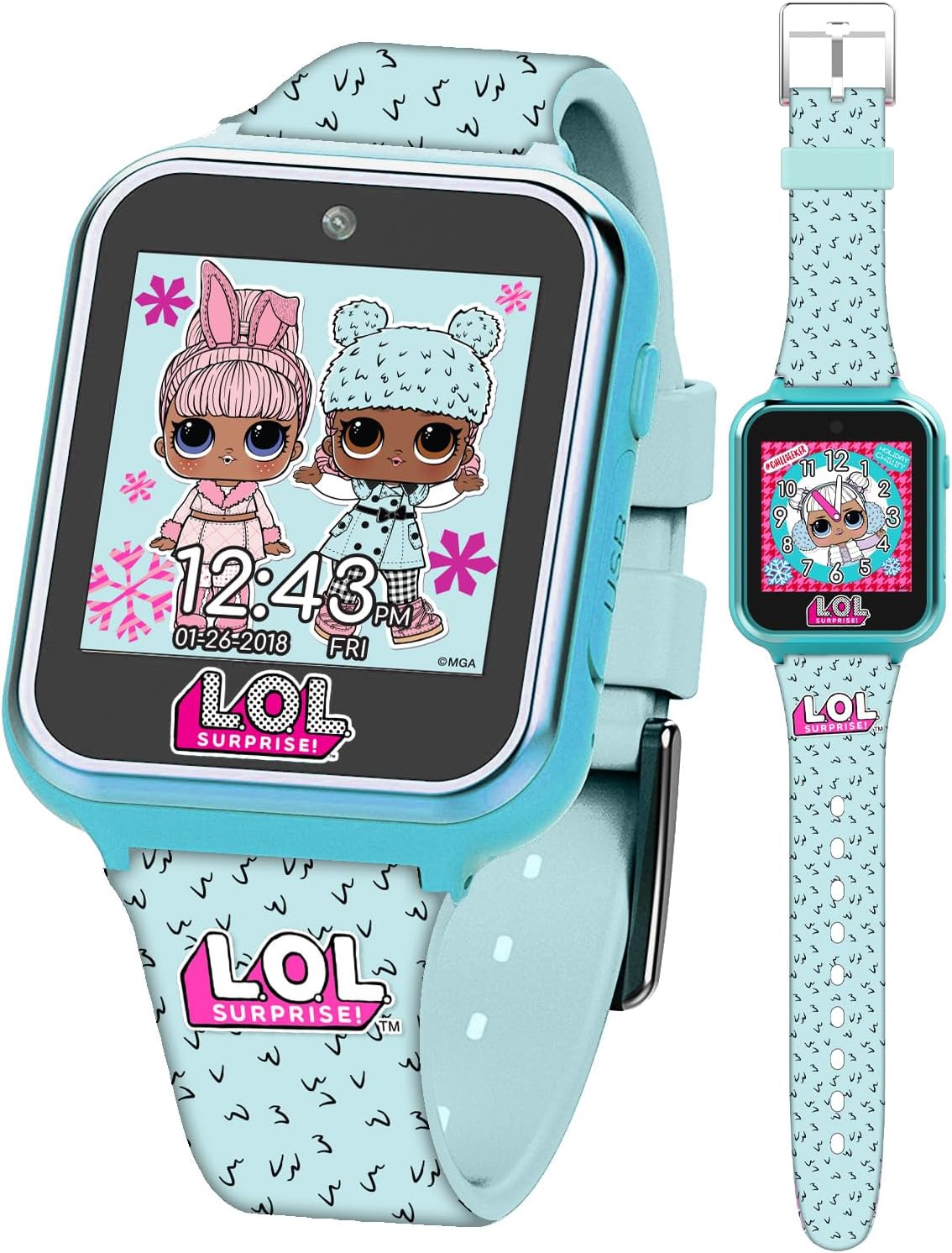
Image: Front view of the Accutime LOL Surprise Kids Smart Watch, displaying a digital clock face with two LOL Surprise characters.
What's in the Box
Upon opening the package, verify that all the following items are included:
- Accutime LOL Surprise Kids Smart Watch (Model: LOL4299AZ)
- USB Charging Cable
- Instruction Manual (this document)
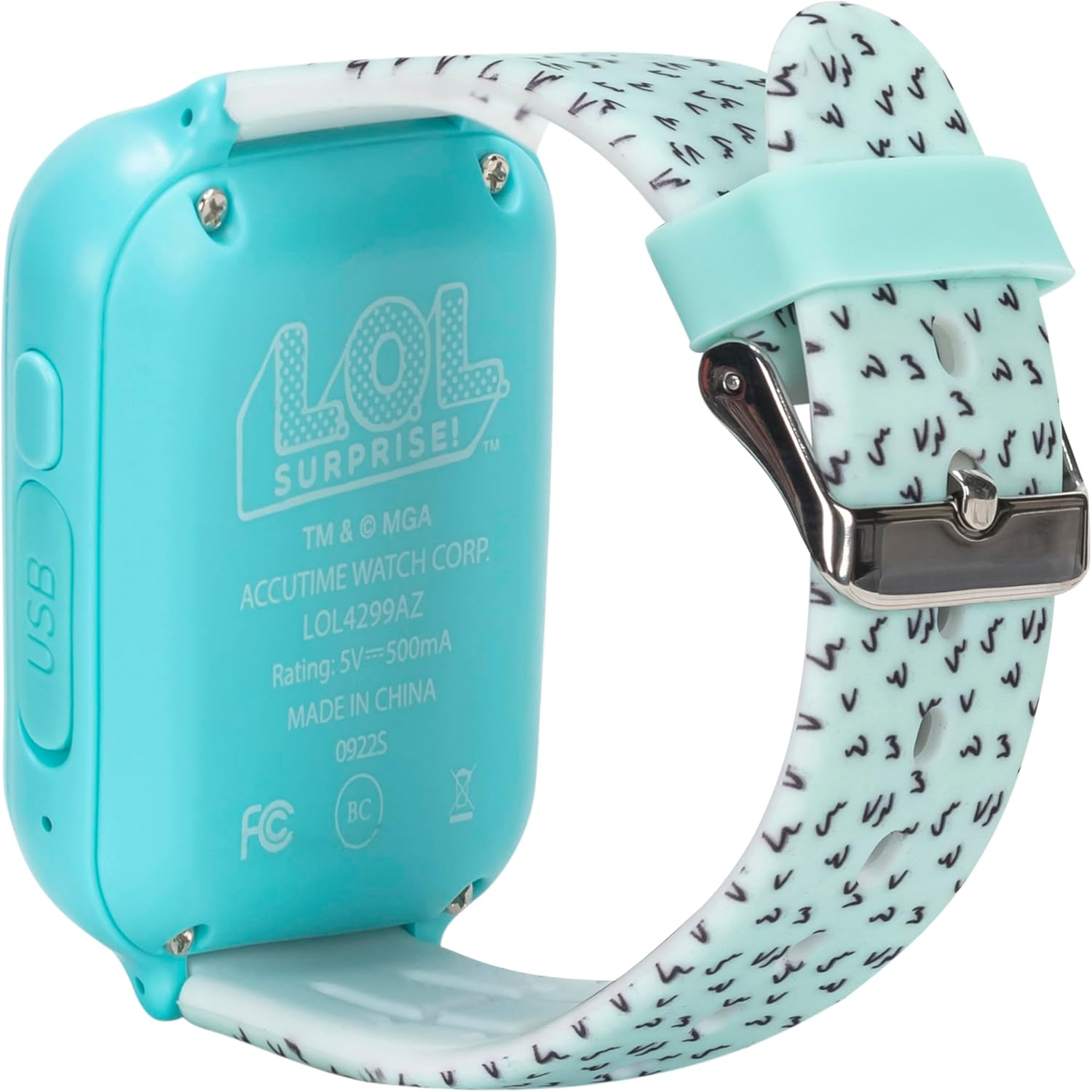
Image: The Accutime LOL Surprise Kids Smart Watch displayed within its clear retail packaging, showing the watch and various features listed on the box.
Setup
1. Initial Charging
Before first use, fully charge the smart watch.
- Locate the USB charging port on the side of the watch.
- Connect the provided USB charging cable to the watch's port.
- Plug the other end of the USB cable into a standard USB power adapter (not included) or a computer's USB port.
- The watch display will indicate charging status. Allow approximately 2-3 hours for a full charge.

Image: Side view of the smart watch, highlighting the USB charging port and a button.
2. Powering On/Off
- To Power On: Press and hold the power button (usually located on the side) until the screen illuminates.
- To Power Off: Press and hold the power button until a power-off option appears on the screen, then confirm.
3. Setting Time and Date
The watch typically prompts for time and date settings upon first power-on or after a factory reset. If not, navigate to the Settings menu.
- From the main watch face, swipe or tap to access the app menu.
- Locate and tap the "Settings" icon.
- Select "Time" or "Date" to adjust the current time and date using the on-screen controls.
- Confirm your selections to save the settings.
Operating the Smart Watch
The Accutime LOL Surprise Kids Smart Watch features a touchscreen interface for navigation and interaction.
1. Navigation
- Swipe: Swipe left, right, up, or down on the screen to navigate through menus and apps.
- Tap: Tap an icon or option to select it.
- Home Button: A physical button (if present) or an on-screen icon typically returns you to the main watch face.
2. Changing Watch Faces
The watch offers 10 interchangeable digital watch faces featuring popular L.O.L. Surprise! characters.
- From the main watch face, tap and hold the screen, or navigate to the "Watch Face" option in the settings/app menu.
- Swipe through the available watch face designs.
- Tap to select your desired watch face.

Image: A visual representation of the 10 distinct L.O.L. Surprise! themed watch faces available on the device.
3. Camera Function
The built-in selfie camera allows for capturing photos and short videos.
- Access the "Camera" app from the main menu.
- Tap the screen to take a photo or switch to video recording mode.
- Captured media can be viewed in the "Album Viewer" app.
4. Voice Recorder
Record short voice memos using the integrated voice recorder.
- Open the "Voice Recorder" app.
- Tap the record button to start recording and again to stop.
- Recordings are saved and can be played back within the app.
5. Games
The watch comes preloaded with 6 engaging games for entertainment.
- Navigate to the "Games" app.
- Select a game from the list to begin playing.

Image: The smart watch screen showing icons for its various functions, such as camera, video, games, calculator, pedometer, and voice recorder.
6. Time Management Tools (Alarm, Stopwatch, Timer)
Utilize the built-in tools to help manage daily routines and activities.
- Alarm: Set multiple alarms for reminders.
- Stopwatch: Measure elapsed time for activities.
- Timer: Set a countdown for specific durations.
Access these functions through their respective icons in the app menu.
7. Calculator
A basic calculator is included for simple arithmetic.
- Open the "Calculator" app from the menu.
- Use the on-screen number pad and operators to perform calculations.
8. Pedometer (Step Counter)
Track physical activity with the integrated step counter.
- Access the "Pedometer" app.
- The watch will automatically count steps when worn.
- View daily step counts and estimated calories burned within the app.
Maintenance
1. Cleaning
- Wipe the watch screen and band with a soft, dry, lint-free cloth.
- For stubborn dirt, slightly dampen the cloth with water. Avoid harsh chemicals or abrasive materials.
- Ensure the USB port cover is securely closed to prevent dust or moisture entry.
2. Battery Care
- Charge the watch regularly to maintain battery health.
- Avoid completely draining the battery frequently.
- Store the watch in a cool, dry place when not in use for extended periods.
Troubleshooting
If you encounter issues with your smart watch, refer to the following common troubleshooting steps:
- Watch not turning on: Ensure the battery is charged. Connect the watch to the USB charger for at least 30 minutes, then attempt to power on.
- Screen unresponsive: Try restarting the watch by holding down the power button. If unresponsive, allow the battery to fully drain and then recharge.
- Charging issues: Verify the USB cable is securely connected to both the watch and the power source. Try a different USB port or power adapter.
- Features not working: Ensure the watch's software is up to date (if applicable, though this model typically does not have user-updatable firmware). A factory reset (found in Settings) can resolve software glitches, but will erase all user data.
For persistent issues, contact Accutime customer support.
Specifications
| Feature | Detail |
|---|---|
| Model Name | LOL Surprise Smartwatch |
| Model Number | LOL4299AZ |
| Brand | Accutime |
| Screen Size | 40 Millimeters |
| Shape | Square |
| Battery Type | 1 Lithium Polymer battery (included) |
| Connectivity Technology | USB |
| Special Features | Alarm Clock, Audio Recording, Camera, Pedometer, Time Display |
| Operating System | Android (Note: This refers to the underlying OS, not necessarily user-accessible Android features) |
| Item Weight | 7.8 ounces (0.22 Kilograms) |
| Wrist Size Compatibility | 5.5" to 8" |

Image: Rear view of the smart watch, displaying the model number LOL4299AZ and regulatory information.
Warranty and Support
For warranty information, product support, or to inquire about replacement parts, please contact Accutime customer service. Refer to the product packaging or the official Accutime website for the most current contact details.
Manufacturer: Accutime Watch Corp.

