
Introduction
This manual provides essential information for the proper use, setup, and maintenance of your Cefar Set Cable Bipolar. Please read this manual thoroughly before using the product to ensure safe and efficient operation.
This cable is specifically designed for compatibility with the following Cefar devices:
- Mod.Myo X2
- Activ X2
- Basic
- RehabX2
- Peristim
- Primo Pro
Safety Information
Always observe the following safety precautions to prevent damage to the cable, connected devices, or personal injury:
- Do not expose the cable to extreme temperatures, direct sunlight, or moisture.
- Avoid bending or twisting the cable excessively, as this can damage internal wires.
- Do not attempt to modify or repair the cable. Refer to qualified personnel for any issues.
- Keep out of reach of children and pets.
- Ensure the cable is fully inserted into compatible ports to establish a secure connection.
Package Contents
Verify that all items are present in your package:
- 1 x Cefar Set Cable Bipolar
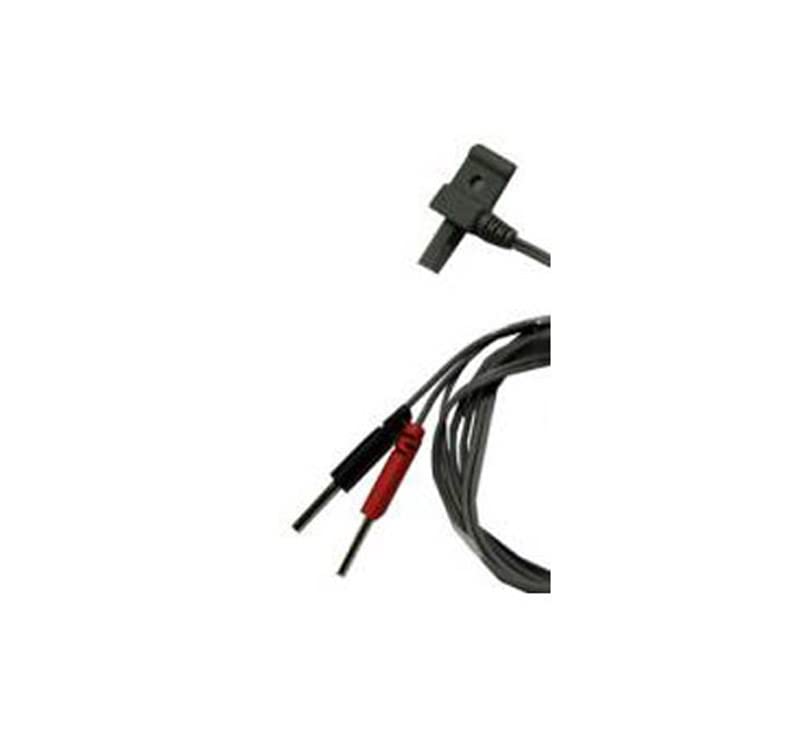
This image displays the Cefar Bipolar Cable. It features a standard USB connector on one end, designed for connection to compatible Cefar devices. The other end splits into two leads, one with a red tip and the other with a black tip, which are used to connect to electrodes for various applications.
Setup
Follow these steps to connect your Cefar Set Cable Bipolar:
- Identify Connectors: Locate the USB male connector on one end of the cable and the two electrode leads (red and black) on the other end.
- Connect to Device: Insert the USB male connector firmly into the corresponding USB port on your compatible Cefar device (e.g., Mod.Myo X2, Activ X2). Ensure it is fully seated.
- Connect to Electrodes: Attach the red and black electrode leads to your electrodes. Ensure correct polarity if specified by your device or electrode instructions.
- Verify Connection: Once connected, ensure all connections are secure before powering on your Cefar device.
Operating Instructions
The Cefar Set Cable Bipolar functions as a conduit for electrical signals between your Cefar device and the electrodes. Once properly connected as described in the Setup section, the cable facilitates the intended operation of your Cefar device. Refer to your specific Cefar device's user manual for detailed operating instructions regarding therapy modes, intensity settings, and program selection.
The cable's braided design and durable materials ensure a stable and reliable signal transmission during use.
Maintenance
Proper care will extend the life of your Cefar Set Cable Bipolar:
- Cleaning: Wipe the cable with a soft, dry cloth. Do not use abrasive cleaners or solvents.
- Storage: Store the cable in a cool, dry place, away from direct sunlight and extreme temperatures. Avoid tangling or tightly coiling the cable.
- Inspection: Periodically inspect the cable for any signs of wear, fraying, or damage to the insulation or connectors. If damage is observed, discontinue use and replace the cable.
Troubleshooting
If you encounter issues with your Cefar Set Cable Bipolar, consider the following common solutions:
| Problem | Possible Cause | Solution |
|---|---|---|
| No signal or intermittent connection | Loose connection; Damaged cable; Incompatible device | Ensure cable is fully inserted into both the Cefar device and electrodes. Inspect cable for visible damage. Verify device compatibility. |
| Cable appears damaged (frayed, exposed wires) | Physical wear and tear; Improper handling | Discontinue use immediately. Replace the cable with a new, genuine Cefar Set Cable Bipolar. |
| Device not recognizing cable | Incorrect port; Device software issue | Ensure the cable is connected to the correct USB port. Restart your Cefar device. Consult your Cefar device's manual for connectivity troubleshooting. |
Specifications
| Feature | Detail |
|---|---|
| Brand | Cefar |
| Model Number | 3401051740643 |
| Connector Type | USB |
| Cable Type | Bipolar |
| Compatible Devices | Mod.Myo X2, Activ X2, Basic, RehabX2, Peristim, Primo Pro |
| Special Feature | Braided |
| Connector Gender | Male to Female |
| Shape | Round |
| Number of Pins | 2 |
| Material | PVC or Rubber |
| Recommended Use | For use with Cefar devices: Mod.Myo X2, Activ X2, Basic, RehabX2, Peristim, Primo Pro |
Warranty and Support
For information regarding warranty coverage and customer support for your Cefar Set Cable Bipolar, please refer to the documentation provided with your original Cefar device or visit the official Cefar website. Keep your proof of purchase for warranty claims.