
1. Product Overview
The Real HD 2MP 1080P 180 Degree Fisheye Dome Security Camera is a versatile surveillance solution designed for both indoor and outdoor environments. It features a 2-megapixel sensor providing 1080P high-definition video, a 180-degree fisheye lens for wide area coverage, and 30ft IR night vision. This camera supports multiple video output formats (HD-TVI, HD-CVI, AHD, and CVBS) for broad compatibility with various DVR systems.

Image 1.1: Real HD 2MP 1080P 180 Degree Fisheye Dome Security Camera. This image shows the compact, white dome camera design, suitable for discreet installation.
Key Features:
- 2 Megapixel 1080P HD Resolution: Delivers clear and detailed video footage.
- 180-Degree Fisheye Lens: Provides an ultra-wide field of view to cover large areas with a single camera.
- 4-in-1 Video Output: Compatible with HD-TVI, HD-CVI, AHD, and CVBS (960H) DVRs.
- 30ft IR Night Vision: Ensures surveillance in low-light or complete darkness.
- IP66 Weatherproof Metal Housing: Durable design for reliable outdoor performance in various weather conditions.
- DIP Switch Control: Easy selection of video output mode.
2. Package Contents
Please check the package for the following items:
- 1 x Real HD 2MP Fisheye Dome Camera
- 1 x Bag of Mounting Screws
- 1 x Installing Template
- 1 x User Manual (this document)
3. Safety Information
- Ensure the power supply used is compatible with the camera's specifications (DC12V 1000mA). Using an incorrect power supply may damage the camera.
- Do not expose the camera to extreme temperatures outside its operating range (-40°F ~ 140°F).
- Avoid direct exposure of the lens to strong light sources for extended periods, as this may affect image quality or damage the sensor.
- Installation should be performed by qualified personnel if you are unsure about electrical wiring or mounting procedures.
- Keep the camera and its components away from children.
4. Product Features in Detail
4.1 180-Degree Fisheye View
The camera's 1.8mm fixed fisheye lens provides an expansive 180-degree field of view, allowing a single camera to monitor a wide area that would typically require multiple standard cameras. This reduces blind spots and simplifies installation.
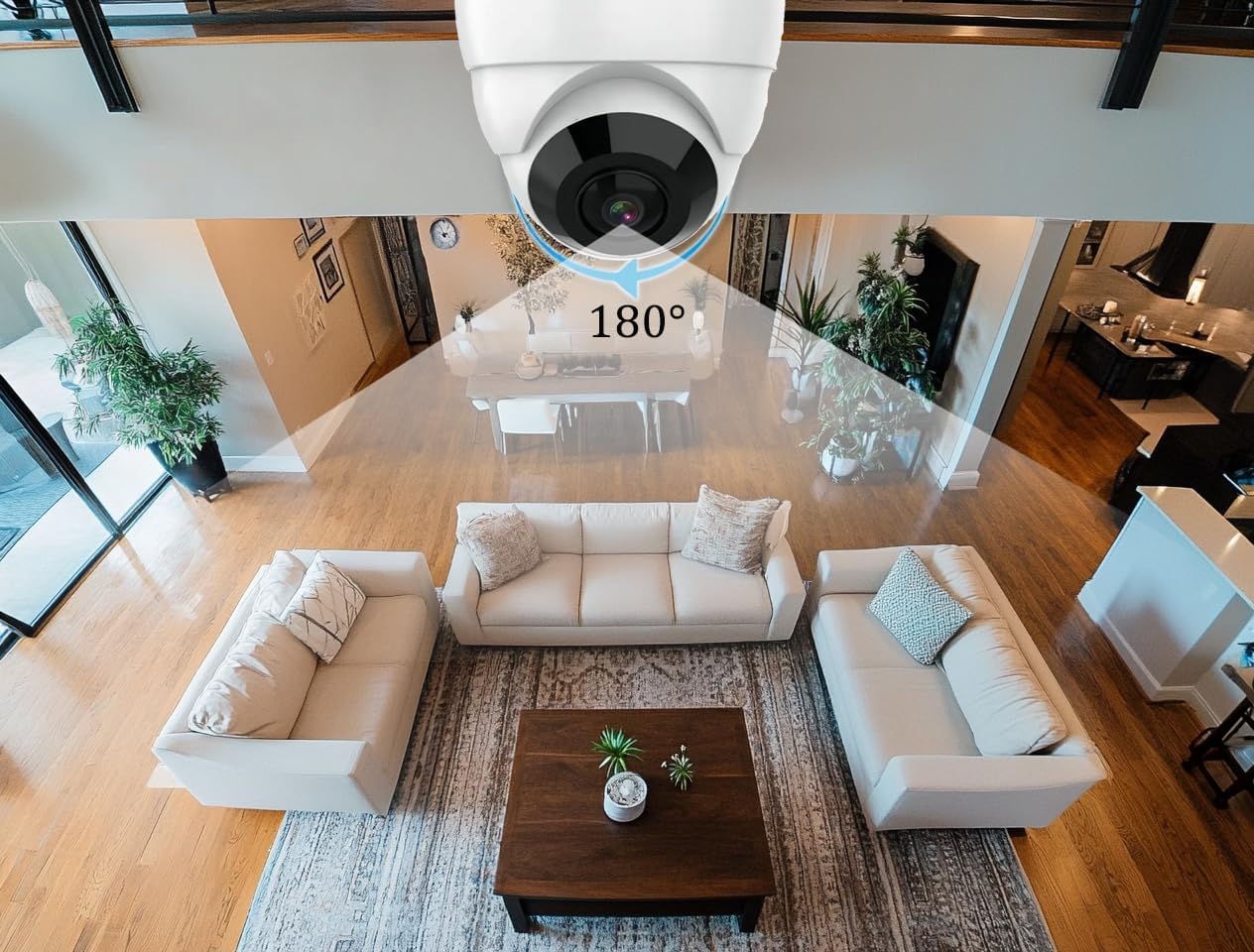
Image 4.1: Illustration of the 180-degree wide-angle view covering a large indoor space. The camera is mounted on the ceiling, capturing a broad perspective of the room below.
4.2 Day & Night Vision
Equipped with IR LED lights, the camera provides clear surveillance up to 30 feet (approximately 9 meters) in complete darkness. The camera automatically switches between color mode during the day and black-and-white infrared mode at night to ensure continuous monitoring.
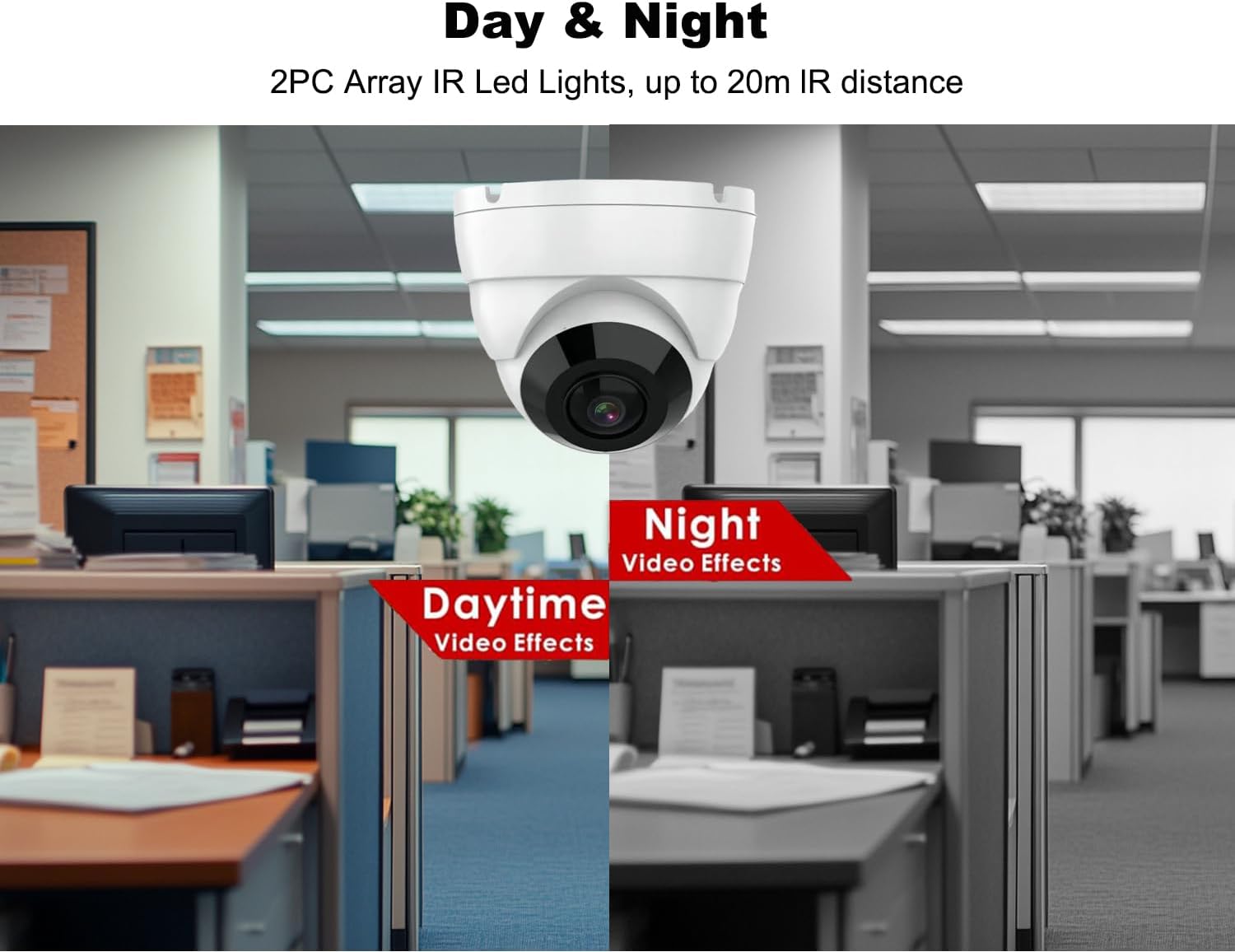
Image 4.2: Comparison of daytime color video and nighttime black-and-white infrared video captured by the camera in an office setting.
4.3 4-in-1 Video Output (HD-TVI/CVI/AHD/CVBS)
This camera offers flexible compatibility with various DVR systems by supporting four different video signal types: HD-TVI, HD-CVI, AHD, and traditional CVBS (960H). The default output mode is 1080P AHD. You can easily switch between these modes using the integrated DIP switch.
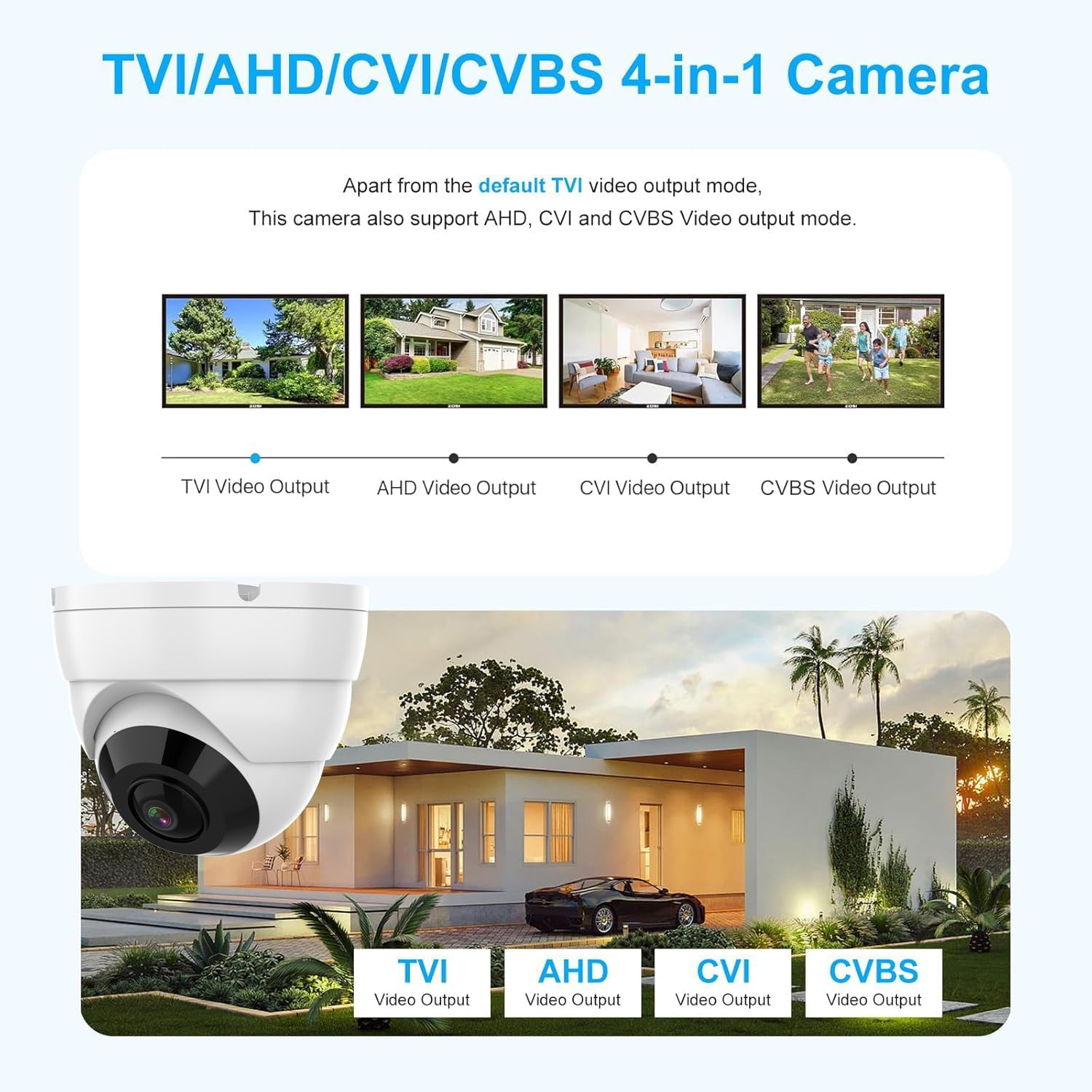
Image 4.3: Visual representation of the camera's compatibility with TVI, AHD, CVI, and CVBS video output modes, showing different scenarios where each mode might be used.
4.4 IP66 Weatherproof Design
The camera features a robust metal housing with an IP66 weather rating, making it suitable for outdoor installation. It is protected against dust ingress and powerful water jets, ensuring reliable operation in various weather conditions, including rain and snow.

Image 4.4: The camera shown installed outdoors, demonstrating its IP66 waterproof rating under rainy conditions, with icons for sunny, rainy, and snowing weather.
5. Installation Guide
5.1 Pre-installation Requirements
- A compatible DVR (Digital Video Recorder) that supports 1080P TVI/CVI/AHD signal input or 960H for CVBS mode.
- RG59 coax cabling or standard analog CCTV cabling for video transmission.
- A DC12V 1000mA power supply (not included).
- Tools for mounting (drill, screwdriver, etc.).
5.2 Mounting the Camera
- Choose a suitable location for installation, ensuring the 180-degree field of view covers the desired area.
- Use the provided installing template to mark the drill holes on the mounting surface (wall or ceiling).
- Drill the necessary holes and insert wall anchors if required.
- Secure the camera base to the mounting surface using the provided screws.
- Adjust the camera's angle to achieve the optimal viewing perspective.
5.3 Wiring Diagram
Connect the camera to your DVR system as shown in the diagram below. The camera requires a separate power supply and connects to the DVR via a BNC cable.

Image 5.1: Wiring diagram showing the connection of the dome camera to a DVR system, including the power adapter and BNC cable.
5.4 Video Mode Configuration (DIP Switch)
The camera's default video output mode is 1080P AHD. If your DVR uses a different signal type (TVI, CVI, or CVBS), you must switch the camera's video mode accordingly. Locate the DIP switch on the camera's cable and adjust it to match your DVR's input type. Refer to your DVR's manual for its supported input modes.
- Important: Ensure your DVR supports 1080P resolution for HD-TVI, HD-CVI, or AHD modes. If connecting to a 720P DVR or 960H DVR, the camera may not work correctly unless switched to the appropriate lower resolution analog mode.
6. Operation
This camera functions as a video input device for a DVR system. It does not have built-in recording capabilities or direct remote viewing features. All recording, playback, and remote viewing functions are managed through your connected DVR and its associated software or mobile application.
- Once properly connected and configured, the camera will continuously transmit video to your DVR.
- Access live view and recorded footage via your DVR's interface or its dedicated mobile app.
7. Maintenance
- Cleaning: Gently wipe the camera lens with a soft, clean cloth to remove dust or smudges. Do not use harsh chemicals or abrasive materials.
- Cable Inspection: Periodically check all cables and connections for any signs of wear, damage, or corrosion. Ensure connections are secure.
- Firmware Updates: While this camera does not have user-updatable firmware, ensure your DVR's firmware is kept up-to-date for optimal system performance.
8. Troubleshooting
- No Video Signal:
- Verify the camera is receiving power.
- Check all cable connections between the camera and the DVR.
- Ensure the camera's video output mode (TVI/CVI/AHD/CVBS) matches your DVR's input settings using the DIP switch.
- Confirm your DVR supports 1080P resolution for HD modes.
- Poor Image Quality / Foggy Night Vision:
- Clean the camera lens carefully.
- Ensure there are no obstructions directly in front of the lens or IR LEDs that could cause reflections.
- Check the power supply; insufficient power can affect IR performance.
- In some wide-angle scenarios, supplemental IR lighting may be beneficial for extended night vision range.
- Color Striping or Noisy Signal:
- This often indicates an incorrect video mode setting. Adjust the DIP switch to match your DVR's input.
- Inspect the BNC cable for damage or poor connections.
- Ensure the cable length is within recommended limits for analog HD signals.
9. Technical Specifications

Image 9.1: Diagram showing the approximate dimensions of the dome camera: 3.6 inches in diameter and 3.0 inches in height.
| Feature | Specification |
|---|---|
| Image Sensor | 1/2.9" CMOS sensor |
| Resolution | 1920x1080 (1080P) |
| Lens | 1.8mm Fixed lens |
| Field of View (FOV) | 180 Degrees |
| Night Vision Range | 30ft (approx. 9 meters) |
| Video Output | HD-TVI, HD-CVI, AHD, CVBS (960H) |
| TV System | NTSC |
| Weather Rating | IP66 |
| Operating Temperature | -40°F ~ 140°F (-40°C ~ 60°C) |
| Power Supply | DC12V 1000mA (not included) |
| Material | Metal Housing |
| Dimensions | 4.45 x 4.37 x 3.54 inches (Package) |
| Item Weight | 1.08 pounds |
10. Warranty and Support
Real HD is committed to providing reliable products and customer support. For any inquiries or technical assistance, please contact our support team. Our US local office is available to quickly respond to your needs and provide support.
Please retain your proof of purchase for warranty claims. Specific warranty terms and conditions may apply and are available upon request or through the retailer where the product was purchased.