
Introduction
This manual provides detailed instructions for the setup, operation, and maintenance of your OttLite Prevention LED Task Lamp with Digital Display (Model CSE13G5P). This lamp is designed to provide optimal lighting conditions for various tasks, including office work, studying, reading, and crafting, while aiming to reduce eyestrain through its exclusive ClearSun LED technology.

Image: The OttLite Prevention LED Task Lamp, showcasing its adjustable shade, digital display, and USB charging port.
What's in the Box
Please ensure all components are present before proceeding with setup:
- OttLite Prevention LED Task Lamp
- Power Cable
Setup
- Unpack the Lamp: Carefully remove the lamp and all components from the packaging.
- Position the Lamp: Place the lamp on a stable, flat surface. The base measures approximately 3.25 x 2.5 inches.
- Connect Power: Insert the power cable into the DC12V/1.5A port on the back of the lamp base, then plug the other end into a standard electrical outlet.
- Adjust Lamp Head: The lamp's shade can be adjusted in height from 12 to 19 inches and folds down for compact storage. Adjust the shade to your desired position for optimal lighting.

Image: The OttLite lamp demonstrating its adjustable height and compact base dimensions.
Operating Instructions
Power and Brightness Control
- Power On/Off: Tap the power button (usually a touch-sensitive area on the base or stem) to turn the lamp on or off.
- Adjust Brightness: With the lamp on, tap the power button repeatedly to cycle through the 3 available brightness settings.
Color Temperature Modes
The lamp offers 3 color temperature modes to suit different tasks and preferences:
- Warm White: Ideal for relaxation or ambient lighting.
- Bright White: Suitable for general tasks requiring clear illumination.
- ClearSun Natural Daylight: Designed to mimic natural daylight, reducing eyestrain and enhancing color accuracy.
To change the color mode, hold the power button for 2-3 seconds.
Digital Display Functions
The integrated LCD display provides useful information:
- Time: Displays the current time.
- Date & Day of Week: Shows the current date and day.
- Ambient Temperature: Indicates the room temperature.
- Alarm: Features an alarm function. Refer to the full product manual for specific alarm setting instructions.
USB Charging Port
A 5V, 2.1A USB port is located on the lamp base for convenient charging of mobile devices.
- To Charge: Connect your device's USB charging cable to the lamp's USB port.
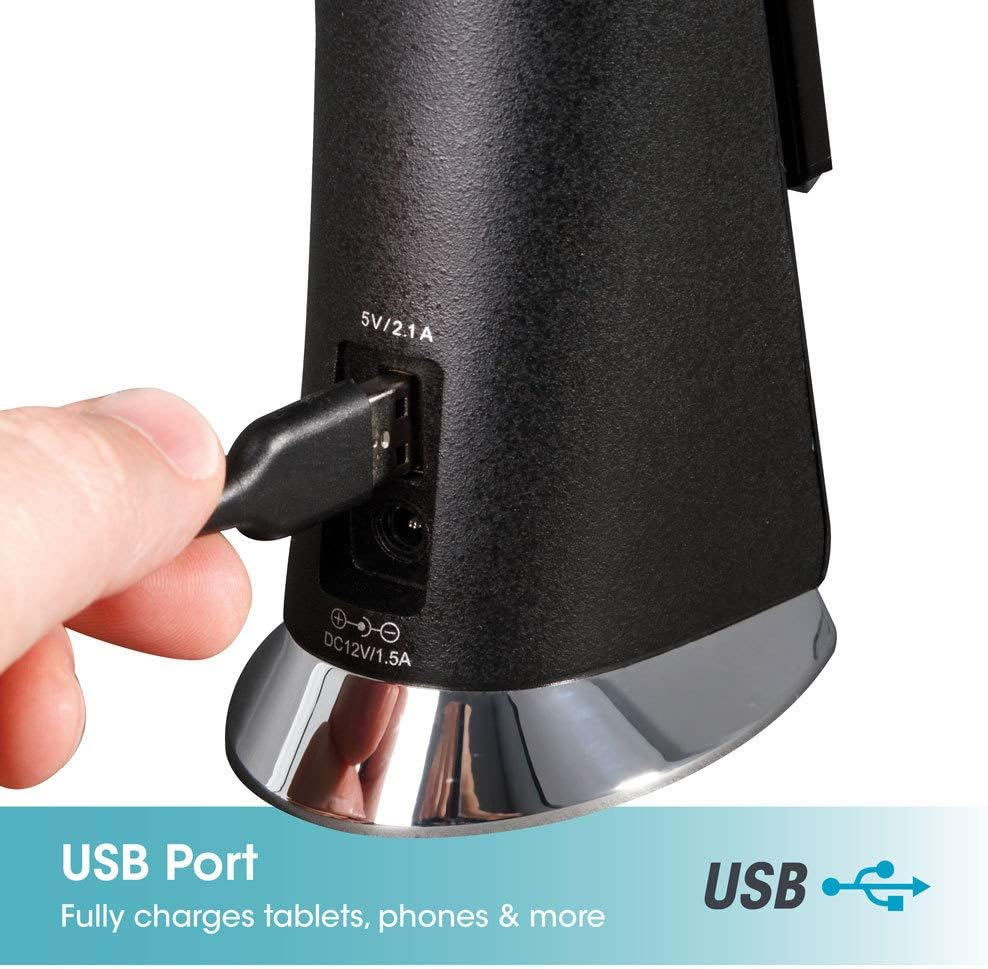
Image: Close-up view of the 5V/2.1A USB charging port on the back of the lamp base.
Key Features
ClearSun LED Technology
OttLite's exclusive ClearSun LED technology is engineered to closely match the spectrum of natural sunlight. This design aims to reduce eyestrain by up to 51% compared to standard LEDs, providing balanced and smooth lighting. ClearSun LEDs boast a Color Rendering Index (CRI) of 95+, indicating high accuracy in rendering colors, which is beneficial for tasks requiring precise color perception.
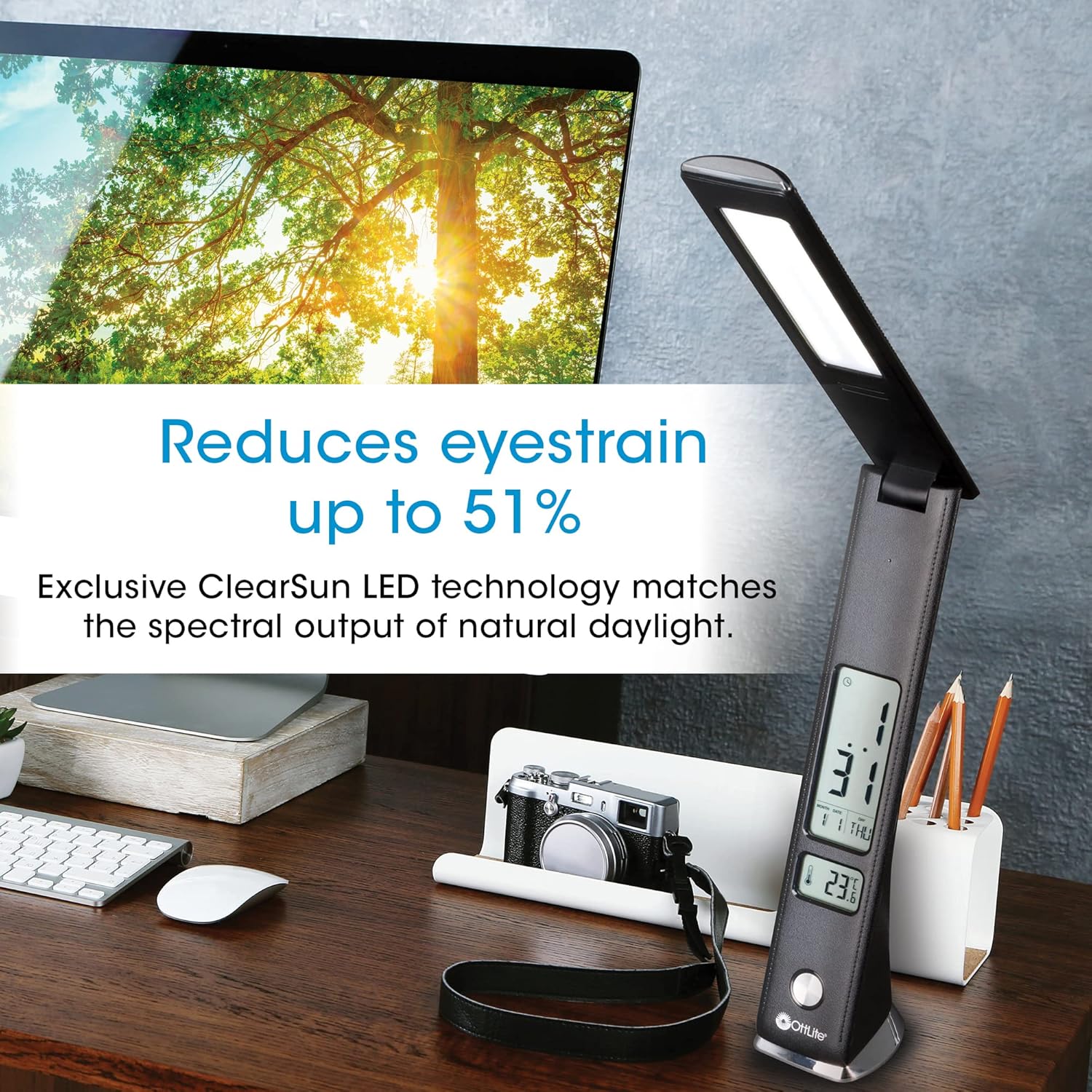
Image: Illustration showing how ClearSun LED technology reduces eyestrain by matching natural daylight spectrum.
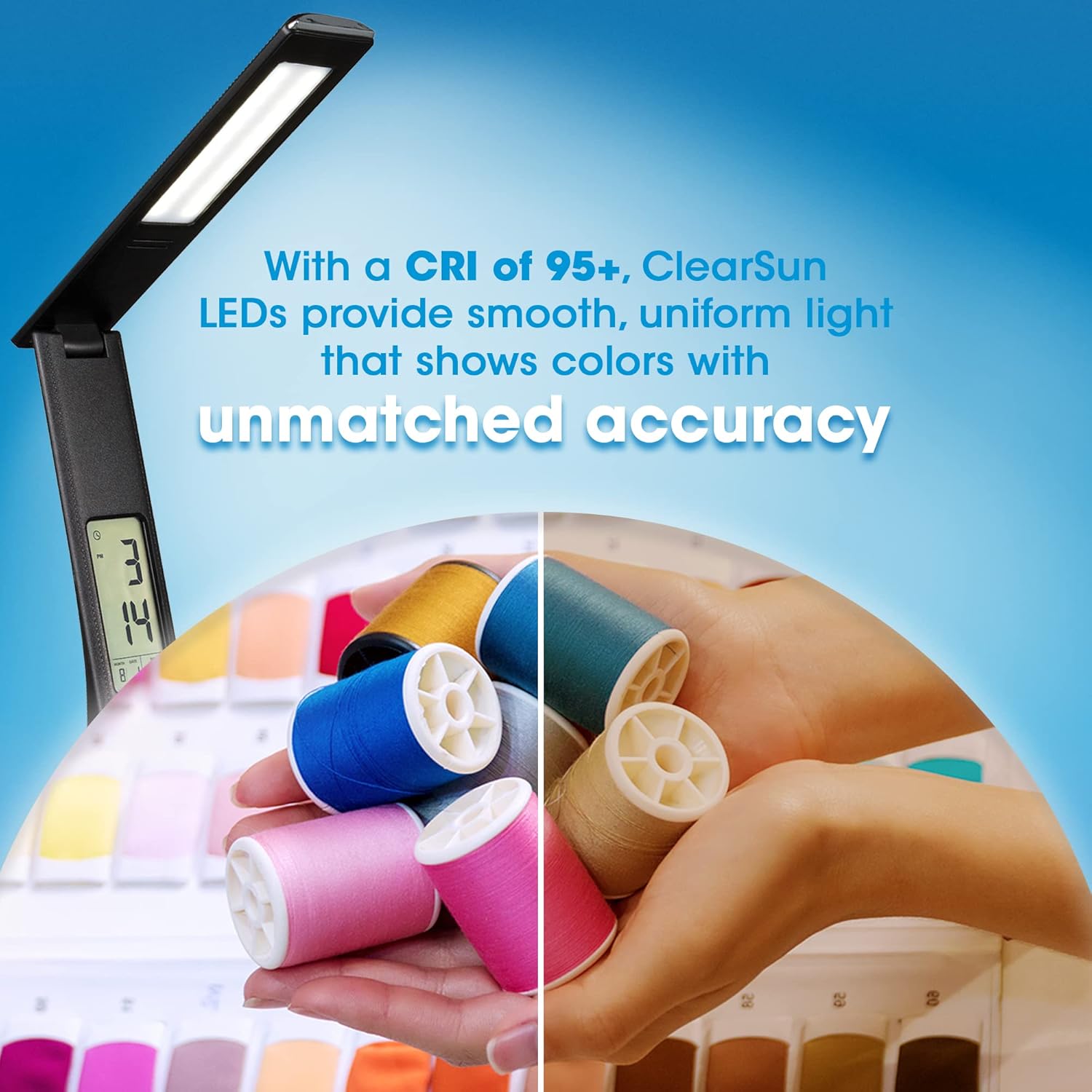
Image: Visual representation of the 95+ Color Rendering Index (CRI) of ClearSun LEDs, highlighting accurate color display.
Adjustable Design
The lamp features an adjustable neck and a 10-inch shade, allowing users to direct light precisely where needed. Its foldable design also ensures easy storage and portability.
Maintenance
- Cleaning: Disconnect the power before cleaning. Use a soft, dry cloth to wipe the lamp's surfaces. Avoid abrasive cleaners or solvents.
- Bulb Replacement: The LED bulbs are integrated and not user-replaceable.
Troubleshooting
| Problem | Possible Cause | Solution |
|---|---|---|
| Lamp does not turn on | Power cable not connected properly or no power from outlet. | Ensure the power cable is securely plugged into both the lamp and the wall outlet. Test the outlet with another device. |
| Digital display is blank or incorrect | Power interruption or initial setup required. | Check power connection. Refer to the full product manual for instructions on setting the time and date. |
| USB charging not working | Device cable issue or lamp not powered. | Ensure the lamp is powered on. Try a different USB cable or device to rule out cable/device issues. |
Specifications
| Feature | Detail |
|---|---|
| Model Number | CSE13G5P |
| Light Source Type | LED (ClearSun Technology) |
| Wattage | 7.5 watts |
| Brightness | 454 Lumens (Max) |
| Color Temperature | 5000 Kelvin (ClearSun) + other modes |
| Color Rendering Index (CRI) | 95+ |
| Product Dimensions | 2.62"D x 3.18"W x 12"H (folded) |
| Adjustable Height | 12 to 19 inches |
| Item Weight | 1.04 pounds |
| USB Charging Port | 5V, 2.1A |
| Material | Plastic |
| Power Source | Corded Electric (120 Volts) |
| Control Method | Touch |
| Indoor/Outdoor Usage | Indoor |
Safety Information
- Always disconnect the power cord from the electrical outlet before moving or cleaning the lamp.
- Do not operate the lamp with a damaged cord or plug.
- This lamp is designed for indoor use only. Do not expose to water or high humidity.
- Keep the lamp away from heat sources and direct sunlight to prevent damage to electronic components.
- Do not attempt to disassemble or repair the lamp yourself. Contact qualified service personnel for assistance.
Warranty and Support
This OttLite product is backed by the Good Housekeeping Seal, indicating a commitment to quality. For specific warranty details, product support, or service inquiries, please refer to the documentation included with your purchase or visit the official OttLite website.


