Introduction
This manual provides essential information for the safe and effective use of your Braun Series 5 Electric Shaver. Please read all instructions carefully before first use and retain for future reference.
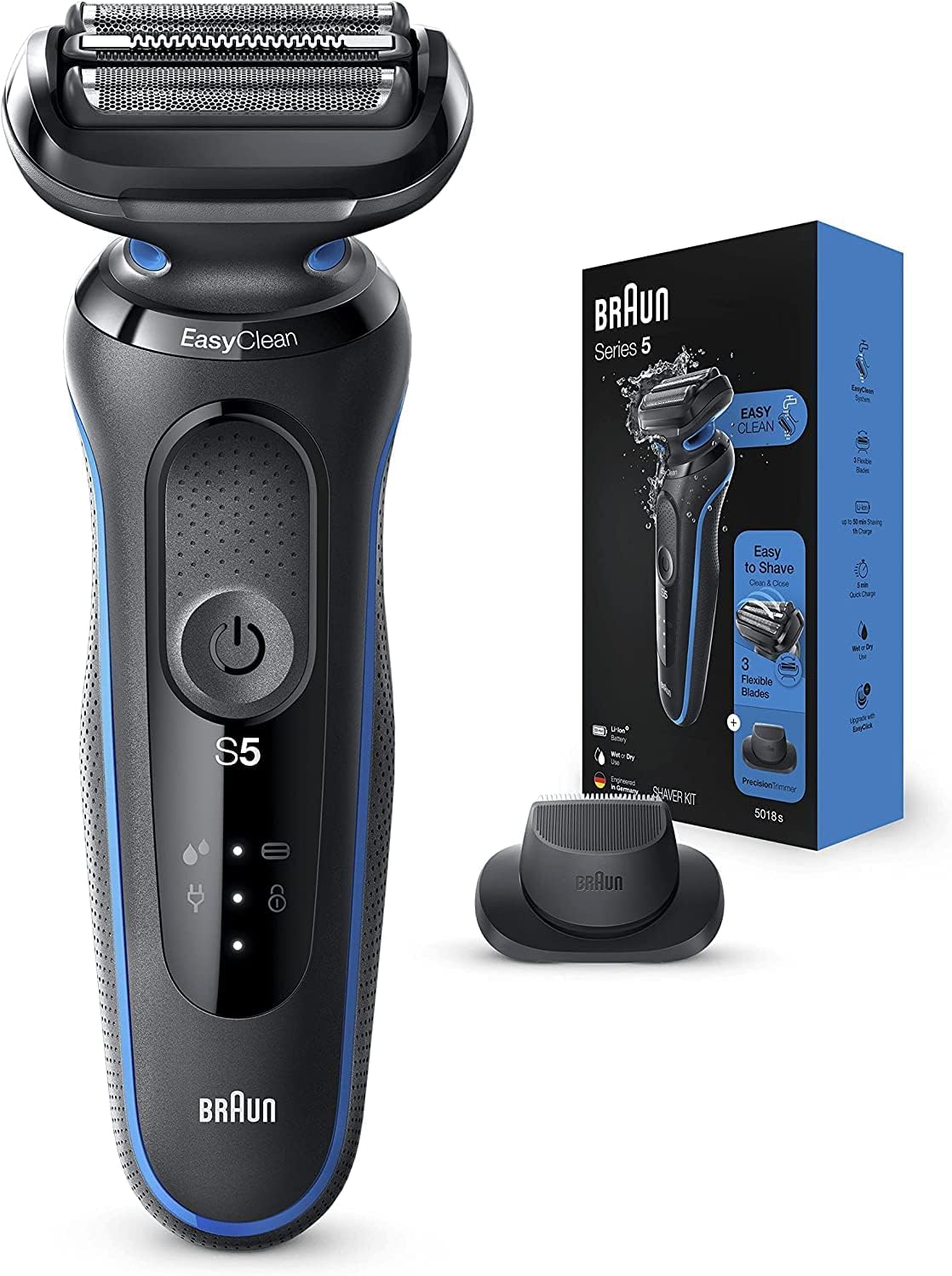
Image: The Braun Series 5 electric shaver, its charging stand, and packaging, highlighting its key features.
Package Contents
Ensure all items are present in the box:
- 1x Series 5 Electric razor for men
- 1x Precision trimmer attachment
- 1x Protective cap
- 1x Smart plug for automatic 100-240 voltage adjustment
- 1x Cleaning brush
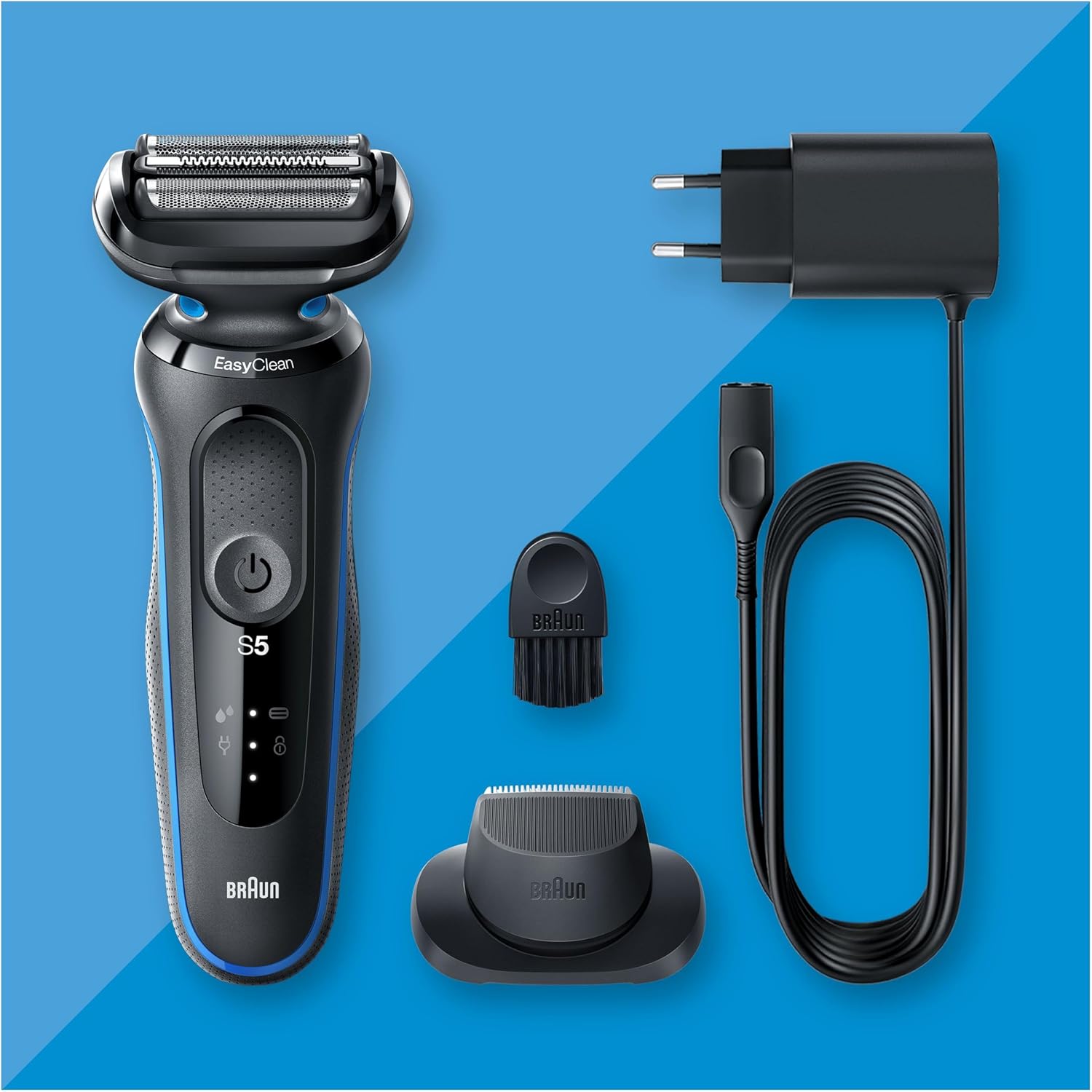
Image: All components included with the Braun Series 5 shaver: the shaver unit, precision trimmer attachment, cleaning brush, and smart plug charger.
Setup and Charging
Before first use, fully charge your shaver. The Li-Ion battery provides up to 50 minutes of shaving time on a full charge, which typically takes 1 hour. A 5-minute quick charge is sufficient for one full shave.
- Connect the smart plug to the shaver and then plug it into an electrical outlet.
- Ensure the voltage of your outlet is compatible with the smart plug (100-240V automatic adjustment).
- The charging indicator lights on the shaver will show the charging status.
- For safety, this appliance can only be operated cordless.
Important Note on Charger Compatibility:
The provided smart plug is designed for automatic voltage adjustment (100-240V). However, the physical pin configuration of the plug may vary by region (e.g., UK 2-pin, European 2-round-pin). If the plug does not fit your local electrical outlets, a suitable plug adapter will be required. Do not attempt to force the plug into an incompatible outlet.
Operating Instructions
Shaving Your Face
The Braun Series 5 electric shaver is designed for both wet and dry use, offering flexibility for your shaving routine. Its three flexible blades adapt to your facial contours for an efficient and close shave.
- For dry shaving, ensure your skin is clean and dry.
- For wet shaving, you can use shaving foam or gel.
- Turn on the shaver and move it against the direction of hair growth, applying gentle pressure.
- The AutoSense Technology reads and adapts the shaver's power to your stubble and beard density, capturing and cutting more hairs in every stroke.

Image: A man demonstrating the use of the Braun Series 5 shaver on his face, highlighting its ease of use for a clean and close shave.

Image: A close-up view of the shaver head, illustrating how the three flexible blades adapt to facial contours for an effective shave.

Image: The shaver in use, with a graphic overlay demonstrating the AutoSense Technology that reads and adapts to beard density.
Using the Precision Trimmer Attachment
The included precision trimmer attachment is ideal for shaping moustaches, sideburns, and other detailed grooming tasks.
- Ensure the shaver is turned off.
- Carefully remove the shaver head by pressing the release buttons (if applicable, refer to shaver diagram).
- Attach the precision trimmer attachment until it clicks into place.
- Turn on the shaver and use the trimmer for precise styling.
- After use, remove the trimmer and reattach the shaver head.
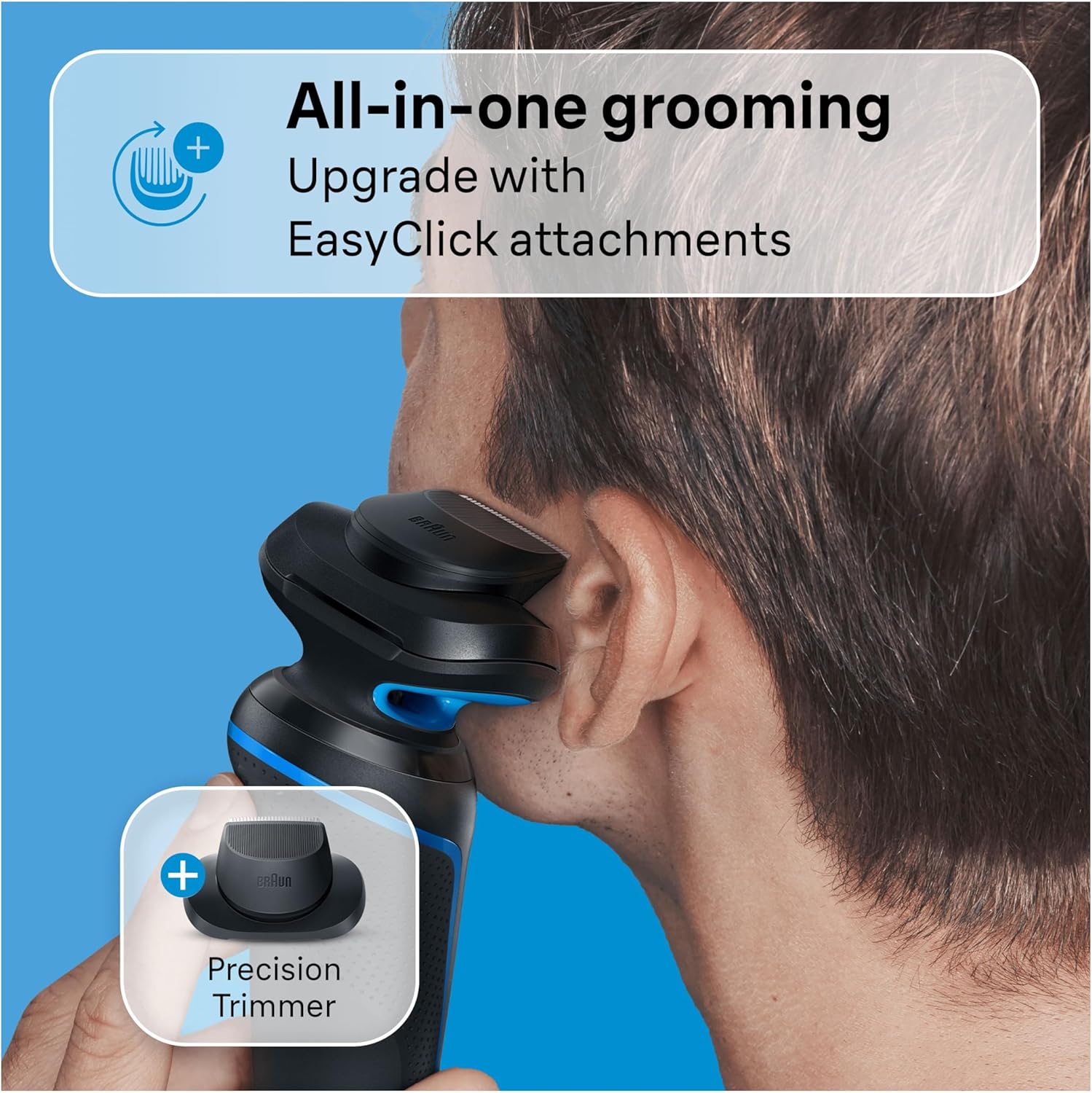
Image: The Braun Series 5 shaver with the precision trimmer attachment connected, demonstrating its all-in-one grooming capability.
Maintenance and Cleaning
Regular cleaning ensures optimal performance and hygiene of your shaver. The EasyClean system allows for fast and easy cleaning without removing the shaver head.
- After each use, turn off the shaver.
- Rinse the shaver head under running tap water. The EasyClean system allows water to flow through the cutting elements, rinsing away stubble.
- For a more thorough cleaning, you can detach the shaver head and rinse it separately.
- Use the included cleaning brush to remove any stubborn hair particles from the shaver head and body.
- Allow the shaver to air dry completely before storing or recharging.

Image: The Braun Series 5 shaver, illustrating the EasyClean system which allows for quick rinsing under water without removing the shaver head.
Troubleshooting
If you encounter issues with your Braun Series 5 shaver, refer to the following common solutions:
| Problem | Possible Cause / Solution |
|---|---|
| Shaver does not turn on or charge. |
|
| Poor shaving performance / Not cutting effectively. |
|
| Plug does not fit the electrical outlet. |
|
Safety Information
Always adhere to the following safety precautions:
- Do not immerse the charger unit in water.
- Do not place, store, or charge the appliance where it can fall into a tub or sink.
- Always unplug the appliance from the electrical outlet immediately after using, except when charging.
- Do not use the appliance if it has a damaged cord or plug, or if it is not working properly.
- Keep the cord away from heated surfaces.
- Do not use this appliance with a damaged or broken foil, as serious skin injuries may occur.
- The battery used in this device may present a fire or chemical burn hazard if mistreated. Do not disassemble, heat above 100 °C (212 °F), or incinerate.
Specifications
| Feature | Detail |
|---|---|
| Model Number | 4210201317562 (50-B1200s) |
| Product Dimensions | 5.39 x 2.64 x 9.92 inches; 10.76 ounces |
| Battery Type | 1 Lithium Ion battery (included) |
| Power Source | Battery Powered |
| Special Features | Cordless, Rechargeable, Water resistant, EasyClean system, AutoSense Technology, Flexible Blades |
| Recommended Use | Dry Use (also suitable for Wet & Dry use) |
Warranty and Support
Braun offers a 100-day money-back guarantee if you are not satisfied with the superior results of your product. Please refer to the product packaging or Braun's official website for full terms and conditions of this guarantee and any additional warranty information.
For further assistance or inquiries, please contact Braun customer support through their official channels.