
Monster MNRR270
Monster Rockin’ Roller 270 Portable Bluetooth Speaker User Manual
Model: MNRR270 | Brand: Monster
1. Introduction
The Monster Rockin’ Roller 270 is a powerful indoor/outdoor portable Bluetooth speaker designed to deliver up to 200 watts of 270-degree sound. With an impressive battery life of up to 100 hours, it is ideal for extended use at various events. This speaker features Qi wireless fast charging, TWS (True Wireless System) pairing for enhanced audio, and an IPX4 weather-resistant exterior, ensuring durability in diverse environments.

Figure 1: Front view of the Monster Rockin’ Roller 270 Portable Bluetooth Speaker.
2. Setup
2.1 Unboxing and Initial Charge
Upon unboxing, ensure all components are present: the Rockin’ Roller 270 speaker, power cable, and any included accessories. Before first use, fully charge the speaker. Connect the power cable to the "INPUT POWER" port on the back of the speaker and plug it into a standard electrical outlet. The charging indicator light will illuminate.

Figure 2: Rear panel of the speaker with power input and on/off switch.
2.2 Power On/Off
Locate the power switch on the rear panel of the speaker. Flip the switch to the "ON" position to power on the device. To power off, flip the switch to the "OFF" position.
2.3 Transportation
The Rockin’ Roller 270 is equipped with a retractable handle and rugged wheels for easy portability. Extend the handle by pressing the release button and pulling upwards. Tilt the speaker and roll it to your desired location. The handle can be retracted for compact storage.

Figure 3: Speaker with its retractable handle extended for transport.
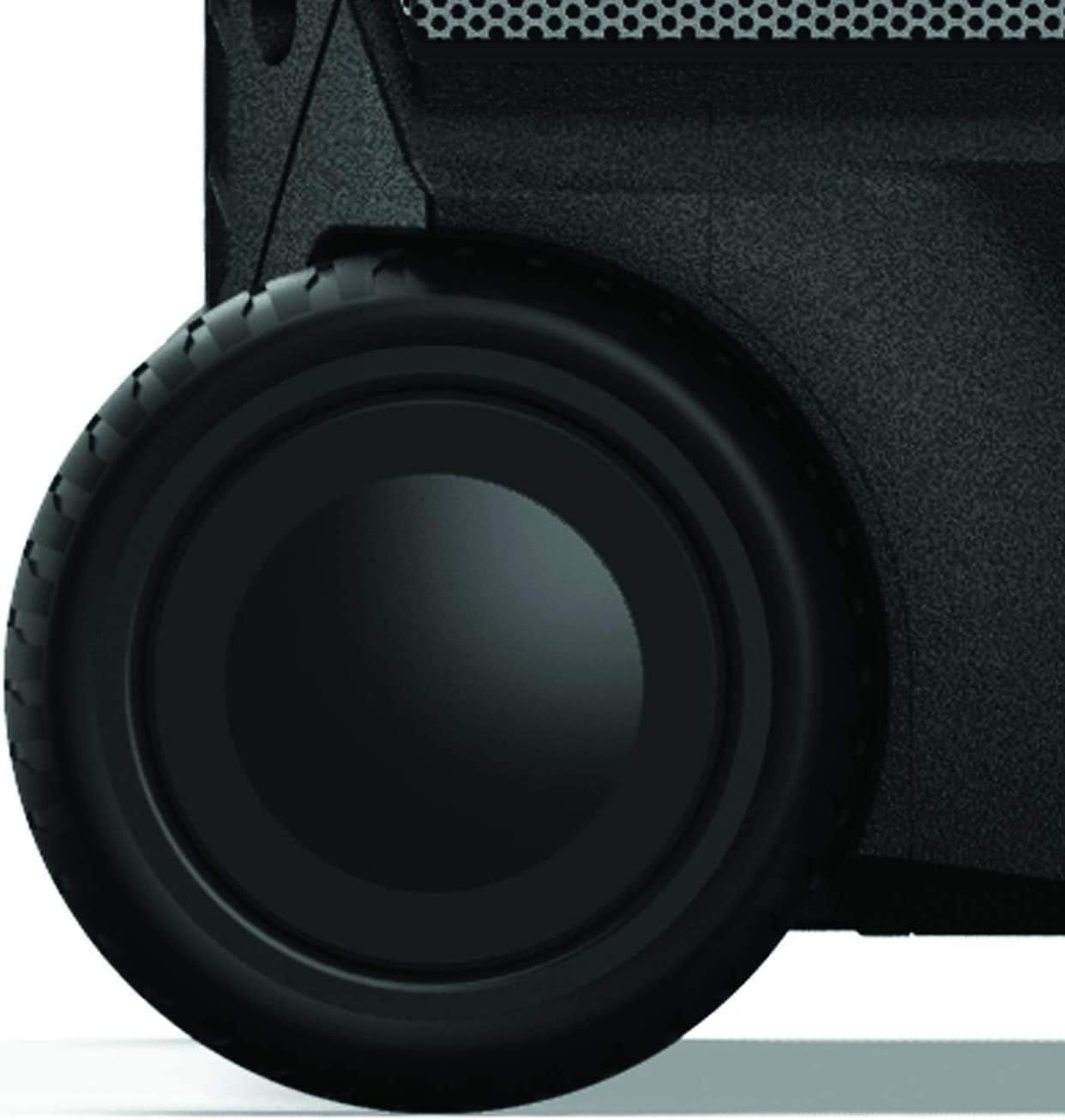
Figure 4: Detail of the durable wheels for easy mobility.
3. Operating Instructions
3.1 Control Panel Overview
The main control panel is located on the top front of the speaker, providing access to all primary functions.

Figure 5: Detailed view of the speaker's control panel.
3.2 Bluetooth Pairing
- Power on the speaker.
- Press the "SOURCE" button until "BT" appears on the display, indicating Bluetooth mode.
- On your mobile device, enable Bluetooth and search for "Rockin' Roller 270".
- Select the speaker from the list to pair. A confirmation tone will sound upon successful connection.
3.3 Auxiliary Input
Connect external audio devices (e.g., MP3 players, laptops) using a 3.5mm auxiliary cable to the "AUX IN" port on the control panel. Select "AUX" as the source using the "SOURCE" button.
3.4 Microphone and Guitar Inputs
The speaker features dedicated inputs for a microphone and a guitar. Connect your microphone to the "MIC" input and your guitar to the "MIC/GUITAR" input. Adjust the "GAIN" and "ECHO" knobs to control the volume and effect for the connected instruments.
3.5 Qi Wireless Fast Charging
Place your Qi-compatible wireless device on the designated charging pad located on the top surface of the speaker. Ensure the device is centered for optimal charging. The speaker will chime to confirm charging has commenced.

Figure 6: Wireless charging pad on the speaker's top surface.
3.6 TWS (True Wireless System) Pairing
To double your sound, you can pair two Rockin’ Roller 270 speakers together using TWS technology. Power on both speakers and ensure they are in Bluetooth mode. On one speaker, press and hold the "TWS" button until the TWS indicator light flashes. The speakers will automatically connect. Once paired, audio will play through both speakers for a stereo experience.
3.7 FM Radio
Press the "SOURCE" button to select FM radio mode. Use the tuning buttons to scan for stations. Favorite channels can be stored for quick access.
3.8 Sound Adjustment
Use the main volume knob to adjust the overall sound level. The "BASS" and "BASS TREBLE" buttons allow for fine-tuning of the audio output to suit your preferences.
3.9 Monster Zone Control App
For advanced control, download the Monster Zone Control App on your mobile device. The app allows you to adjust volume levels, modify brightness and LED colors, connect devices, and switch sources, including FM radio, and fine-tune bass and treble settings.
4. Maintenance
4.1 Cleaning
The Rockin’ Roller 270 has an IPX4 weather-resistant exterior, protecting it from splashes. However, it is not designed to be submerged in water. To clean, wipe the surface with a soft, damp cloth. Avoid using harsh chemicals or abrasive cleaners.
4.2 Storage
When not in use, store the speaker in a cool, dry place away from direct sunlight and extreme temperatures. Ensure the handle is fully retracted for compact storage.
4.3 Battery Care
To maximize battery lifespan, avoid fully discharging the speaker frequently. Recharge the battery when the low battery indicator appears. If storing for an extended period, charge the battery to approximately 50% before storage and recharge every few months.
5. Troubleshooting
| Problem | Solution |
|---|---|
| No Power / Speaker Not Turning On | Ensure the power cable is securely connected and plugged into a working outlet. Check the power switch on the rear panel. Allow the unit to charge for a few minutes if the battery is completely depleted. |
| No Sound | Check the volume level on both the speaker and the connected audio device. Ensure the correct source (Bluetooth, AUX, FM) is selected. Verify that the audio cable (if using AUX) is properly connected. |
| Bluetooth Pairing Issues | Ensure the speaker is in Bluetooth pairing mode. Disable and re-enable Bluetooth on your device. Move your device closer to the speaker. Forget the speaker from your device's Bluetooth list and attempt to re-pair. |
| Qi Wireless Charging Not Working | Ensure your device is Qi-compatible and properly centered on the charging pad. Remove any thick phone cases that might interfere with charging. |
| Poor FM Radio Reception | Extend the antenna fully. Try repositioning the speaker to improve signal reception. |
6. Specifications

Figure 7: Size reference for the Rockin’ Roller 270 compared to other models.
| Feature | Detail |
|---|---|
| Brand | Monster |
| Model Name | Monster Rockin' Roller |
| Item Model Number | MNRR270 |
| UPC | 827396542958 |
| Speaker Type | Portable |
| Speaker Maximum Output Power | 200 Watts |
| Playtime | Up to 100 Hours |
| Connectivity Technology | Bluetooth, Auxiliary, NFC |
| Special Features | Waterproof (IPX4), Stereo Pairing (TWS), Weather Resistant, Qi Wireless Fast Charge |
| Recommended Uses | For Indoor Use, For Outdoor Use |
| Compatible Devices | Smartphone |
| Product Dimensions | 10.8"D x 13.2"W x 18.6"H |
| Item Weight | 13 Kilograms (28.6 pounds) |
| Color | Black |
| Power Source | Battery Powered |
| Signal-to-Noise Ratio | 75 dB |
| Frequency Response | 200 Hz |
7. Warranty and Support
For warranty information and customer support, please refer to the documentation included with your product or visit the official Monster website. Contact details for support are typically available in the product packaging or on the manufacturer's website.
Related documentsMNRR270


Ask a question about this manual
Ask about setup, troubleshooting, compatibility, parts, safety, or missing instructions. Manuals+ will review the question and use this page’s manual context to help answer it.