
1. Introduction
Thank you for choosing the WASJOYE 150 Inch Projector Screen. This manual provides essential information for the proper setup, operation, and maintenance of your new projector screen. Please read these instructions carefully before use and retain them for future reference.
This projector screen is designed for high-definition projection, offering a 16:9 aspect ratio and compatibility with 4K content. Its foldable and crease-free design makes it suitable for both indoor and outdoor home theater experiences.
Safety Information
- Keep the screen away from open flames and heat sources.
- Avoid using sharp objects near the screen surface to prevent damage.
- Ensure the screen is securely mounted to prevent it from falling.
- Do not expose the screen to direct sunlight for extended periods when not in use, as this may affect material longevity.
2. Package Contents
Please check the package to ensure all items are present:
- 1 x WASJOYE 150 Inch Projector Screen
- Hanging accessories (e.g., hooks, ropes, or adhesive strips, depending on the specific package)
3. Setup
Follow these steps to set up your projector screen:
- Unfold the Screen: Carefully unfold the projector screen. While designed to be crease-free, some minor wrinkles from packaging may be present initially. These typically diminish after hanging for a period.
- Choose a Location: Select a flat wall or a suitable outdoor frame. Ensure the projection area is clear of obstructions.
- Mount the Screen: Use the provided hanging accessories to secure the screen. The screen features 28 hanging hole grommets for flexible installation. Ensure the screen is stretched tautly and evenly to achieve the best viewing surface.
- Adjust for Optimal Viewing: Position your projector to align the image with the screen. Adjust focus and keystone correction on your projector for a clear, rectangular image.

Image: The WASJOYE 150 Inch Projector Screen displayed in a meeting room setting, showcasing its large viewing area.

Image: Diagram illustrating the dimensions of the 150-inch projector screen, measuring approximately 332cm (130.71 inches) in width and 187cm (73.62 inches) in height.
4. Operating
Once the screen is set up, you can begin using it with your projector:
- Ensure your projector is powered on and connected to your media source.
- Adjust the projector's settings (focus, zoom, keystone) to achieve the desired image quality and fit on the screen.
- The screen's high contrast material enhances image clarity and color reproduction for an immersive viewing experience.

Image: The WASJOYE projector screen displaying a vivid landscape, demonstrating its high-definition capabilities.
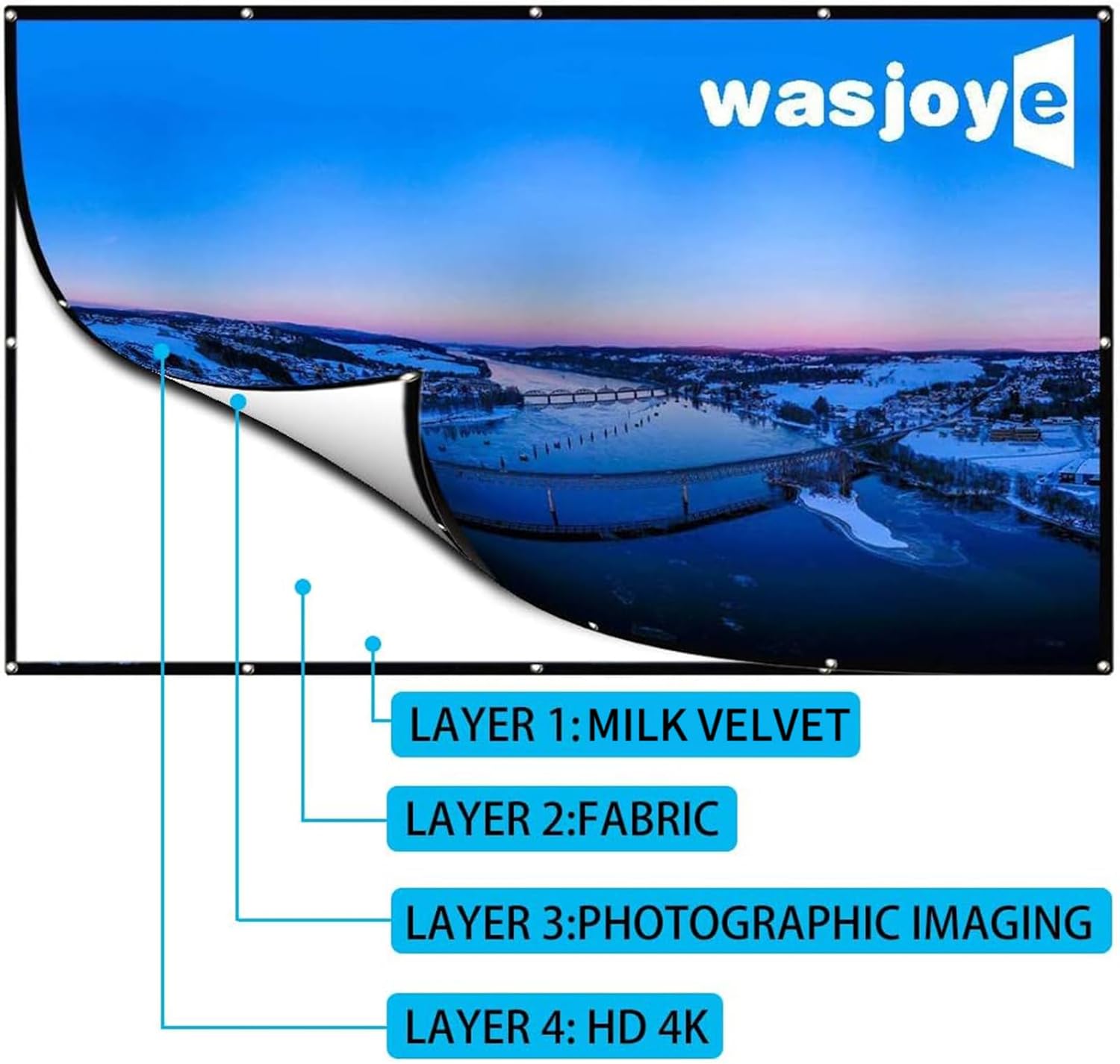
Image: A cross-section diagram illustrating the four layers of the WASJOYE projector screen: Milk Velvet, Fabric, Photographic Imaging, and HD 4K, contributing to its performance.
5. Maintenance
Proper care will extend the life and maintain the performance of your projector screen.
Cleaning Instructions
The screen is washable. For cleaning, follow these steps:
- Gently wipe the screen surface with a soft, damp cloth. Use mild soap if necessary.
- Rinse thoroughly with clean water.
- Allow the screen to air dry completely or use a hairdryer on a cool setting.
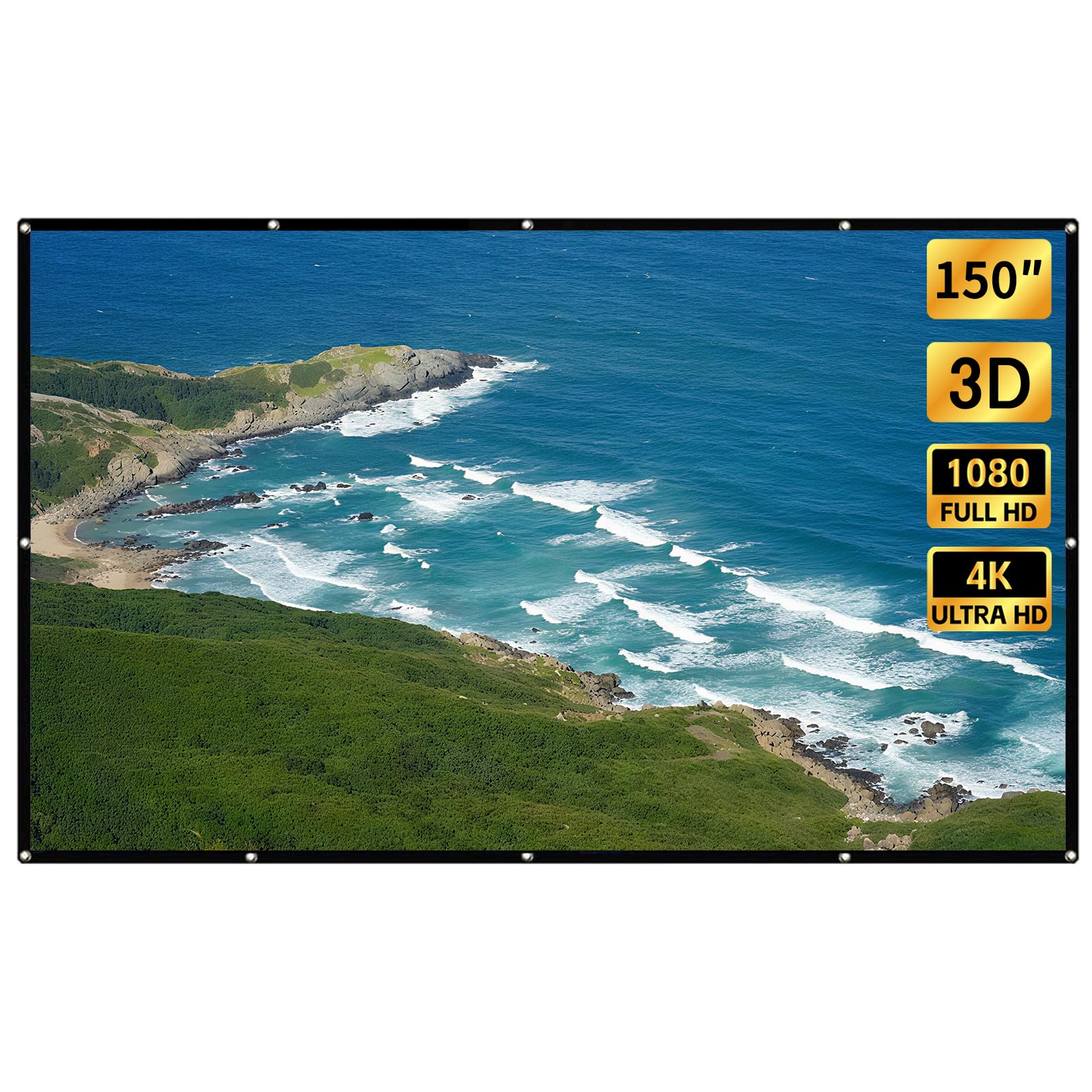
Image: Visual guide demonstrating the washability of the projection screen, showing how to clean off marks with water and a cloth, and then dry it with a hairdryer.
Crease Removal
While the screen is designed to be crease-free, minor creases may appear from folding. To minimize or remove them:
- Hang the screen tautly for several days. Gravity and tension will often reduce creases.
- If creases persist, gently iron the back side of the screen on a low heat setting with a cloth barrier, or use a garment steamer from a distance. Avoid direct high heat.
6. Troubleshooting
Here are solutions to common issues you might encounter:
| Problem | Possible Cause | Solution |
|---|---|---|
| Creases visible on screen | Screen was folded for packaging. | Hang the screen tautly for an extended period. Gently iron the back on low heat or use a steamer. |
| Poor image quality / blurry picture | Projector not focused, incorrect distance, or keystone not adjusted. | Adjust your projector's focus, distance, and keystone correction. Ensure the screen is flat. |
| Screen not hanging flat | Uneven tension during installation. | Re-adjust hanging points to ensure even tension across all grommets. |
7. Specifications
| Feature | Detail |
|---|---|
| Model Number | 150 Inch |
| Display Dimensions | 150 inch (diagonal) |
| Aspect Ratio | 16:9 |
| Material | Polyvinyl Chloride (PVC) |
| Mounting Type | Foldable, with 28 hanging grommets |
| Item Weight | 6.5 Pounds |
| Manufacturer | WASJOYE |
8. Warranty and Support
WASJOYE products are manufactured to high-quality standards. For warranty information or technical support, please refer to the contact details provided at the point of purchase or visit the official WASJOYE website. Please have your model number (150 Inch) and purchase date ready when contacting support.