
Introduction
This manual provides detailed instructions for the Hotsmtbang Replacement Remote Control. This remote is specifically designed to be compatible with various Samsung 7.1ch Digital DVD Home Entertainment Systems, including models AH59-02353A, AH59-02357A, HT-D450/ZK, HT-D450, and HT-D450K. It is a pre-programmed remote control, meaning no complex setup is required beyond battery installation.
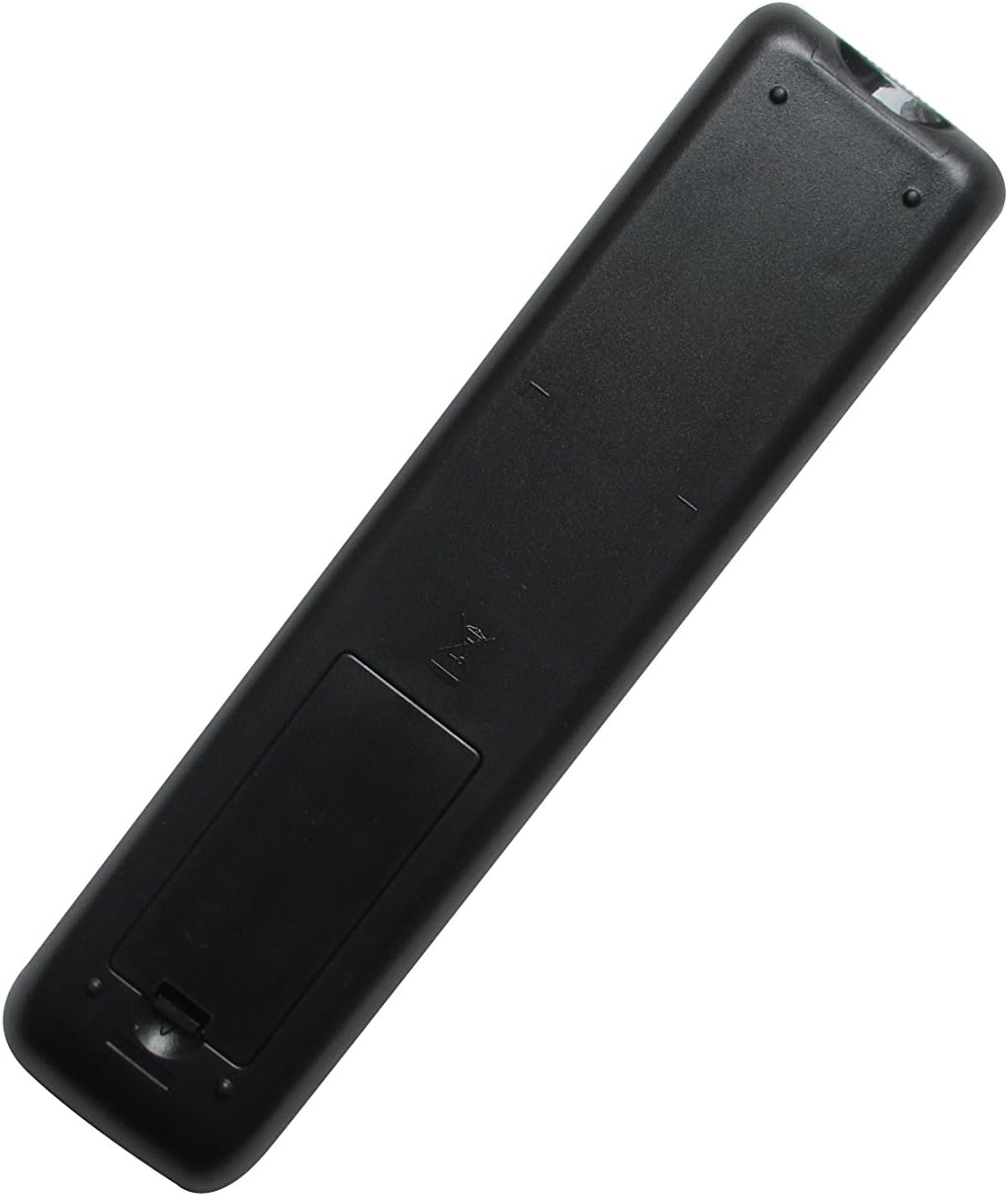
Figure 1: Front view of the Hotsmtbang replacement remote control. This image displays the full layout of the remote's buttons and its general design, including the infrared emitter at the top.
Setup
The Hotsmtbang Replacement Remote Control requires no programming. Simply install the batteries, and it will be ready for use with your compatible Samsung Home Entertainment System.
Battery Installation
- Locate the battery compartment on the back of the remote control.
- Slide the battery compartment cover downwards or press the latch and lift to open.
- Insert two (2) AAA batteries (not included) into the compartment, ensuring the positive (+) and negative (-) terminals align correctly with the markings inside the compartment.
- Replace the battery compartment cover by sliding it back into place until it clicks securely.
Note: Batteries are not included with the remote control. Please purchase 2 AAA batteries separately.

Figure 2: Battery compartment of the remote control with batteries inserted. This image illustrates the correct orientation for inserting two AAA batteries into the remote.
Operating Instructions
Once batteries are installed, the remote control is ready to operate your Samsung Home Entertainment System.
- Power On/Off: Press the POWER button to turn your system on or off.
- Volume Control: Use the VOL + and VOL - buttons to adjust the audio volume.
- Mute: Press the MUTE button to temporarily silence the audio. Press again to restore sound.
- Playback Controls: Use buttons such as PLAY, PAUSE, STOP, REW (Rewind), and FF (Fast Forward) for media playback.
- Navigation: Use the directional arrow buttons (UP, DOWN, LEFT, RIGHT) and the ENTER or OK button to navigate menus.
- Function Buttons: Other buttons are labeled for specific functions (e.g., FUNCTION, TUNER, DVD, AUX) to select input sources or modes.
Tip: For optimal performance, ensure there are no obstructions between the remote control and the infrared receiver on your Samsung Home Entertainment System. Point the remote directly at the system.
Maintenance
Proper care will extend the life of your remote control.
- Cleaning: Use a soft, dry cloth to clean the remote control. Do not use liquid cleaners or abrasive materials.
- Storage: Store the remote in a cool, dry place, away from direct sunlight and extreme temperatures.
- Battery Replacement: Replace batteries promptly when the remote's response becomes sluggish or stops working.
- Long-Term Storage: If the remote will not be used for an extended period (e.g., more than a month), remove the batteries to prevent leakage and potential damage.
Troubleshooting
If you experience issues with your remote control, please refer to the following common solutions:
| Problem | Possible Cause / Solution |
|---|---|
| Remote is not responding. |
|
| Some buttons do not work. |
|
| Remote works intermittently. |
|
Specifications
- Brand: Hotsmtbang
- Connectivity Technology: Infrared (IR)
- Controller Type: Button Control
- Power Source: 2 x AAA Batteries (not included)
- Special Feature: No Programming Required
- Compatible Samsung Models: AH59-02353A, AH59-02357A, HT-D450/ZK, HT-D450, HT-D450K
Warranty and Support
Information regarding product warranty and customer support for this Hotsmtbang replacement remote control is not provided in this manual. Please refer to the seller's terms of sale or contact the retailer directly for details on warranty coverage and support options.