
Introduction
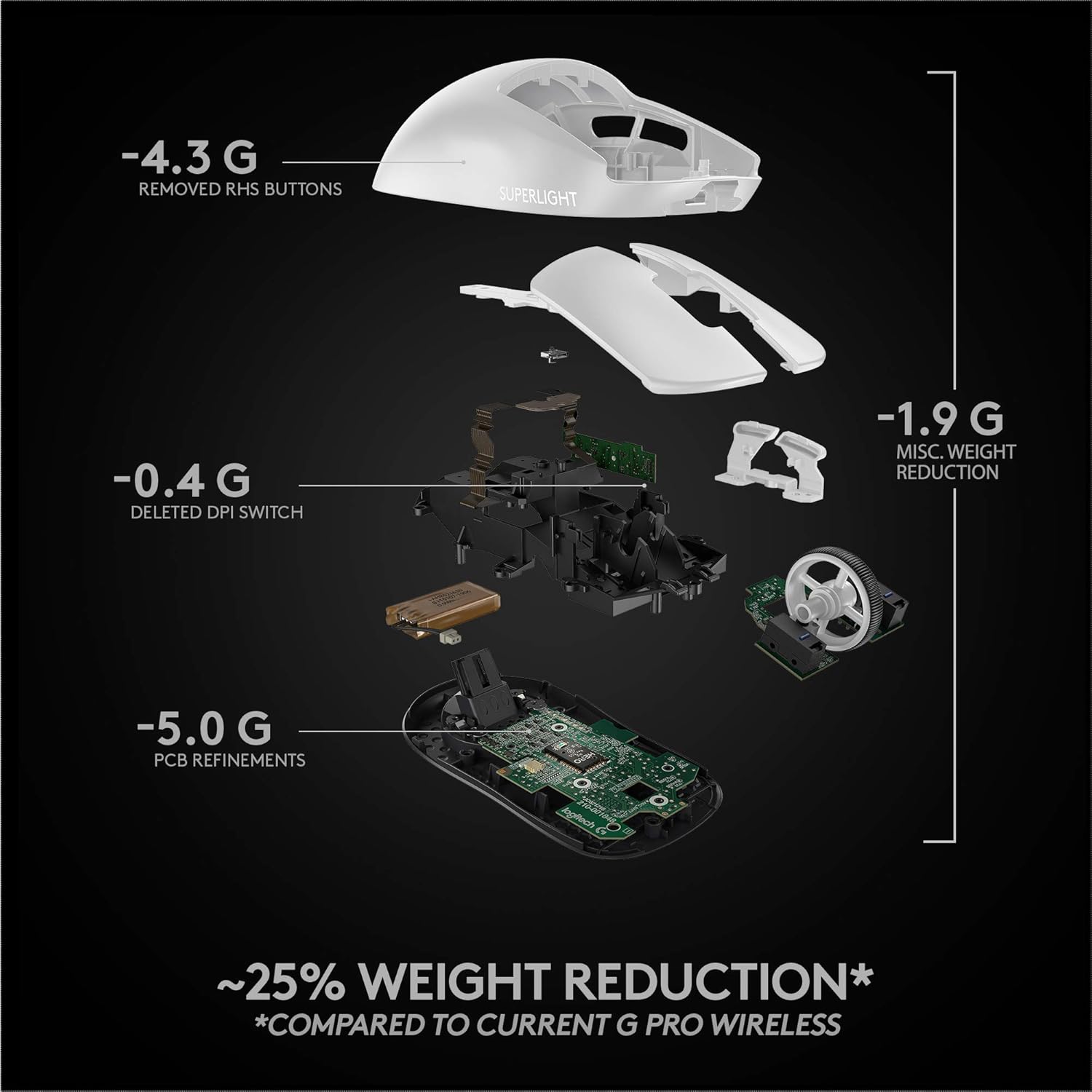
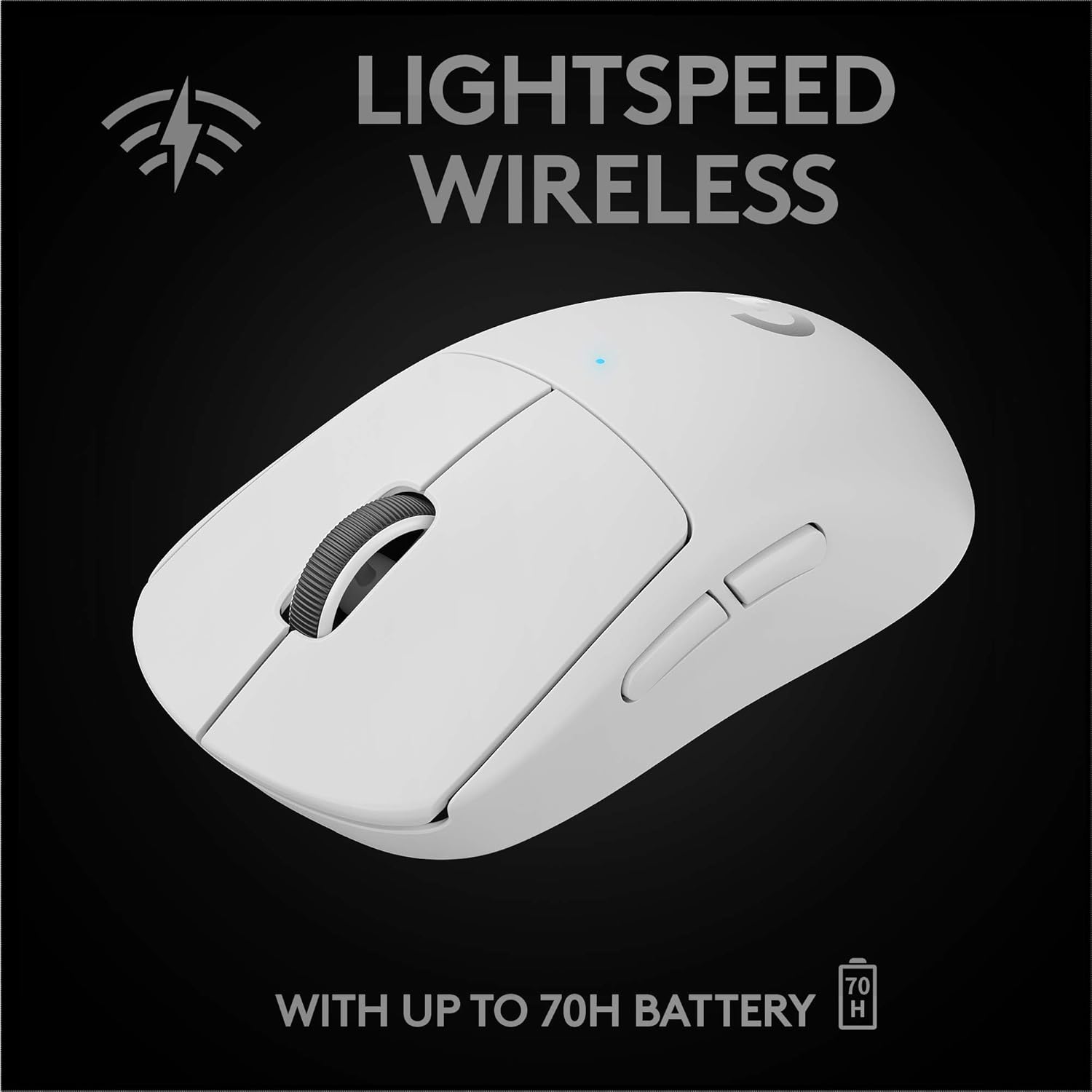
The Logitech G PRO X Superlight is an ultra-lightweight wireless gaming mouse engineered for professional esports performance. It features advanced LIGHTSPEED wireless technology, the highly precise HERO 25K sensor, and a minimalist design focused on delivering optimal control and precision for competitive gaming.
What's in the Box
- Logitech G PRO X Superlight Wireless Gaming Mouse
- LIGHTSPEED USB Receiver
- Charging/Data Cable (USB-A to Micro-USB)
- Receiver Extension Adapter
- Optional Grip Tape
- PTFE Feet (extra set)
- Cleaning Cloth
- User Documentation

Setup
Connecting the Mouse
The PRO X Superlight mouse connects wirelessly via the LIGHTSPEED USB receiver.
- Insert the LIGHTSPEED USB receiver into an available USB port on your computer. For optimal performance, use the included extension adapter to position the receiver closer to the mouse.
- Turn on the mouse using the power switch located on the underside.
- The mouse should automatically connect. The LED indicator on the mouse will illuminate to confirm connection.

Charging the Mouse
Connect the charging/data cable to the Micro-USB port on the front of the mouse and to a USB-A port on your computer or a USB power adapter.
The mouse can be used while charging.
Operating the Mouse
Buttons and Controls
The PRO X Superlight features 5 programmable buttons:
- Left Click
- Right Click
- Scroll Wheel (Clickable)
- Forward Side Button
- Back Side Button

DPI Adjustment
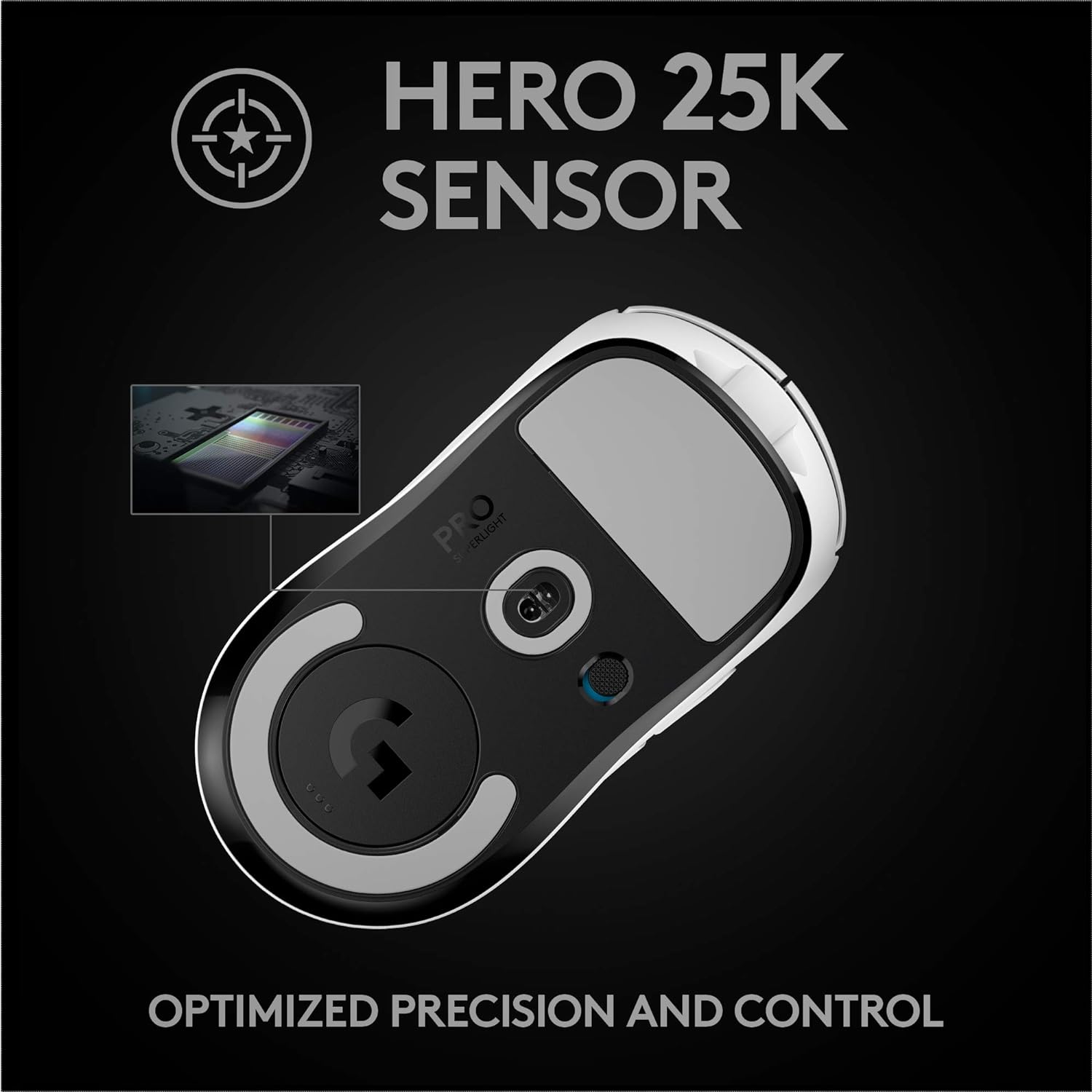
The mouse utilizes the HERO 25K sensor, offering up to 25,600 DPI. DPI settings can be customized using the Logitech G HUB software.
Logitech G HUB Software
Download the Logitech G HUB software from the official Logitech G website to customize button assignments, DPI settings, and other performance parameters.
Maintenance
Cleaning
Regularly clean your mouse with a soft, dry cloth. Avoid abrasive cleaners or solvents.
For the white model, frequent cleaning is recommended to prevent discoloration from oils and dirt.
PTFE Feet
The mouse features zero-additive PTFE feet for a smooth glide. Replace them if they show signs of wear to maintain optimal performance. An extra set is included in the box.
Troubleshooting
Connection Issues
- Ensure the USB receiver is securely plugged into a working USB port.
- Verify the mouse is powered on.
- Try moving the receiver closer to the mouse using the extension adapter.
- Re-pair the mouse using Logitech G HUB software if necessary.
Performance Problems
- Check battery level; charge if low.
- Clean the optical sensor on the underside of the mouse.
- Ensure mouse feet are clean and not excessively worn.
- Update mouse firmware via Logitech G HUB.
Specifications
| Feature | Detail |
|---|---|
| Brand | Logitech G |
| Model Name | G PRO X Superlight |
| Model Number | 910-005940 |
| Connectivity | LIGHTSPEED Wireless (USB) |
| Sensor | HERO 25K |
| Max DPI | 25,600 |
| Buttons | 5 Programmable |
| Weight | <63 grams (approx. 2.2 ounces) |
| Battery Life | Up to 70 hours |
| Hand Orientation | Right |
| Compatible Devices | Personal Computer |
| Operating System | Windows 10 or later, macOS 10.11 or later |
| Material | PTFE (feet) |
| UPC | 097855159625 |

Warranty and Support
Manufacturer’s warranty information can be requested from customer service.
For further assistance, visit the official Logitech G support website.


