
VisionTek 901323
VisionTek SoundCube Wireless Bluetooth Speaker (Model 901323) User Manual
Your guide to setting up, operating, and maintaining your VisionTek SoundCube speaker.
Product Overview
The VisionTek SoundCube is a portable wireless Bluetooth speaker designed for robust audio performance in various environments. It features an IPX7 waterproof rating, Bluetooth 5.0 connectivity, True Wireless Stereo (TWS) support for pairing two speakers, and a built-in microphone for hands-free calls. Its compact design includes a silicone strap for easy portability.
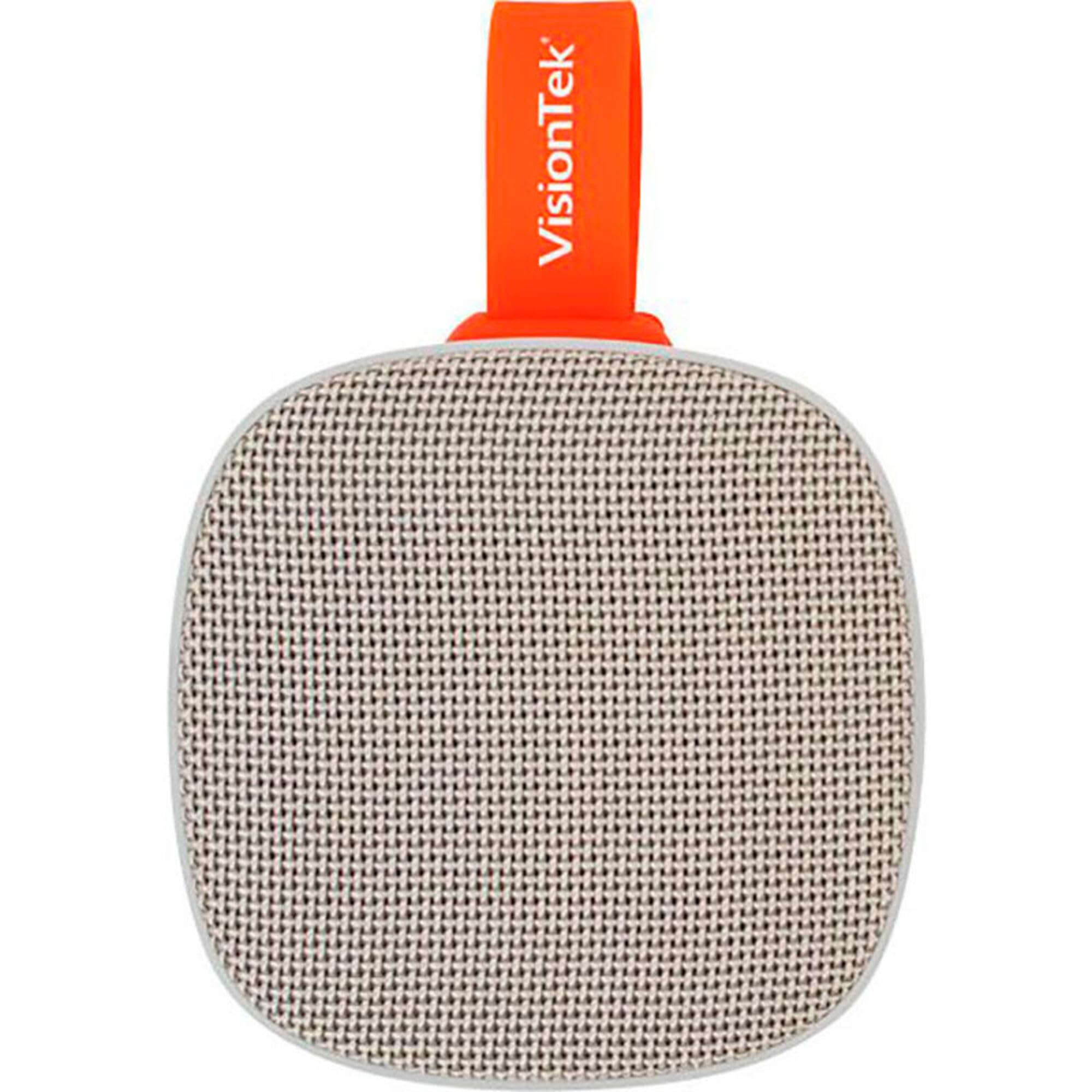
Image: The VisionTek SoundCube speaker in gray, showcasing its compact, square design with a textured grille and a red silicone strap on the side.
Package Contents
Ensure all items are present in the package:
- VisionTek SoundCube Wireless Speaker
- Micro USB Charge Cable
- Quick Start Guide
Setup
1. Charging the Speaker
Before first use, fully charge the SoundCube speaker. Connect the provided Micro USB cable to the speaker's charging port and the other end to a USB power adapter (not included) or a computer's USB port. The LED indicator will show charging status.

Image: A close-up view of the VisionTek SoundCube speaker's side, revealing the charging port and other control buttons, typically protected by a waterproof flap.
2. Powering On/Off
Press and hold the Power button (usually marked with a power symbol) for a few seconds to turn the speaker ON or OFF. A voice prompt will confirm the action, and the LED indicator will light up.
3. Bluetooth Pairing
- Ensure the speaker is powered ON and in Bluetooth pairing mode. The LED indicator will flash, and a voice prompt will announce "Bluetooth mode."
- On your device (smartphone, tablet, laptop), go to Bluetooth settings.
- Search for available devices and select "SoundCube" from the list.
- Once connected, the speaker will confirm with a voice prompt, and the LED indicator will stop flashing and remain solid blue.
NFC Pairing: If your device supports NFC, simply tap your device to the NFC area on the speaker to initiate pairing.
4. True Wireless Stereo (TWS) Pairing (Optional)
To achieve stereo sound, you can pair two VisionTek SoundCube speakers:
- Ensure both SoundCube speakers are powered ON and not connected to any other Bluetooth device.
- On one speaker, press and hold the TWS button (refer to the Quick Start Guide for button location) until you hear a pairing tone. This speaker will become the primary unit.
- The second speaker will automatically search for and connect to the primary speaker. A confirmation tone will sound once paired.
- Now, connect your device to the primary SoundCube speaker via Bluetooth as described in step 3. Both speakers will play audio in stereo.
Operating Instructions
1. Basic Controls
- Power Button: Press and hold to turn ON/OFF.
- Play/Pause Button: Press once to play or pause music.
- Volume Up (+): Press to increase volume. Press and hold for next track.
- Volume Down (-): Press to decrease volume. Press and hold for previous track.
- Call Button (if applicable): Press to answer/end calls. Press and hold to reject calls.
2. Hands-Free Calling
With the built-in microphone, you can answer calls directly through the speaker when connected to your smartphone via Bluetooth. Music playback will pause during a call and resume once the call ends.
3. Micro SD Card Playback
Insert a Micro SD card (up to 64GB, formatted to FAT32) containing MP3 or WAV audio files into the Micro SD card slot. The speaker will automatically switch to Micro SD card mode and begin playback. Use the volume/track control buttons to manage playback.
Maintenance
- Cleaning: Wipe the speaker with a soft, damp cloth. Do not use abrasive cleaners or solvents.
- Waterproof Care: Ensure the rubber flap covering the charging port and other connections is securely closed to maintain IPX7 waterproof integrity. Do not submerge the speaker for extended periods or beyond specified depths.
- Storage: Store the speaker in a cool, dry place away from direct sunlight and extreme temperatures.
- Battery: To prolong battery life, fully charge the speaker at least once every three months if not in regular use.
Troubleshooting
| Problem | Solution |
|---|---|
| Speaker does not turn on. | Ensure the battery is charged. Connect the speaker to a power source using the Micro USB cable. |
| Cannot pair with Bluetooth device. |
|
| No sound or low volume. |
|
| TWS pairing fails. |
|
| Sound distortion at high volume. | Reduce the volume on both the speaker and your connected device. |
Specifications
| Model Name: | 901323 |
| Brand: | VisionTek |
| Speaker Type: | Portable Bluetooth Speaker |
| Connectivity Technology: | Bluetooth 5.0, NFC, Micro USB (charging) |
| Wireless Communication: | Bluetooth, NFC |
| Bluetooth Range: | Up to 10 meters (33 feet) |
| Waterproof Rating: | IPX7 |
| Battery Capacity: | 1200 mAh |
| Playtime: | Up to 6+ hours |
| Speaker Output Power: | 5 Watts |
| Audio Driver Size: | 5 Centimeters |
| Microphone: | Built-in |
| Micro SD Card Support: | Up to 64GB (MP3/WAV files) |
| Dimensions: | 5 x 7.5 x 2 inches |
| Weight: | 11.2 ounces |
| Color: | Gray |
Warranty Information
The VisionTek SoundCube Wireless Bluetooth Speaker comes with a Limited Warranty. Please refer to the official VisionTek website or the included Quick Start Guide for detailed warranty terms and conditions. Keep your proof of purchase for warranty claims.
Support
For further assistance, technical support, or customer service, please visit the official VisionTek website or contact their support team. Contact information can typically be found on the product packaging or the VisionTek website.
VisionTek Official Website: www.visiontek.com
Related documents901323


Ask a question about this manual
Ask about setup, troubleshooting, compatibility, parts, safety, or missing instructions. Manuals+ will review the question and use this page’s manual context to help answer it.