
Introduction
Thank you for choosing the Mebus Modern Radio Wall Clock, Model 52842. This clock combines precise timekeeping with practical temperature and humidity displays, designed to enhance any room. Its radio-controlled movement ensures automatic time synchronization, including daylight saving and winter time adjustments, while its silent operation makes it suitable for any environment.
This manual provides essential information for the proper setup, operation, maintenance, and troubleshooting of your new wall clock. Please read these instructions carefully before use.
Product Features
- Modern Design: Grey case, white dial, without a second hand for a clean aesthetic.
- Precise Radio Movement: Fully automatic setting, always exact time. Automatic adjustment for daylight saving time and winter time.
- Silent Wall Clock: Quiet movement ensures no annoying ticking, ideal for bedrooms and offices.
- Thermometer and Hygrometer: Displays current room temperature in °C and humidity in percent (%). Helps maintain an optimal living or sleeping environment.
- Large Display: 30 cm diameter for effortless time reading from any distance.
Setup
1. Battery Installation
The clock requires one (1) AA 1.5V battery (not included). Locate the battery compartment on the back of the clock. Insert the battery, ensuring the correct polarity (+ and - terminals).
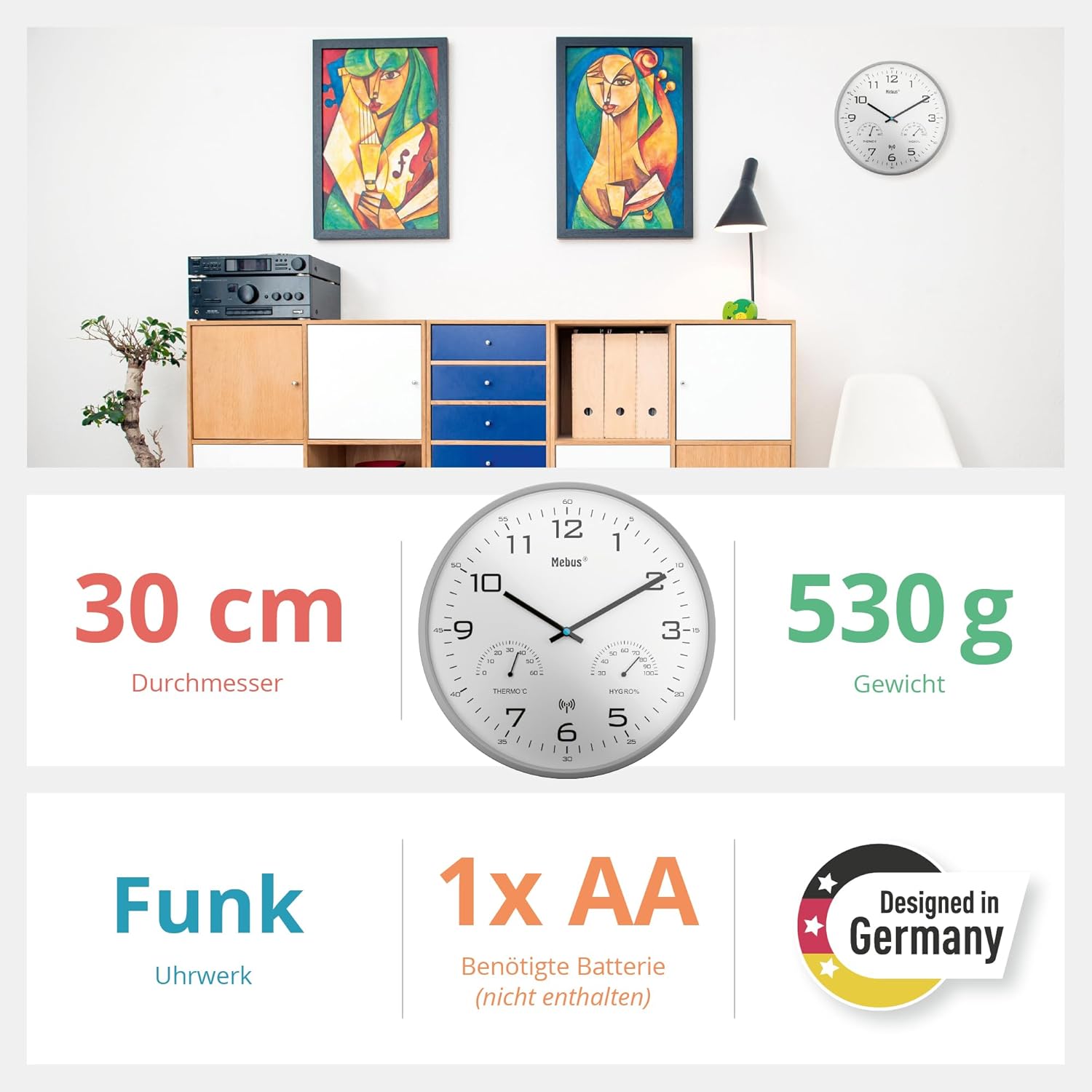
Image: Detailed view of the Mebus Radio Wall Clock showing its 30 cm diameter and 530g weight. Indicates radio movement and requires 1x AA battery (not included). Designed in Germany.
2. Initial Synchronization
After inserting the battery, the clock will automatically search for the DCF77 radio signal. This process may take several minutes. During this time, the hands will move to the 12 o'clock position and then adjust to the correct time. Ensure the clock is placed in an area with good radio reception, away from electronic devices that may cause interference.
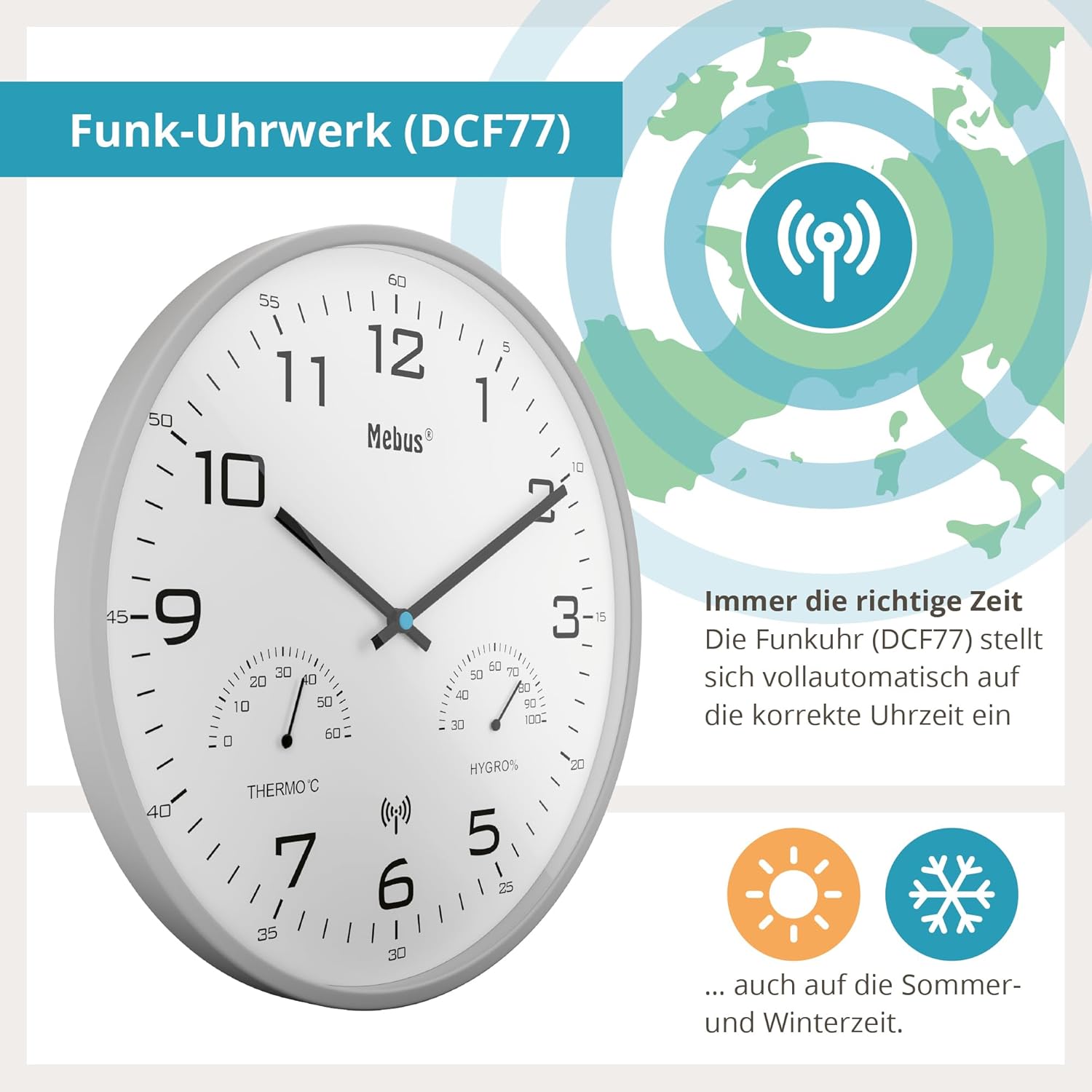
Image: Mebus Radio Wall Clock showcasing its radio-controlled movement (DCF77). Explains that the clock automatically sets to the correct time, including summer and winter time.
3. Mounting
Once the time is set, you can mount the clock on a wall using the integrated hanging slot on the back. Ensure the mounting point is secure and can support the clock's weight (approximately 532 grams).

Image: Front view of the Mebus Radio Wall Clock, illustrating its 30cm diameter. Shows the time, temperature, and humidity displays.
Operating Instructions
Automatic Time Setting
The Mebus Radio Wall Clock is equipped with a radio-controlled movement (DCF77) that automatically synchronizes with the atomic clock signal. This ensures accurate timekeeping and automatic adjustment for daylight saving time (summer time) and winter time.
Reading Temperature and Humidity
The clock features integrated analog displays for temperature (in °C) and humidity (in %). These are located on the lower part of the clock face. Read the current values directly from the respective dials.
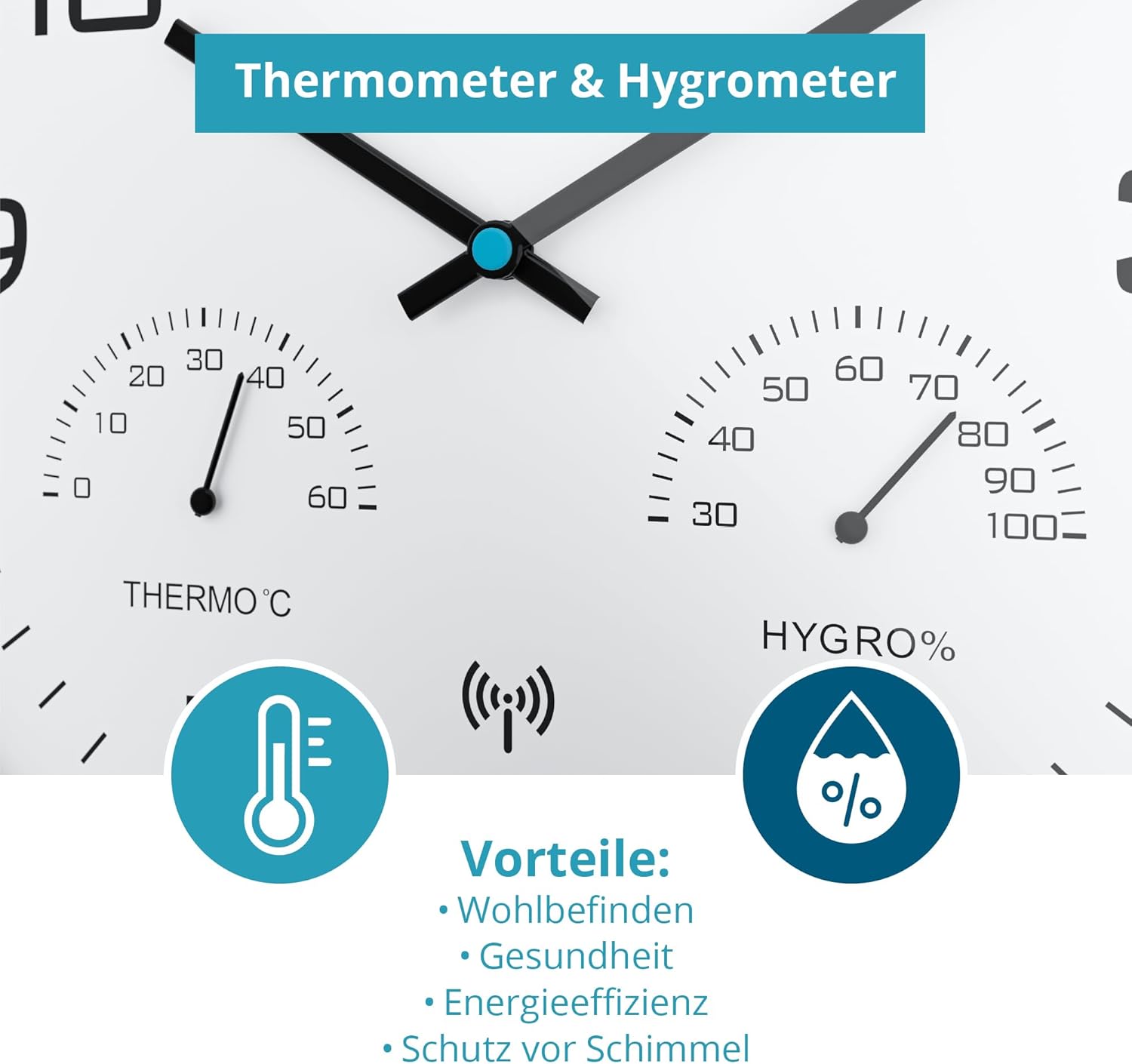
Image: Close-up of the thermometer and hygrometer on the Mebus Radio Wall Clock. Highlights benefits for well-being, health, energy efficiency, and mold protection.
Silent Movement
The clock's silent movement ensures that there is no audible ticking sound, making it ideal for quiet environments such as bedrooms, offices, or study rooms.
Maintenance
Battery Replacement
When the clock hands stop moving or the time becomes inaccurate, it is time to replace the battery. Use a fresh AA 1.5V battery. Follow the battery installation steps outlined in the Setup section.
Cleaning
To clean the clock, gently wipe the surface with a soft, dry cloth. Do not use abrasive cleaners, solvents, or chemical sprays, as these may damage the clock's finish or internal components.
Troubleshooting
- Clock not working or hands not moving:
- Check if the battery is inserted correctly with the correct polarity.
- Replace the battery with a fresh AA 1.5V battery.
- Incorrect time or failure to synchronize:
- Ensure the clock is in an area with good radio signal reception. Avoid placing it near large metal objects, thick concrete walls, or other electronic devices that may interfere with the DCF77 signal.
- Allow up to 24 hours for the clock to fully synchronize, especially after initial setup or battery replacement.
- If the signal is consistently weak, try moving the clock to a different location.
- Temperature or humidity readings appear inaccurate:
- Ensure the clock is not exposed to direct sunlight, drafts, or extreme temperature changes, which can affect sensor accuracy.
- Allow the clock to acclimate to its environment for at least 30 minutes for stable readings.
Specifications
| Feature | Detail |
|---|---|
| Brand | Mebus |
| Model Number | 52842 |
| Colour | Grey |
| Display Type | Analog |
| Movement Type | Radio Controlled (DCF77), Quartz, Atomic |
| Special Features | Humidity Display, Silent movement without second hand, Temperature Display, Wireless wall clock |
| Product Dimensions | 30W x 30H centimetres (Diameter 30 cm), Depth 4.2 cm |
| Item Weight | 532 Grams |
| Power Source | Battery Powered (1 x AA battery required, not included) |
| Material Type | Plastic (Frame Material: Plastic) |
| Indoor/Outdoor Use | Indoor |
Warranty Information
Specific warranty details are not provided in this manual. For information regarding warranty coverage and terms, please refer to the product packaging or contact the retailer where the product was purchased. Keep your proof of purchase for any warranty claims.
Customer Support
If you encounter any issues or have questions not covered in this manual, please contact the retailer or the manufacturer's customer service department. Refer to the contact information provided on the product packaging or the manufacturer's official website.


