
1. Introduction
Thank you for choosing the Lenovo HD200 Bluetooth Over-Ear Headphones. This manual provides essential information for setting up, operating, and maintaining your headphones to ensure optimal performance and longevity. Please read this manual thoroughly before using the product.

Image: Lenovo HD200 Bluetooth Over-Ear Headphones in black and red, showcasing their sleek design.
2. Product Overview
2.1 Key Features
- Bluetooth 5.0 for stable and efficient wireless connection.
- Integrated microphone for hands-free calls.
- Long battery life: Up to 20 hours of playtime and 300 hours standby.
- Comfortable over-ear design with soft earcups.
- Foldable design for easy storage and portability.
- Dynamic 40mm speaker drivers for immersive sound.
- Wired playback option via 3.5mm audio cable.
2.2 Headphone Components and Controls
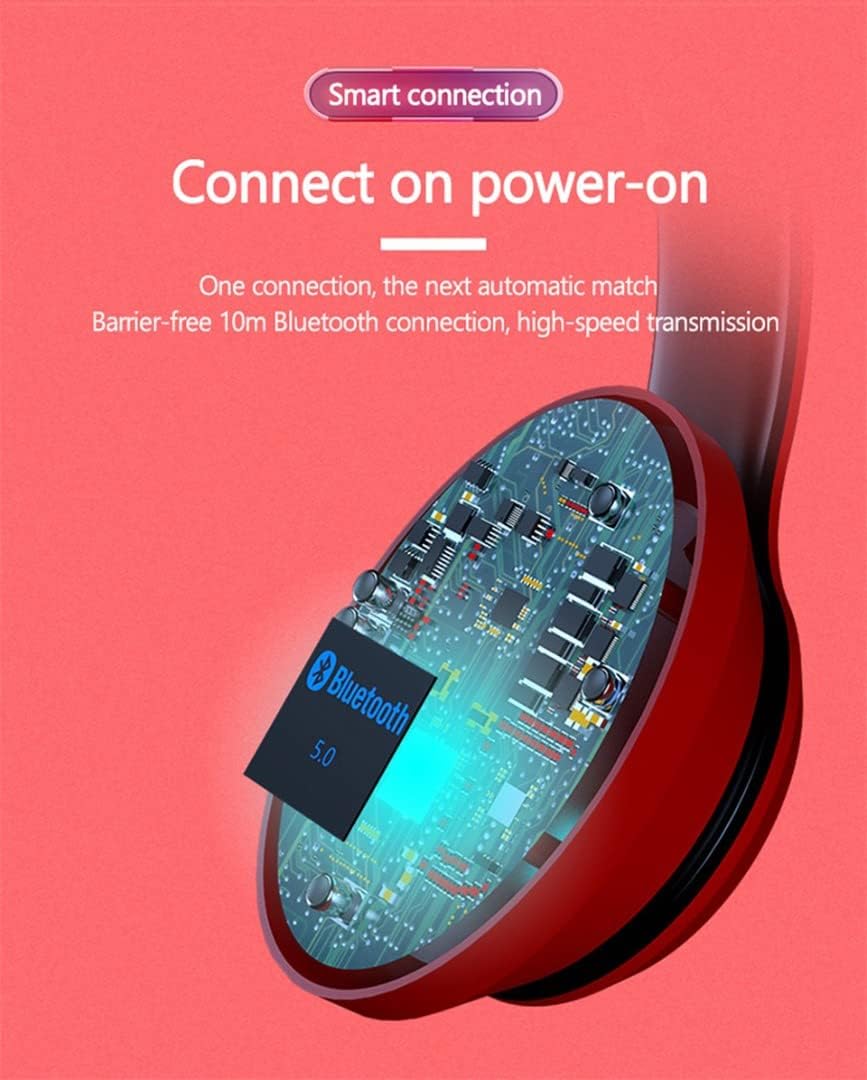
Image: Detailed diagram illustrating the folding storage and scalable headband of the headphones, along with a numbered guide to the control buttons and ports on the earcup.
- Volume + / Previous Track: Short press for Volume Up, long press for Previous Track.
- Multifunction Key / Pause Play: Press to Play/Pause music, Answer/End calls. Long press to Power On/Off or activate voice assistant.
- Volume - / Next Track: Short press for Volume Down, long press for Next Track.
- Switch Machine: Power On/Off switch.
- Micro Charging Port: For charging the headphones.
- 3.5mm Audio Line Interface: For wired connection.
- Radio Hole: Microphone.
- Charging Indicator: LED light indicating charging status.

Image: Exploded view showing the 40mm large unit horn and layered, polymer silver-plated diaphragm for enhanced bass effect.

Image: Close-up of the soft, wear-resistant protein leather earcups designed for comfortable wear.
3. Setup
3.1 Charging the Headphones
Before first use, fully charge your headphones.
- Connect the Micro USB charging cable (included) to the Micro Charging Port (5) on the headphone earcup.
- Connect the other end of the cable to a USB power source (e.g., computer USB port, wall adapter).
- The Charging Indicator (8) will illuminate during charging. It will change color or turn off once charging is complete.
- A full charge takes approximately 1.5 hours.

Image: Visual representation of the headphone's battery life, indicating 500mAh capacity, approximately 300 hours standby time, 2 hours charge time, and 20 hours play music time.
3.2 Bluetooth Pairing
To connect your headphones wirelessly to a device:
- Ensure the headphones are charged.
- Slide the Switch Machine (4) to the ON position or long press the Multifunction Key (2) until the LED indicator flashes, indicating pairing mode.
- On your device (smartphone, tablet, computer), enable Bluetooth and search for available devices.
- Select "HD200" from the list of found devices.
- Once paired, the LED indicator on the headphones will change (e.g., solid blue or slow flash) and you may hear an audible confirmation.
- The headphones will automatically reconnect to the last paired device when powered on, if the device's Bluetooth is active and within range.
3.3 Wired Connection (Optional)
You can use the headphones with a 3.5mm audio cable (included) for a wired connection, even if the battery is depleted.
- Connect one end of the 3.5mm audio cable to the 3.5mm Audio Line Interface (6) on the headphone earcup.
- Connect the other end to the 3.5mm audio jack on your audio device.
- The headphones will automatically switch to wired mode.

Image: Illustration highlighting both Bluetooth 5.0 wireless playback and wired playback options for the Lenovo HD200 headphones, along with key battery statistics.
4. Operating Instructions
4.1 Power On/Off
- Power On: Slide the Switch Machine (4) to the ON position or long press the Multifunction Key (2) until the LED indicator lights up.
- Power Off: Slide the Switch Machine (4) to the OFF position or long press the Multifunction Key (2) until the LED indicator turns off.
4.2 Music Playback
- Play/Pause: Short press the Multifunction Key (2).
- Volume Up: Short press the Volume + / Previous Track button (1).
- Volume Down: Short press the Volume - / Next Track button (3).
- Next Track: Long press the Volume - / Next Track button (3).
- Previous Track: Long press the Volume + / Previous Track button (1).
4.3 Call Management
- Answer Call: Short press the Multifunction Key (2) when an incoming call rings.
- End Call: Short press the Multifunction Key (2) during a call.
- Reject Call: Long press the Multifunction Key (2) when an incoming call rings.
- Redial Last Number: Double-press the Multifunction Key (2).
4.4 Voice Assistant
- Activate Voice Assistant: Long press the Multifunction Key (2) (after powering on and pairing) to activate your device's voice assistant (e.g., Siri, Google Assistant).
4.5 Folding for Storage
The headphones feature a foldable design for compact storage. Gently fold the earcups inwards towards the headband as shown in the product overview image.
Video: This video demonstrates the unboxing of the Lenovo HD200 headphones and shows how to fold them for compact storage, highlighting their portability.
5. Maintenance
- Clean the headphones regularly with a soft, dry cloth. Do not use harsh chemicals or abrasive materials.
- Avoid exposing the headphones to extreme temperatures, humidity, or direct sunlight.
- Store the headphones in a cool, dry place when not in use, preferably in their folded position to save space and protect them.
- Do not attempt to disassemble or repair the headphones yourself, as this will void the warranty.
- Keep the charging port and audio jack free of dust and debris.
6. Troubleshooting
| Problem | Possible Solution |
|---|---|
| Headphones do not power on. | Ensure the headphones are fully charged. Connect to a power source and check the charging indicator. |
| Cannot pair via Bluetooth. |
|
| No sound or low volume. |
|
| Microphone not working. |
|
| Intermittent connection. |
|
7. Specifications
| Feature | Detail |
|---|---|
| Brand | Lenovo |
| Model Name | HD200_BK |
| Model Number | HD200 |
| Color | Black |
| Ear Placement | Over Ear |
| Headphones Form Factor | Over-Ear |
| Connectivity Technology | Wireless |
| Wireless Communication Technology | Bluetooth |
| Bluetooth Version | 5.0 |
| Bluetooth Range | 10 meters |
| Battery Capacity | 300 mAh |
| Playtime | 20 hours |
| Standby Time | 300 hours |
| Charging Time | 1.5 hours |
| Speaker Diameter | 40 mm |
| Speaker Sensitivity | 105 dB |
| Frequency Response Range | 20 Hz - 20 kHz |
| Impedance | 32 Ohm |
| Noise Control | Active Noise Cancellation |
| Headphone Jack | 3.5 mm Jack |
| Control Type | Volume Control |
| Control Method | Remote |
| Controller Device Type | Touch |
| Item Weight | 400 grams |
| Special Features | Noise Isolation |
| Materials | Plastic, Synthetic Leather |
| Recommended Uses For Product | Making Calls, Travel |
| Cable Feature | Cable-free (Wireless) |
| Water Resistance Level | Water Resistant |
| Included Components | User Manual |
8. Warranty and Support
8.1 Warranty Information
The Lenovo HD200 Bluetooth Over-Ear Headphones come with a standard two-year manufacturer's warranty. This warranty covers defects in materials and workmanship under normal use. Please retain your proof of purchase for warranty claims.
The warranty does not cover damage caused by misuse, accidents, unauthorized modifications, or normal wear and tear.
8.2 Customer Support
For further assistance, technical support, or warranty inquiries, please contact Lenovo customer service through their official website or the contact information provided with your product packaging.
You can also visit the official Lenovo store on Amazon for more product information and support: Lenovo Store.


