
1. Introduction and Overview
The eufy RoboVac G10 Hybrid is a smart dynamic navigation robotic vacuum cleaner designed for efficient and thorough cleaning of hard floors. This 2-in-1 device combines sweeping and mopping functionalities to provide a comprehensive clean. Featuring Wi-Fi connectivity, super-slim design, and 2000Pa strong suction, the RoboVac G10 Hybrid offers convenient control via the EufyHome app and voice commands, ensuring a clean home with minimal effort. Please note, this model is specifically engineered for hard floors such as hardwood, tile, or laminate.

Image: The Eufy RoboVac G10 Hybrid, a black circular robot vacuum, shown next to a smartphone displaying the EufyHome app interface for controlling the device.
2. What's in the Box
Upon unboxing your RoboVac G10 Hybrid, you should find the following components:
- RoboVac G10 Hybrid unit
- Charging base
- AC power adapter
- Cleaning tool
- Water tank
- Washable mopping cloths (x2)
- Waterproof pad
- Extra filter elements (x4)
- Extra set of unibody filter
- Side brushes (x4)
- Cable ties (x5)
- Quick installation guide and manual
3. Setup
- Prepare the Area: Before operating, move cables and small objects out of the way to prevent tangling. Five cable ties are provided to help organize wires and power cords.
- Place the Charging Base: Position the charging base on a hard, level surface against a wall, ensuring there are no obstacles within 3 feet (1 meter) to the sides and 6 feet (2 meters) in front of the base.
- Connect Power: Plug the AC power adapter into the charging base and then into a wall outlet. Ensure the charging base indicator light is on.
- Initial Charge: Place the RoboVac onto the charging base. Ensure the "SWITCH ON BEFORE USE" label is removed and the main power switch on the RoboVac is turned on. Allow the RoboVac to fully charge before its first use. The indicator light will turn solid blue when fully charged.
- Install Side Brushes: Attach the side brushes to the square posts on the bottom of the RoboVac by pressing them down until they click into place.
- Fill Water Tank (for mopping): Open the water tank cover, fill it with clean water, and securely close the cover. Attach a clean mopping cloth to the water tank.
- Connect to Wi-Fi (Optional but Recommended): Download the EufyHome app from your smartphone's app store. Follow the in-app instructions to connect your RoboVac to your home Wi-Fi network for advanced control and scheduling.

Image: The Eufy RoboVac G10 Hybrid positioned near its charging base, illustrating its self-charging capability and helpful voice prompts during operation.
4. Operating Instructions
4.1. Smart Dynamic Navigation
The RoboVac G10 Hybrid utilizes advanced gyro-navigation technology for efficient cleaning paths, completing routines in approximately half the time compared to standard robotic vacuums. It intelligently navigates your hard floors to ensure comprehensive coverage.

Image: The Eufy RoboVac G10 Hybrid cleaning a wooden floor, with a visual representation of its smart dynamic navigation path, highlighting its efficiency.
4.2. 2-in-1 Sweep and Mop Functionality
This model combines both sweeping and mopping capabilities for a deeper clean. Ensure the water tank is filled and the mopping cloth is attached for mopping operations. The RoboVac will sweep and then mop the hard floor surfaces.
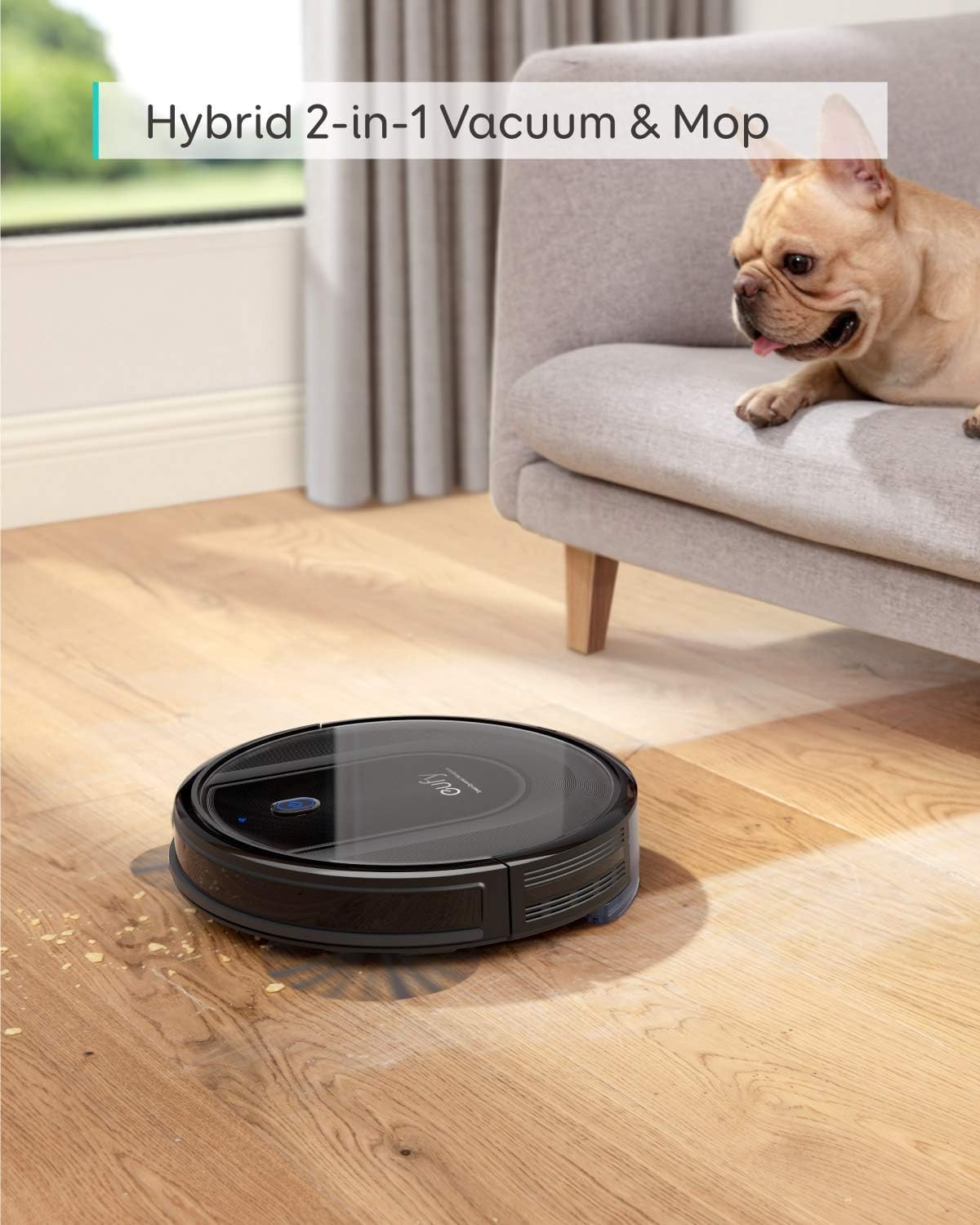
Image: The Eufy RoboVac G10 Hybrid operating on a hard floor, demonstrating its hybrid sweep and mop function, with a dog observing nearby.
4.3. Control Methods
- EufyHome App: Use the EufyHome app on your smartphone to schedule cleanings, initiate spot cleaning, receive maintenance alerts, and control the RoboVac remotely.
- Voice Control: The RoboVac G10 Hybrid is compatible with Amazon Echo and Google Home. You can give voice commands for starting, stopping, or returning to the charging base.
- On-Device Button: Press the power button on the RoboVac to start or pause cleaning.

Image: A smartphone displaying the EufyHome app, illustrating various control options such as scheduling, spot cleaning, maintenance alerts, and remote control for the RoboVac.
4.4. Suction Power and Cleaning Modes
The RoboVac G10 Hybrid delivers 2000Pa of strong suction power, ensuring effective removal of dirt, dust, and crumbs from hard floors. It features different cleaning modes:
- Standard Suction Mode: Ideal for daily cleaning on hard floors, providing up to 80 minutes of cleaning time.
- Max Suction Mode: Provides increased suction for tougher messes.
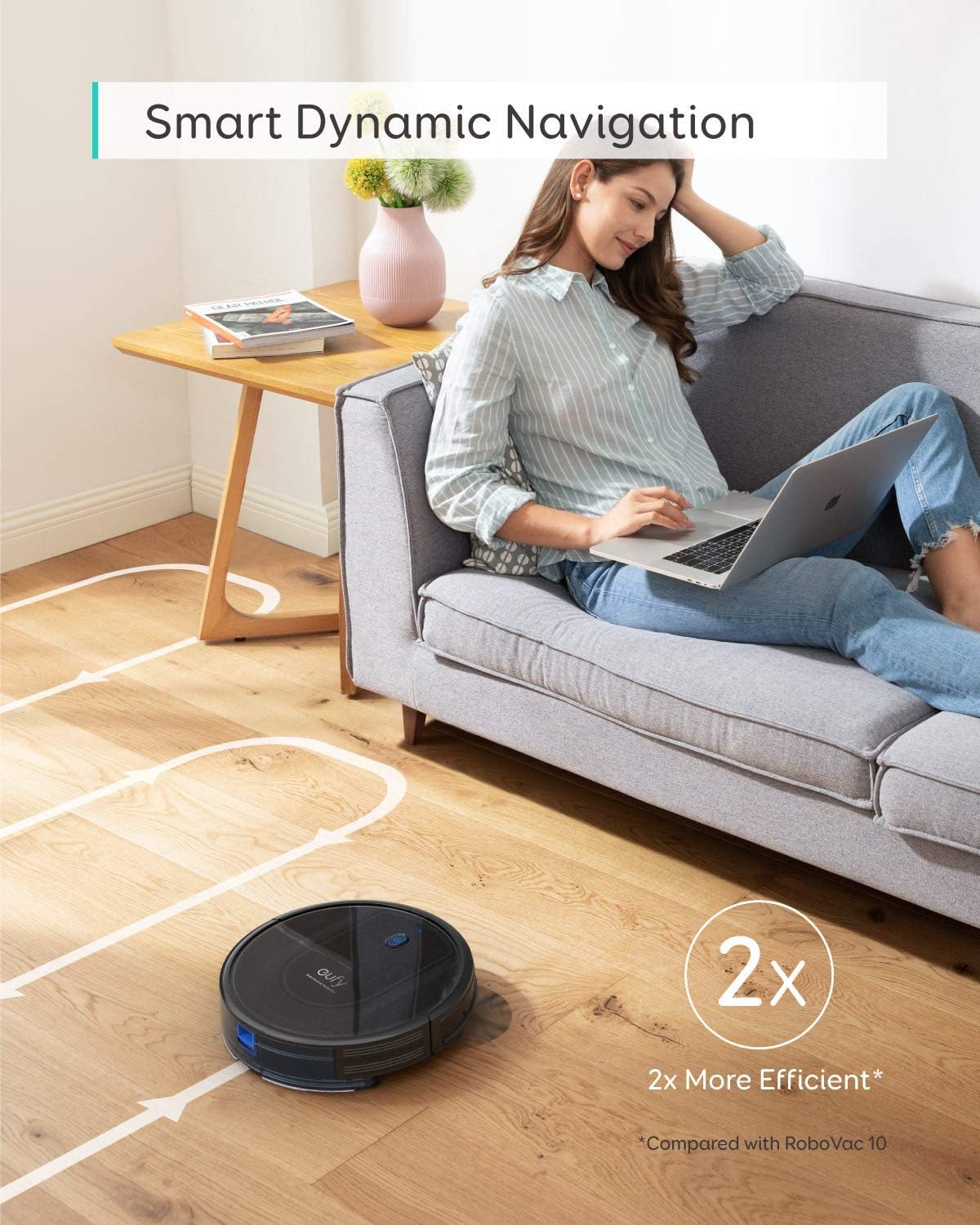
Image: The Eufy RoboVac G10 Hybrid on a wooden floor with scattered debris, visually representing its powerful 2000Pa suction capability.
5. Maintenance
Regular maintenance ensures optimal performance and longevity of your RoboVac G10 Hybrid. The unibody filter design simplifies maintenance.
- Empty the Dustbin: Empty the dustbin after each cleaning cycle or when the "Dustbin Full" indicator appears in the app.
- Clean the Filter: Tap out debris from the unibody filter. Rinse the filter with water if necessary, and allow it to air dry completely before reinserting.
- Clean Side Brushes: Regularly check and clean the side brushes for tangled hair or debris. Replace them if they are worn or damaged.
- Clean Rolling Brush: Remove the rolling brush and clean any tangled hair or debris using the provided cleaning tool.
- Clean Sensors and Charging Pins: Wipe the drop sensors, charging pins on the RoboVac, and the charging base with a dry cloth to ensure proper function.
- Clean Mopping Cloth: After each mopping session, remove and wash the mopping cloth.
6. Troubleshooting
| Problem | Possible Cause | Solution |
|---|---|---|
| RoboVac does not turn on. | Battery is low or depleted; Main power switch is off. | Charge the RoboVac; Ensure the main power switch is in the "ON" position. |
| RoboVac cannot charge. | Charging pins are dirty; Charging base is not powered. | Clean the charging pins on both RoboVac and charging base; Ensure the power adapter is securely plugged in. |
| RoboVac gets stuck or tangled. | Obstacles like cables or loose rugs. | Clear the cleaning area of obstacles; Use provided cable ties to manage wires. |
| Poor cleaning performance. | Dustbin is full; Filter is clogged; Brushes are dirty. | Empty the dustbin; Clean or replace the filter; Clean the rolling brush and side brushes. |
| Mopping function not working. | Water tank is empty; Mopping cloth is not properly attached. | Fill the water tank; Ensure the mopping cloth is securely attached. |
For more detailed troubleshooting, refer to the full manual or contact eufy customer support.
7. Specifications
| Feature | Detail |
|---|---|
| Brand | eufy |
| Model | RoboVac G10 Hybrid |
| Special Feature | Automatic Dust Collection (Note: This might be a generic feature bullet, the product description mentions unibody filter for less maintenance, not automatic dust collection bin) |
| Product Dimensions | 12.8"L x 12.8"W x 2.83"H |
| Filter Type | Disk (Unibody filter) |
| Battery Life | Up to 80 minutes (Standard Suction Mode) |
| Power Source | Corded Electric (for charging base) |
| Control Method | Voice, App, On-device button |
| Compatible Devices | Amazon Echo, Google Home |
| Form Factor | Robotic |
| Item Weight | 9.08 pounds |
| Surface Recommendation | Hard Floors Only (hardwood, tile, laminate) |
8. Warranty and Support
eufy provides year-round support for its products. The RoboVac G10 Hybrid comes with a 12-month coverage from the manufacturer. For any inquiries, technical assistance, or warranty claims, please contact eufy customer support. Details for contacting support can typically be found on the official eufy website or within the EufyHome app.