Introduction
This manual provides essential instructions for the safe operation, maintenance, and troubleshooting of your DuroMax XP5500HX 5,500-Watt Dual Fuel Portable Generator. Please read this manual thoroughly before operating the generator to ensure proper use and to prevent injury or damage.
The DuroMax XP5500HX is a versatile portable generator designed to provide reliable power using either gasoline or propane. It features a 210cc OHV-V DuroMax engine, electric start, and a CO Alert system for enhanced safety. This generator is suitable for various applications, including home backup, RV use, and job site power.

Image: The DuroMax XP5500HX generator, showcasing its robust frame and control panel.
Safety Information
WARNING: Generators produce carbon monoxide, a colorless, odorless, poisonous gas. Operating a generator indoors can kill you in minutes. ALWAYS operate generators outdoors, far away from windows, doors, and vents.
- Read the Manual: Always read and understand the entire instruction manual before operating the generator.
- Outdoor Use Only: Operate the generator in a well-ventilated outdoor area, away from any occupied buildings.
- Fuel Safety: Store fuel in approved containers. Do not refuel a hot or running engine. Keep fuel away from ignition sources.
- Electrical Safety: Never operate the generator in wet conditions. Ensure all electrical connections are secure and properly grounded. Use appropriate extension cords.
- CO Alert System: The XP5500HX is equipped with a CO Alert system. If the system detects dangerous levels of carbon monoxide, it will automatically shut down the generator. Do not disable this safety feature.
- Children and Pets: Keep children and pets away from the generator at all times.
- Maintenance: Perform all maintenance as instructed in this manual. Disconnect the spark plug wire before performing any service.
Unpacking and Assembly
Included Components:
Your DuroMax XP5500HX generator package includes the following items:
- XP5500HX Generator Unit
- Oil Funnel
- Spark Plug Wrench
- Tool Set
- Wheel & Handle Kit
- Propane Regulator
- Owner's Manual (this document)
Assembly Steps:
- Attach Wheels: Securely attach the wheels to the generator frame using the provided hardware from the Wheel & Handle Kit.
- Install Handles: Mount the foldable handles to the designated points on the generator frame.
- Add Engine Oil: Before first use, add the recommended amount of 10W-30 SAE motor oil to the engine crankcase using the included oil funnel. Do not overfill. The generator does not come with oil pre-filled.
- Connect Propane Regulator: If operating with propane, connect the propane regulator to the generator's propane inlet and to your propane tank.

Image: Diagram illustrating the generator's dimensions and the components included in the box, such as the oil funnel, spark plug wrench, tool set, wheel & handle kit, propane regulator, and manual.
Operating Instructions
Fueling the Generator:
The XP5500HX is a dual-fuel generator, capable of running on either gasoline or propane.
- Gasoline Operation: Ensure the generator is off and cool. Open the fuel cap and carefully pour fresh, unleaded gasoline into the fuel tank. Do not overfill. The tank capacity is 4 gallons.
- Propane Operation: Connect a propane tank to the generator using the provided regulator and hose. Ensure all connections are tight to prevent leaks. Open the valve on the propane tank.
Important: Never mix gasoline and propane in the same fuel system. Always select one fuel source before starting.

Image: Visual comparison of fueling the generator with gasoline from a red jerry can and connecting a propane tank.
Starting the Generator:
The XP5500HX features an electric start for convenience.
- Position Generator: Place the generator on a level surface outdoors, away from any structures.
- Check Oil Level: Verify the engine oil level is adequate.
- Select Fuel: Turn the fuel selector switch to either 'Gasoline' or 'Propane'.
- Choke: Apply the choke if starting a cold engine.
- Start Engine: Press and hold the electric start button until the engine starts. Release the button once the engine is running.
- Disengage Choke: Gradually push the choke lever back to the 'Run' position as the engine warms up.

Image: Close-up view of the generator's control panel, showing the engine start switch, fuel selector, digital display, and various outlets.
Connecting Devices:
The XP5500HX offers a variety of outlets to power your devices.
- 120V GFCI Household Outlets: Two standard 120V outlets for common household appliances.
- 120/240V 30AMP Twist-Lock Outlet: For higher power demands, such as connecting to a transfer switch or RV.
- MX2 Switch: This feature allows you to double the 120V power for RV applications by combining the two 120V circuits. Ensure the switch is in the correct position for your needs.
- USB Outlets: Two USB outlets (1.0A and 2.1A) for charging small electronic devices.
Caution: Always ensure the total wattage of connected devices does not exceed the generator's running wattage (4500W on gasoline, 4275W on propane).

Image: Diagram detailing the various outlets on the generator's control panel, including 120/240V, 120V household, USB outlets, and the MX2 switch.
Stopping the Generator:
- Disconnect all electrical loads from the generator.
- Allow the generator to run for a few minutes without load to cool down.
- Turn the engine switch to the 'OFF' position.
- If using propane, close the valve on the propane tank.
Maintenance
Regular maintenance is crucial for the longevity and safe operation of your generator. Always ensure the generator is off and cooled down before performing any maintenance.
- Engine Oil: Check oil level before each use. Change oil after the first 20 hours of operation, then every 100 hours or annually.
- Air Filter: Inspect the air filter every 50 hours or monthly. Clean or replace if dirty.
- Spark Plug: Inspect the spark plug every 100 hours or annually. Clean or replace as needed.
- Fuel System: For gasoline operation, drain the fuel tank and carburetor if storing for more than 30 days, or use a fuel stabilizer.
- General Cleaning: Keep the generator clean and free of debris. Ensure cooling fins are clear for proper ventilation.
Troubleshooting
This section addresses common issues you might encounter with your generator. For problems not listed here, contact customer support.
| Problem | Possible Cause | Solution |
|---|---|---|
| Engine will not start | No fuel, low oil, spark plug issue, choke not set | Check fuel level, add oil, inspect/clean spark plug, apply choke for cold start |
| No power output | Circuit breaker tripped, overloaded, loose connection | Reset circuit breakers, reduce load, check connections |
| Engine runs rough | Stale fuel, dirty air filter, spark plug issue | Use fresh fuel, clean/replace air filter, inspect spark plug |
| CO Alert shutdown | High carbon monoxide levels detected | Move generator to a more open outdoor area with better ventilation. Do not operate until CO levels dissipate. |
Specifications
| Feature | Detail |
|---|---|
| Brand | DuroMax |
| Model Name | XP5500HX |
| Wattage (Gasoline) | 5500 Peak Watts / 4500 Running Watts |
| Wattage (Propane) | 5225 Peak Watts / 4275 Running Watts |
| Engine Type | 210cc OHV-V, 4 Stroke |
| Fuel Type | Gasoline or Propane |
| Ignition System | Electric Start |
| Fuel Tank Capacity | 4 Gallons |
| Voltage | 120V / 240V |
| Total Power Outlets | 8 (including 120V GFCI, 120/240V 30A Twist-Lock, USB) |
| Item Weight | 131 Pounds |
| Product Dimensions | 25"L x 23"W x 22"H |
| Special Features | Dual Fuel, Electric Start, Foldable Handle, Portable, CO Alert |
Warranty and Support
Warranty Information:
The DuroMax XP5500HX generator comes with a 5 Year Manufacturer Warranty. Please refer to the warranty card included with your product for full terms and conditions, or visit the official DuroMax website for details.
Customer Support:
For technical assistance, parts, or warranty claims, please contact DuroMax customer support. DuroMax offers USA-based customer support to assist you with any inquiries.
- Phone: 844-DUROMAX
- Website: DUROMAXPOWER.COM

Image: A customer support representative wearing a headset, symbolizing the availability of USA-based customer support for DuroMax products.
Authorized Installer Network & Service Centers:
DuroMax also provides an authorized installer network and nationwide service centers for professional setup and reliable maintenance. Visit their website for more information on locating a service center or installer near you.
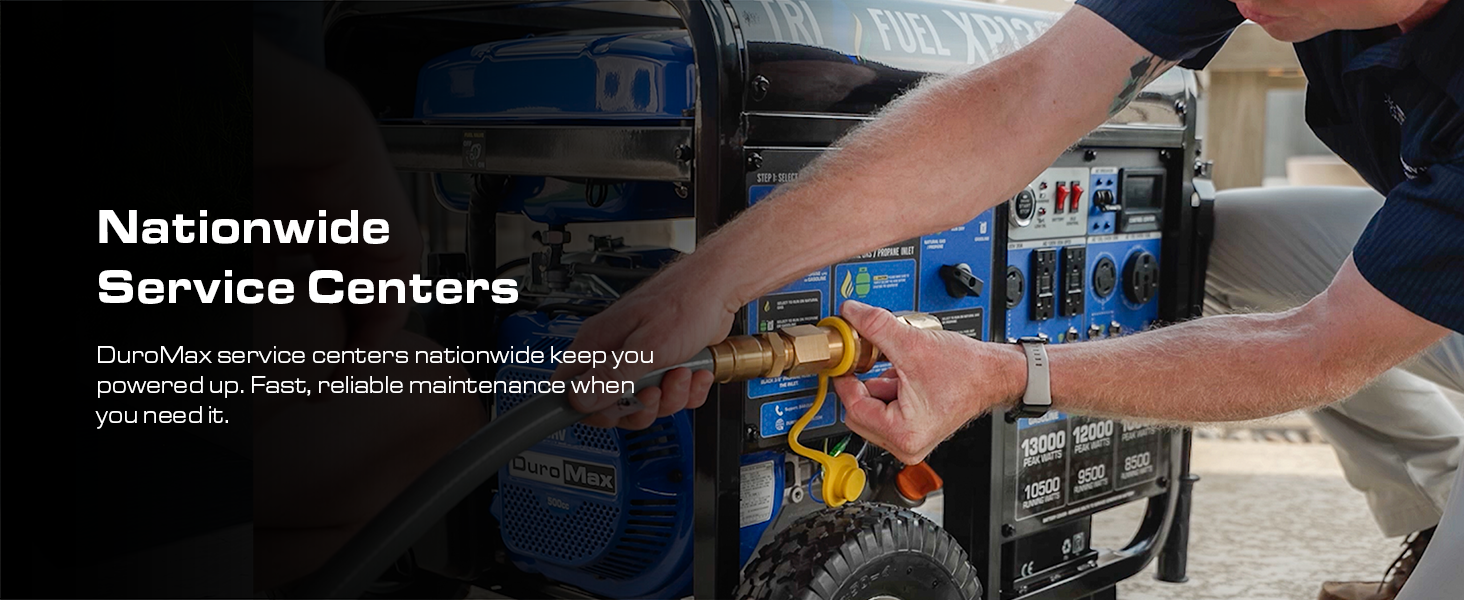
Image: A technician connecting a power cable to a generator, representing the authorized installer network.

Image: A close-up of hands connecting a fuel line to a generator, illustrating the service provided by nationwide service centers.


