
1. Introduction
The Everbeam H6 Pro LED Headlamp is a versatile and powerful lighting solution designed for various activities requiring hands-free illumination. This manual provides essential information for the proper setup, operation, and maintenance of your device.

Figure 1: Everbeam H6 Pro LED Headlamp (2 Pack) with accessories.
2. Package Contents
Verify that all items are present in your package:
- Everbeam H6 Pro LED Headlamp(s)
- USB Charging Cable(s)
- Carrying Case(s)
- Instruction Manual
Video 1: Unboxing the Everbeam H6 Pro LED Headlamp and its included travel case.
3. Setup
3.1 Charging the Battery
The Everbeam H6 Pro features a built-in 1200 mAh rechargeable battery. Before first use, fully charge the device.
- Locate the USB charging port on the headlamp.
- Connect the provided USB charging cable to the headlamp and a compatible USB power source (e.g., wall adapter, computer USB port).
- The charging indicator light will illuminate (typically red) during charging and change color (typically green) when fully charged.
- A full charge typically takes approximately 3 hours.
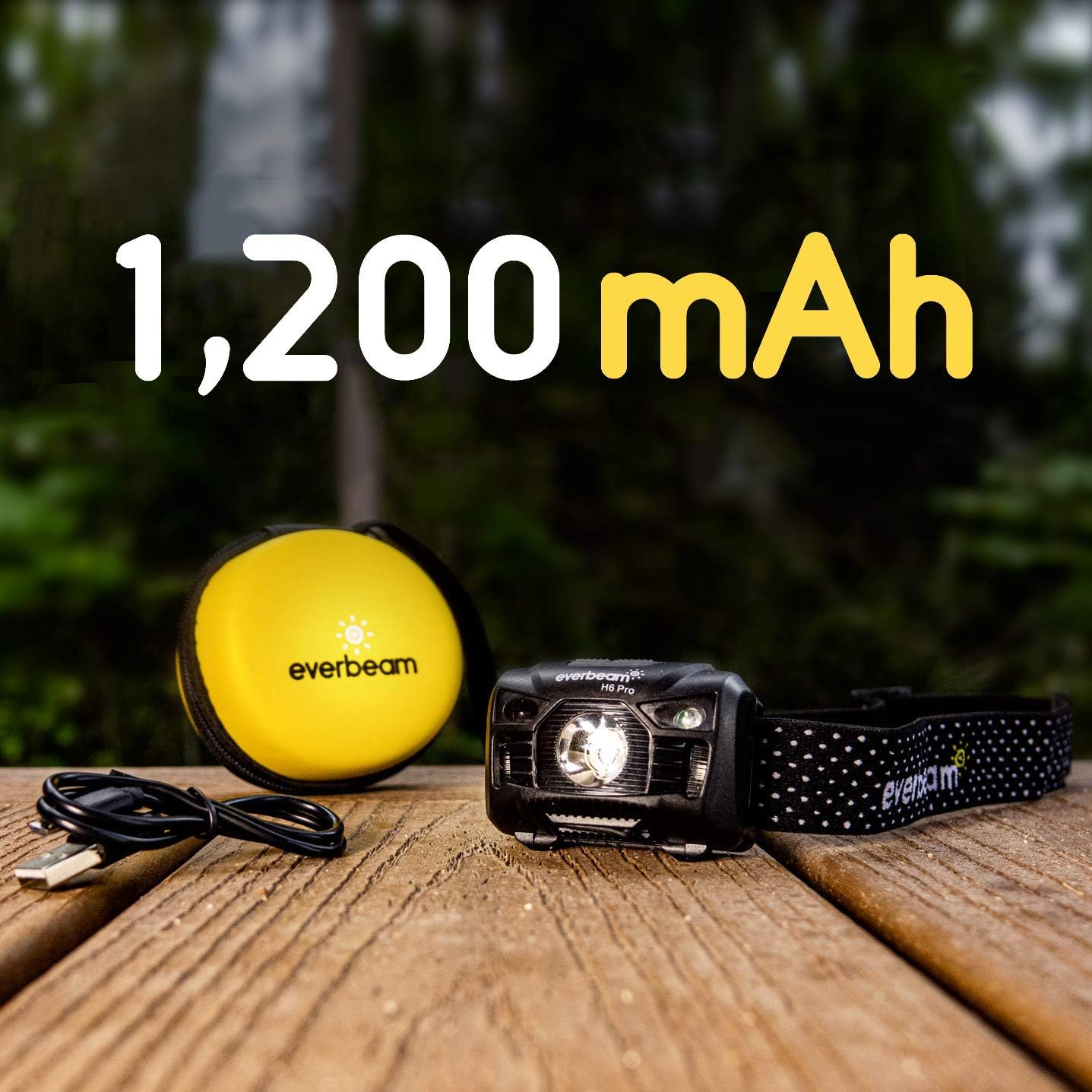
Figure 2: The Everbeam H6 Pro Headlamp features a 1200mAh built-in rechargeable battery.
3.2 Adjusting the Headband
The elastic headband is adjustable to fit various head sizes, ensuring a comfortable and secure fit.
- Place the headlamp on your head.
- Use the adjustable buckles on the strap to tighten or loosen until a snug but comfortable fit is achieved.
4. Operating Instructions
4.1 Power On/Off and Light Modes
The headlamp offers multiple lighting modes for different situations:
- White Light Modes: Press the power button to cycle through High Brightness, Low Brightness, and SOS mode.
- Red Light Modes: Press and hold the power button to activate the red light. Cycle through steady red and flashing red (strobe) modes. Red light is ideal for preserving night vision and not disturbing wildlife.

Figure 3: The 650 lumen LED light source provides illumination up to 126 meters (413 feet).
4.2 Motion Sensor Control
The headlamp features a motion sensor for hands-free operation:
- Activate the sensor mode by pressing the dedicated sensor button.
- Once activated, simply wave your hand within 10 cm (4 inches) in front of the headlamp to turn the light on or off.
- To exit sensor mode, press the sensor button again.

Figure 4: Motion sensor allows for hands-free operation, ideal for tasks like car maintenance.
4.3 Adjustable Angle
The headlamp's light can be tilted up to 60 degrees to direct illumination precisely where needed.
- Gently push or pull the headlamp unit to adjust its vertical angle.
- The mechanism is designed to hold the chosen angle securely.
5. Maintenance
5.1 Cleaning
To clean the headlamp, wipe it with a soft, damp cloth. Do not use abrasive cleaners or solvents.
5.2 Battery Care
To prolong battery life, avoid fully discharging the battery frequently. Recharge the headlamp regularly, especially if it has not been used for an extended period.
5.3 Water Resistance
The Everbeam H6 Pro has an IPX4 water resistance rating, meaning it is resistant to splashing water from any direction. It is suitable for use in heavy rain but should not be submerged in water.

Figure 5: The IPX4 rating ensures the headlamp can withstand splashes and heavy rain.
6. Troubleshooting
- Light not turning on: Ensure the battery is charged. Connect the headlamp to a power source and check the charging indicator.
- Motion sensor not responding: Make sure the motion sensor mode is activated. Ensure there are no obstructions directly in front of the sensor.
- Short battery life: Verify the headlamp is fully charged. High brightness modes consume more power; consider using lower brightness settings for extended runtime.
7. Specifications
| Feature | Specification |
|---|---|
| Brand | Everbeam |
| Model | H6 Pro |
| Light Source Type | LED |
| White Brightness | 650 Lumens |
| Power Source | Battery Powered |
| Battery Capacity | 1200 mAh |
| Battery Type | Lithium Ion |
| Water Resistance Level | IPX4 (Waterproof) |
| Item Weight | 2.56 ounces |
| Product Dimensions | 3.15"D x 2.37"W x 0.79"H |
8. Warranty & Support
8.1 Warranty Information
The Everbeam H6 Pro LED Headlamp comes with a 2-year warranty. Please retain your proof of purchase for warranty claims.
8.2 Customer Support
For further assistance, troubleshooting, or warranty inquiries, please contact Everbeam customer support through the retailer's platform or the official Everbeam website.
Video 2: Official Everbeam H6 Pro LED Headlamp product overview.