
1. Introduction
This manual provides essential instructions for the safe operation, setup, and maintenance of your Swagtron Swagboard T882 LED Hoverboard. Please read this manual thoroughly before using the device to ensure proper function and to prevent injury or damage.
The Swagboard T882 is a self-balancing electric scooter designed for personal transportation. It features dual 250W motors, LED lights, and a lithium-free battery with SentryShield Quantum protection.
2. Safety Information
WARNING: Failure to follow these safety instructions may result in serious injury or death.
- Always wear a helmet and appropriate protective gear (knee pads, elbow pads, wrist guards) when riding.
- Ensure the hoverboard is fully charged before each use.
- Do not exceed the maximum weight limit of 200 lbs (90.7 kg) or fall below the minimum weight limit of 44 lbs (20 kg).
- Operate the hoverboard on smooth, dry surfaces. Avoid uneven terrain, loose debris, steep inclines, and wet conditions.
- Do not ride in traffic or on public roads.
- Maintain a safe distance from other people and objects.
- Avoid sudden turns or rapid acceleration/deceleration.
- Children should only operate the hoverboard under direct adult supervision. Recommended age is 18 years and up, as per manufacturer specifications.
- Do not attempt to modify the hoverboard.
- Be aware of your surroundings and potential hazards.
3. What's in the Box
Upon unpacking your Swagtron Swagboard T882, please verify that all items are present and in good condition:
- Swagtron Self-Balancing Scooter (T882)
- Charging Adapter
- User Manual (this document)
4. Product Overview
Familiarize yourself with the main components of your Swagboard T882.
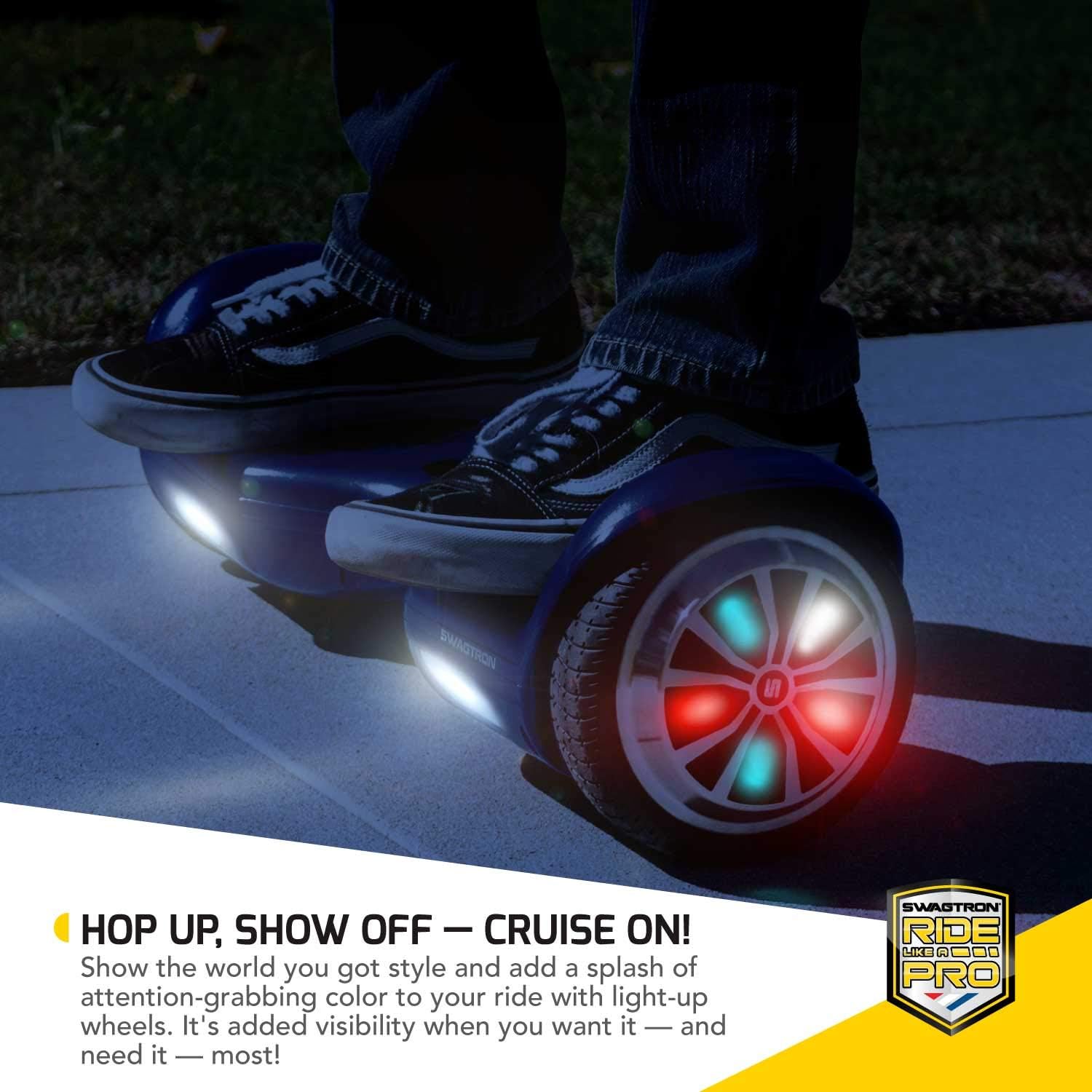
Figure 4.1: Top view of the Swagboard T882, highlighting the footpads and LED-lit wheels.
- Footpads: Pressure-sensitive pads where you place your feet to control movement.
- LED Lights: Integrated lights on the wheels and front for visibility and aesthetics.
- Power Button: Located on the chassis, used to turn the hoverboard on/off.
- Charging Port: Where the charging adapter connects.
- Battery Indicator: Displays the current battery level.
- System Indicator: Provides diagnostic information.

Figure 4.2: Illustration of the SentryShield Quantum Lithium-Free Battery technology, emphasizing its safety features.
5. Setup
5.1 Initial Inspection
Before first use, inspect the hoverboard for any signs of damage or loose parts. Ensure the wheels spin freely and the footpads are securely attached.
5.2 Powering On/Off
- To Power On: Press and hold the power button located on the chassis until the indicator lights illuminate. The T882 features startup self-balancing, meaning it will automatically level itself for easier mounting.
- To Power Off: Press and hold the power button again until the indicator lights turn off.
6. Charging the Battery
The Swagboard T882 is powered by a lithium-free, rechargeable battery. Proper charging ensures optimal performance and battery longevity.
- Locate the charging port on the hoverboard.
- Connect the charging adapter to a standard wall outlet.
- Connect the other end of the charging adapter to the hoverboard's charging port.
- The indicator light on the charger will typically turn red during charging and green when fully charged.
- Charging time is approximately 5.5 hours for a full charge. Do not overcharge.
- Disconnect the charger once the battery is full.
IMPORTANT: Only use the charger provided by Swagtron. Using an unauthorized charger may damage the battery and void your warranty.
7. Operating Instructions
The Swagboard T882 uses dynamic equilibrium to maintain balance. Your body movements control its direction and speed.
7.1 Mounting the Hoverboard
- Place the hoverboard on a level surface.
- Power on the hoverboard. It will self-balance.
- Step onto one footpad with one foot, keeping your body upright and balanced.
- Quickly and confidently step onto the second footpad with your other foot.
- Keep your weight centered and your body relaxed.

Figure 7.1: Demonstrating the self-balancing feature of the T882, which assists in mounting.
7.2 Riding and Steering
- To Move Forward: Gently lean your body forward. The more you lean, the faster you will go (up to 7 mph).
- To Move Backward: Gently lean your body backward.
- To Turn Left: Push your right foot forward slightly while keeping your left foot neutral or slightly backward.
- To Turn Right: Push your left foot forward slightly while keeping your right foot neutral or slightly backward.
- To Stop: Return to an upright, neutral position.

Figure 7.2: A rider demonstrating control and movement on the Swagboard T882.
7.3 Dismounting the Hoverboard
To dismount safely, step off the hoverboard one foot at a time, preferably backward, ensuring the hoverboard remains stable.
8. Maintenance
8.1 Cleaning
Wipe the hoverboard with a damp cloth. Do not use harsh chemicals or abrasive cleaners. Do not rinse the hoverboard directly with water.
8.2 Storage
Store the hoverboard in a cool, dry place away from direct sunlight and extreme temperatures. If storing for an extended period, ensure the battery is partially charged (around 50%) and recharge it every few months to prevent deep discharge.
9. Troubleshooting
If you encounter issues with your Swagboard T882, refer to the following common problems and solutions:
| Problem | Possible Cause | Solution |
|---|---|---|
| Hoverboard does not turn on. | Low battery or power button issue. | Charge the battery fully. Ensure the power button is pressed firmly. |
| Hoverboard is beeping continuously. | Overheating, imbalance, or system error. | Power off the hoverboard and let it cool down. Ensure you are on a flat surface. If the issue persists, contact support. |
| Hoverboard does not balance or moves erratically. | Improper mounting, sensor calibration issue, or uneven surface. | Ensure you are mounting correctly and on a flat surface. Try recalibrating the hoverboard (refer to manufacturer's specific recalibration steps, usually involving powering off, holding power button, and placing on a level surface). |
| Short battery life or not holding charge. | Battery degradation or charger issue. | Ensure you are using the original charger. Avoid overcharging or deep discharging. If the issue persists, the battery may need service. |
10. Specifications
Key technical specifications for the Swagtron Swagboard T882 LED Hoverboard:
- Model: T882
- Net Weight: 22 lb (10 kg)
- Dimensions: 23 x 7 x 7 inches (58.4 x 17.8 x 17.8 cm)
- Max. Weight Capacity: 200 lbs (90.7 kg)
- Min. Weight Requirement: 44 lb (20 kg)
- Max. Speed: 7 mph (11 km/h)
- Max. Incline: 30°
- Motor: Dual 250W Hub Motors
- Battery Type: Lithium-Free, Rechargeable, UL-Compliant (SentryShield Quantum)
- Charging Time: Approximately 5.5 hours
- Chassis Material: Durable ABS polymer
- Wheels: 6.5-inch, Aluminum-Rimmed with LED lights, Solid Rubber Tires
11. Warranty and Support
Swagtron products are designed for quality and durability. For specific warranty details, please refer to the warranty card included with your product or visit the official Swagtron website. Typically, products may come with a limited warranty covering manufacturing defects for a specified period (e.g., 90 days for certain components).
For technical assistance, troubleshooting beyond this manual, or warranty claims, please contact Swagtron Customer Support:
- Website: www.swagtron.com
- Contact Information: Refer to the website for the most current contact methods (phone, email, chat).


