
Garmin 010-02376-00
Contents
Garmin Varia RTL515 Cycling Rearview Radar with Tail Light User Manual
Model: 010-02376-00 | Brand: Garmin
Introduction
The Garmin Varia RTL515 is a rearview radar with an integrated tail light designed to enhance cycling safety. It provides visual and audible alerts for vehicles approaching from behind, helping cyclists maintain awareness of their surroundings. This manual provides essential information for setting up, operating, and maintaining your Varia RTL515.
Setup
1. What's in the Box
- Varia RTL515 device
- Mounting kit (includes various shims for different seatpost shapes)
- Charging cable
- Documentation
2. Mounting the Device
The Varia RTL515 features a compact vertical design that mounts easily to most road-use bicycles. The mounting kit includes rubber shims to ensure a snug fit on various seatpost shapes, including aero seatposts.
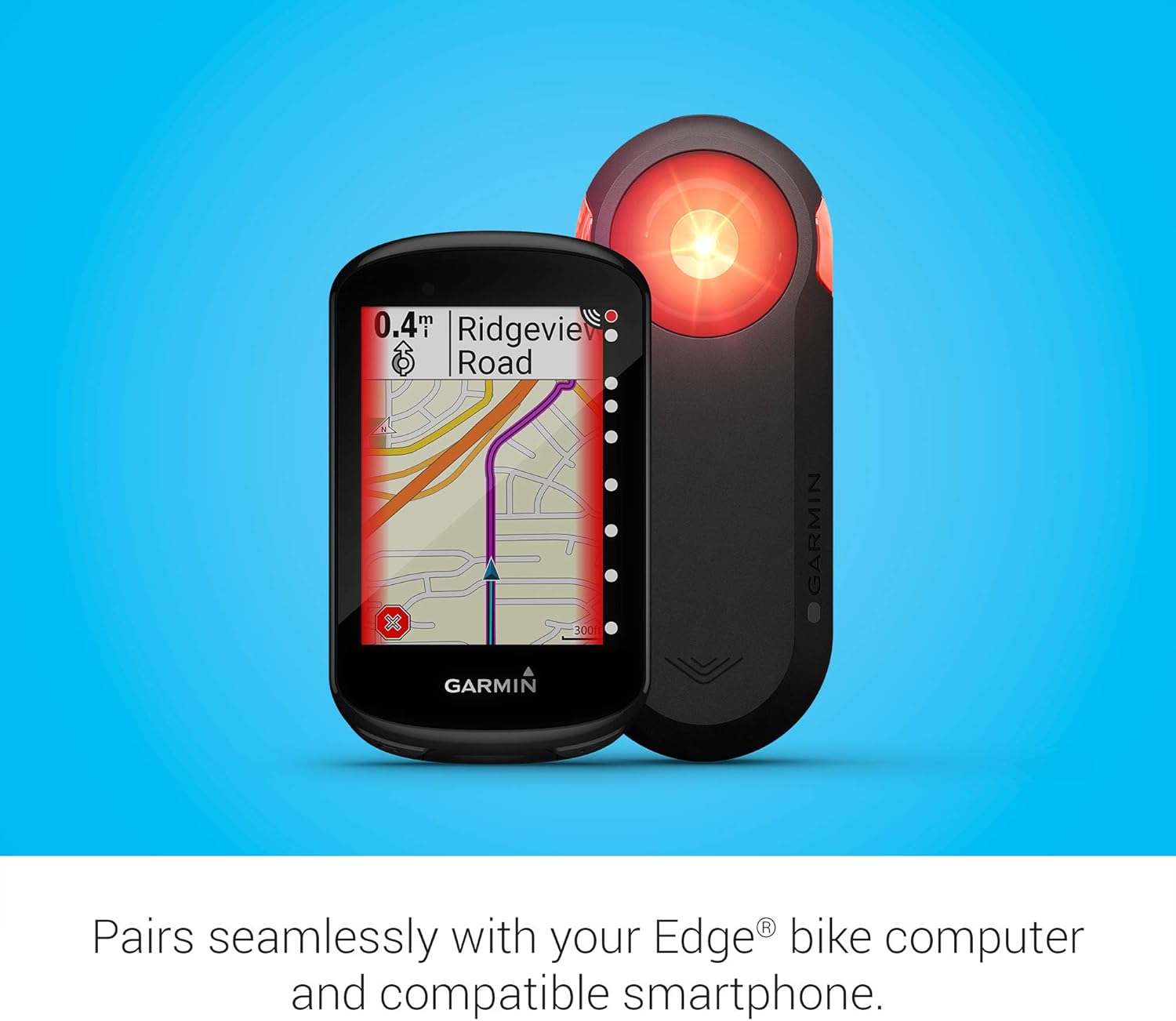
Image: The Garmin Varia RTL515 securely mounted on a bicycle's seatpost, demonstrating its vertical orientation.
To attach the device, select the appropriate rubber shim for your seatpost. Place the mount on the seatpost, insert the shim, and secure it with the provided O-rings. The Varia RTL515 then twists into place on the mount, similar to how a Garmin bike computer attaches.
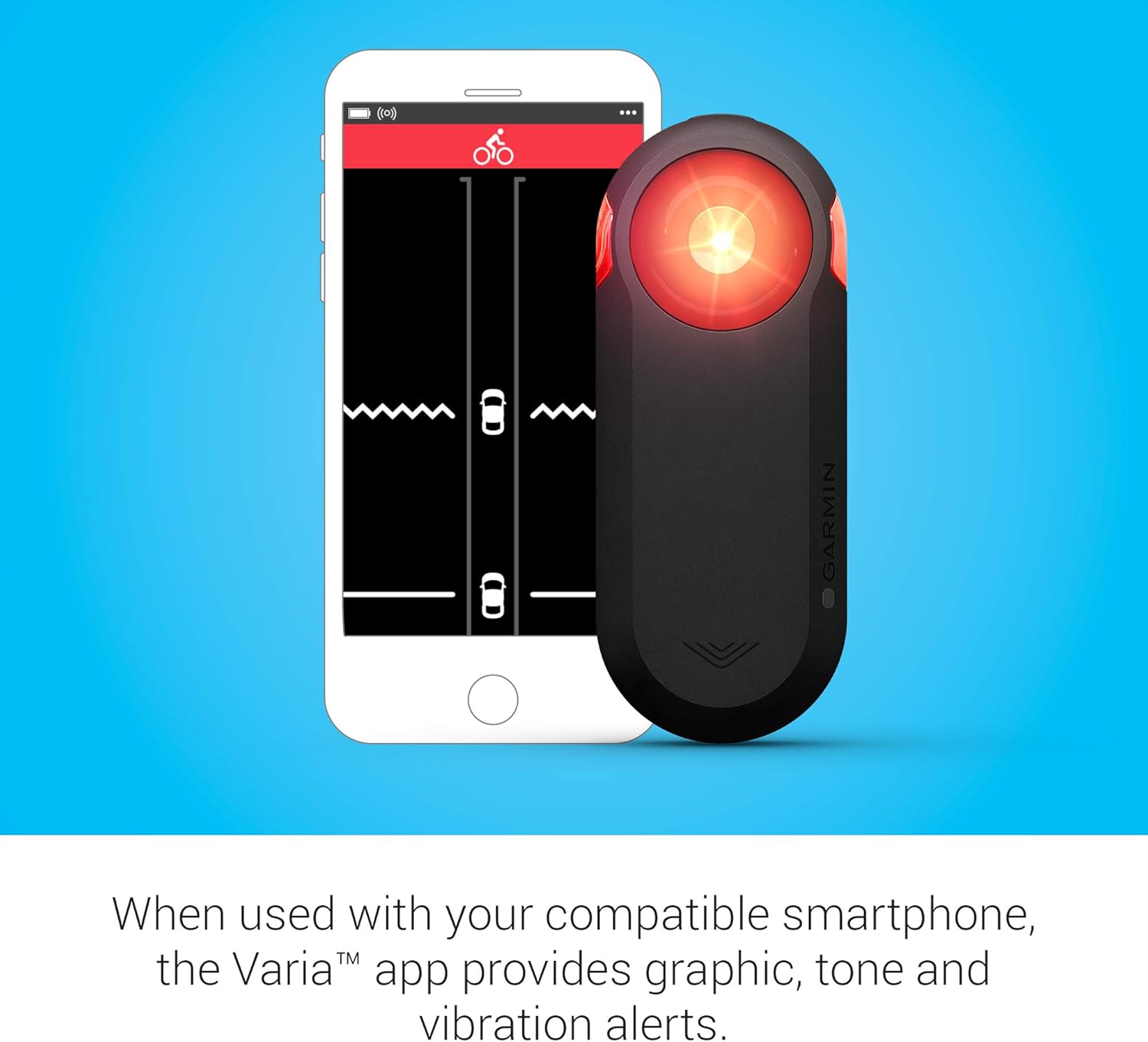
Image: The Varia RTL515 shown alongside different rubber shims, illustrating the adaptability of its mounting system for various seatpost designs.
3. Charging the Device
Before first use, fully charge your Varia RTL515. The charging port is located at the bottom of the device, protected by a rubber boot. Lift the boot and connect the provided USB cable to a power source.
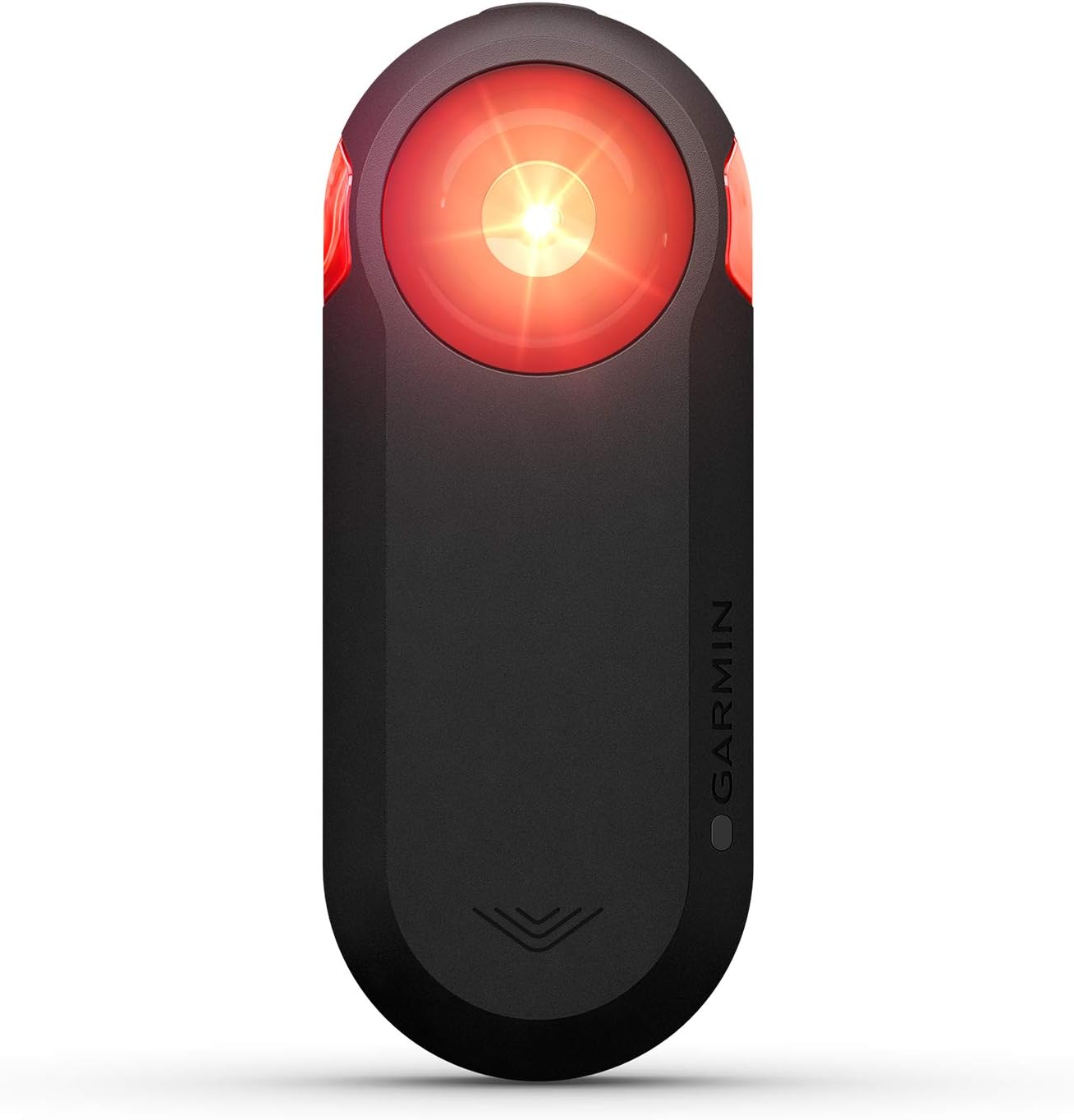
Image: Close-up of the Varia RTL515, highlighting the charging port located at the base of the device.
The device offers up to 16 hours of battery life in day flash mode and up to 6 hours in solid mode.
4. Pairing with Compatible Devices
The Varia RTL515 pairs seamlessly with your Garmin Edge bike computer, other compatible Garmin devices, or a compatible smartphone. Refer to your specific device's manual for detailed pairing instructions. Once paired, the radar will transmit vehicle detection data to your display.

Image: The Varia RTL515 positioned next to a Garmin Edge bike computer, illustrating their seamless pairing capability.
Operating the Varia RTL515
1. Rearview Radar Functionality
The primary function of the Varia RTL515 is to provide awareness of vehicles approaching from behind up to 153 yards (140 meters) away. When a vehicle is detected, your paired device will provide visual and audible alerts.
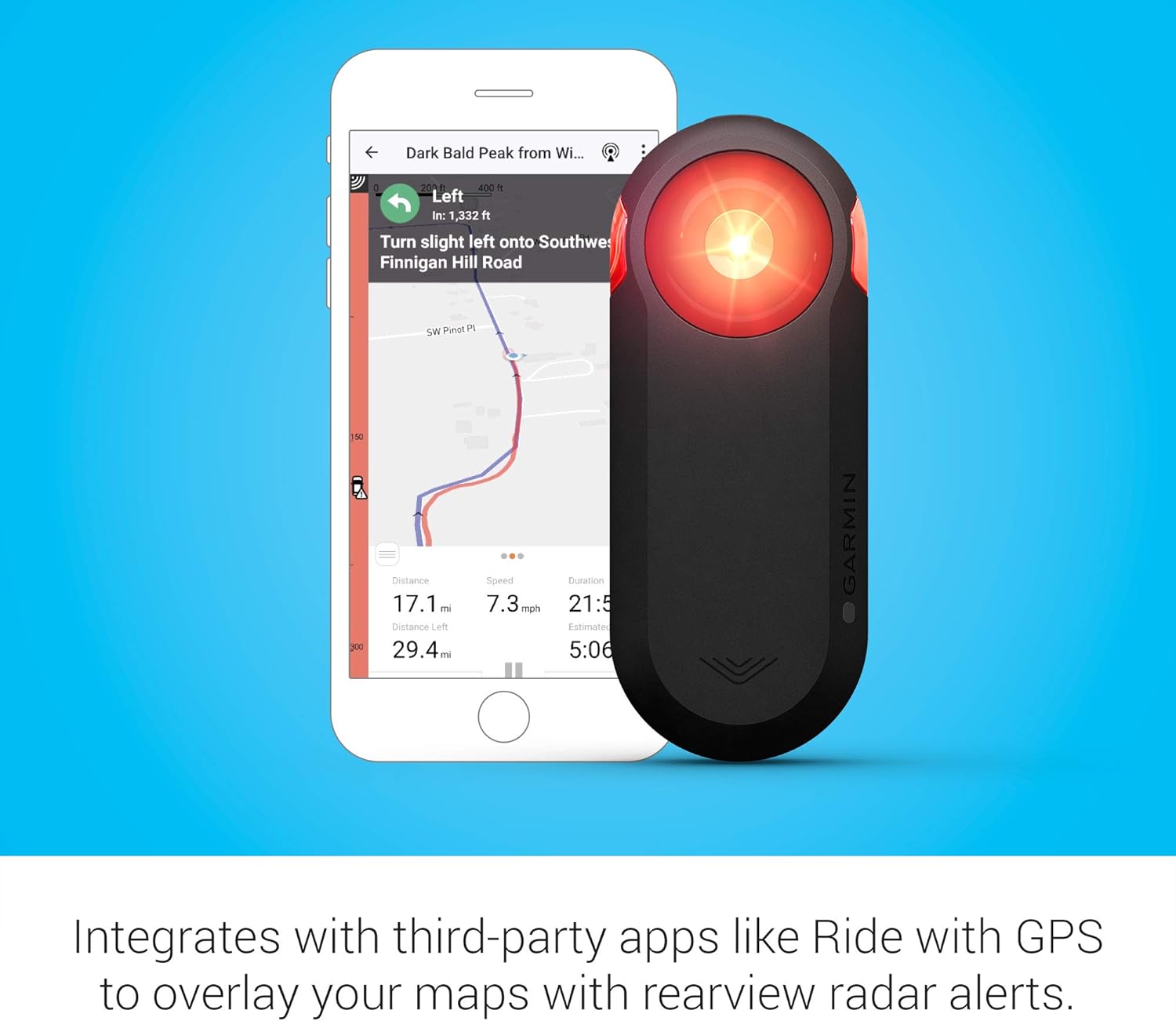
Image: A smartphone screen showing the Varia app interface with graphical representations of approaching vehicles, paired with the Varia RTL515.
2. Tail Light Modes
The integrated tail light offers multiple modes to enhance your visibility to motorists:
- Solid Mode: Provides a constant, bright light.
- Day Flash Mode: A high-intensity flash designed for maximum visibility during daylight hours.
- Peloton Mode: A low-intensity flash that is ideal for cycling in groups, being less distracting to other riders.
The tail light has daylight visibility up to 1 mile, ensuring motorists can see you from a distance.
3. Varia App and Third-Party Compatibility
When used with your compatible smartphone, the Varia app provides graphics, tone, and vibration alerts that indicate approaching cars. The Varia radar also integrates with third-party apps such as Ride with GPS to overlay your maps with rearview radar alerts, offering an enhanced awareness experience.
Image: The Varia RTL515 connected to a Garmin Edge bike computer, demonstrating the visual alerts for approaching vehicles on the computer's display.
Maintenance
1. Cleaning the Device
Regularly clean the Varia RTL515 to ensure optimal performance. Wipe the device with a damp cloth to remove dirt and debris. Ensure the radar lens and tail light are clear for proper functionality.
2. Battery Care
To prolong battery life, avoid exposing the device to extreme temperatures. Store it in a cool, dry place when not in use. Charge the device regularly, especially if it will be stored for an extended period.
Troubleshooting
1. Device Not Pairing
- Ensure the Varia RTL515 is charged and powered on.
- Check that your Garmin device or smartphone's Bluetooth/ANT+ is enabled.
- Move the devices closer together during the pairing process.
- Restart both the Varia RTL515 and your paired device.
2. Inaccurate Radar Alerts
- Ensure the radar lens is clean and free from obstructions.
- Verify the device is mounted correctly and is not obstructed by saddlebags or other equipment.
- Update the device firmware if an update is available.
For more detailed troubleshooting steps, please refer to the official Garmin Varia RTL515 User Manual PDF available on the Garmin support website or via the link provided in the product listing.
Technical Specifications
| Feature | Detail |
|---|---|
| Product Dimensions | 6 x 3 x 3 inches |
| Item Weight | 2.56 ounces |
| Item Model Number | 010-02376-00 |
| Batteries | 1 Lithium Polymer batteries required (included) |
| Special Features | Maximum Awareness; Multiple Pairing Options; Works with The Varia App, Third-Party App Compatible; Superior Visibility; Compact Design; Peloton Mode |
| Battery Life | Up to 16 hours (day flash mode), Up to 6 hours (solid mode) |
| Mounting Type | Frame (Seatpost) |
Warranty and Support
For warranty information and detailed support, please visit the official Garmin website or refer to the full user manual provided with your product. You can also find the User Manual (PDF) here.
Documents and downloads
Ask a question about this manual
Ask about setup, troubleshooting, compatibility, parts, safety, or missing instructions. Manuals+ will review the question and use this page’s manual context to help answer it.