
1. Introduction
This manual provides essential information for the installation, operation, and maintenance of your Intel Core i7-10700KF desktop processor. The Intel Core i7-10700KF is an unlocked 10th Gen desktop processor designed for enthusiast gamers and serious creators, offering high performance and overclocking capabilities.
Key Features:
- 8 Cores / 16 Threads
- Socket Type LGA 1200
- Up to 5.1 GHz Unlocked
- Compatible with Intel 400 series chipset based motherboards
- Intel Turbo Boost Max Technology 3.0 support
- Intel Optane Memory Support (No ECC Memory Supported)
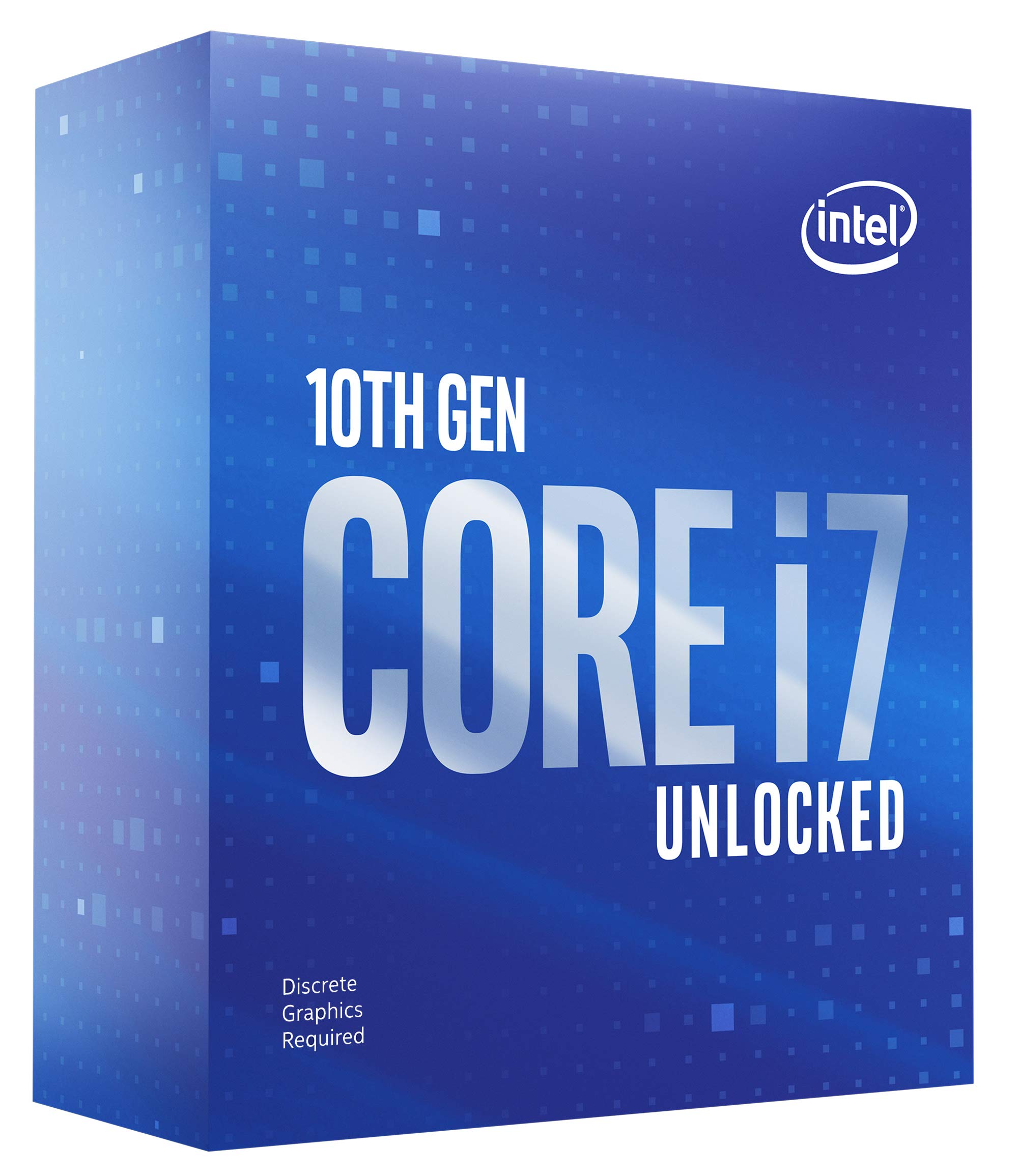
Image: Retail packaging of the Intel Core i7-10700KF processor alongside the processor unit itself.
2. Setup and Installation
Proper installation is crucial for the optimal performance and longevity of your processor. Please follow these guidelines carefully.
2.1 Compatibility Requirements
- Motherboard: This processor is ONLY compatible with Intel 400 series chipset based motherboards (e.g., Z490, H470, B460, H410) with an LGA 1200 socket. Ensure your motherboard BIOS is updated to support 10th Gen Intel Core processors.
- Graphics: This processor does NOT include integrated graphics. A discrete graphics card is required for display output.
- Cooling: A thermal solution (CPU cooler) is NOT included in the box. You must purchase and install a compatible CPU cooler (air or liquid) to prevent overheating.
- Power Supply: Ensure your power supply unit (PSU) can provide sufficient power for your entire system, including the 125W TDP of this processor and your discrete graphics card.
2.2 Installation Steps (General)
- Prepare Motherboard: Ensure your motherboard is securely mounted in your PC case. Open the CPU socket retention arm and cover.
- Handle Processor: Carefully remove the processor from its packaging. Hold it by the edges to avoid touching the gold contacts or the top surface.
- Align Processor: Align the triangular arrow on the corner of the processor with the corresponding arrow on the LGA 1200 socket. Gently place the processor into the socket without forcing it.
- Secure Processor: Close the socket cover and push down the retention arm until it clicks into place.
- Apply Thermal Paste: Apply a small amount of high-quality thermal paste to the center of the processor's heat spreader.
- Install CPU Cooler: Mount your chosen CPU cooler according to its manufacturer's instructions, ensuring even pressure and proper contact with the processor. Connect the cooler's fan cable to the CPU_FAN header on your motherboard.

Image: A detailed view of the Intel Core i7 processor, highlighting its metallic heat spreader and integrated circuit board.
3. Operating Your Processor
Once installed, your Intel Core i7-10700KF processor will provide robust performance for various computing tasks.
3.1 Performance Features
- Intel Turbo Boost Max Technology 3.0: This technology intelligently identifies the fastest cores on your processor and directs critical workloads to them, providing an opportunistic performance boost.
- Unlocked Multiplier: The 'KF' designation indicates an unlocked processor, allowing for advanced overclocking to achieve higher clock speeds beyond the factory specifications. This requires a compatible Z-series motherboard and adequate cooling.
- Intel Optane Memory Support: This processor supports Intel Optane Memory, which can accelerate system responsiveness by acting as a fast cache for your hard drive.
3.2 Overclocking Considerations
Overclocking can significantly increase processor performance but should be approached with caution. It may increase power consumption and heat output, potentially reducing the lifespan of the processor if not managed correctly. Always ensure robust cooling and a stable power delivery system when attempting to overclock.

Image: A graphic highlighting the 'Elite Real-World Performance' of the 10th Gen Intel Core i7-10700K Desktop Processor.
4. Maintenance
Processors generally require minimal maintenance. However, ensuring proper environmental conditions and system hygiene can prolong its life and maintain performance.
- Dust Management: Regularly clean your PC case to prevent dust buildup on the CPU cooler and other components. Dust can impede airflow and lead to higher operating temperatures.
- Thermal Paste: If you remove your CPU cooler for any reason, it is recommended to clean off the old thermal paste from both the CPU and cooler base and apply fresh thermal paste before reinstallation.
- Temperature Monitoring: Use system monitoring software to keep an eye on your CPU temperatures, especially during heavy loads or after overclocking. Ensure temperatures remain within safe operating limits.

Image: The Intel Core i7-10700KF processor box positioned within a computer case, illustrating its context in a system build.
5. Troubleshooting
If you encounter issues with your processor, consider the following common troubleshooting steps:
- No Display Output: Verify that your discrete graphics card is correctly seated and powered, and that your monitor is connected to the graphics card, not the motherboard. Remember, this CPU has no integrated graphics.
- System Instability/Crashes: Check CPU temperatures. Ensure your CPU cooler is properly installed and functioning. Reset BIOS settings to default if you have attempted overclocking. Verify RAM is correctly seated.
- System Not Booting: Double-check all power connections to the motherboard and CPU. Ensure the CPU is correctly seated in its socket. Confirm motherboard compatibility and BIOS version.
- Performance Issues: Ensure all drivers (chipset, graphics) are up to date. Check for background processes consuming resources. Monitor CPU utilization and temperatures.
For more advanced troubleshooting, consult your motherboard manual or Intel's official support resources.
6. Specifications
| Feature | Detail |
|---|---|
| Brand | Intel |
| Model Number | BX8070110700KF |
| CPU Model | Core i7-10700KF |
| Processor Cores | 8 |
| Processor Threads | 16 |
| Base Clock Speed | 3.8 GHz |
| Max Turbo Frequency | Up to 5.1 GHz |
| CPU Socket | LGA 1200 |
| Cache Memory | 16 MB Intel Smart Cache |
| Thermal Design Power (TDP) | 125W |
| Integrated Graphics | None (Discrete graphics required) |
| Platform | Windows 10 |
| Item Weight | 2.08 ounces |
| UPC | 735858447690 |
Video: Overview of 10th Gen Intel Core Boxed Processor Family. This official video provides an overview of the features and benefits of the 10th Generation Intel Core boxed processor family, including the i7-10700KF.
7. Warranty Information
Intel provides a limited warranty for its processors. The warranty terms vary depending on whether the processor is purchased as a boxed product or as a tray product (OEM).
- Boxed Processor: 3 Year Limited Warranty
- Tray Processor: 1 Year Limited Warranty
Product warranties may not apply if the processor is operated beyond its specifications, such as through extreme overclocking without proper cooling. Always check with the manufacturers of your system and components for additional details regarding warranty coverage.
8. Support and Resources
For further assistance, technical documentation, and driver downloads, please visit the official Intel support website:
You can also find information on compatible processors and technologies:
- Intel Easy Streaming Wizard: intel.com/easystreaming
- Intel Performance Maximizer: intel.com/performancemaximizer
- Intel Extreme Tuning Utility: downloadcenter.intel.com/download/24075

Image: The official logo for Intel Core i7 10th Generation processors.