
YIERBLUE yiff-03
YIERBLUE Rechargeable Spotlight
Model: yiff-03 Instruction Manual
1. Introduction
This manual provides detailed instructions for the safe and effective use of your YIERBLUE Rechargeable Spotlight, Model yiff-03. Please read this manual thoroughly before operating the device and retain it for future reference. This spotlight is designed for various outdoor activities, offering powerful illumination and durable performance.
2. Package Contents
Verify that all items listed below are present in your package:
- YIERBLUE Rechargeable Spotlight (Model yiff-03)
- Type-C Charging Cable
- Sturdy Stand
- Red Filter Lens
3. Product Features
- Super-Bright Illumination: Equipped with an LED light source, providing up to 200,000 lumens for a powerful beam. The illumination range extends up to 500 meters. Features three adaptable settings: High, Low, and SOS.
- Water-Resistant Design: Rated IP67 waterproof, protecting the device from splashing water from any angle. It is designed to float on water and withstand submersion up to 3 feet deep, making it suitable for adverse weather and marine environments.
- High-Speed Charging & Power Bank Function: Includes a 1.2m Type-C charging cable. The integrated 18W USB-C port allows for high-speed charging of the spotlight and can also function as a power bank to charge other mobile devices. (Note: Power adapter not included).
- Durable and Portable Construction: Constructed from durable ABS plastic and polystyrene, designed to protect against drops and impacts. Features a sturdy integrated stand for hands-free operation.

Image 1: The YIERBLUE Rechargeable Spotlight, showcasing its design and included red filter accessory.

Image 2: The spotlight submerged in water, illustrating its IP67 waterproof capability.
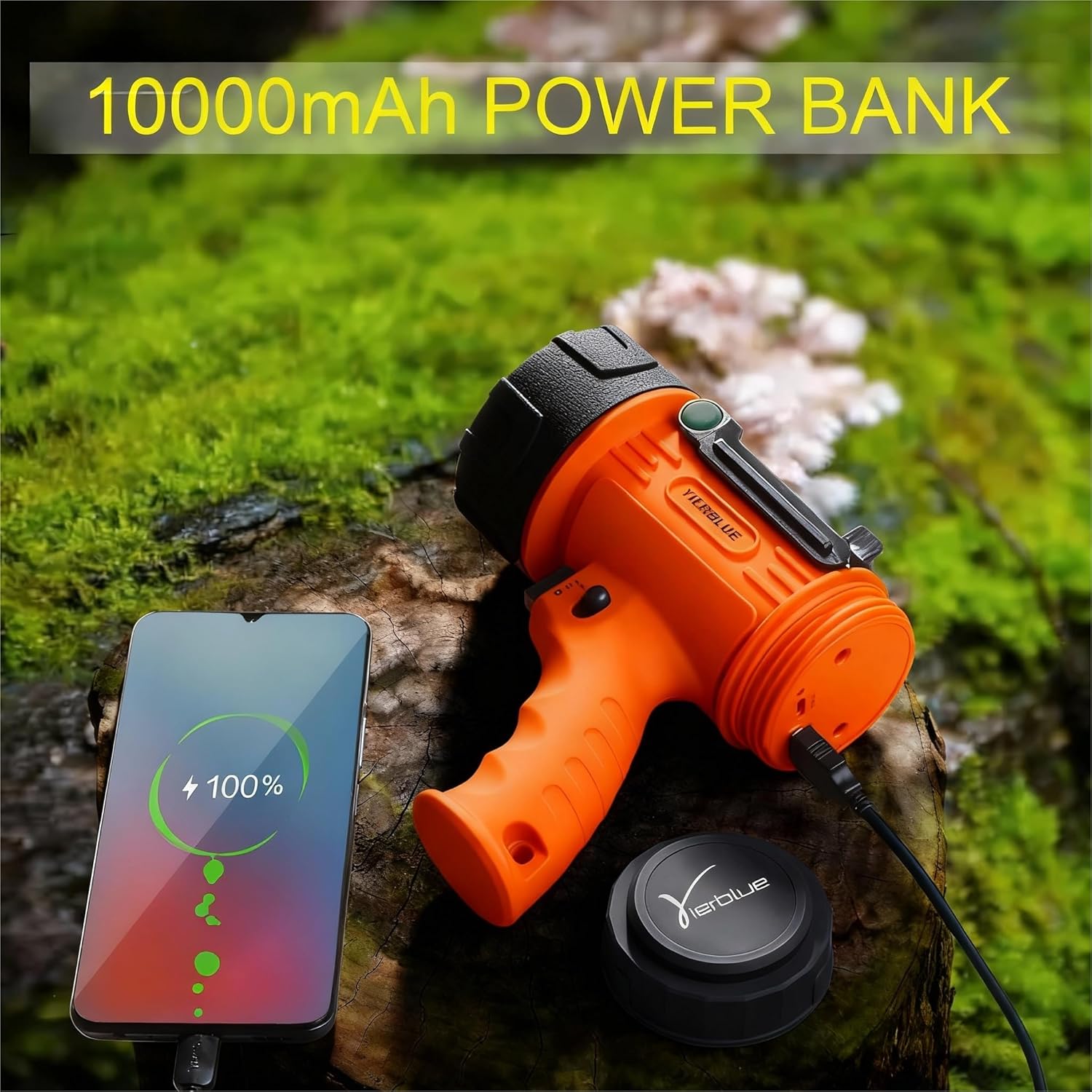
Image 3: The spotlight connected via USB-C to charge a smartphone, highlighting its power bank feature.
4. Setup
- Initial Charging: Before first use, fully charge the spotlight. Locate the charging port under the back cover, connect the provided Type-C cable, and plug it into a suitable USB power adapter (not included). The charging indicator will show progress.
- Attaching the Stand: The spotlight includes a sturdy stand for hands-free operation. Position the stand as desired to direct the light beam.
- Using the Red Filter: For specific applications like hunting or preserving night vision, attach the red filter lens to the front of the spotlight.
5. Operating Instructions
- Power On/Off: Press the power button located on the handle to turn the spotlight on or off.
- Adjusting Brightness Modes: With the spotlight on, short press the power button to cycle through the brightness settings: High, Low.
- SOS Mode: To activate the SOS flashing mode, press and hold the power button for 3 seconds. Repeat the action to return to normal lighting modes.
- Power Bank Function: To use the spotlight as a power bank, open the back cover and connect your mobile device to the USB-C output port using a compatible cable.

Image 4: Illustration of the spotlight's various light modes, including Super Bright, High Bright, Bright, and SOS.
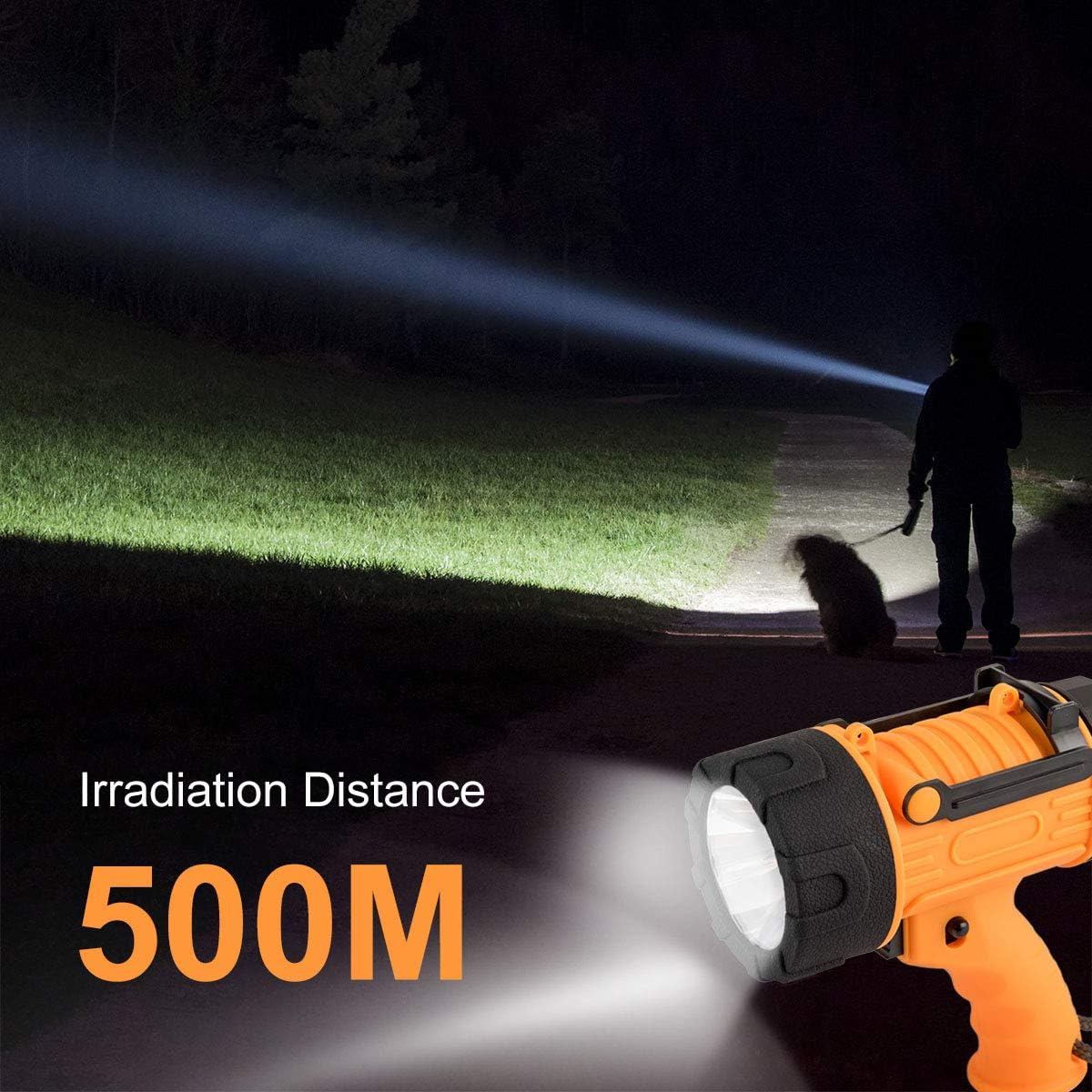
Image 5: Depiction of the spotlight's long-range illumination, reaching up to 500 meters.
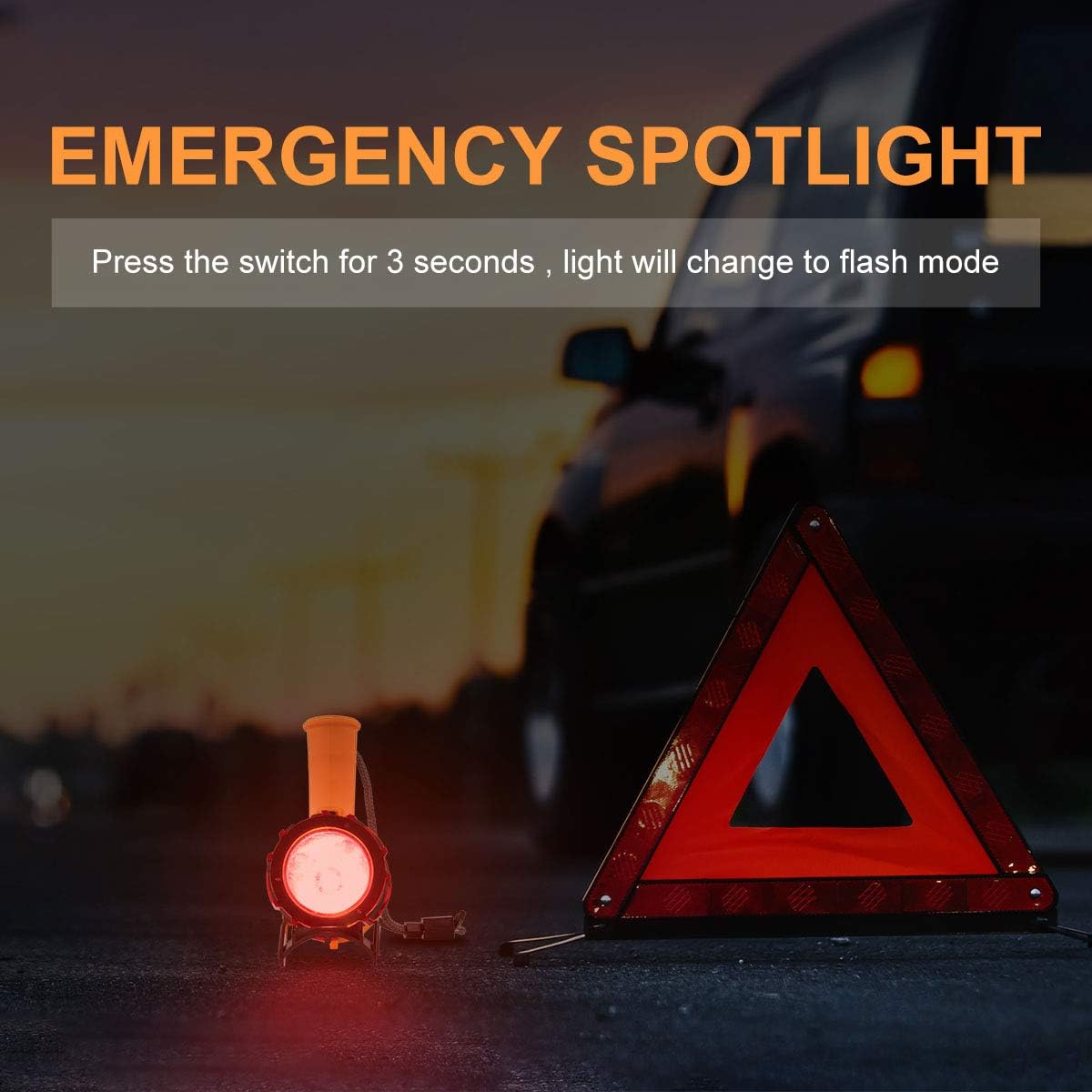
Image 6: The spotlight in use as an emergency light, positioned next to a warning triangle.

Image 7: A side-by-side comparison showing the spotlight's general white light versus its red light output when the red filter is applied, useful for hunting.
6. Maintenance
- Cleaning: Wipe the spotlight with a soft, damp cloth. Do not use abrasive cleaners or solvents.
- Charging: To maintain battery health, charge the spotlight regularly, especially if it has not been used for an extended period.
- Storage: Store the spotlight in a cool, dry place away from direct sunlight and extreme temperatures.
- Water Exposure: After exposure to saltwater, rinse the spotlight with fresh water and dry thoroughly to prevent corrosion.
7. Troubleshooting
- Spotlight not turning on:
- Ensure the battery is charged. Connect to a power source and allow it to charge for at least 30 minutes before attempting to turn it on again.
- Check the power button for any obstructions or damage.
- Light is dim or flickering:
- The battery may be low. Recharge the spotlight fully.
- Ensure the lens is clean and free from dirt or debris.
- Device not charging:
- Verify that the Type-C cable is securely connected to both the spotlight and the power adapter.
- Try using a different Type-C cable or power adapter to rule out cable/adapter issues.
- Ensure the charging port is clean and free of debris.
- Power bank function not working:
- Ensure the spotlight has sufficient charge to power another device.
- Check the connection between the spotlight and the device being charged.
8. Specifications
| Brand | YIERBLUE |
| Model Number | yiff-03 |
| Light Source Type | LED |
| Brightness | Up to 200,000 Lumens (White Brightness: 100,000 Lumens, Light Output Maximum: 800 Lumens) |
| Illumination Range | Up to 500 meters |
| Power Source | Battery Powered (1 Lithium Ion battery included) |
| Battery Cell Composition | Lithium Ion |
| Voltage | 3.6 Volts |
| Water Resistance Level | IP67 Waterproof |
| Material | ABS Plastic, Polystyrene (Acrylonitrile Butadiene Styrene) |
| Product Dimensions | 8.03"D x 7.28"W x 4.02"H |
| Item Weight | 1.08 pounds |
| Included Components | Type-C cord, Sturdy stand |
| Recommended Uses | Outdoor activities (boating, camping, hunting, hiking) |
9. Warranty and Support
YIERBLUE offers a lifetime warranty for this product. If you encounter any issues during the use of your spotlight, please contact YIERBLUE customer service directly via the after-sale email provided with your purchase. Do not hesitate to reach out for assistance, even if Amazon's return window has closed.
Ask a question about this manual
Ask about setup, troubleshooting, compatibility, parts, safety, or missing instructions. Manuals+ will review the question and use this page’s manual context to help answer it.